


Timetable (Widget)
เล่นบน PC ผ่าน BlueStacks - Android Gaming Platform ที่ได้รับความไว้วางใจจากเกมเมอร์ 500 ล้านคนทั่วโลก

Page Modified on: Oct 20, 2025
Play Timetable (Widget) on PC
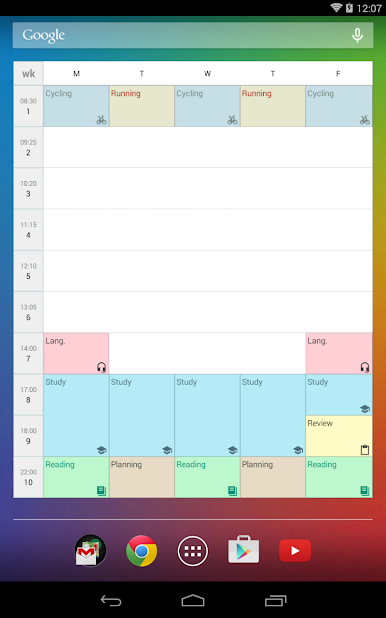
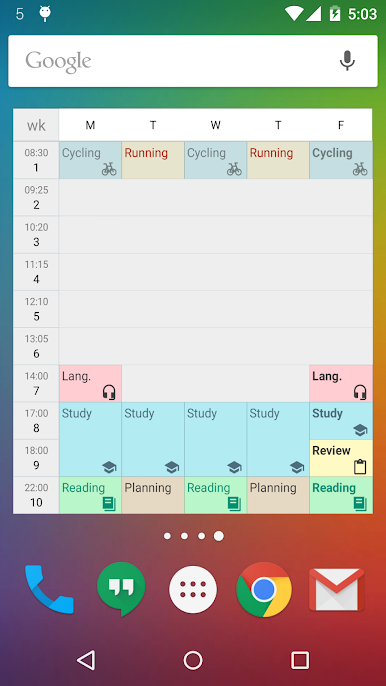
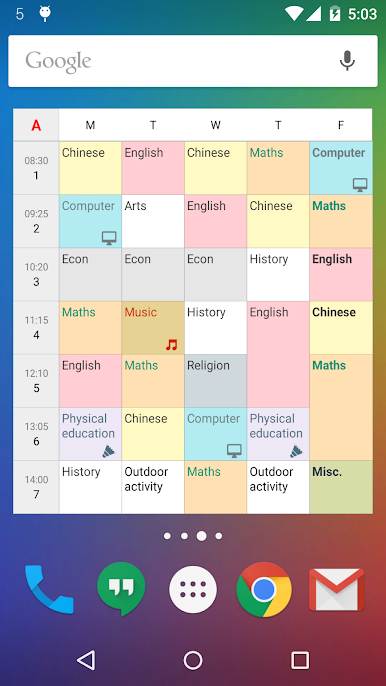
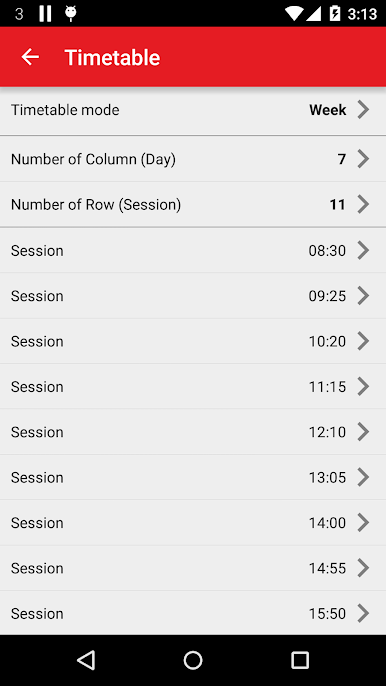
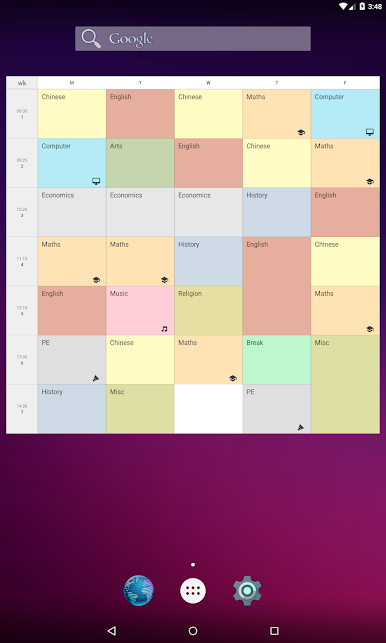
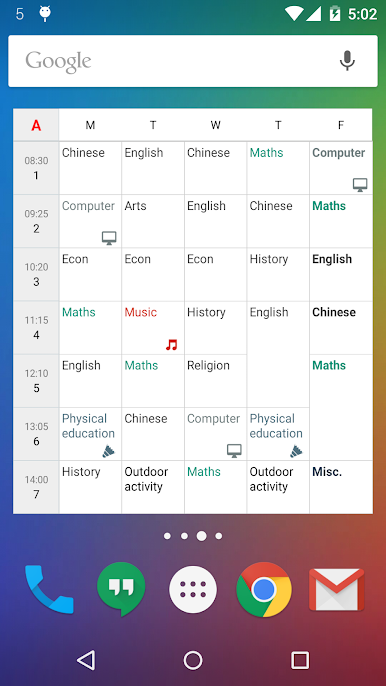
The timetable support different modes. It includes "singe week", "A/B week", "A/B/C week", "A/B/C/D week", "6-day cycle week", and "7-day cycle week". Multiple timetables are supported. You can manage more than one timetable for your family members, or friends. It can help you to plan your life, and develop good habit.
It is highly customizable. You can define your widget's background color, text color, font size, icons, etc.
Back to school now!
If you need calendar or reminder function, please try our "New Calendar" app.
https://play.google.com/store/apps/details?id=info.kfsoft.calendar


เล่น Timetable (Widget) บน PC ได้ง่ายกว่า
-
ดาวน์โหลดและติดตั้ง BlueStacks บน PC ของคุณ
-
ลงชื่อเข้าใช้แอคเคาท์ Google เพื่อเข้าสู่ Play Store หรือทำในภายหลัง
-
ค้นหา Timetable (Widget) ในช่องค้นหาด้านขวาบนของโปรแกรม
-
คลิกเพื่อติดตั้ง Timetable (Widget) จากผลการค้นหา
-
ลงชื่อเข้าใช้บัญชี Google Account (หากยังไม่ได้ทำในขั้นที่ 2) เพื่อติดตั้ง Timetable (Widget)
-
คลิกที่ไอคอน Timetable (Widget) ในหน้าจอเพื่อเริ่มเล่น

