


Photo & Video Locker - Gallery
Jouez sur PC avec BlueStacks - la plate-forme de jeu Android, approuvée par + 500M de joueurs.

Page Modifiée le: Nov 24, 2025
Run Photo & Video Locker - Hide Photos / Vault on PC or Mac
What’s better than using Photo & Video Locker – Hide Photos / Vault by Innorriors Pvt. Ltd.? Well, try it on a big screen, on your PC or Mac, with BlueStacks to see the difference.
About the App
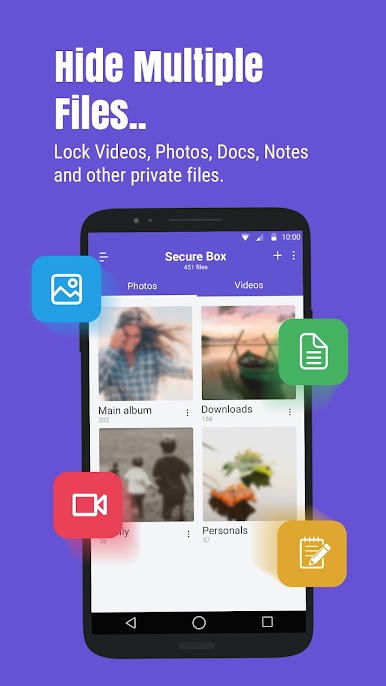
Ever wish you could just lock away your private photos, videos, or even those sensitive documents you don’t want anyone stumbling across? Photo & Video Locker – Hide Photos / Vault is built for those moments. Whether you’re sharing your phone with friends or just want an extra layer of privacy, this app helps secure all your personal content—right where you want it. It’s simple to use, reliable, and even lets you safeguard your most-used apps. Want a bit more peace of mind? This is your go-to spot for keeping things truly private.
App Features
-
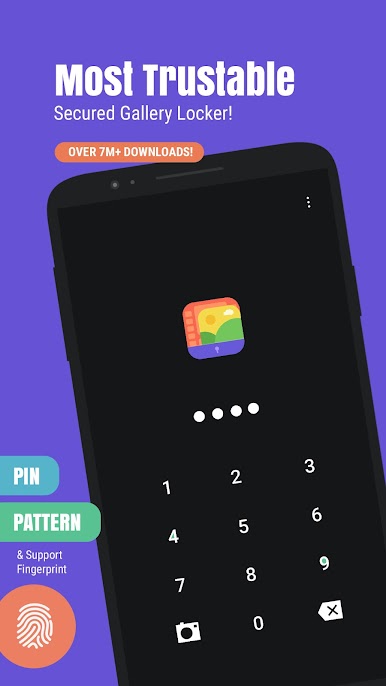
Multiple Layers of Protection
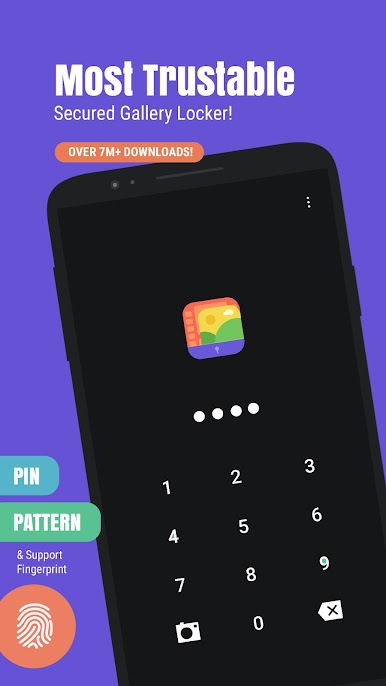
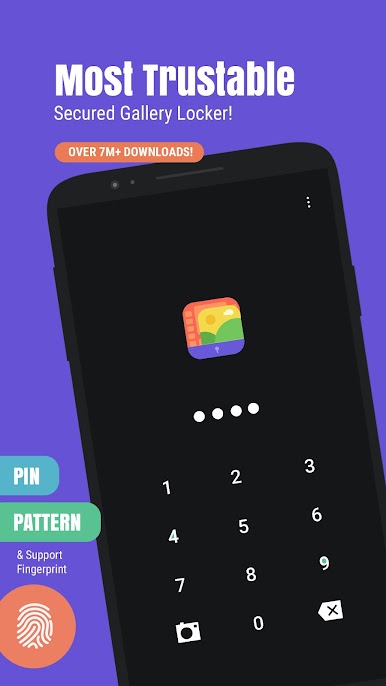
Set up a PIN, pattern, or even use your fingerprint (on supported devices) to lock down the app and everything inside it. -
App Lock Functionality
Stop nosy friends or curious kids from opening apps you’d rather keep to yourself—just lock them up, and only you can get in. -
One-Tap Photo & Video Lock
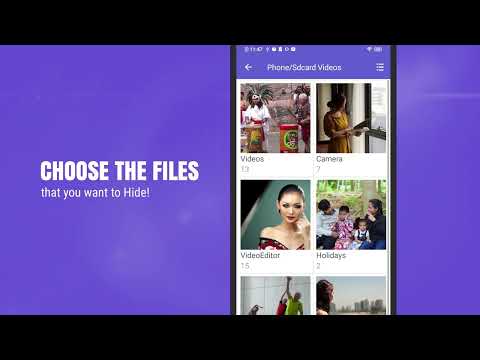
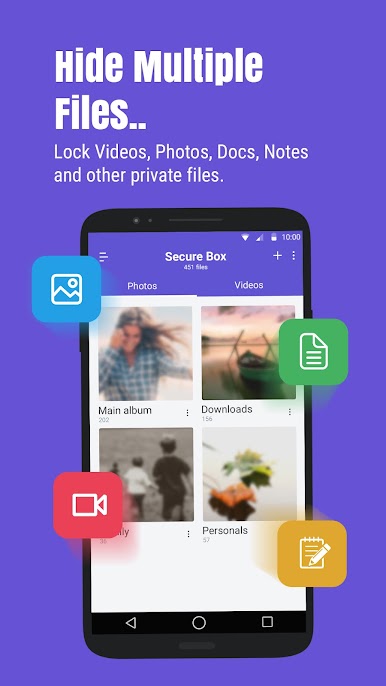
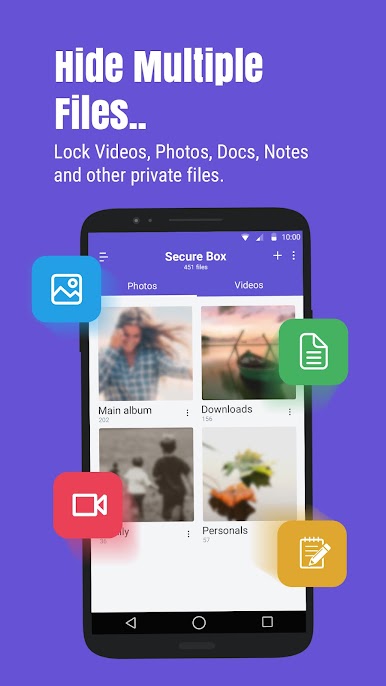
Quickly move photos, videos, or important files from your device gallery or SD card straight into your private vault. -
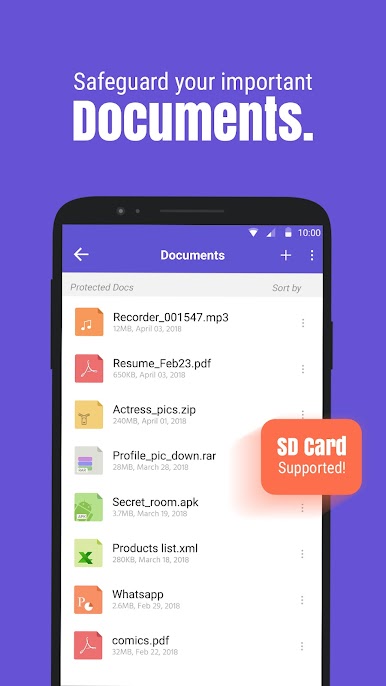
Private Document Storage
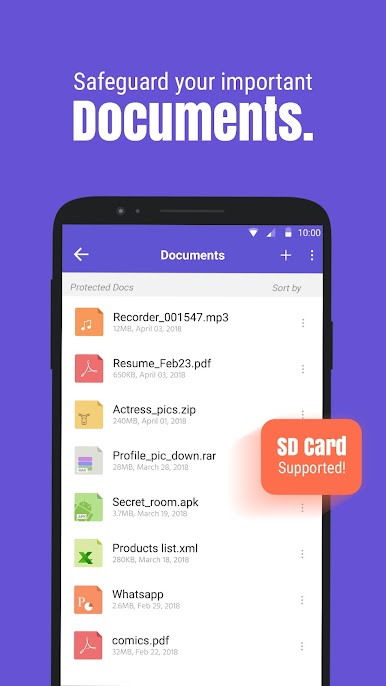
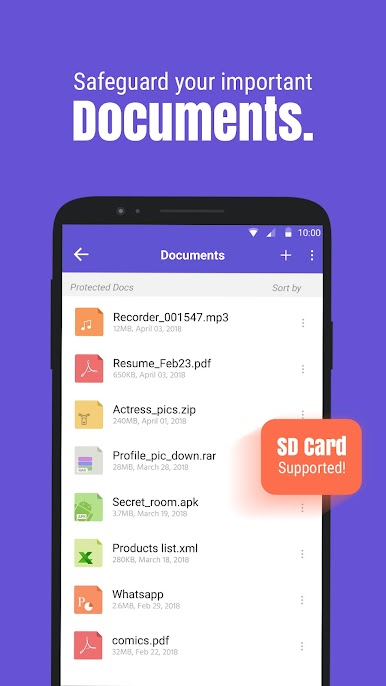
Keep bills, bank paperwork, or company files hidden—just drop them in, and relax knowing they’re for your eyes only. -
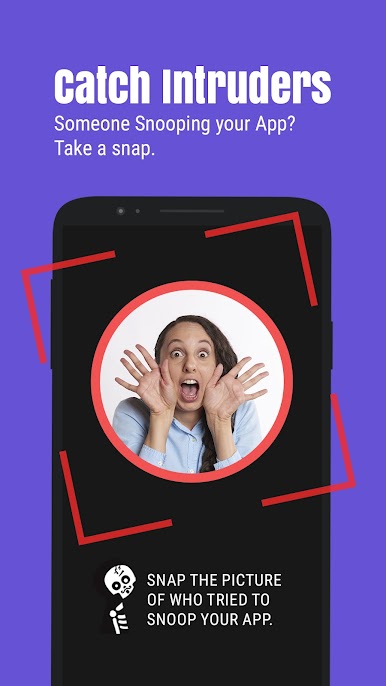
Sneaky Security Measures
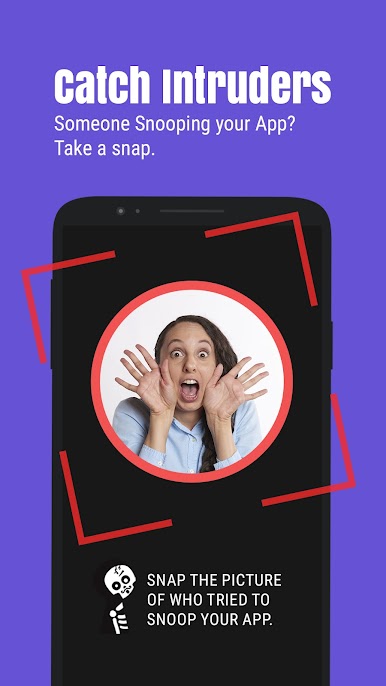
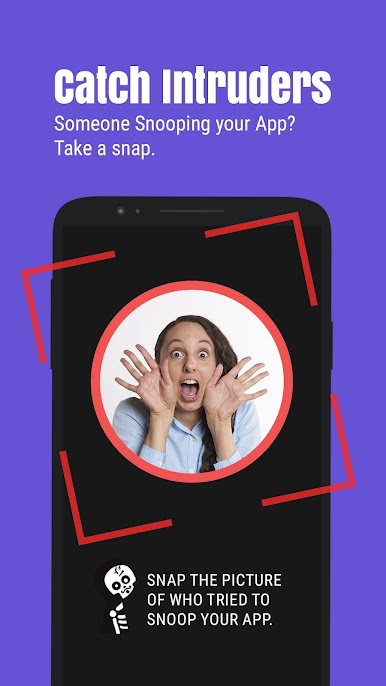
The break-in-alert snaps a picture if someone tries sneaking into your vault. There’s even a fake cover feature, so the app disguises itself as something innocent. -
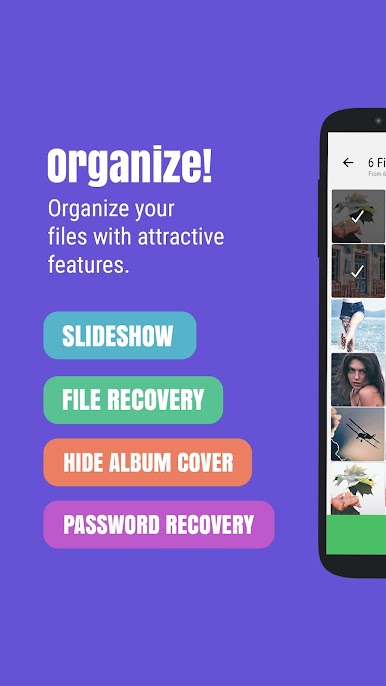
Easy Album Management
Browse, import, or sort batches of photos and videos with the album view and multi-select tools—it’s fast and headache-free. -
Discreet Design
It won’t pop up in your recent apps, and when your phone goes to sleep, the app locks itself instantly. -
Personal Touches
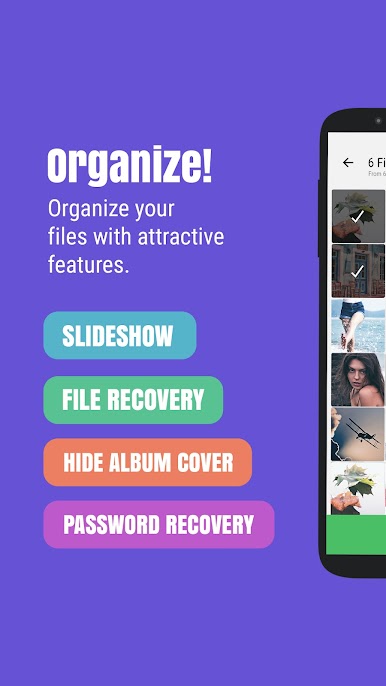
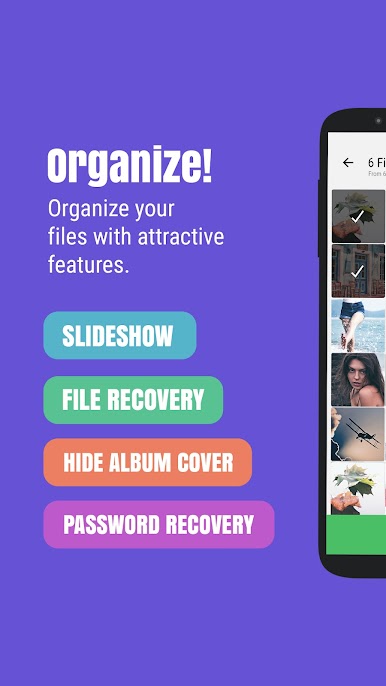
Pick from different themes, set album covers, run slideshows, or even hide album thumbnails when you want extra privacy. -
Built for All Devices
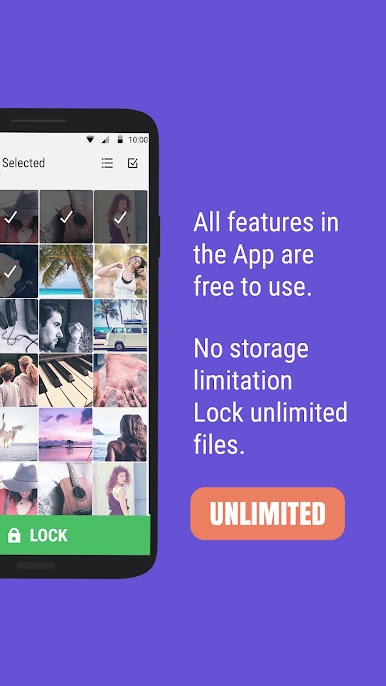
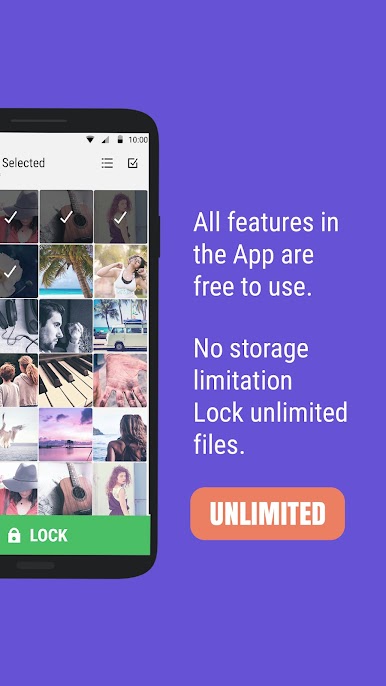
Looks and works great on HD tablets, plus there’s no built-in storage limit—stash as many photos and videos as your device can handle. -
Direct Sharing
If you ever want to share a hidden photo or video on social media or through messaging apps, you can do that safely from within the vault. -
Easy Password Recovery
Forget your code? No worries—you can recover your access through your registered email.
And by the way, if you’re using BlueStacks to run your favorite Tools apps, you’ll find Photo & Video Locker – Hide Photos / Vault works seamlessly there, too.
Big screen. Bigger performance. Use BlueStacks on your PC or Mac to run your favorite apps.
Jouez à Photo & Video Locker - Gallery sur PC. C'est facile de commencer.
-
Téléchargez et installez BlueStacks sur votre PC
-
Connectez-vous à Google pour accéder au Play Store ou faites-le plus tard
-
Recherchez Photo & Video Locker - Gallery dans la barre de recherche dans le coin supérieur droit
-
Cliquez pour installer Photo & Video Locker - Gallery à partir des résultats de la recherche
-
Connectez-vous à Google (si vous avez ignoré l'étape 2) pour installer Photo & Video Locker - Gallery
-
Cliquez sur l'icône Photo & Video Locker - Gallery sur l'écran d'accueil pour commencer à jouer

