


As de volume
Jouez sur PC avec BlueStacks - la plate-forme de jeu Android, approuvée par + 500M de joueurs.

Page Modifiée le: Apr 20, 2024
Run Volume Ace on PC or Mac
Get freedom from your phone’s obvious limitations. Use Volume Ace, made by BrainCrash Soft, a Music & Audio app on your PC or Mac with BlueStacks, and level up your experience.
About the App
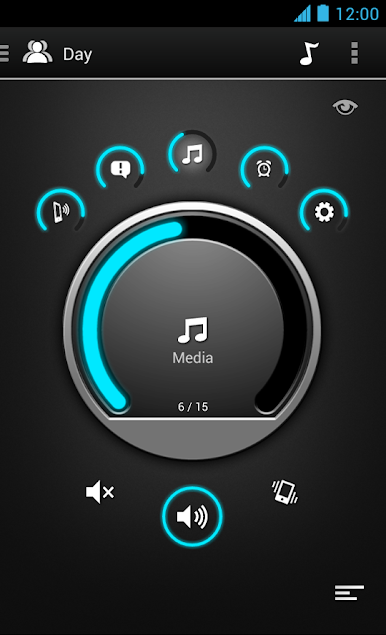
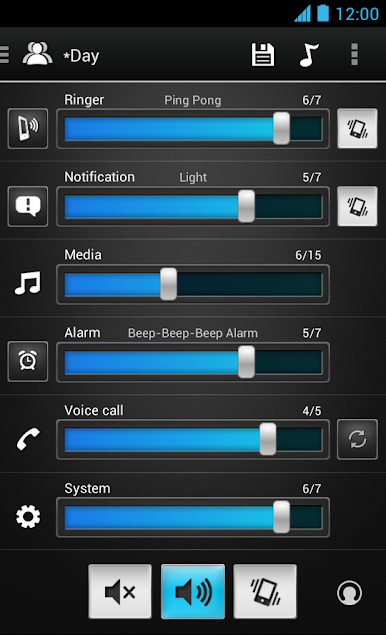
Tired of fumbling with your device’s volume buttons every time you get a call during a meeting or head out for a jog? Volume Ace from BrainCrash Soft puts control back in your hands, letting you quickly adjust your sound settings to match your environment and routine. It’s all about making those tiny, everyday changes smoother—whether you’re handling music, notifications, or alarms. Expect a customizable, fuss-free experience designed to fit however you use your phone or tablet—even if you’re trying it out on BlueStacks.
App Features
-
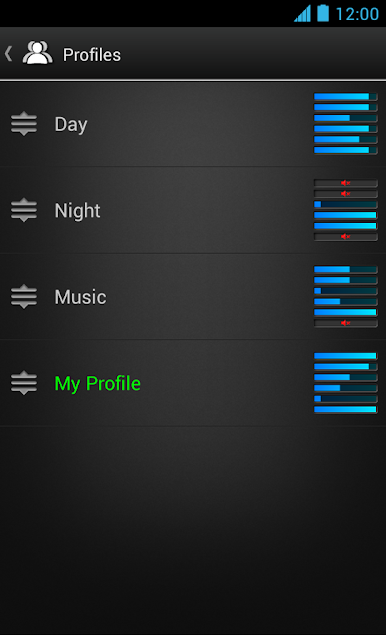
Custom Sound Profiles
Switch up how your device sounds with personalized profiles. Assign different ringtones, notifications, and alarm tones to each, so your device can be as loud—or as quiet—as you need. -
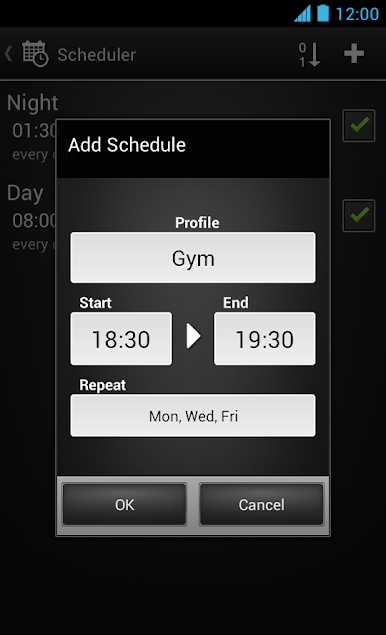
Schedule Automatic Changes
Got a regular meeting or study session? Set up schedules so your sound profile switches automatically whenever you want—on the days and times you pick. -
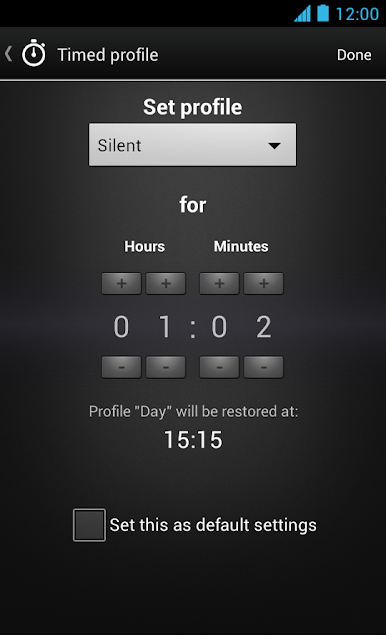
Timed Modes
Just need silence for an hour—or want the volume up for movie night? Temporarily set a profile for just the right amount of time, and never worry about forgetting to turn sounds back on. -
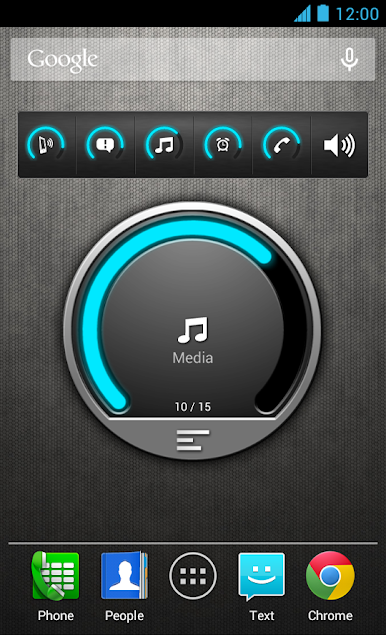
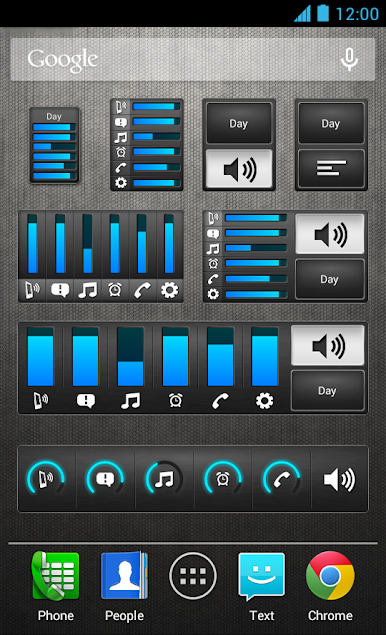
Easy Widgets
Instantly switch or tweak volume from your home screen using handy widgets. There are plenty of widget styles, and you can cycle through your presets with a single tap. -
Plug-In Triggers
Automatically swap your sound settings when you plug in headphones, or when your device connects to your desk or car setup. No extra steps needed. -
Quick Silence or Vibration
Go silent, choose vibration, or hop back to normal with just a tap—even straight from a widget. -
Tone Picker
Easily pick custom sounds for your calls, messages, or alarms with a simple tone selector. -
Real-Time Volume Feedback
Hear the actual ringtone or sound as you adjust volume, so you know it’s just right. -
Widget Personalization
Match your widgets and main screen to your style with a range of colors—think orange, azure, green, pink, and a bunch more. -
Volume Locker
Keep your ringer or media volume settings locked, so nothing messes with your sound preferences outside the app. -
Bluetooth Volume Support
Fine-tune how your device handles Bluetooth volume—especially handy if you’re always switching between headphones and speakers.
Big screen. Bigger performance. Use BlueStacks on your PC or Mac to run your favorite apps.
Jouez à As de volume sur PC. C'est facile de commencer.
-
Téléchargez et installez BlueStacks sur votre PC
-
Connectez-vous à Google pour accéder au Play Store ou faites-le plus tard
-
Recherchez As de volume dans la barre de recherche dans le coin supérieur droit
-
Cliquez pour installer As de volume à partir des résultats de la recherche
-
Connectez-vous à Google (si vous avez ignoré l'étape 2) pour installer As de volume
-
Cliquez sur l'icône As de volume sur l'écran d'accueil pour commencer à jouer

