

White Noise: sleep sounds
Jouez sur PC avec BlueStacks - la plate-forme de jeu Android, approuvée par + 500M de joueurs.

Page Modifiée le: Oct 17, 2025
Run White Noise: sleep sounds on PC or Mac
Multitask effortlessly on your PC or Mac as you try out White Noise: sleep sounds, a Music & Audio app by mikdroid on BlueStacks.
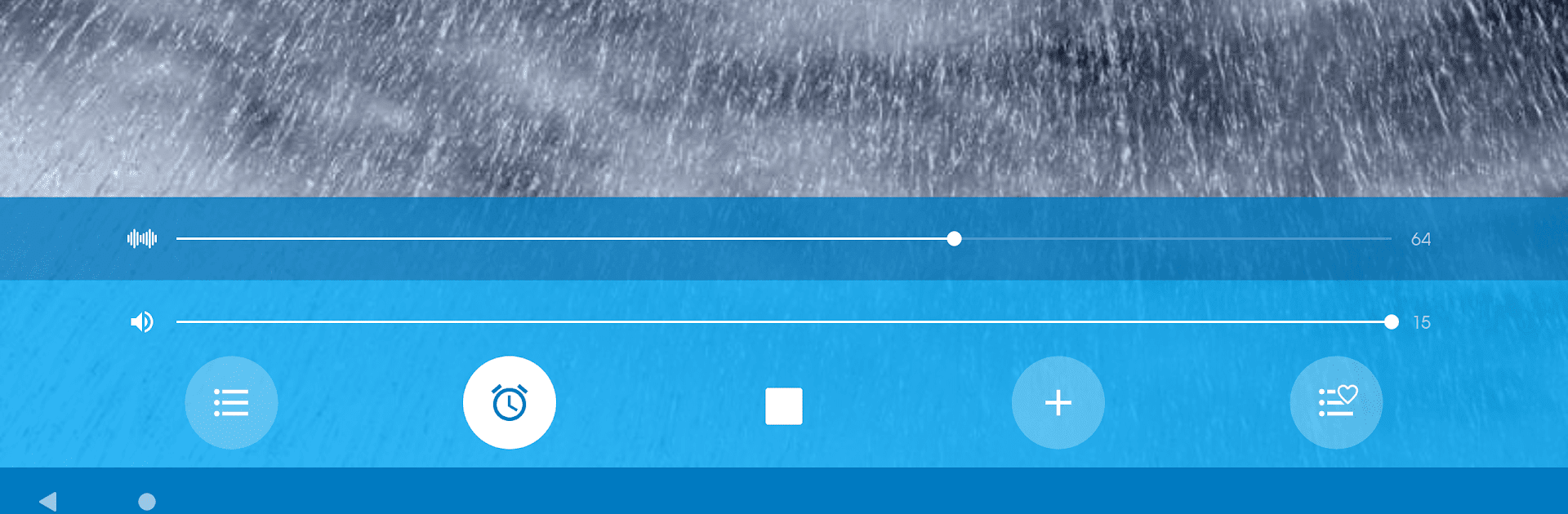
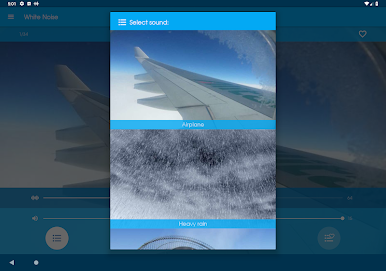
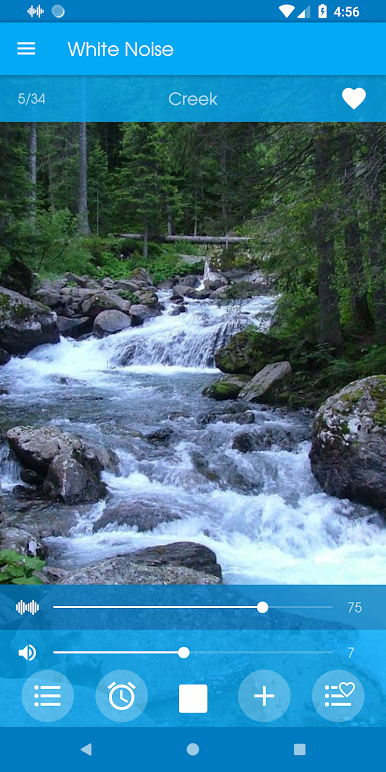
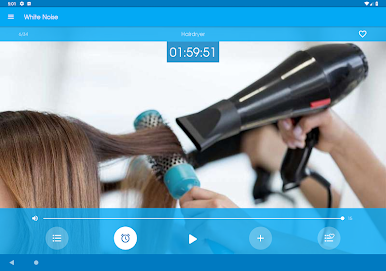
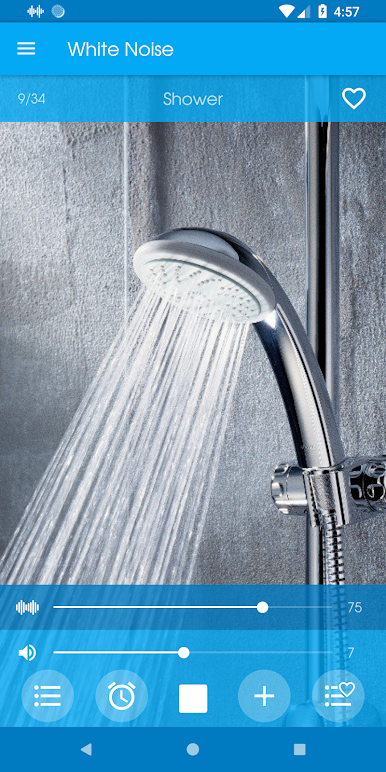
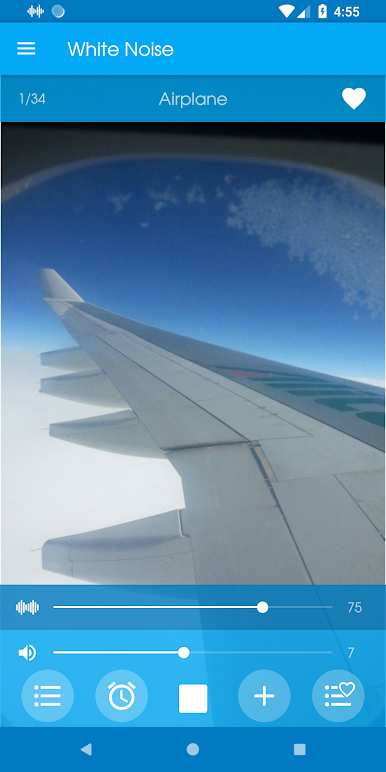
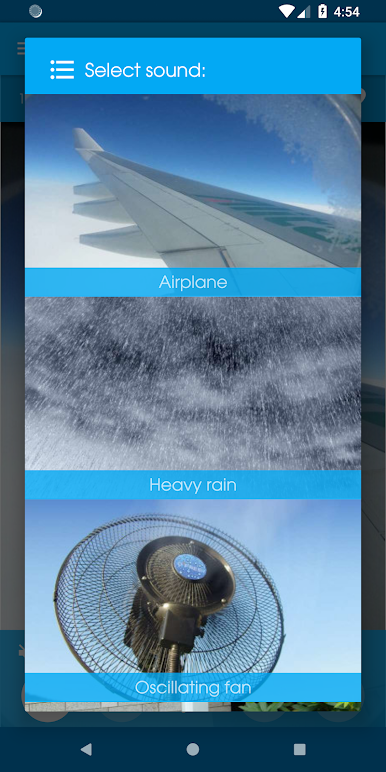
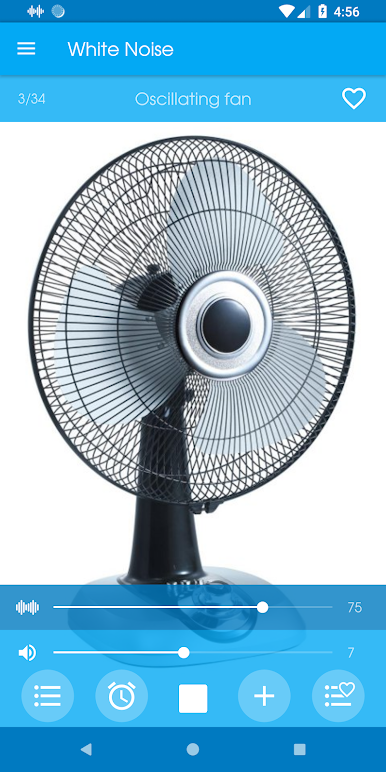
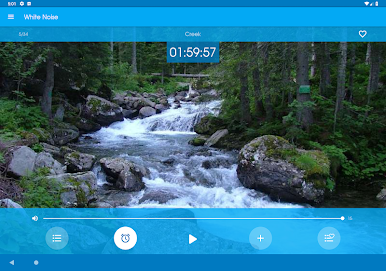
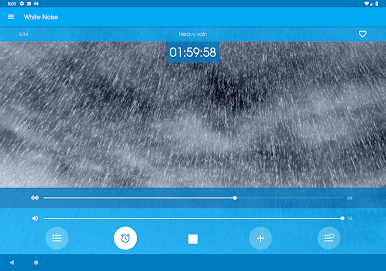
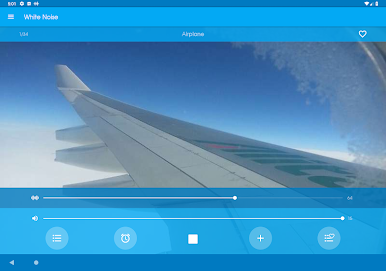
White Noise: sleep sounds is one of those simple apps that does exactly what people hope. Open it, pick a sound, and let it run in the background. The library is bigger than it looks at first: rain and ocean, crackling fireplace, cicadas at night, a creek, wind and snow, plus a bunch of cozy machine hums like air conditioner, fan, dishwasher, washing machine, plane cabin, even a space shuttle style rumble. The tracks are clean and do not have that obvious looping seam, so it feels steady and calm instead of distracting.
What stands out is the timer that fades out softly and then shuts the app, so there is no abrupt stop in the middle of sleep. Volume is easy to fine tune, and everything works offline, which is great on a laptop that is not always on Wi‑Fi. On BlueStacks it turns a PC into a little sound machine for work, study, or drifting off on the couch. It runs behind other apps without fuss, so someone can read, meditate, or answer messages while it keeps the noise floor nice and steady.
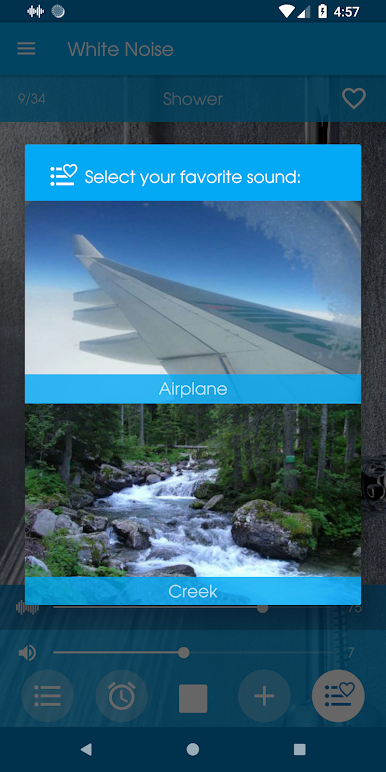
There is a favorites shortcut in the paid upgrade, but the free set already covers a lot. It aims at sleep and focus, though it also helps mask tinnitus or apartment noise. Headphones make the textures feel fuller, but speakers are fine too. Nothing flashy here, just dependable sounds that block distractions and help a tired brain settle.
BlueStacks gives you the much-needed freedom to experience your favorite apps on a bigger screen. Get it now.

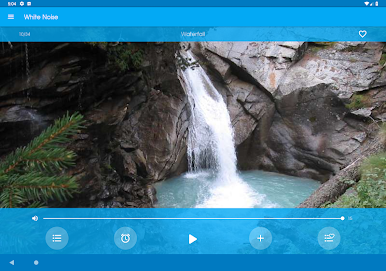
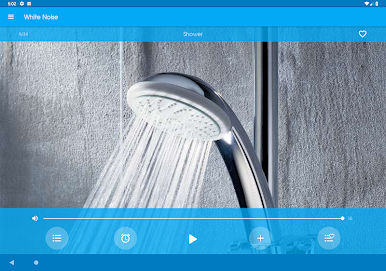
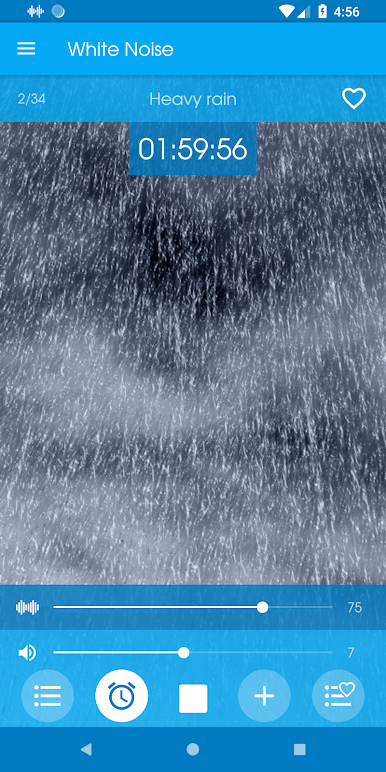
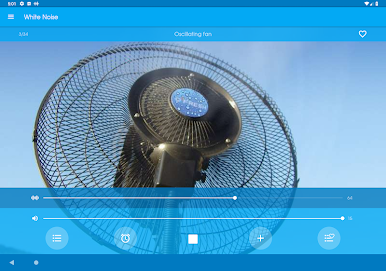
Jouez à White Noise: sleep sounds sur PC. C'est facile de commencer.
-
Téléchargez et installez BlueStacks sur votre PC
-
Connectez-vous à Google pour accéder au Play Store ou faites-le plus tard
-
Recherchez White Noise: sleep sounds dans la barre de recherche dans le coin supérieur droit
-
Cliquez pour installer White Noise: sleep sounds à partir des résultats de la recherche
-
Connectez-vous à Google (si vous avez ignoré l'étape 2) pour installer White Noise: sleep sounds
-
Cliquez sur l'icône White Noise: sleep sounds sur l'écran d'accueil pour commencer à jouer

