


Computer Science Solved MCQs
เล่นบน PC ผ่าน BlueStacks - Android Gaming Platform ที่ได้รับความไว้วางใจจากเกมเมอร์ 500 ล้านคนทั่วโลก

Page Modified on: Nov 18, 2025
Run Computer Science MCQs on PC or Mac
Let BlueStacks turn your PC, Mac, or laptop into the perfect home for Computer Science MCQs, a fun Education app from Unique MCQs Apps.
About the App
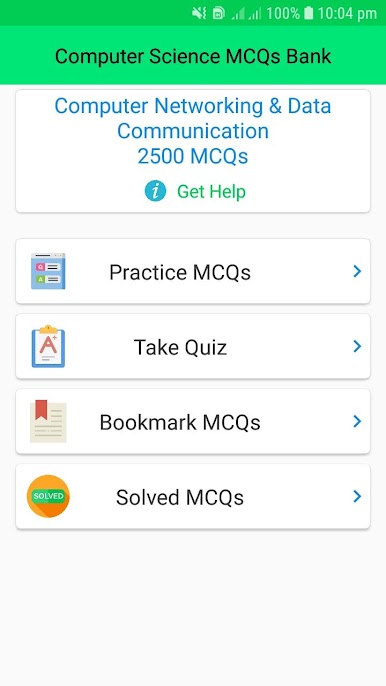
If you’re looking to get serious about computer science—or just want to test your knowledge with zero hassle—Computer Science MCQs by Unique MCQs Apps is worth a look. This education app makes it easy to dive into more than 20,000 multiple choice questions, organized by subject and topic. Whether you’re preparing for an exam, brushing up for interviews, or simply learning because you’re curious, you’ll find a massive question bank that keeps things interesting and never repetitive.
App Features
-
Massive Question Collection
Don’t worry about running out of practice material—there’s a huge library of over 20,000 questions covering everything from programming basics to advanced computer engineering topics. -
Auto-Correction
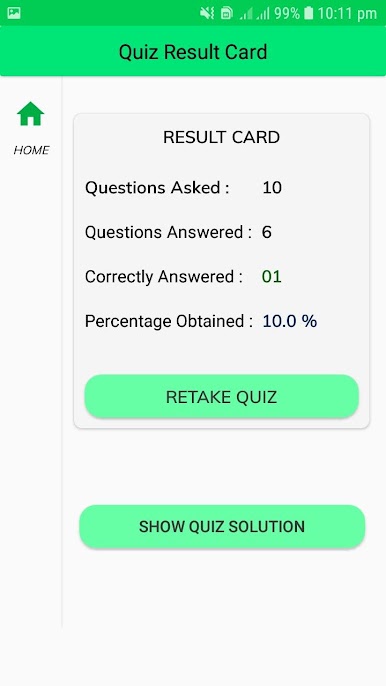
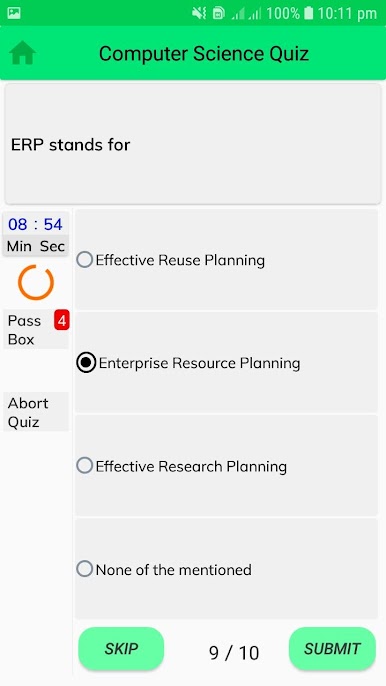
Get instant feedback as you go. The app checks your answers in real time, so you’ll know right away what you got right (or not). -
Topic and Subject Organization
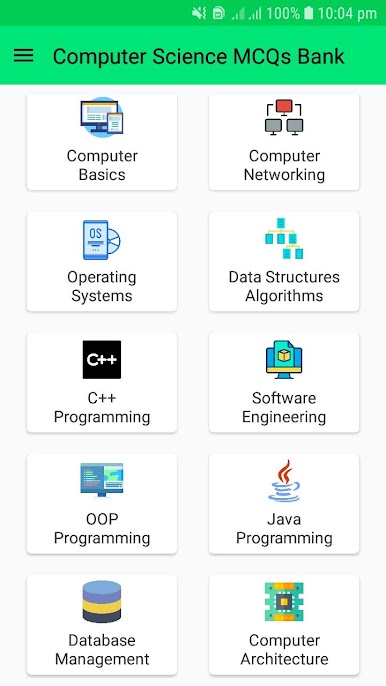
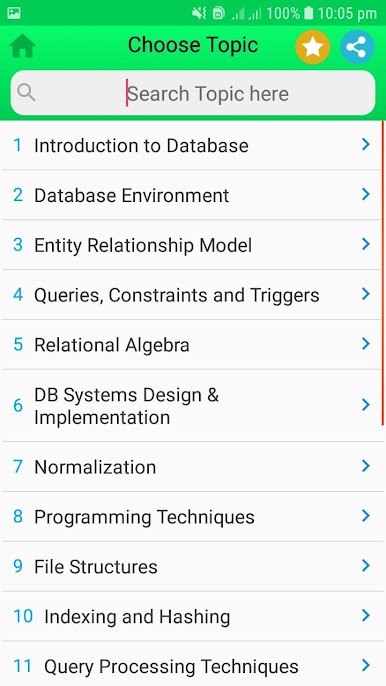
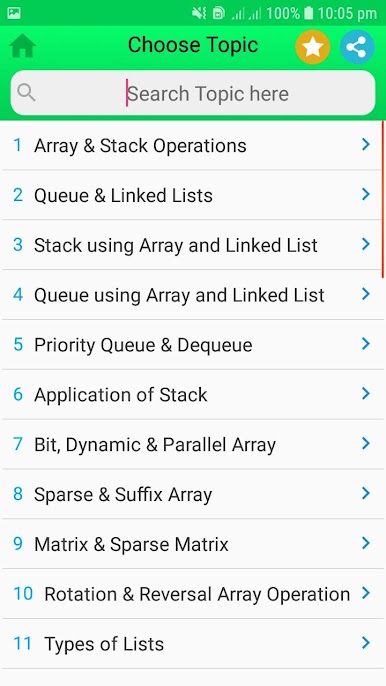
Want to focus on one area, like databases, networking, or algorithms? You can zero in on specific topics or work through entire subjects, depending on what you need. -
Exam and Interview Prep
If you have a big interview or competitive exam coming up, you’ll find relevant questions tailored for everything from university entrance tests to technical job interviews. -
Suitable for Everyone
Whether you’re a college student, a fresher looking to land that first job, or someone with experience needing a quick refresher, the questions are designed for all skill levels. -
Designed for Regular Practice
It’s built for daily use—set aside an hour a day and track your progress as you grow your knowledge over time. -
Detailed Explanations
Get more than just the answer. Many questions come with clear explanations, so you actually learn as you practice, not just memorize. -
Works Across Platforms
Prefer to study on a bigger screen? You can use Computer Science MCQs on your PC with BlueStacks for an easy switch between devices.
Eager to take your app experience to the next level? Start right away by downloading BlueStacks on your PC or Mac.


เล่น Computer Science Solved MCQs บน PC ได้ง่ายกว่า
-
ดาวน์โหลดและติดตั้ง BlueStacks บน PC ของคุณ
-
ลงชื่อเข้าใช้แอคเคาท์ Google เพื่อเข้าสู่ Play Store หรือทำในภายหลัง
-
ค้นหา Computer Science Solved MCQs ในช่องค้นหาด้านขวาบนของโปรแกรม
-
คลิกเพื่อติดตั้ง Computer Science Solved MCQs จากผลการค้นหา
-
ลงชื่อเข้าใช้บัญชี Google Account (หากยังไม่ได้ทำในขั้นที่ 2) เพื่อติดตั้ง Computer Science Solved MCQs
-
คลิกที่ไอคอน Computer Science Solved MCQs ในหน้าจอเพื่อเริ่มเล่น

