


NewCompleteMaster N2 Word Book
Jouez sur PC avec BlueStacks - la plate-forme de jeu Android, approuvée par + 500M de joueurs.

Page Modifiée le: Sep 9, 2025
Run NewCompleteMaster N2 Word Book on PC or Mac
Let BlueStacks turn your PC, Mac, or laptop into the perfect home for NewCompleteMaster N2 Word Book, a fun Education app from InPeria.
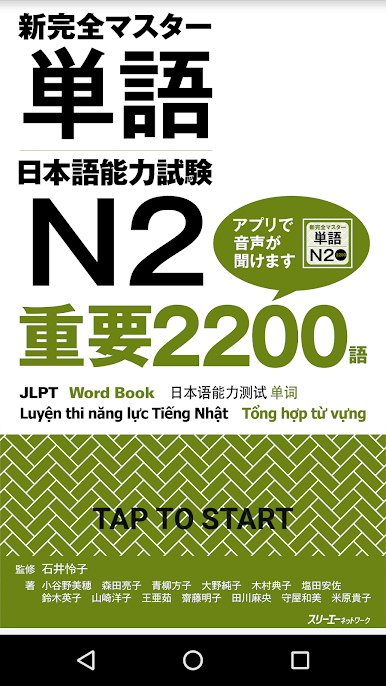
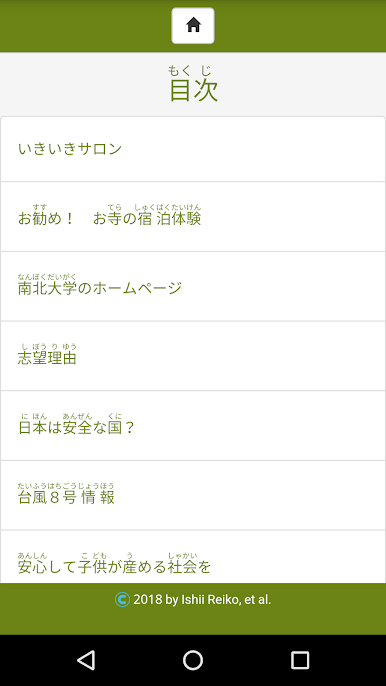
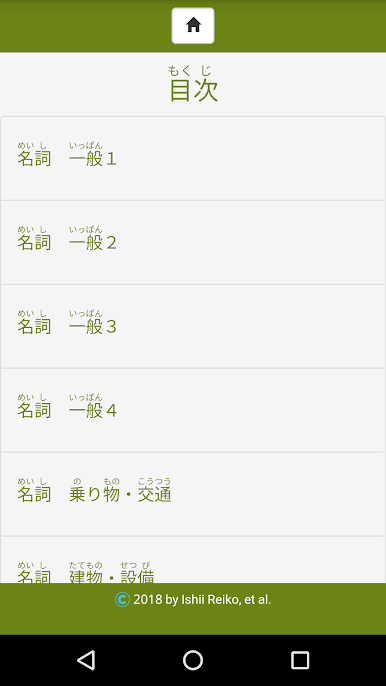
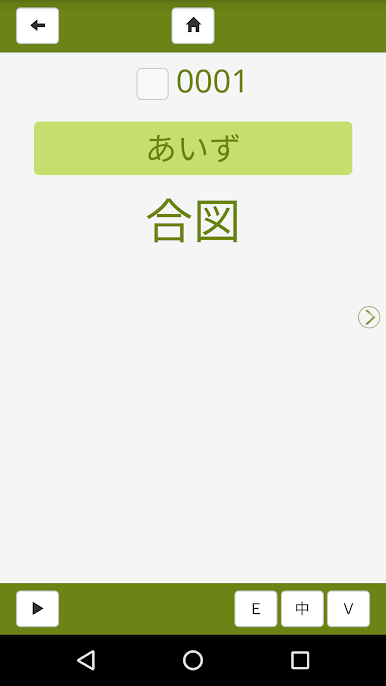
So, NewCompleteMaster N2 Word Book is basically set up for anyone trying to master Japanese N2 vocabulary, especially if they’re walking through the “新完全マスター単語” textbook. The app gives access to audio for every word and reading passage, so it’s handy for picking up correct pronunciation. Everything’s sorted into little blocks of 25 words, and you can go section by section—build up vocab steadily without feeling overwhelmed. Every word has a checkbox above it, so once you’ve nailed it down, just tick it and move on. There’s a dedicated area that keeps track of any words you haven’t marked as “learned,” so it’s easy to figure out what still needs work.
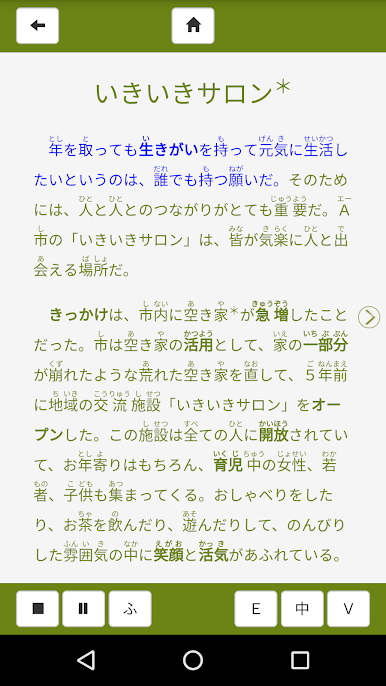
Beyond the vocab lists, there are about 16 reading passages, each a few hundred words, where you can listen as you read—almost like having an audio book feature built in. There’s a settings section, too, with simple toggles for turning on phonetic readings (furigana), translations, or automatic audio playback, which is convenient if switching back and forth gets tiring. Changing the translation option does cost extra, but everything else is pretty much open. Playing this on PC, especially with BlueStacks, keeps things really smooth, and navigating through vocab or listening to the readings feels close to working with physical flashcards, but way more interactive. The way it lets learners mark progress feels straightforward and not too busy—just focused on actually getting those words down.
Eager to take your app experience to the next level? Start right away by downloading BlueStacks on your PC or Mac.
Jouez à NewCompleteMaster N2 Word Book sur PC. C'est facile de commencer.
-
Téléchargez et installez BlueStacks sur votre PC
-
Connectez-vous à Google pour accéder au Play Store ou faites-le plus tard
-
Recherchez NewCompleteMaster N2 Word Book dans la barre de recherche dans le coin supérieur droit
-
Cliquez pour installer NewCompleteMaster N2 Word Book à partir des résultats de la recherche
-
Connectez-vous à Google (si vous avez ignoré l'étape 2) pour installer NewCompleteMaster N2 Word Book
-
Cliquez sur l'icône NewCompleteMaster N2 Word Book sur l'écran d'accueil pour commencer à jouer

