

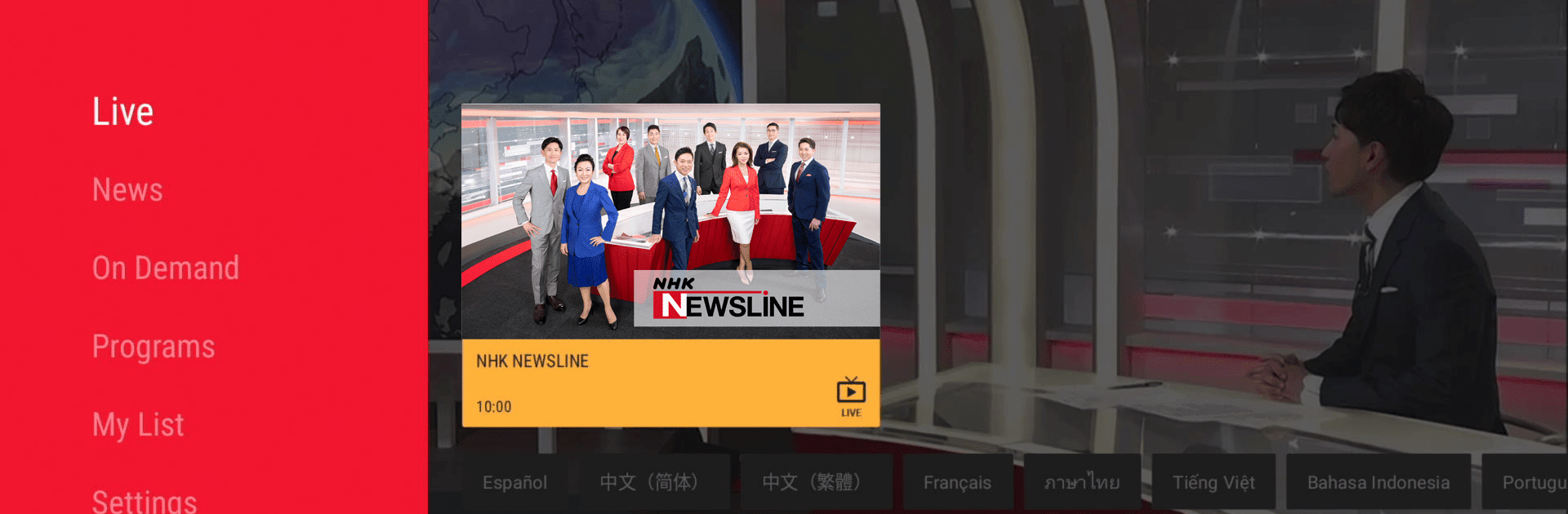
NHK WORLD-JAPAN
Jouez sur PC avec BlueStacks - la plate-forme de jeu Android, approuvée par + 500M de joueurs.

Page Modifiée le: Oct 27, 2025
Run NHK WORLD-JAPAN on PC or Mac
Let BlueStacks turn your PC, Mac, or laptop into the perfect home for NHK WORLD-JAPAN, a fun Entertainment app from NHK (JAPAN BROADCASTING CORP.).
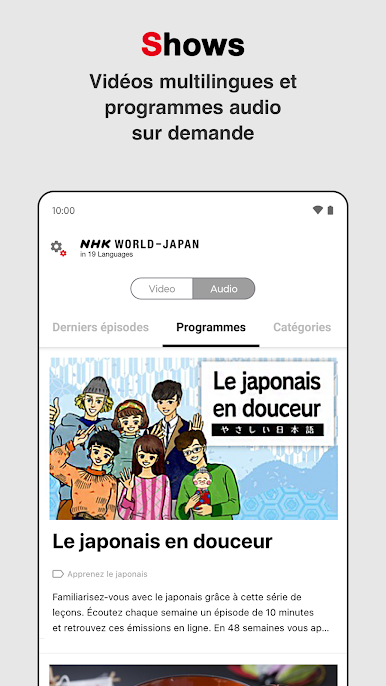
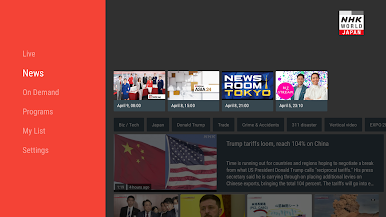
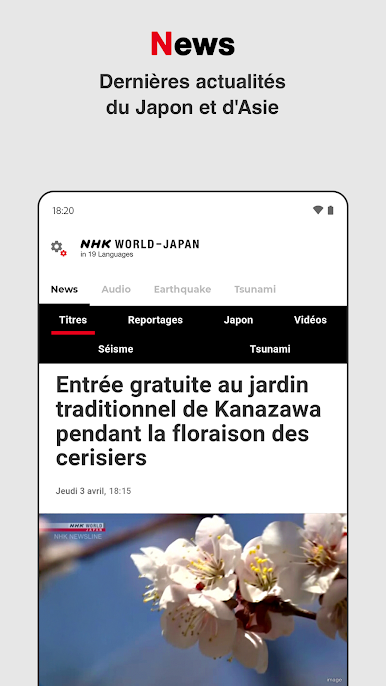
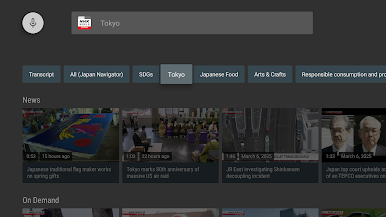
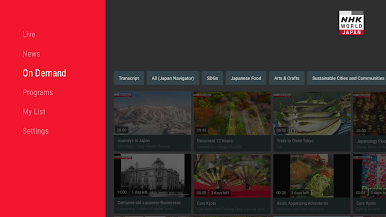
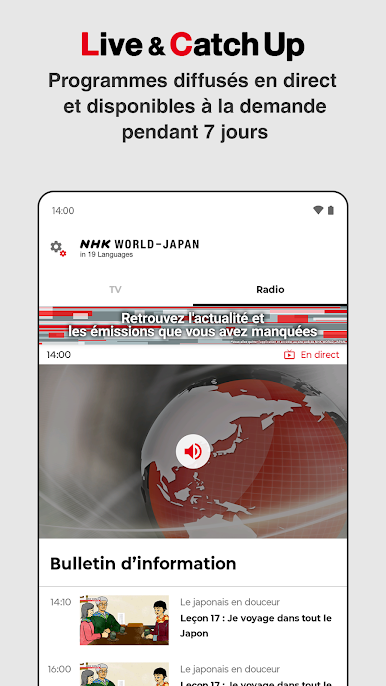
So, NHK WORLD-JAPAN is basically this news and entertainment app that gives you a whole bunch of content from Japan and the wider Asian region — not just in English, either. It actually lets you pick from a ton of languages, which is nice if someone prefers hearing stuff in their native language (or just wants to practice). The main thing that stands out is it’s not just Japanese news for people in Japan; it’s made to help people all over the world keep up with what’s happening there. There’s this live 24/7 English TV channel running, so someone can watch in real-time, but there are also loads of on-demand shows and radio segments.
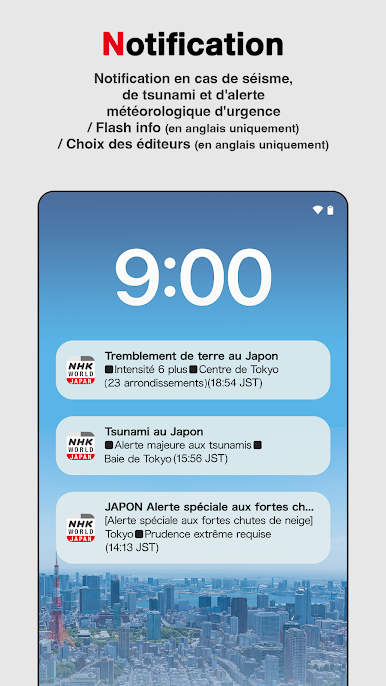
Watching on a PC using BlueStacks is surprisingly smooth, and it feels a bit like having an international TV channel, just with way more choices and language options. The emergency alerts are a good feature, especially if you follow stuff like big earthquakes or weather warnings in that region — it’ll ping you with the important stuff. The overall look is pretty streamlined, not loaded with clutter. It’s likely for people who want news straight from Japan (not filtered through Western media), plus there’s culture programs, travel stories, and sometimes surprisingly goofy little shows mixed in. It doesn’t feel overwhelming, and you can flip between watching videos, listening to the radio, or checking headlines whenever you want.
Big screen. Bigger performance. Use BlueStacks on your PC or Mac to run your favorite apps.
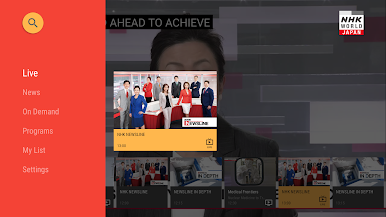
Jouez à NHK WORLD-JAPAN sur PC. C'est facile de commencer.
-
Téléchargez et installez BlueStacks sur votre PC
-
Connectez-vous à Google pour accéder au Play Store ou faites-le plus tard
-
Recherchez NHK WORLD-JAPAN dans la barre de recherche dans le coin supérieur droit
-
Cliquez pour installer NHK WORLD-JAPAN à partir des résultats de la recherche
-
Connectez-vous à Google (si vous avez ignoré l'étape 2) pour installer NHK WORLD-JAPAN
-
Cliquez sur l'icône NHK WORLD-JAPAN sur l'écran d'accueil pour commencer à jouer

