

RPG Asdivine Hearts 2
Jouez sur PC avec BlueStacks - la plate-forme de jeu Android, approuvée par + 500M de joueurs.

Page Modifiée le: Oct 23, 2025
Play RPG Asdivine Hearts 2 on PC or Mac
Bring your A-game to RPG Asdivine Hearts 2, the Role Playing game sensation from KEMCO. Give your gameplay the much-needed boost with precise game controls, high FPS graphics, and top-tier features on your PC or Mac with BlueStacks.
About the Game
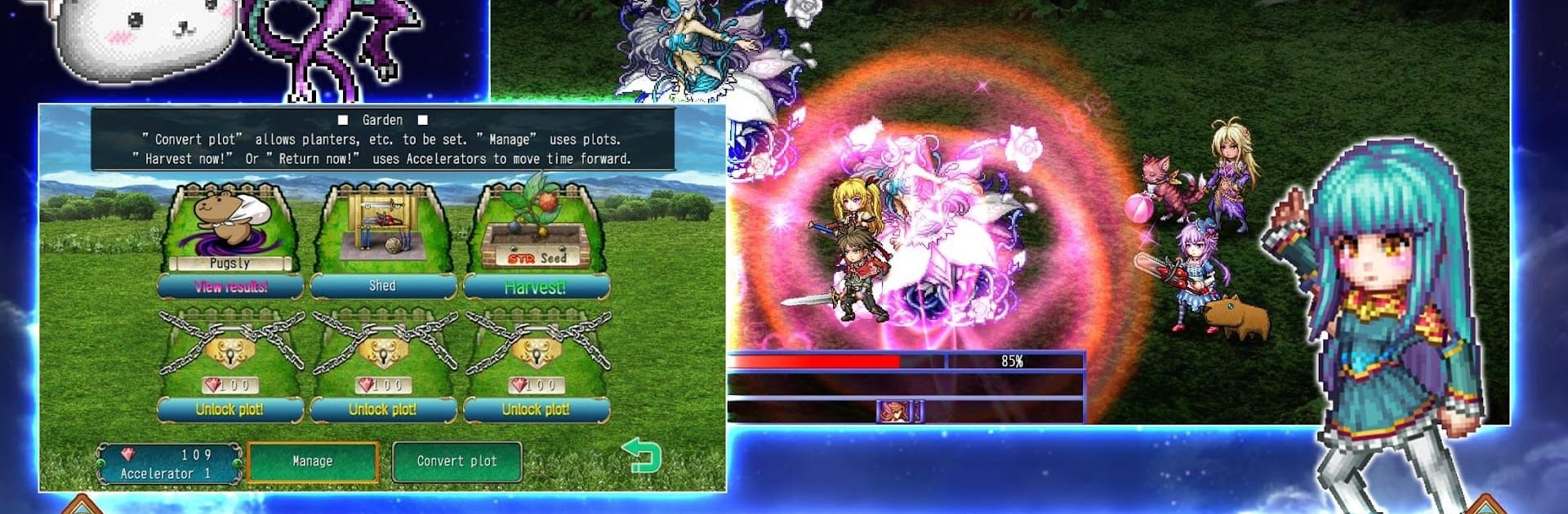
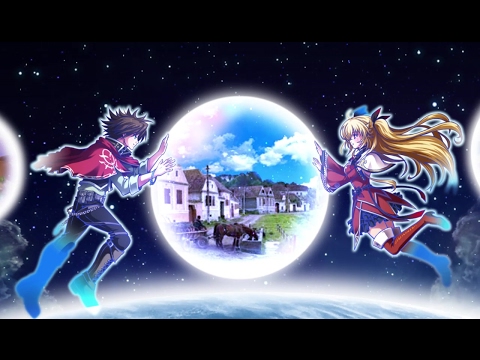
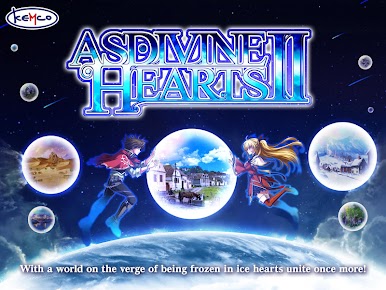
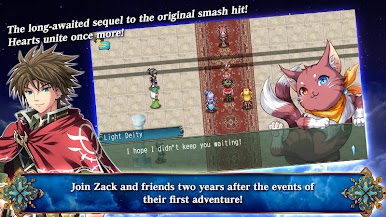
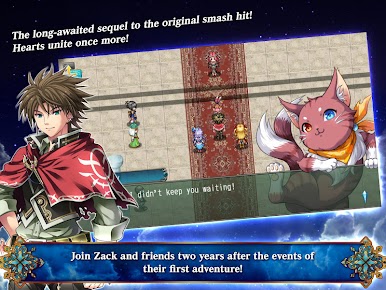
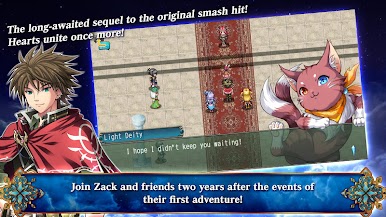
RPG Asdivine Hearts 2 from KEMCO picks up a couple of years after Zack and his friends saved the day in their last wild adventure. This time around, they’re thrown into a new world teetering on the edge of disaster—yep, there’s an icy apocalypse looming. Things don’t go as planned: the gang’s lost their weapons, their luck’s pretty much run out, and they’re up against some pretty mysterious foes wielding strange powers. You’ll team up with new faces (and a plucky fairy named Rapscal) as you try to figure out who—or what—is behind all the chaos. Never played the first game? No worries. They’ll get you caught up right from the start so anyone can jump in.
Game Features
-
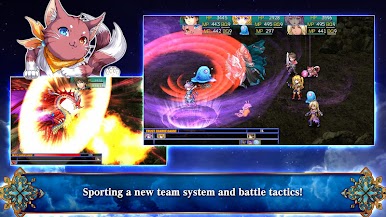
Team Tactics Unleashed
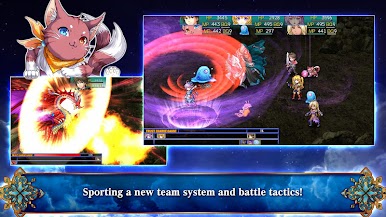
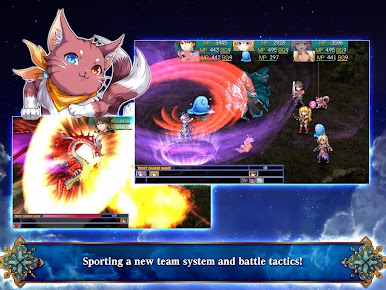
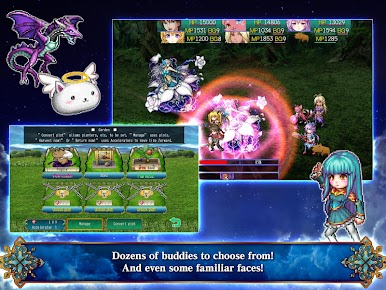
Build a unique squad of up to six characters and face off against everything the frozen world throws at you. Mixing your party up really makes a difference in every fight. -
Jewels and Rubix Customization
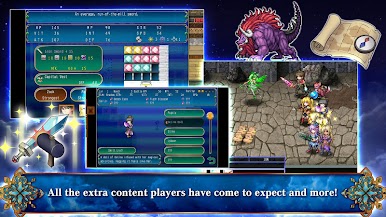
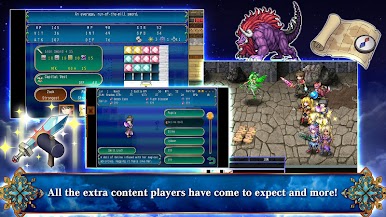
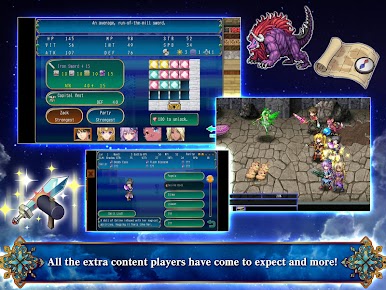
Slot colored jewels into your party’s special rubix to buff skills and stats. Want to experiment? Go wild and come up with your own wacky or ultra-powerful combos. -
Weapon Upgrades
Tired of the standard sword? Find rare weapons and trick them out to create your own custom bad-guy-slayer. Personalize your team’s loadout however you like. -
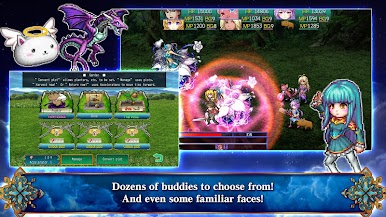
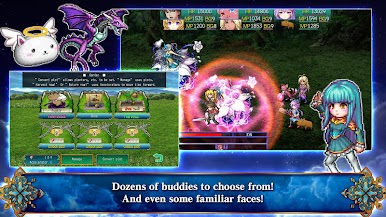
Buddy System
Send spare allies off to fetch Guild Coins or keep them in your main party to learn brand new abilities. Each character’s got their own quirks and perks. -
Visuals and Charm
It’s the best-looking game in the series, with loads of character portraits, stylish magic effects, and those classic old-school RPG vibes. -
No Paywalls
Play start to finish—no forced in-app purchases standing in your way.
And if you’re kicking back on your PC, BlueStacks makes exploring Archelio’s snowy world even smoother with all that extra control.
Slay your opponents with your epic moves. Play it your way on BlueStacks and dominate the battlefield.


Jouez à RPG Asdivine Hearts 2 sur PC. C'est facile de commencer.
-
Téléchargez et installez BlueStacks sur votre PC
-
Connectez-vous à Google pour accéder au Play Store ou faites-le plus tard
-
Recherchez RPG Asdivine Hearts 2 dans la barre de recherche dans le coin supérieur droit
-
Cliquez pour installer RPG Asdivine Hearts 2 à partir des résultats de la recherche
-
Connectez-vous à Google (si vous avez ignoré l'étape 2) pour installer RPG Asdivine Hearts 2
-
Cliquez sur l'icône RPG Asdivine Hearts 2 sur l'écran d'accueil pour commencer à jouer

