


Kids Nursery Rhymes Videos
Jouez sur PC avec BlueStacks - la plate-forme de jeu Android, approuvée par + 500M de joueurs.

Page Modifiée le: Oct 28, 2025
Run Kids Top Nursery Rhymes Videos - Offline Learning on PC or Mac
Why limit yourself to your small screen on the phone? Run Kids Top Nursery Rhymes Videos – Offline Learning, an app by Kidzooly – Kids Games, Rhymes , Nursery Songs., best experienced on your PC or Mac with BlueStacks, the world’s #1 Android emulator.
About the App
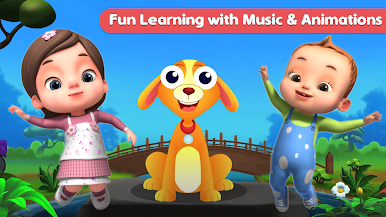
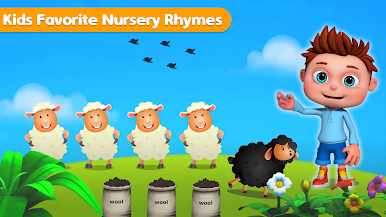
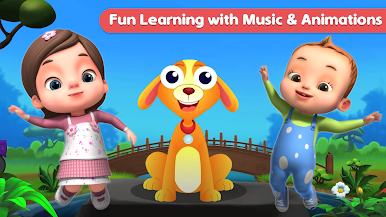
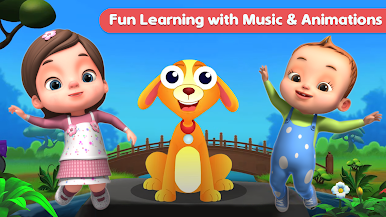
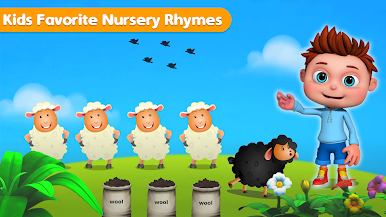
With Kids Top Nursery Rhymes Videos – Offline Learning from Kidzooly – Kids Games, Rhymes , Nursery Songs., you’re in for a treat if you’ve got little ones who love music, singing, and adorable animations. The app brings a colorful, playful world loaded with classic nursery rhymes and children’s songs, all set up to be kid-friendly and super easy to use. Whether you’re on the go or just hanging out at home, everything’s available offline, so there’s no worrying about Wi-Fi when your child wants to watch their favorite tunes again… and again. Get ready for sing-alongs, catchy beats, and animated characters that’ll keep kids engaged—and honestly, probably get you humming too.
App Features
-
High-Quality Videos
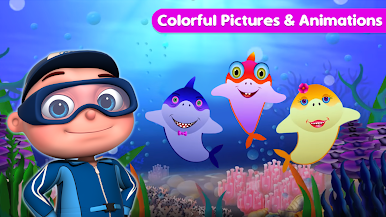
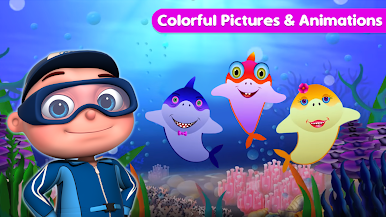
Clear, vibrant videos make every rhyme stand out, with lively colors and crisp visuals that draw kids in. -
Offline Viewing
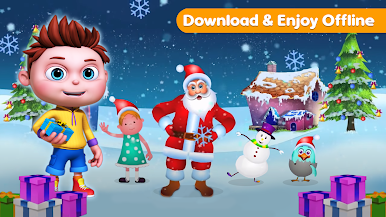
Every song and video is ready to play even if you’re not connected to the internet—great for trips or anytime you’re out and about. -
Classic Rhymes and Songs
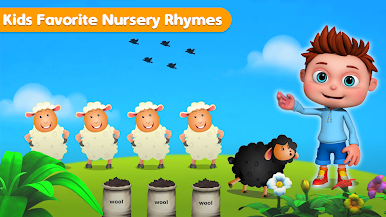
From “Wheels on the Bus” to “Old MacDonald Had a Farm,” kids will find tons of upbeat favorites and discover new tunes they’ll want to replay. -
Interactive Sing-Along Text
Lyrics show up onscreen, making it easier for little ones to sing along (and maybe for parents to finally figure out those tricky verses). -
Parental and Children Modes
Easy toggling keeps things age-appropriate and safe, with a children’s mode for worry-free viewing and a parental mode for a bit more control. -
Cute Animations and Characters
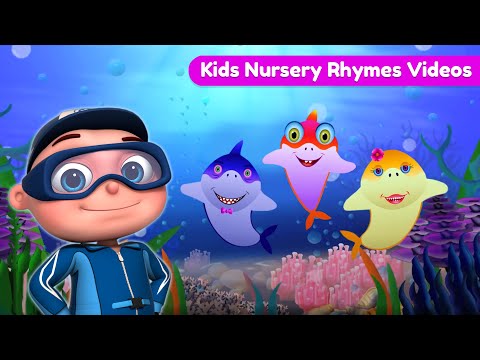
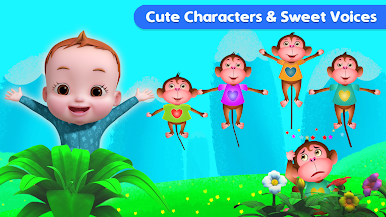
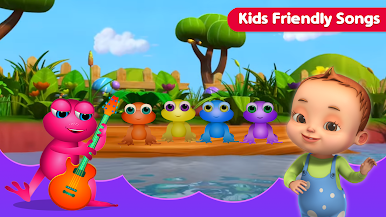
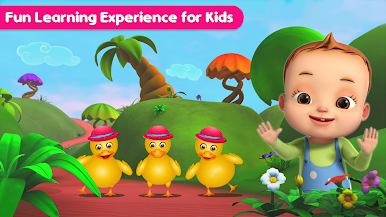
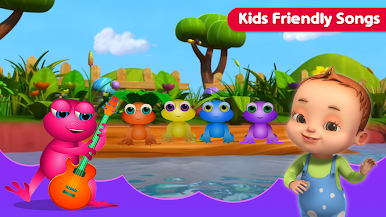
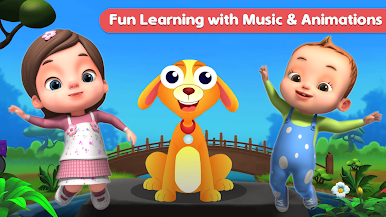
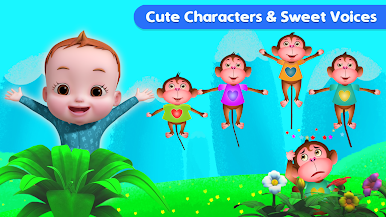
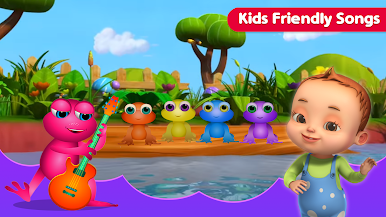
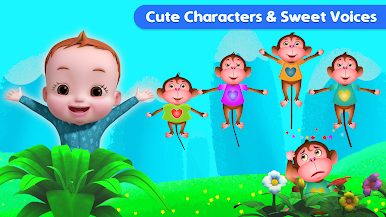
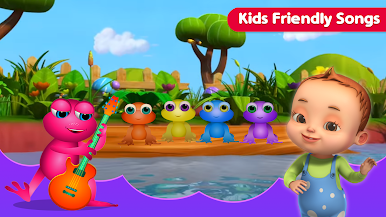
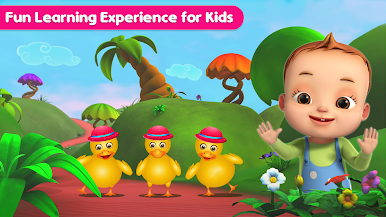
Every song has its own lively cast—think dancing monkeys, singing frogs, or adorable little ducks to keep the fun going. -
Simple Navigation
The interface is super straightforward, so even toddlers can jump into their favorite songs with just a tap—no tech wizardry needed.
Want to enjoy these energetic videos on a bigger screen? Run the app using BlueStacks for an even more eye-popping, shareable experience at home.
Big screen. Bigger performance. Use BlueStacks on your PC or Mac to run your favorite apps.
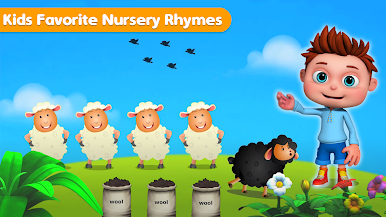
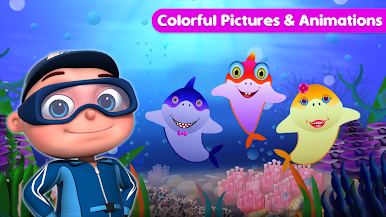
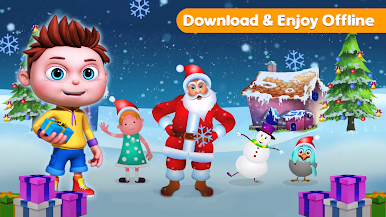
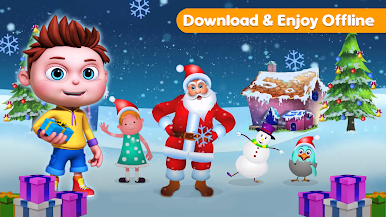
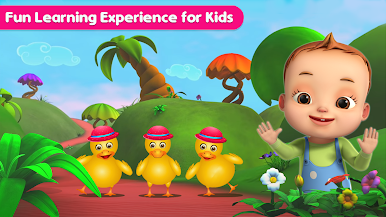
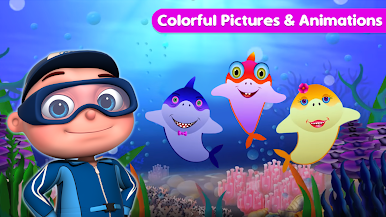
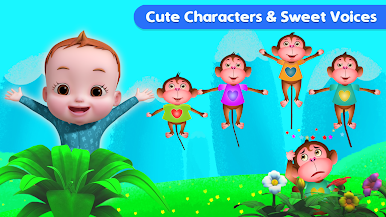
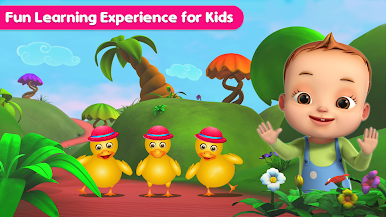
Jouez à Kids Nursery Rhymes Videos sur PC. C'est facile de commencer.
-
Téléchargez et installez BlueStacks sur votre PC
-
Connectez-vous à Google pour accéder au Play Store ou faites-le plus tard
-
Recherchez Kids Nursery Rhymes Videos dans la barre de recherche dans le coin supérieur droit
-
Cliquez pour installer Kids Nursery Rhymes Videos à partir des résultats de la recherche
-
Connectez-vous à Google (si vous avez ignoré l'étape 2) pour installer Kids Nursery Rhymes Videos
-
Cliquez sur l'icône Kids Nursery Rhymes Videos sur l'écran d'accueil pour commencer à jouer

