


다음 카페 - Daum Cafe
เล่นบน PC ผ่าน BlueStacks - Android Gaming Platform ที่ได้รับความไว้วางใจจากเกมเมอร์ 500 ล้านคนทั่วโลก

Page Modified on: Nov 25, 2025
Play Daum Cafe - 다음 카페 on PC
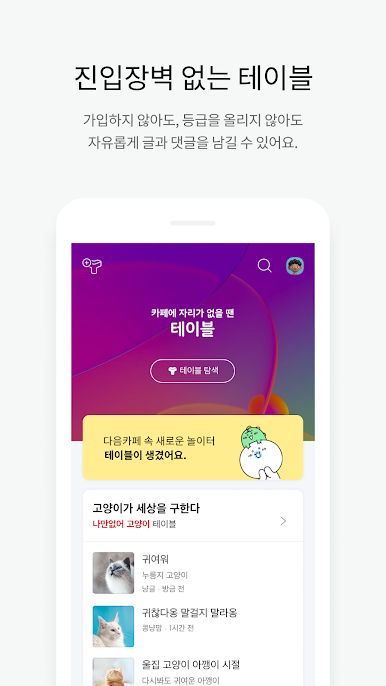
◈ Huddle-free Space Table
- Create posts and comments directly in the Table of your favorite topics.
- In Public Table, you can talk about various things freely without signing up or registering.
- In Verified Table, you can set gender and year of birth to meet only verified people.
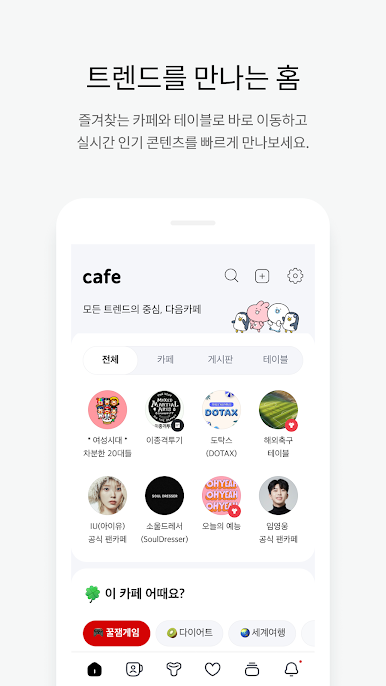
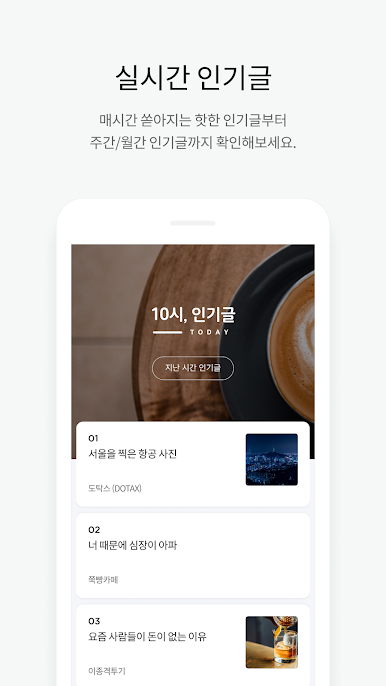
◈ Real-Time Popular Posts
- Top 100 hot posts are displayed in real time! Time will fly while you read them.
- You can also see weekly and monthly popular posts for the past six months.
※ Popular posts are collected based on posts on cafes which are open for search.
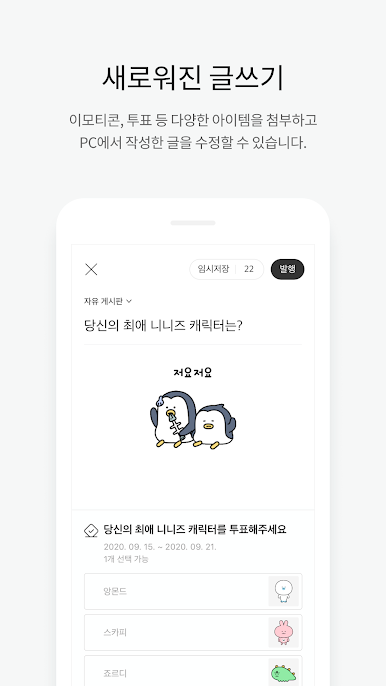
◈ Brand new editor & commenting
- Now you can modify what you write on your PC!
- you can easily attach various items such as photos, videos, emoticons and polls.
- A special feature only available on Daum Cafe App! You can write comments while looking at a post and its comments.
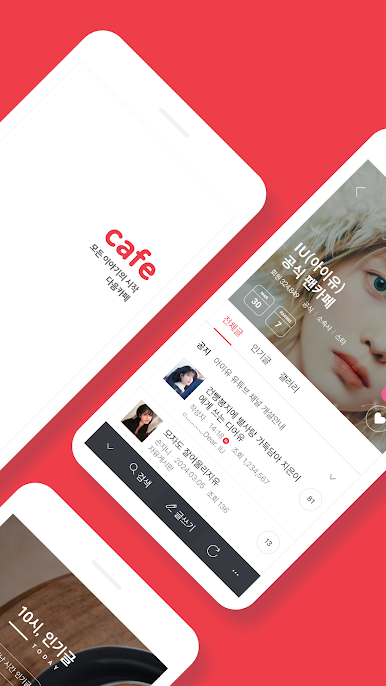
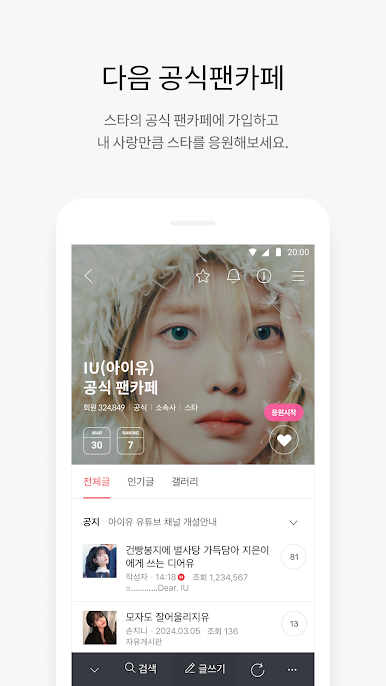
◈ Daum Official Fancafe
- Cheer for your star as much as you love.
- You can use Star schedule and Participate/Level-up boards only on Official Fancafe!
◈ Notification features
- Set Favorite Boards and Friends to receive notifications for new posts.
- Set "keyword notification" to receive notifications for posts including the pre-registered keywords.
- Set Favorite Posts to receive notifications when a new comment is added.
◈ Bookmark and other features
- Bookmark posts that you like. You can group them using tags and access them from PC too.
- Get in touch with your Cafe friends using DM features.
- Other useful features are also available such as Cafe Theme, Password Setting.
◈ Permissions ◈
1) Required permissions
None
2) Optional permissions
- Storage (Images & Video) : Used to attach images & video in the app
- Camera: Used to take in-app images
- Microphone: Used to take in-app videos
- Notifications: Used for notifications of posts, announcements, etc.
◈ Minimum supported OS version ◈
After v2.0 : Android 4.0.3 or higher
After v3.8.0 : Android 4.4 or higher
After v3.13.1 : Android 5 or higher
After v3.17.0 or later: Android 6 or later
After v4.3.0: Android 7 or higher
Afterv5.0.0 or later: Android 8 or later
◈ Precautions ◈
※ If Daum Cafe does not work properly after installing it, please restart your phone and run it again.
※ If you have any questions, please contact Daum Customer Center.
※ Customer Center : http://cs.daum.net/m/faq/site/283
เล่น 다음 카페 - Daum Cafe บน PC ได้ง่ายกว่า
-
ดาวน์โหลดและติดตั้ง BlueStacks บน PC ของคุณ
-
ลงชื่อเข้าใช้แอคเคาท์ Google เพื่อเข้าสู่ Play Store หรือทำในภายหลัง
-
ค้นหา 다음 카페 - Daum Cafe ในช่องค้นหาด้านขวาบนของโปรแกรม
-
คลิกเพื่อติดตั้ง 다음 카페 - Daum Cafe จากผลการค้นหา
-
ลงชื่อเข้าใช้บัญชี Google Account (หากยังไม่ได้ทำในขั้นที่ 2) เพื่อติดตั้ง 다음 카페 - Daum Cafe
-
คลิกที่ไอคอน 다음 카페 - Daum Cafe ในหน้าจอเพื่อเริ่มเล่น

