

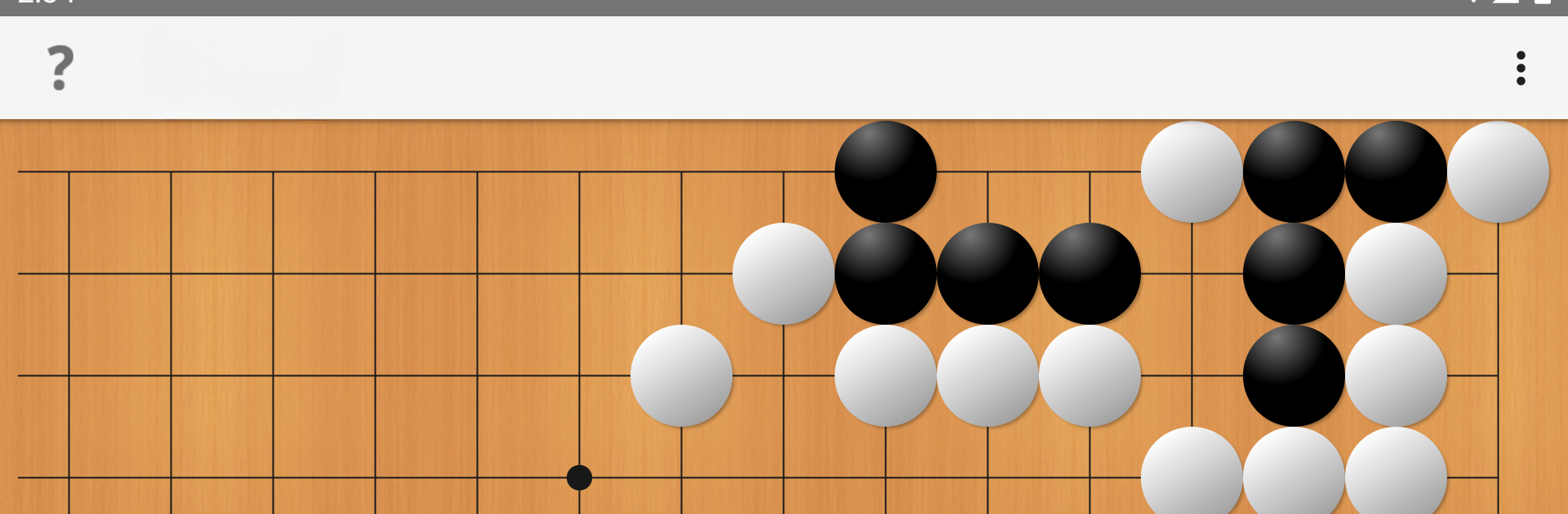
Tsumego Pro (Jeu de Go)
Jouez sur PC avec BlueStacks - la plate-forme de jeu Android, approuvée par + 500M de joueurs.

Page Modifiée le: Aug 30, 2025
Play Tsumego Pro (Go Problems) on PC or Mac
Explore a whole new adventure with Tsumego Pro (Go Problems), a Puzzle game created by LR Studios. Experience great gameplay with BlueStacks, the most popular gaming platform to play Android games on your PC or Mac.
About the Game
If you’re hooked on Go (weiqi, baduk) puzzles or just want to stretch your brain, Tsumego Pro (Go Problems) by LR Studios is a great way to test your skills. Whether you’re a complete newbie or aiming to go toe-to-toe with the pros, this Puzzle game serves up a steady stream of challenges that’ll get you thinking. Every problem is built to teach you something new—sometimes by showing you exactly where you went wrong.
Game Features
-
Fresh Daily Challenges
There’s something new to tackle every day—six fresh problems, split into three difficulty categories. It’s perfect for those quick brain workouts, whether you’ve got five minutes or a whole afternoon. -
Adaptive Progress Mode
As you play, the game pays attention to how you’re doing. Stuck in a rut or speeding ahead? The challenge adjusts automatically, giving you puzzles that match your level. -
Offline Play
No Wi-Fi? No problem. You can access packs of problems and keep solving, no matter where you are or how spotty your connection might be. -
Instant Feedback
Make a move, and the game answers right away—so you’ll know instantly if your approach makes sense or if you need to rethink things. -
Pick Your Color
Prefer playing as black, white, or leaving it to chance? You decide the side you want to work from, and mix it up whenever you like. -
Hints & Solutions
Stuck on a stubborn problem? Peek at a hint, or browse the full solution to really get what’s happening on the board. -
Sleek Book Theme
There’s a clean black-and-white design that keeps things easy on the eyes and lets you focus on the puzzles themselves.
If you’re running Tsumego Pro (Go Problems) on BlueStacks, by the way, it feels extra smooth and easy to use.
Start your journey now. Download the game on BlueStacks, invite your friends, and march on a new adventure.
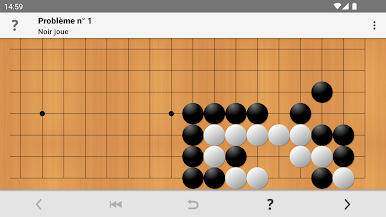
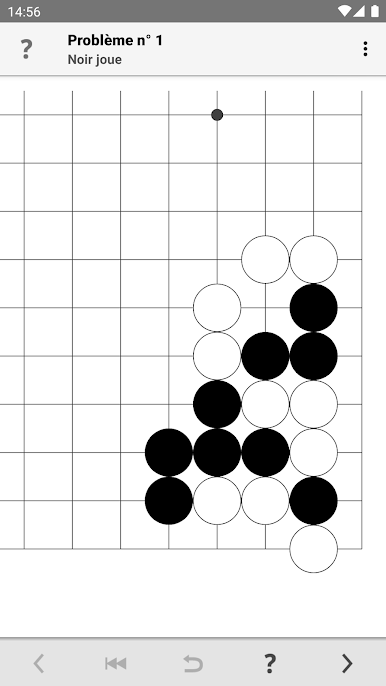
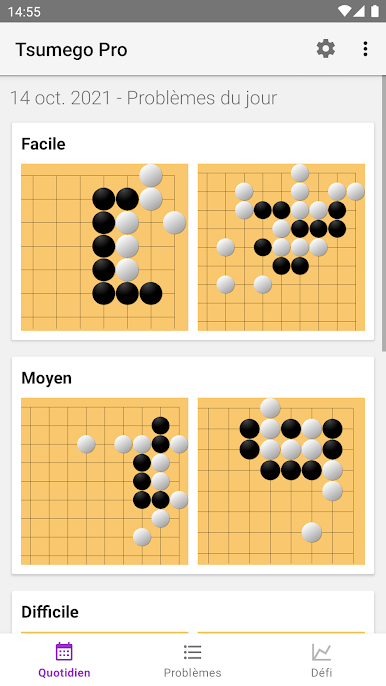
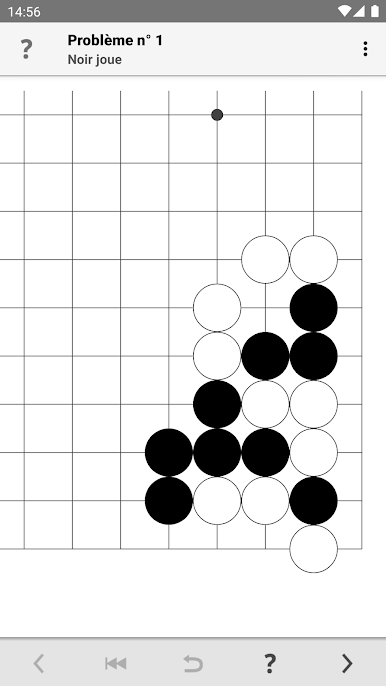
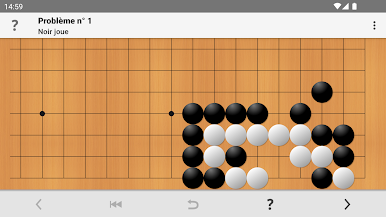
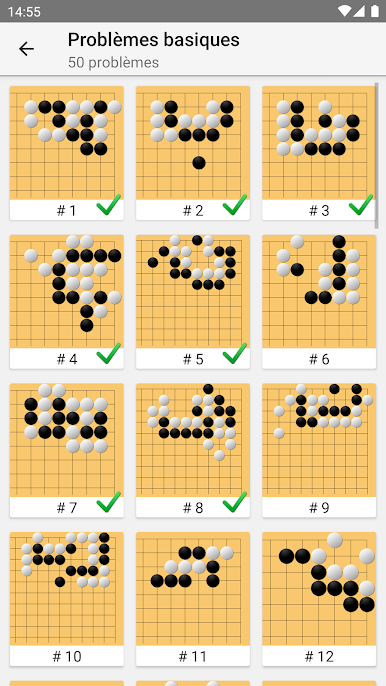
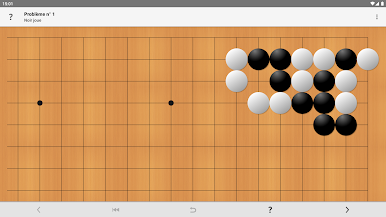
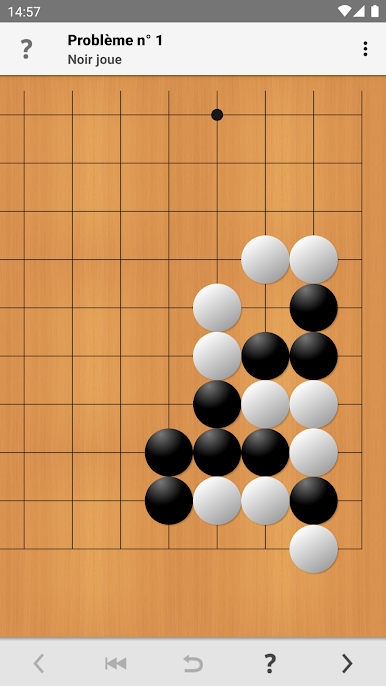
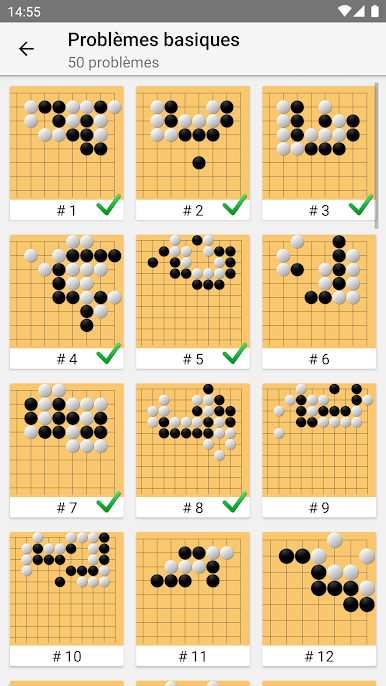
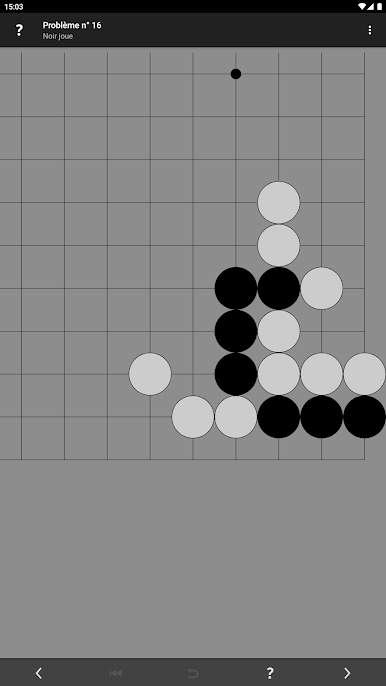
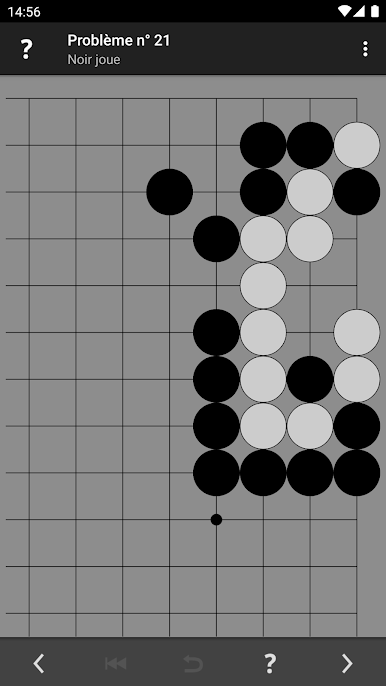
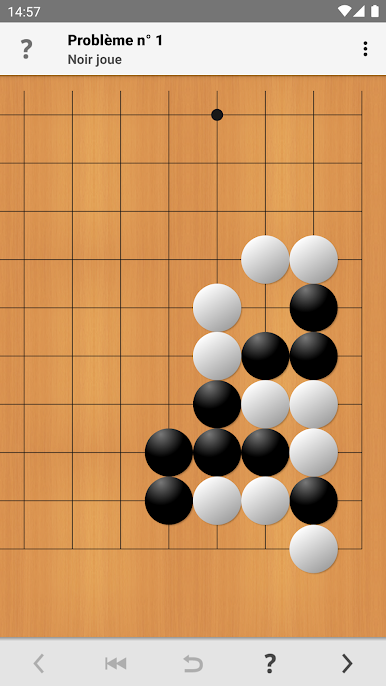
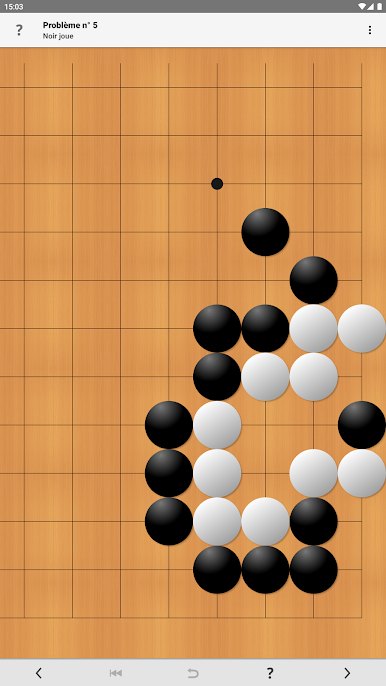
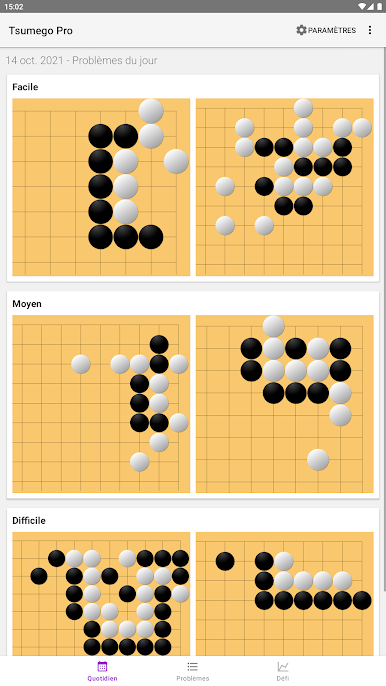
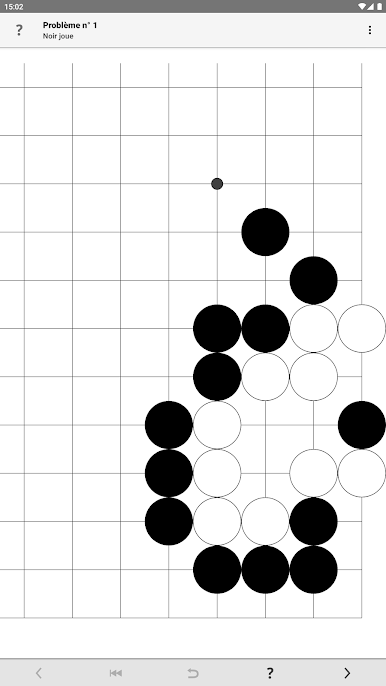
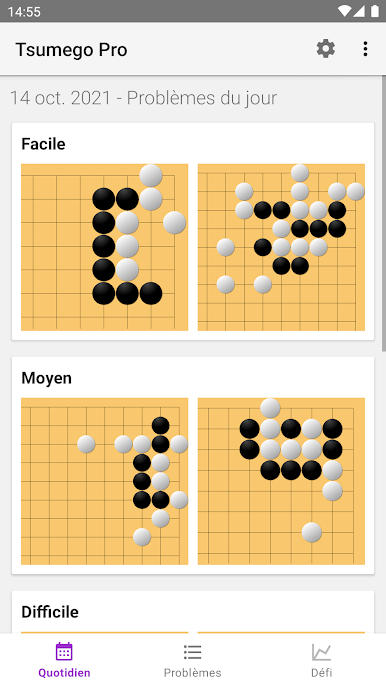
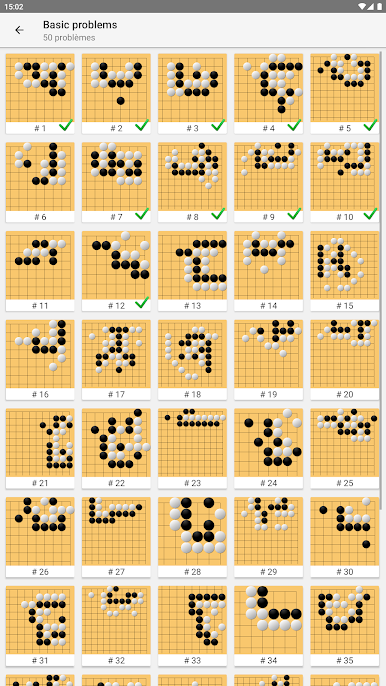
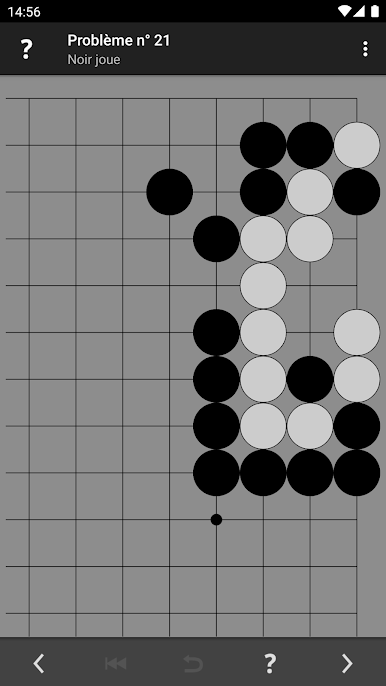
Jouez à Tsumego Pro (Jeu de Go) sur PC. C'est facile de commencer.
-
Téléchargez et installez BlueStacks sur votre PC
-
Connectez-vous à Google pour accéder au Play Store ou faites-le plus tard
-
Recherchez Tsumego Pro (Jeu de Go) dans la barre de recherche dans le coin supérieur droit
-
Cliquez pour installer Tsumego Pro (Jeu de Go) à partir des résultats de la recherche
-
Connectez-vous à Google (si vous avez ignoré l'étape 2) pour installer Tsumego Pro (Jeu de Go)
-
Cliquez sur l'icône Tsumego Pro (Jeu de Go) sur l'écran d'accueil pour commencer à jouer

