

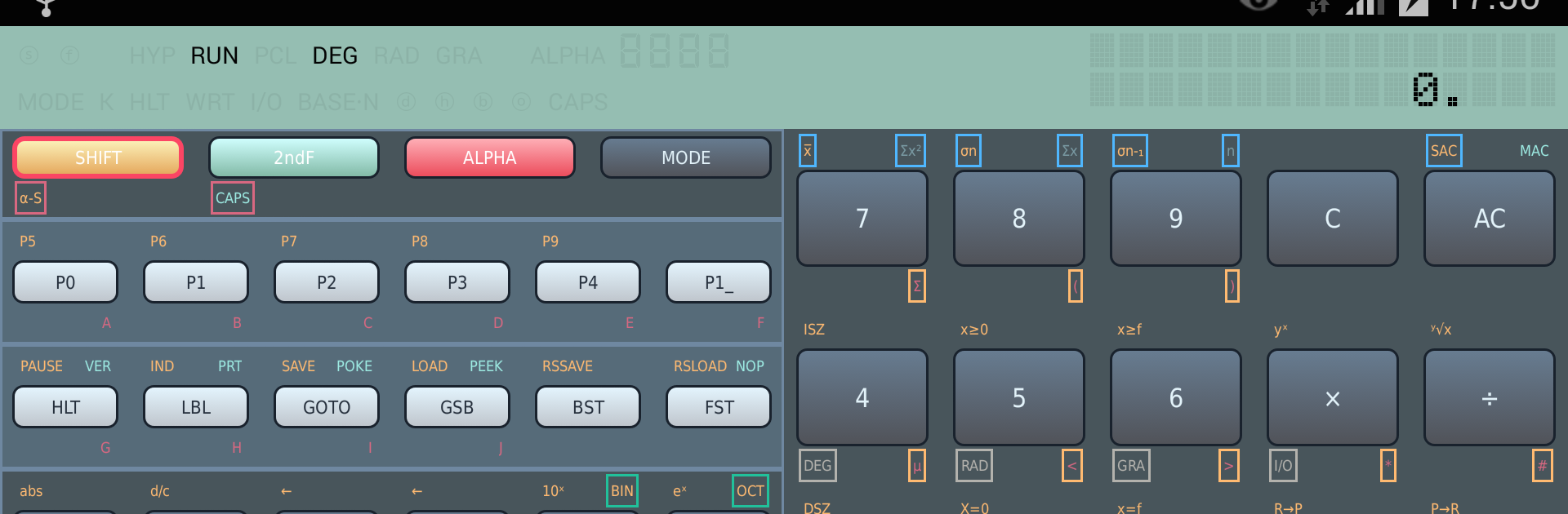
FX-603P programable calculator
Jouez sur PC avec BlueStacks - la plate-forme de jeu Android, approuvée par + 500M de joueurs.

Page Modifiée le: Jul 30, 2025
Run FX-603P programable calculator on PC or Mac
Get freedom from your phone’s obvious limitations. Use FX-603P programable calculator, made by Martin Krischik, a Productivity app on your PC or Mac with BlueStacks, and level up your experience.
FX-603P Simulator feels like someone put a classic pocket computer on the screen and left all the nerdy goodness intact. It is not a cute calculator skin. It is the whole thing, with proper order of operations, deep parentheses, full scientific stuff like trig in degrees or radians or grads, logs, exponentials, hyperbolics, factorial, DMS conversions, even coordinate transforms. It handles fractions, randoms, and Base-N work too, so binary, octal, hex with bitwise and, or, xor, not. The number range is huge and the math engine uses an 18 digit mantissa, so it stays steady with big or tiny values. There is a proper memory layout, 5-key memories plus 110 non-volatile registers, and the alphanumeric display is there so results look like they should. On BlueStacks it is nice to have the bigger screen and a real keyboard for entering programs.
Programming is the fun part. Up to 20 programs, 999 steps, jumps and conditionals, ISZ and DSZ counters, nine subroutines with depth, and indirect addressing for flexible logic. There is a pause, manual GOTO, and a check mode that shows command codes and step numbers, so debugging does not feel blind. It even simulates the old FA-6 cassette interface to save or load programs and data, and a tiny thermal printer to print results that can be copied out to other apps. Clipboard copy works, tablet layouts are supported, backup and restore plays nice, and it can live on external storage. Missing bits like VER, PEEK, and POKE are noted, but most of the original workflow is here, faithful and fast.
Big screen. Bigger performance. Use BlueStacks on your PC or Mac to run your favorite apps.
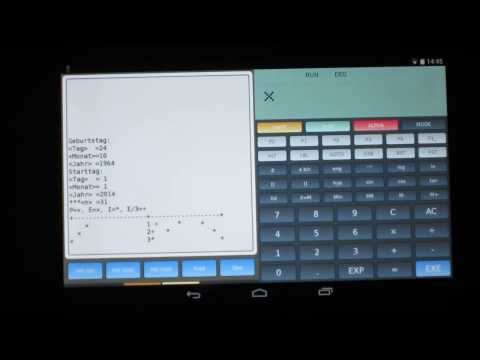


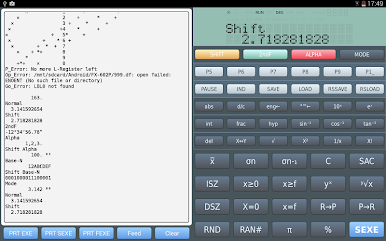


Jouez à FX-603P programable calculator sur PC. C'est facile de commencer.
-
Téléchargez et installez BlueStacks sur votre PC
-
Connectez-vous à Google pour accéder au Play Store ou faites-le plus tard
-
Recherchez FX-603P programable calculator dans la barre de recherche dans le coin supérieur droit
-
Cliquez pour installer FX-603P programable calculator à partir des résultats de la recherche
-
Connectez-vous à Google (si vous avez ignoré l'étape 2) pour installer FX-603P programable calculator
-
Cliquez sur l'icône FX-603P programable calculator sur l'écran d'accueil pour commencer à jouer

