

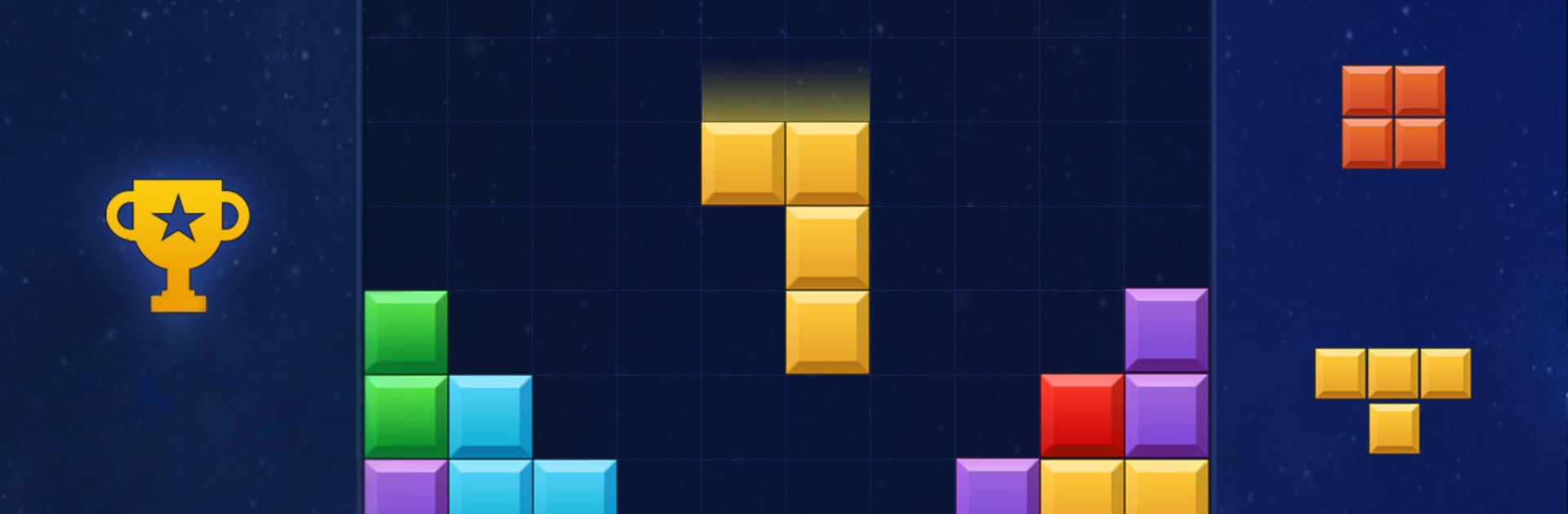
Block Puzzle - Block Game
เล่นบน PC ผ่าน BlueStacks - Android Gaming Platform ที่ได้รับความไว้วางใจจากเกมเมอร์ 500 ล้านคนทั่วโลก

Page Modified on: Oct 20, 2025
Play Block Puzzle - Block Game on PC or Mac
Block Puzzle – Block Game brings the Casual genre to life, and throws up exciting challenges for gamers. Developed by Red cat studio-focused puzzle game, this Android game is best experienced on BlueStacks, the World’s #1 app player for PC and Mac users.
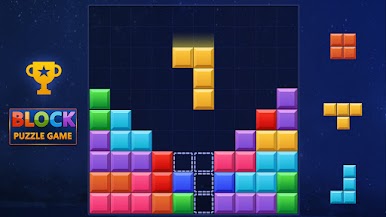
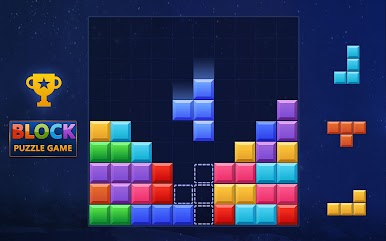
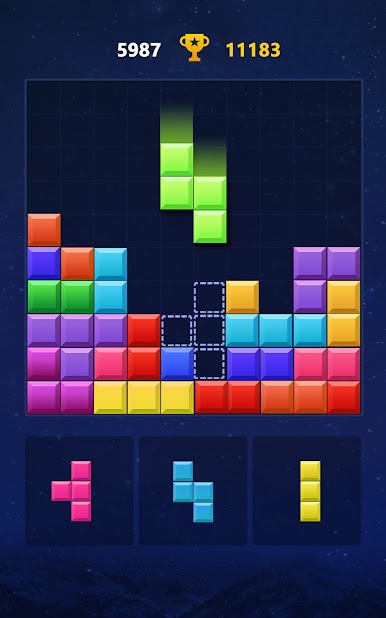
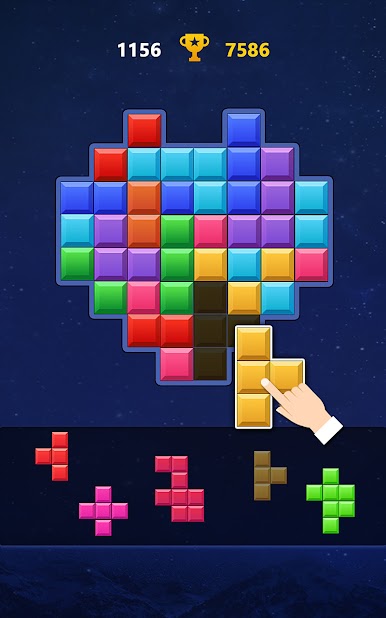
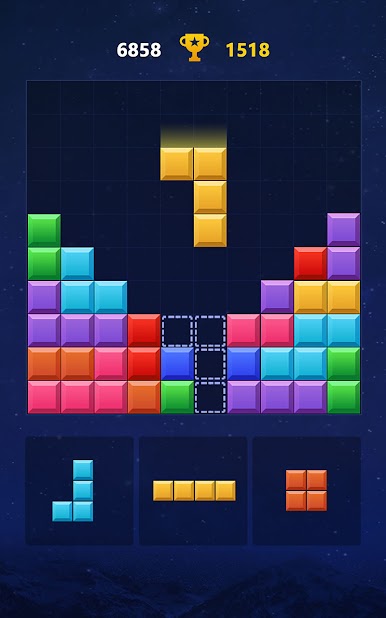
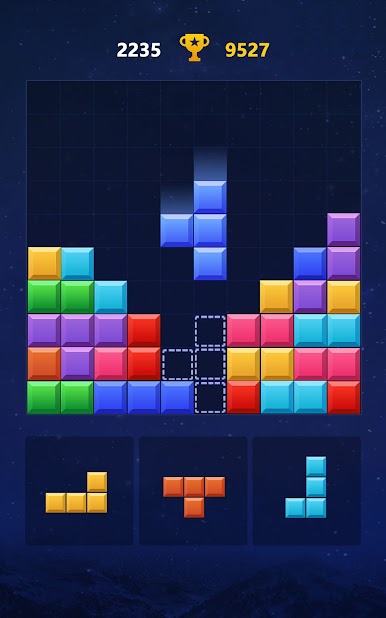
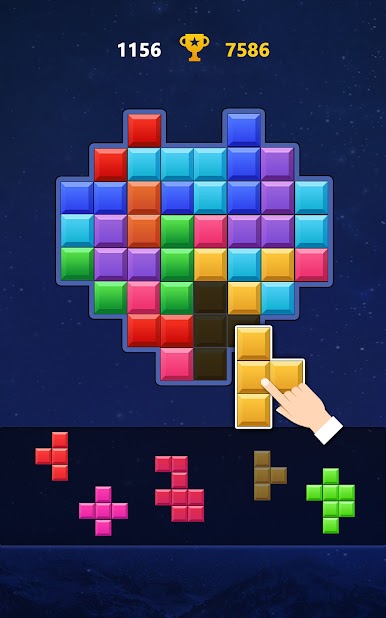
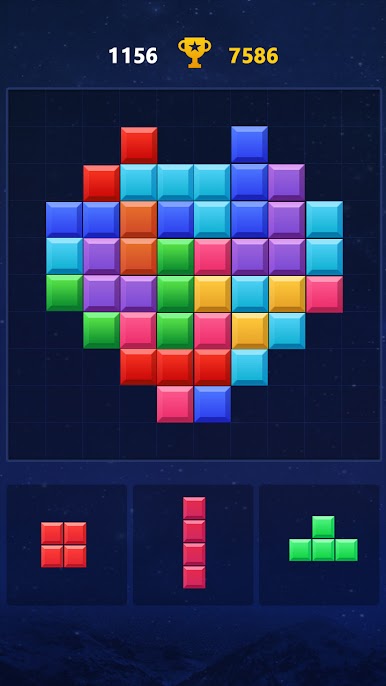
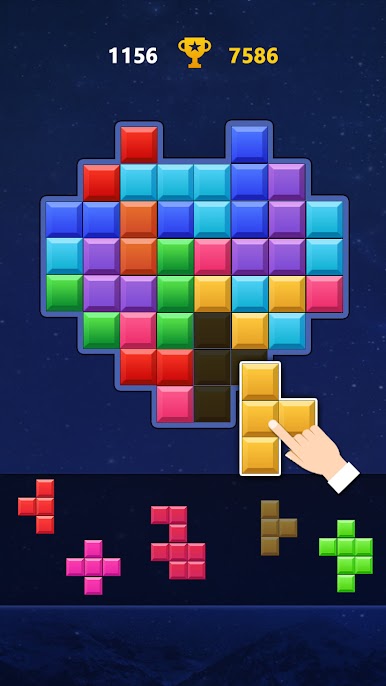
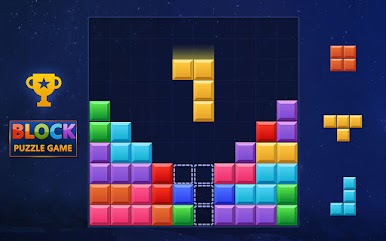
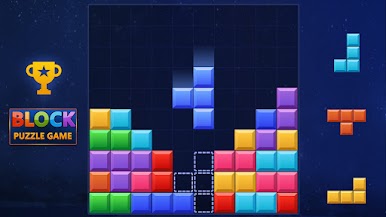
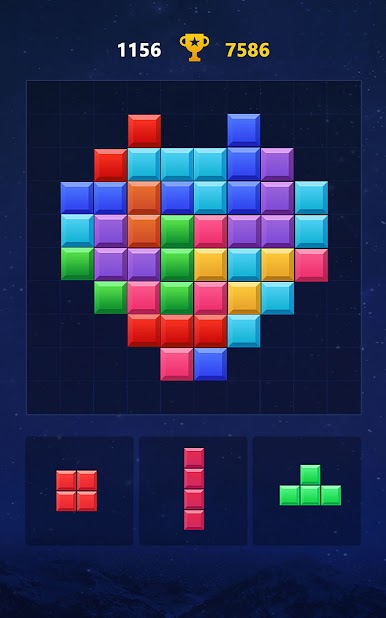
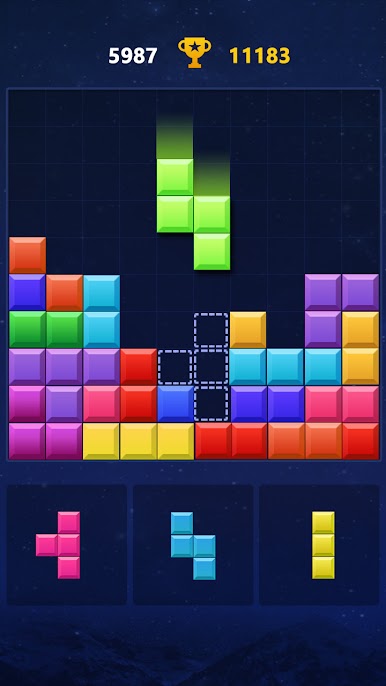
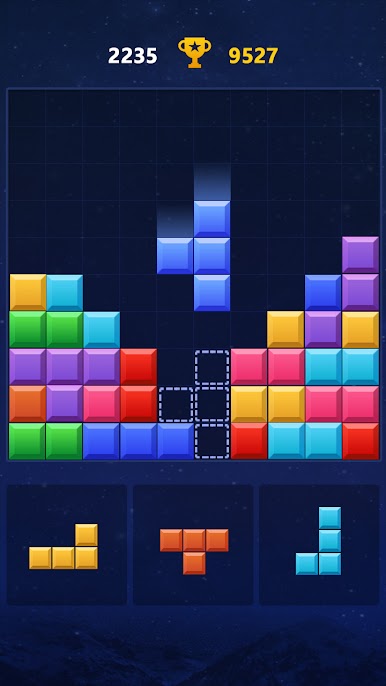
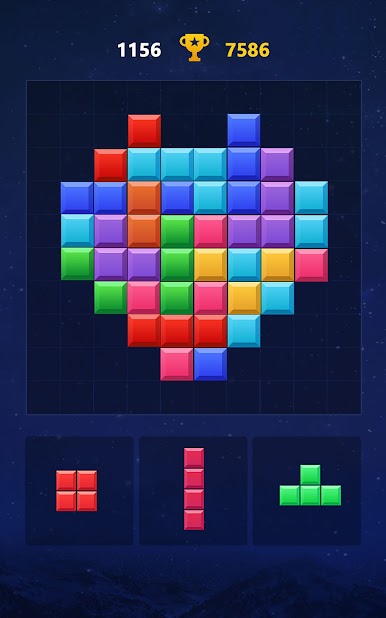
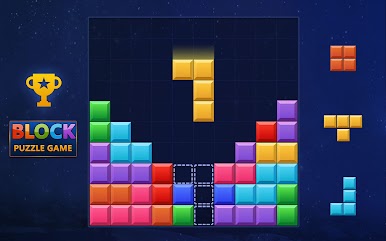
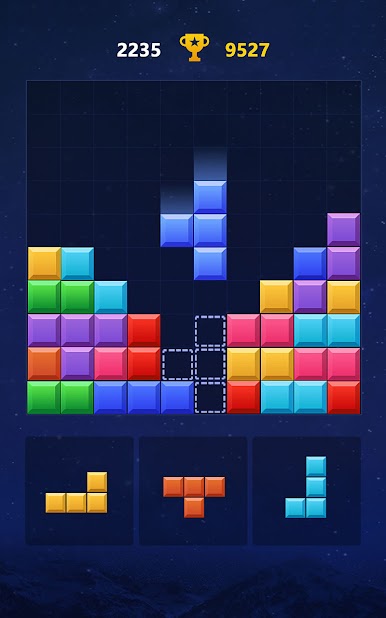
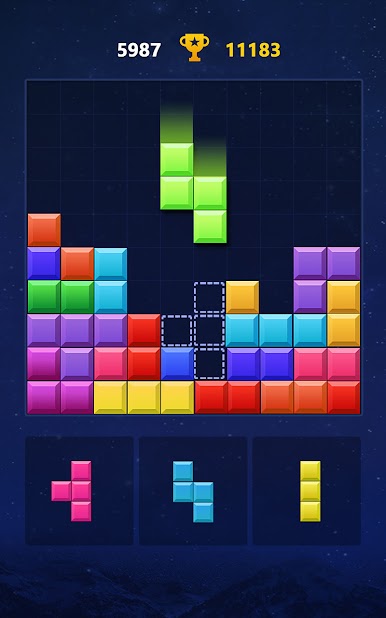
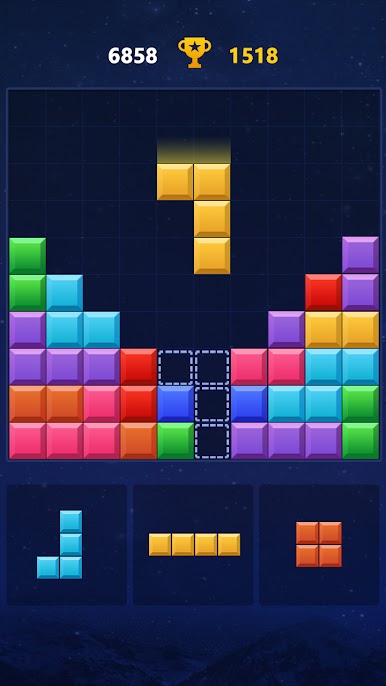
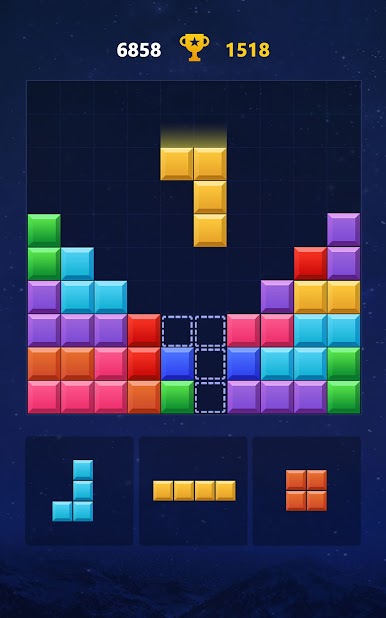
Block Puzzle – Block Game is the kind of quick brain teaser that looks super simple and then eats an entire evening. Players drag little Tetris-like pieces onto a square board and try to complete full rows or columns so they disappear. That loop feels calm at first, then suddenly the shapes get awkward and the board fills up, so planning a few moves ahead actually matters. It is clean, colorful, and easy on the eyes, nothing noisy. On PC with BlueStacks, the mouse drag feels neat and precise, so dropping pieces exactly where they should go is no trouble at all.
There are a few ways to play. Classic mode is the pure score chase, just clear lines and keep the board from clogging. My Block mode throws in twists like bombs and rotation, so there is a little rescue option when a shape would not fit, but also some pressure from special blocks. Jigsaw mode changes the goal into building set patterns, which scratches that “just one more” puzzle itch and looks nice when it clicks together. No WiFi required, so it works great for short breaks or longer sessions. Leaderboards give the score chasers something to aim at, and it suits all ages since the rules are easy to get but tricky to master. It doubles as a light IQ workout for families, with that cozy pass-and-play energy even on a PC screen.
Make your gaming sessions memorable with precise controls that give you an edge in close combats and visuals that pop up, bringing every character to life.

เล่น Block Puzzle - Block Game บน PC ได้ง่ายกว่า
-
ดาวน์โหลดและติดตั้ง BlueStacks บน PC ของคุณ
-
ลงชื่อเข้าใช้แอคเคาท์ Google เพื่อเข้าสู่ Play Store หรือทำในภายหลัง
-
ค้นหา Block Puzzle - Block Game ในช่องค้นหาด้านขวาบนของโปรแกรม
-
คลิกเพื่อติดตั้ง Block Puzzle - Block Game จากผลการค้นหา
-
ลงชื่อเข้าใช้บัญชี Google Account (หากยังไม่ได้ทำในขั้นที่ 2) เพื่อติดตั้ง Block Puzzle - Block Game
-
คลิกที่ไอคอน Block Puzzle - Block Game ในหน้าจอเพื่อเริ่มเล่น

