


Navigation Bar for Android
Jouez sur PC avec BlueStacks - la plate-forme de jeu Android, approuvée par + 500M de joueurs.

Page Modifiée le: Mar 27, 2025
Run Navigation Bar for Android on PC or Mac
What’s better than using Navigation Bar for Android by Wormhole Space? Well, try it on a big screen, on your PC or Mac, with BlueStacks to see the difference.
About the App
Navigation Bar for Android by Wormhole Space is a lifesaver for those dealing with broken buttons or faulty navigation panels. This app effortlessly replaces on-screen navigation bars, offering more than just basic functionality. Think you only need a button replacement? Think again! This app is packed with features, like long press actions and customizable navigation bars that make life so much easier.
App Features
Convenience at Your Fingertips
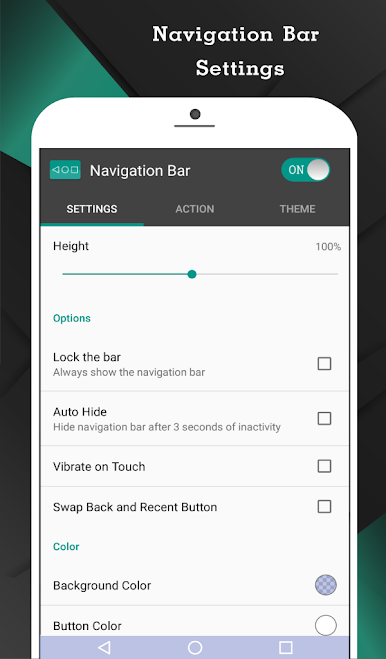
– Auto-hide navigation bar with your chosen duration.
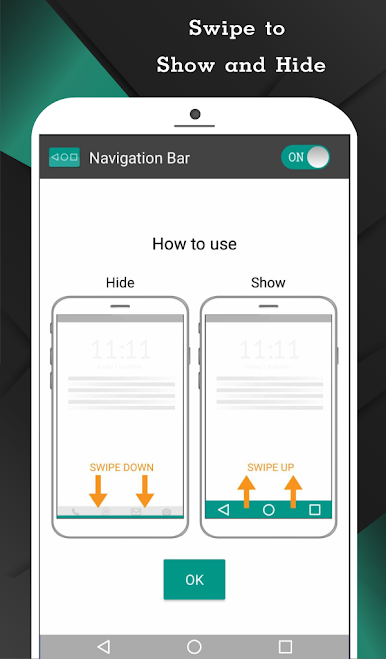
– Swipe up/down to show or hide easily.
Customization Galore
– Swap button positions between back and recent.
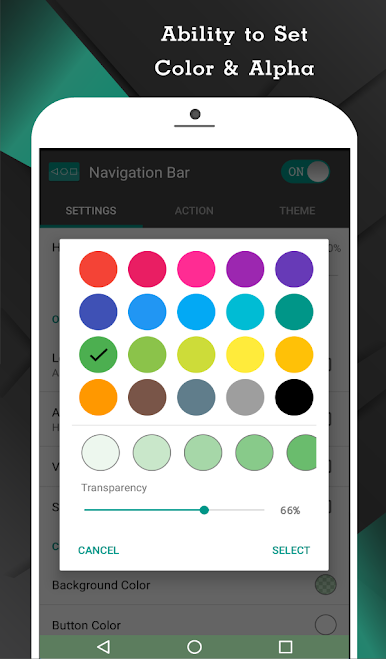
– Change background and button colors.
– Set navigation bar size to your liking.
Enhanced Functionality
– Single press for Home, Back, Recent.
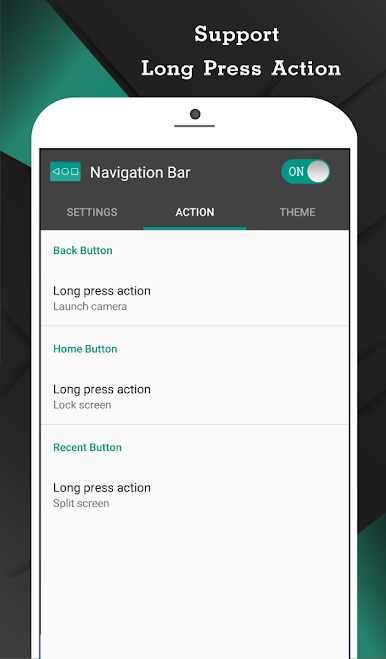
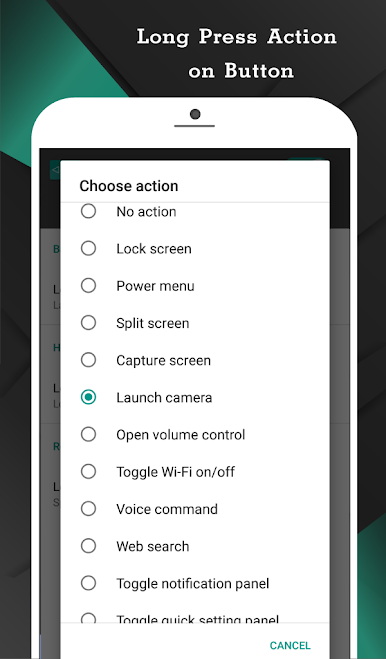
– Long press for advanced actions like launching apps or taking screenshots (Pro).
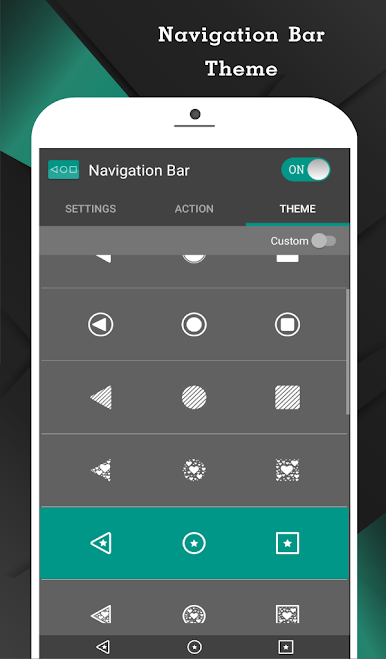
Theme and Style
– Choose from 15 themes.
– Adjust swipe sensitivity for personalized touch.
Quick Access
– Switch on/off via notifications or quick settings (Android 7.0+).
Using BlueStacks? The experience gets even better!
Big screen. Bigger performance. Use BlueStacks on your PC or Mac to run your favorite apps.
Jouez à Navigation Bar for Android sur PC. C'est facile de commencer.
-
Téléchargez et installez BlueStacks sur votre PC
-
Connectez-vous à Google pour accéder au Play Store ou faites-le plus tard
-
Recherchez Navigation Bar for Android dans la barre de recherche dans le coin supérieur droit
-
Cliquez pour installer Navigation Bar for Android à partir des résultats de la recherche
-
Connectez-vous à Google (si vous avez ignoré l'étape 2) pour installer Navigation Bar for Android
-
Cliquez sur l'icône Navigation Bar for Android sur l'écran d'accueil pour commencer à jouer

