


Arkanoid Collection
เล่นบน PC ผ่าน BlueStacks - Android Gaming Platform ที่ได้รับความไว้วางใจจากเกมเมอร์ 500 ล้านคนทั่วโลก

Page Modified on: Nov 2, 2025
Play Arkanoid Collection on PC or Mac
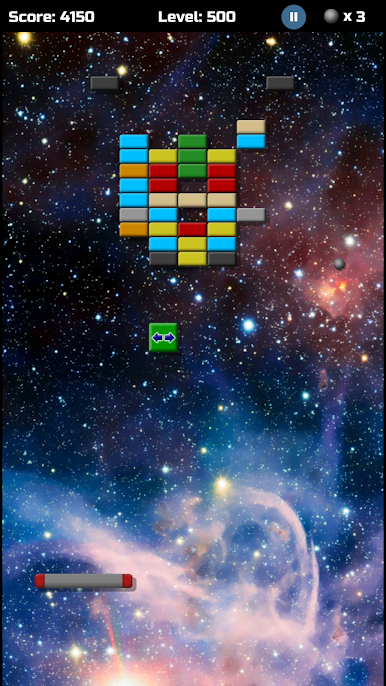
Arkanoid Collection brings the Arcade genre to life, and throws up exciting challenges for gamers. Developed by Ales Apps, this Android game is best experienced on BlueStacks, the World’s #1 app player for PC and Mac users.
About the Game
Ever get that itch to revisit those classic arcade vibes but with a fresh spin? Arkanoid Collection from Ales Apps takes you right back, paddle in hand, daring you to smash through every wall of bricks thrown your way. Whether you’re chasing nostalgia or just on the hunt for a quick brain break, this arcade game serves up that satisfying mix of challenge and fun, minute after minute.
Game Features
-
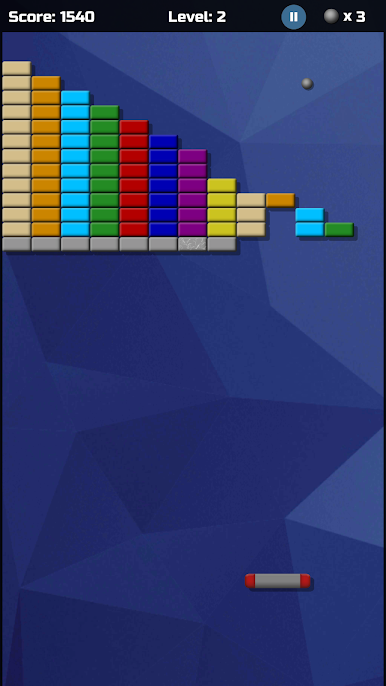
Classic Brick-Busting Action
All the familiar thrills of old-school Arkanoid and Breakout are in here—smash the bricks, keep the ball in play, and see how far your reflexes can take you. -
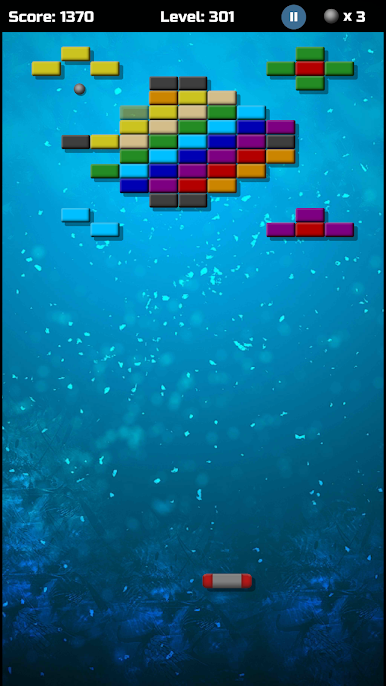
Tons of Levels
With a whopping 500 stages, there’s no shortage of hurdles to tackle. Some levels may even remind you of the originals! -
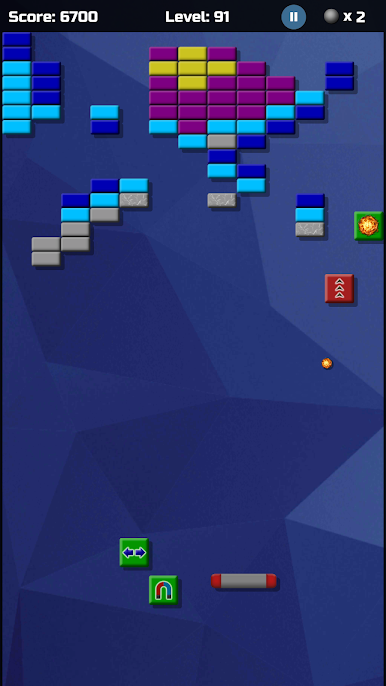
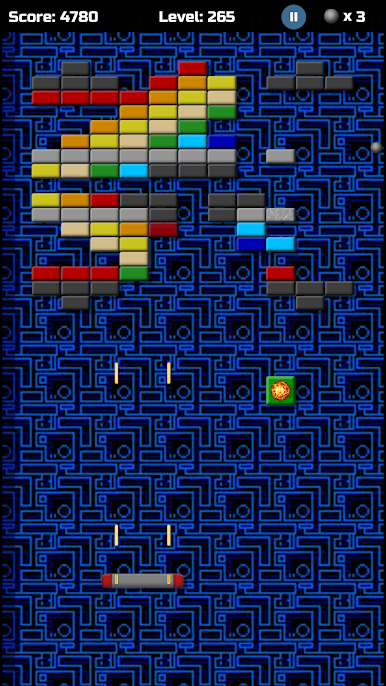
Helpful Bonuses
Unlock 11 different boosters as you play. Think extra balls, power-ups, and maybe a little chaos to shake up your strategy. -
Control Choices
Prefer tapping or tilting? Pick the way you want to guide your paddle, whether you’re on the move or parked at your desk. -
Adjustable Speed
If you want things a bit calmer or crave that fast-paced panic, you can set the game speed to suit your mood. -
Track Your Progress
Rack up highscores, unlock achievements, and don’t worry about losing your place—your progress is always saved. -
Smooth on PC with BlueStacks
Works great on BlueStacks, so you can enjoy the Arcade fun on your computer, not just your phone.
Let the brick-smashing begin!
Ready to top the leaderboard? We bet you do. Let precise controls and sharp visuals optimized on BlueStacks lead you to victory.
เล่น Arkanoid Collection บน PC ได้ง่ายกว่า
-
ดาวน์โหลดและติดตั้ง BlueStacks บน PC ของคุณ
-
ลงชื่อเข้าใช้แอคเคาท์ Google เพื่อเข้าสู่ Play Store หรือทำในภายหลัง
-
ค้นหา Arkanoid Collection ในช่องค้นหาด้านขวาบนของโปรแกรม
-
คลิกเพื่อติดตั้ง Arkanoid Collection จากผลการค้นหา
-
ลงชื่อเข้าใช้บัญชี Google Account (หากยังไม่ได้ทำในขั้นที่ 2) เพื่อติดตั้ง Arkanoid Collection
-
คลิกที่ไอคอน Arkanoid Collection ในหน้าจอเพื่อเริ่มเล่น

