

ToDo Agenda
Jouez sur PC avec BlueStacks - la plate-forme de jeu Android, approuvée par + 500M de joueurs.

Page Modifiée le: Mar 21, 2025
Run Todo Agenda on PC or Mac
What’s better than using Todo Agenda by Yuri Volkov (yvolk)? Well, try it on a big screen, on your PC or Mac, with BlueStacks to see the difference.
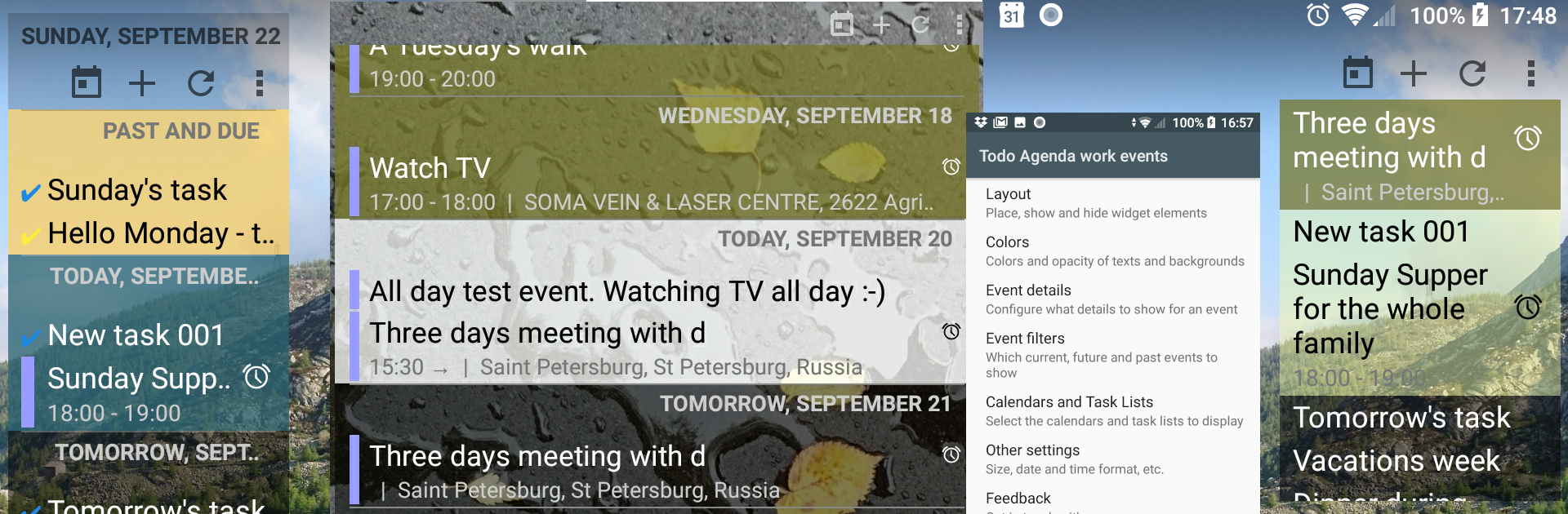
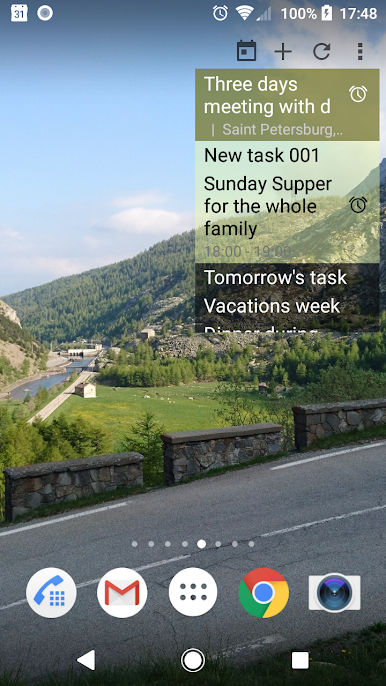
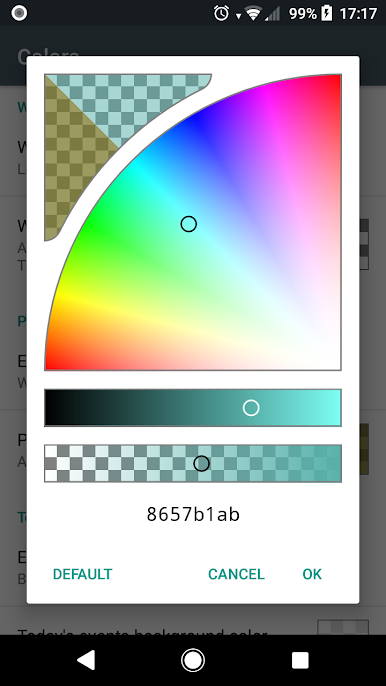
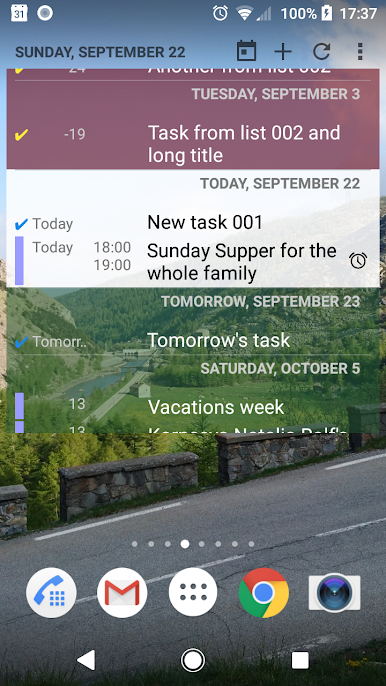
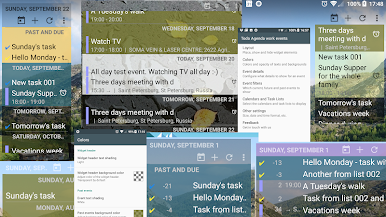
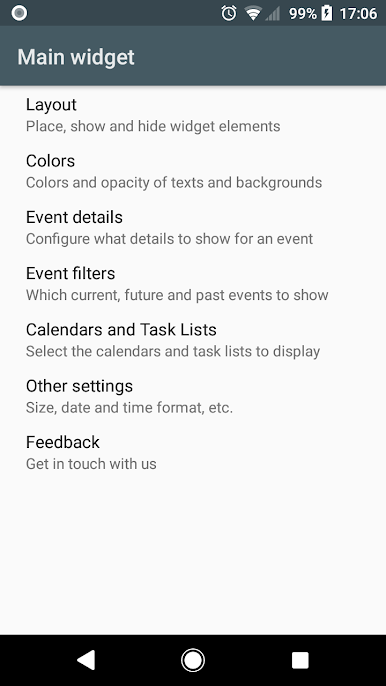
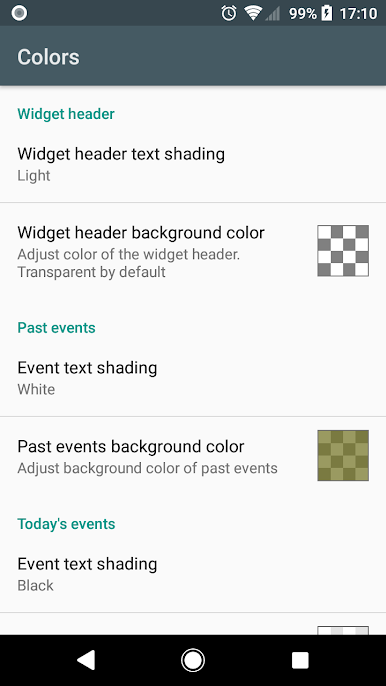
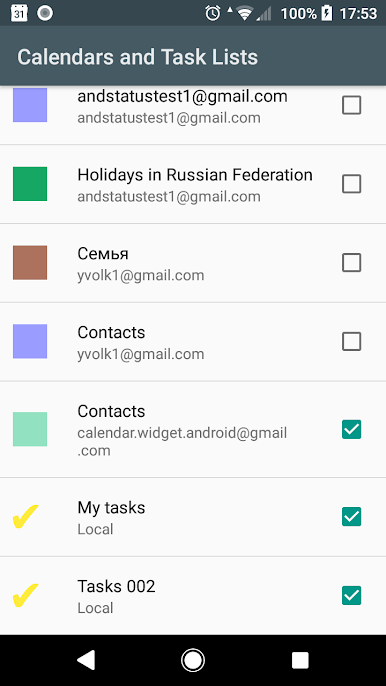
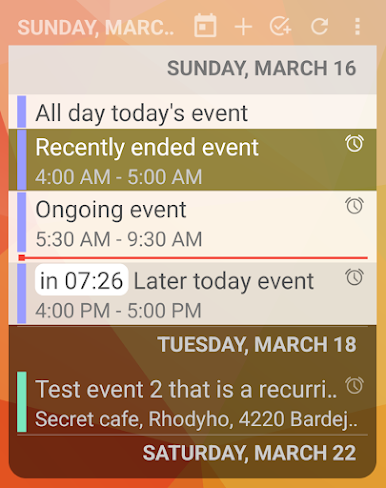
Todo Agenda feels more like a set of smart panels than a typical app. It lives as home screen widgets that show calendars and task lists in one tidy stream, so the day, tomorrow, and anything coming up are all right there without opening anything. The neat part is how much control there is. Each widget can be its own thing, with its own layout, colors, transparency, and filters. One can make a minimal, text only strip for work, another big and bold for personal stuff, and they do not clash. It updates itself the moment an event changes, and there is a quick Go to Today button when the list gets long.
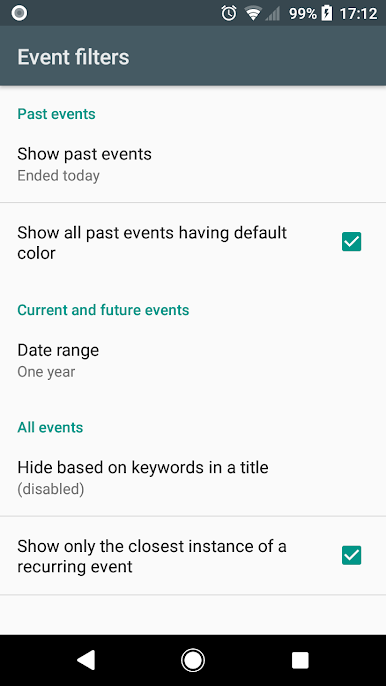
There are little touches that make it feel thought out. Indicators show recurring items and alerts, duplicates can be hidden when the same meeting lands in two calendars, and headers or icons can be turned off if they get in the way. Text size is adjustable, the widget is fully resizable, and time zone lock is there for anyone who travels or works across regions. It even lets users pick how far back and forward the list goes, so past notes can stick around. Backup and restore is built in, which is handy for cloning a setup on a new phone or tablet. On PC with BlueStacks, the bigger screen and mouse make tweaking layouts and colors easier, and having a live agenda parked on the Android home screen inside the emulator feels clean. No ads, open source, and it quietly does its job without nagging.
Big screen. Bigger performance. Use BlueStacks on your PC or Mac to run your favorite apps.
Jouez à ToDo Agenda sur PC. C'est facile de commencer.
-
Téléchargez et installez BlueStacks sur votre PC
-
Connectez-vous à Google pour accéder au Play Store ou faites-le plus tard
-
Recherchez ToDo Agenda dans la barre de recherche dans le coin supérieur droit
-
Cliquez pour installer ToDo Agenda à partir des résultats de la recherche
-
Connectez-vous à Google (si vous avez ignoré l'étape 2) pour installer ToDo Agenda
-
Cliquez sur l'icône ToDo Agenda sur l'écran d'accueil pour commencer à jouer

