


Application Prescrire
Jouez sur PC avec BlueStacks - la plate-forme de jeu Android, approuvée par + 500M de joueurs.

Page Modifiée le: Oct 28, 2025
Play Application Prescrire on PC
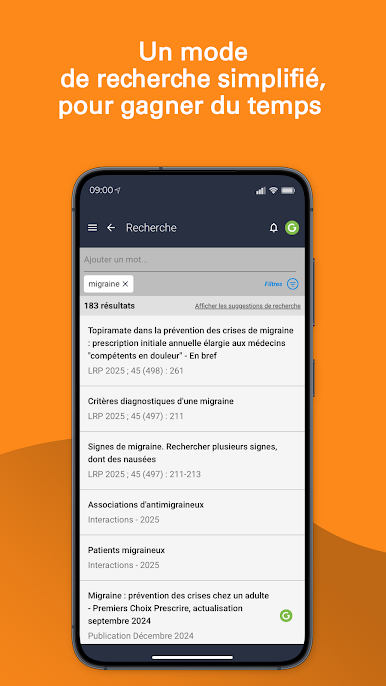
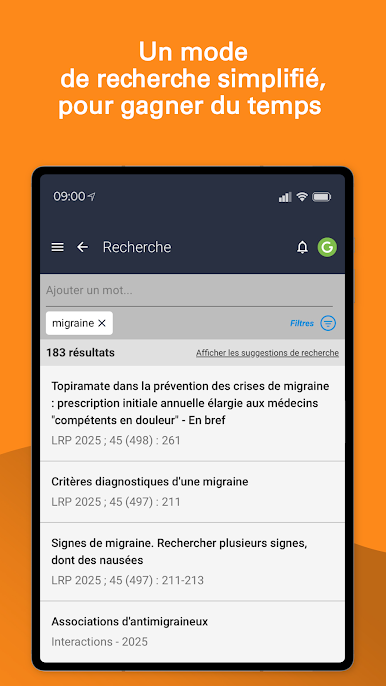
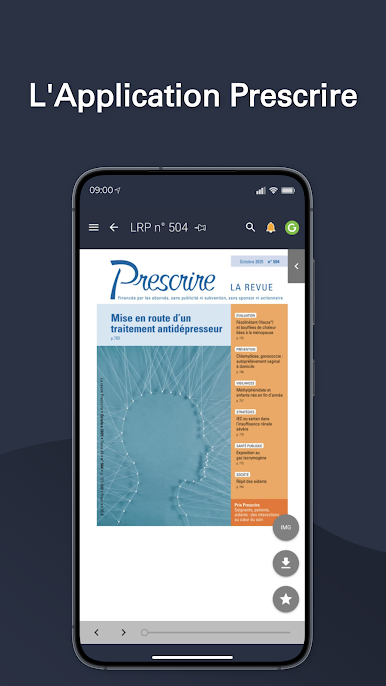
- Use the search mode to easily find Prescrire's texts;
- Benefit from personalized summaries based on your areas of interest;
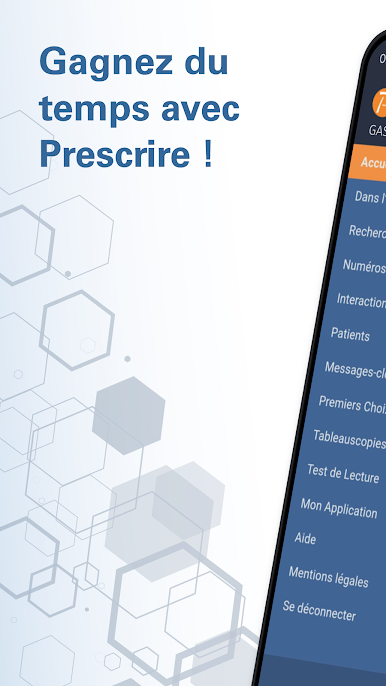
- Consult the "Drug Interactions";
- Answer the Prescrire Monthly Reading Test questionnaire
- Use the updated Prescribe First Choices;
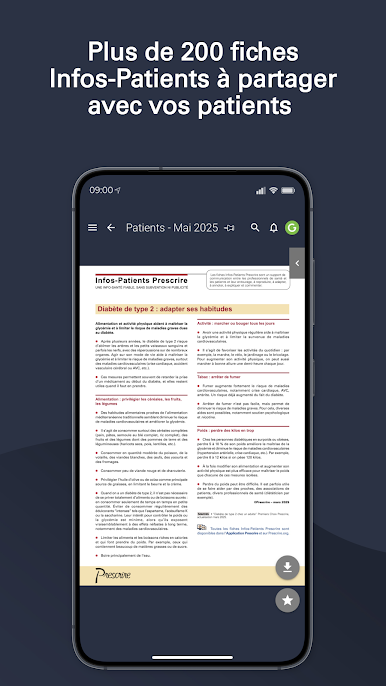
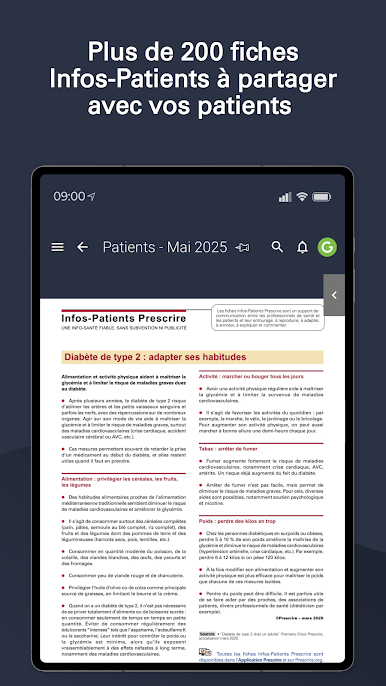
- Have all the updated Info-Patients handy;
- Select and classify your favorite texts, and find them from one device to another;
- Attach personal notes to the texts of your choice.
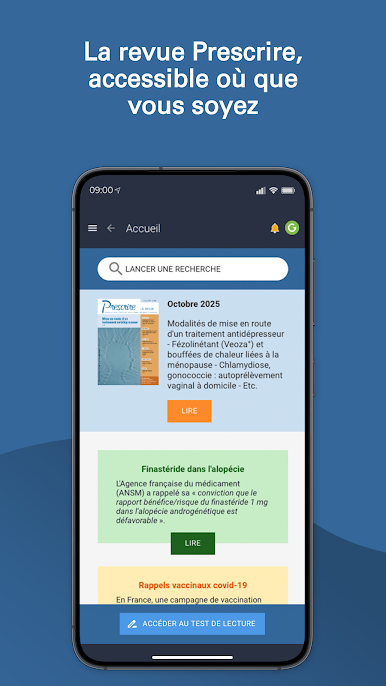
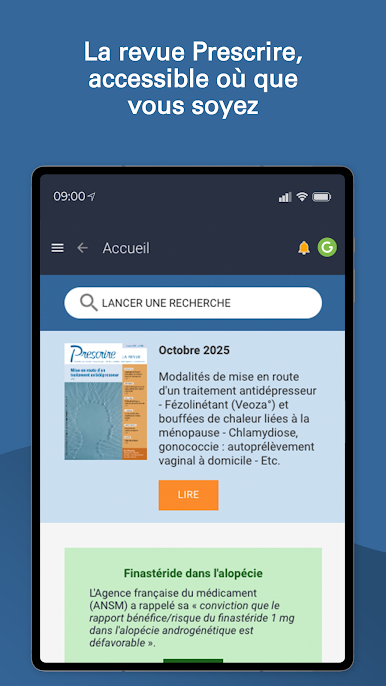
The Application is included in the subscription to Prescrire




Jouez à Application Prescrire sur PC. C'est facile de commencer.
-
Téléchargez et installez BlueStacks sur votre PC
-
Connectez-vous à Google pour accéder au Play Store ou faites-le plus tard
-
Recherchez Application Prescrire dans la barre de recherche dans le coin supérieur droit
-
Cliquez pour installer Application Prescrire à partir des résultats de la recherche
-
Connectez-vous à Google (si vous avez ignoré l'étape 2) pour installer Application Prescrire
-
Cliquez sur l'icône Application Prescrire sur l'écran d'accueil pour commencer à jouer

