


TLauncher PE for Minecraft
Jouez sur PC avec BlueStacks - la plate-forme de jeu Android, approuvée par + 500M de joueurs.

Page Modifiée le: Sep 23, 2026
Aperçu
Key features:
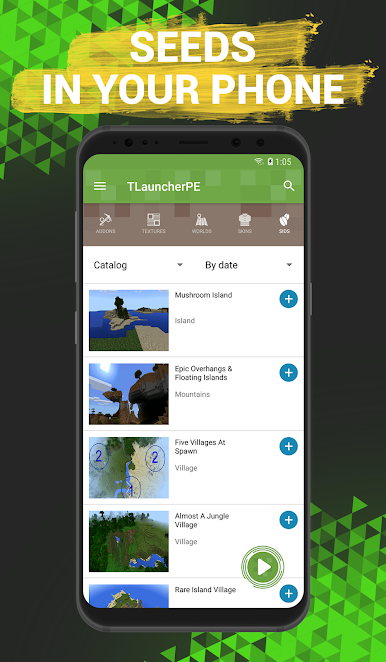
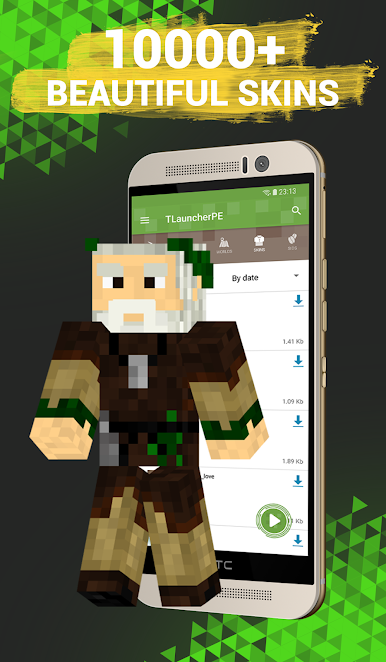
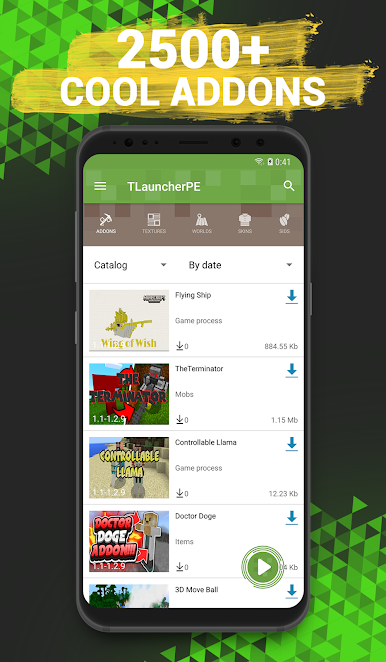
- Installation of add-ons, textures, skins, maps and seeds in one click!
- Maximum compatibility with different versions of the game.
- New add-ons and maps every day!
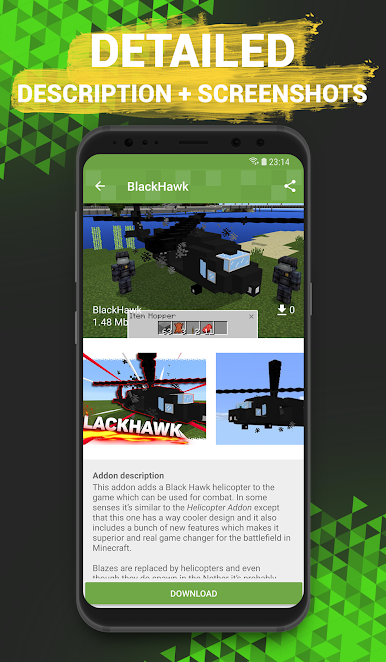
If you have long dreamed of playing your MCPE using mods, then you just need our TLauncher PE. After all, you can use it to install them literally in one touch. They can make new mobs and objects appear in the game and even change the gameplay. We provide a huge selection of mods. The catalog is often filled with new products!
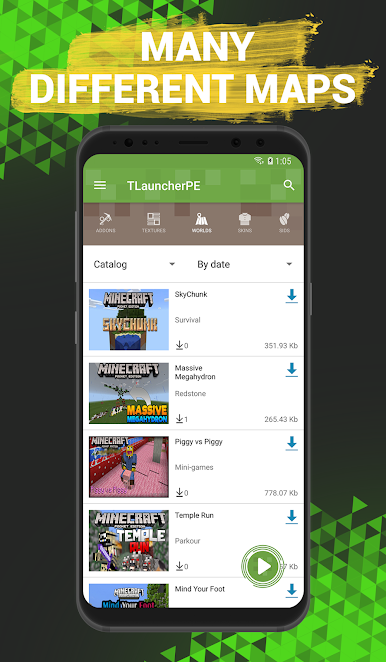
In addition, if you are tired of building, you can download ready-made maps, which may be both architectural constructions and survival maps.
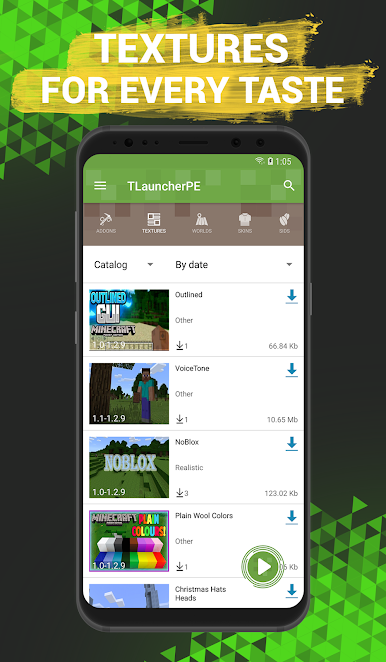
Textures can change the external component of the world. All blocks and objects will be drawn anew. Maybe you will even not be able to recognize your former world.
TLauncher with mods for Minecraft PE is constantly evolving: bugs are fixed and new functions are added. Therefore, we will be very glad to get your feedback describing the features you like or problems you face.
This is an unofficial application for Minecraft Pocket Edition. This application is not associated with the game developers, all the rights to the name belong to their owners.
Jouez à TLauncher PE for Minecraft sur PC. C'est facile de commencer.
-
Téléchargez et installez BlueStacks sur votre PC
-
Connectez-vous à Google pour accéder au Play Store ou faites-le plus tard
-
Recherchez TLauncher PE for Minecraft dans la barre de recherche dans le coin supérieur droit
-
Cliquez pour installer TLauncher PE for Minecraft à partir des résultats de la recherche
-
Connectez-vous à Google (si vous avez ignoré l'étape 2) pour installer TLauncher PE for Minecraft
-
Cliquez sur l'icône TLauncher PE for Minecraft sur l'écran d'accueil pour commencer à jouer

