


Live Audio Music Player Smart
Jouez sur PC avec BlueStacks - la plate-forme de jeu Android, approuvée par + 500M de joueurs.

Page Modifiée le: Aug 18, 2025
Play Live Audio Music Player Smart on PC
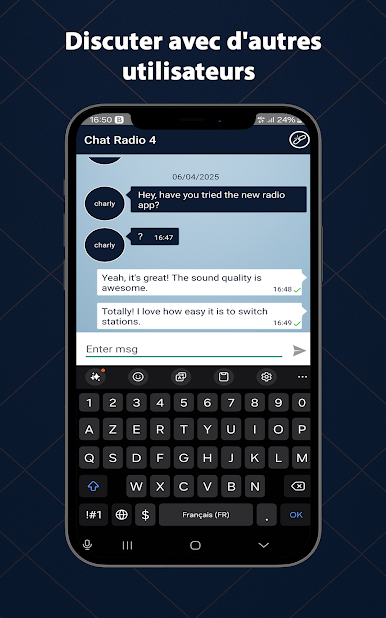
But that’s not all: chat live with listeners worldwide through a modern and intuitive interface.
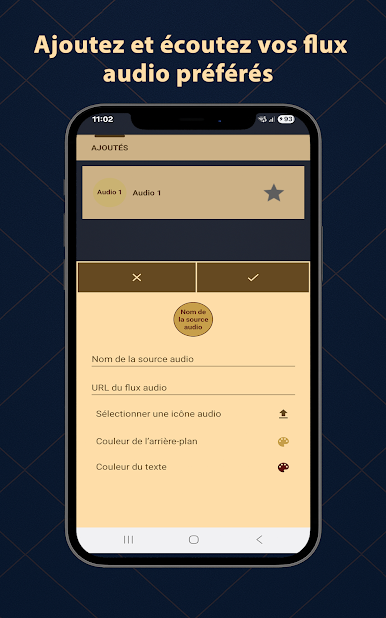
🚫 No built-in content
• No preloaded or copyrighted streams.
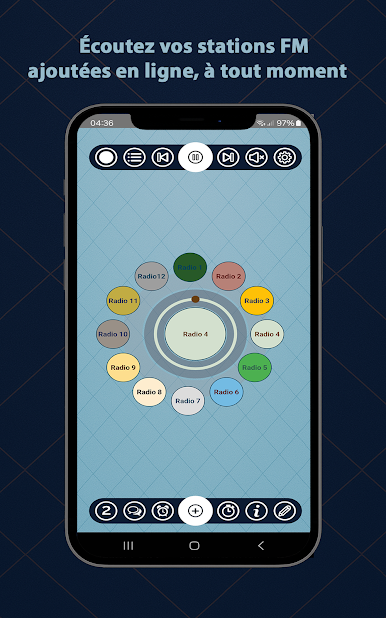
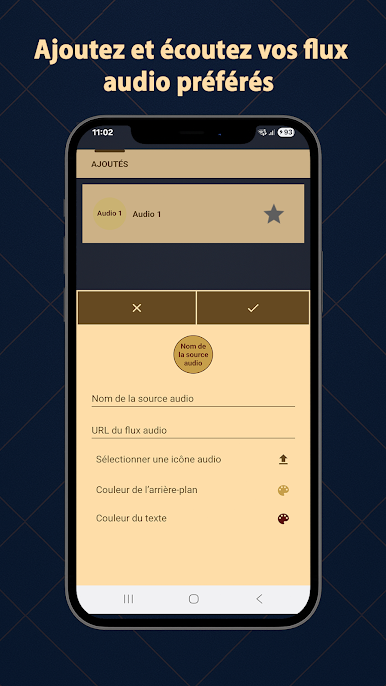
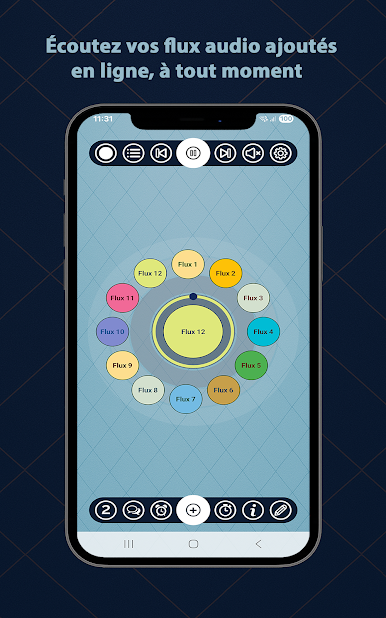
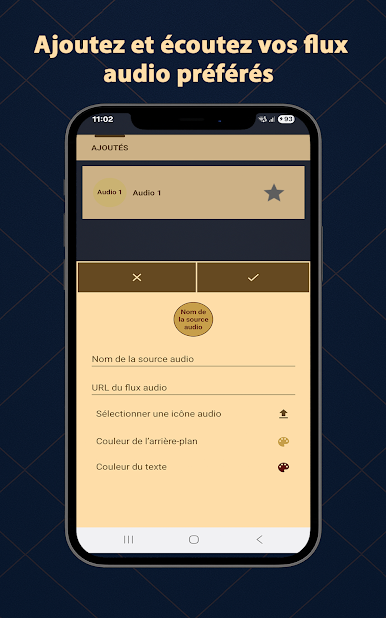
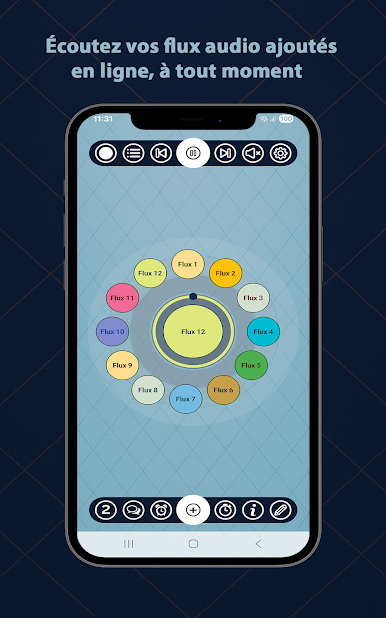
• Total freedom to add your own links (FM, web radio, stream, podcast…).
• Perfect for users who want a customizable and independent player.
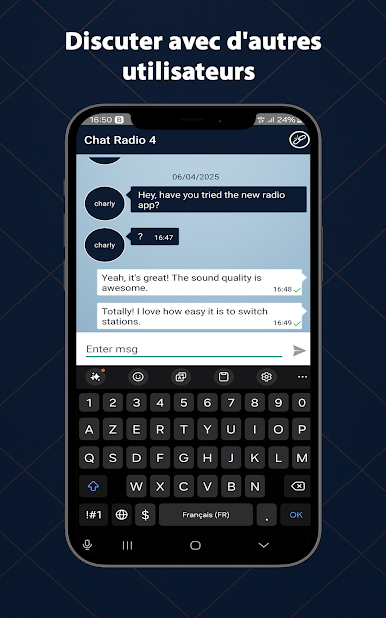
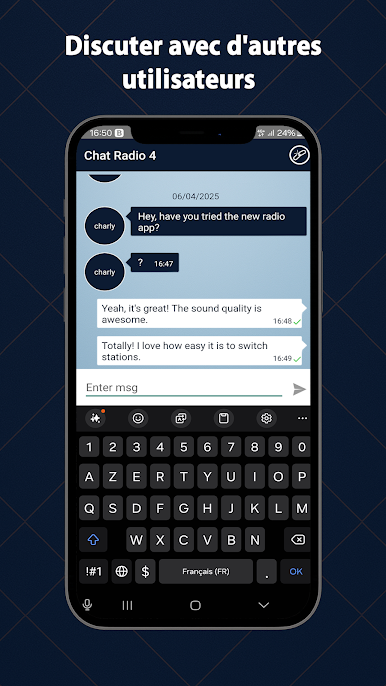
💬 Live Chat
• Talk in real time with other users.
• Share your impressions about the music or shows you’re enjoying.
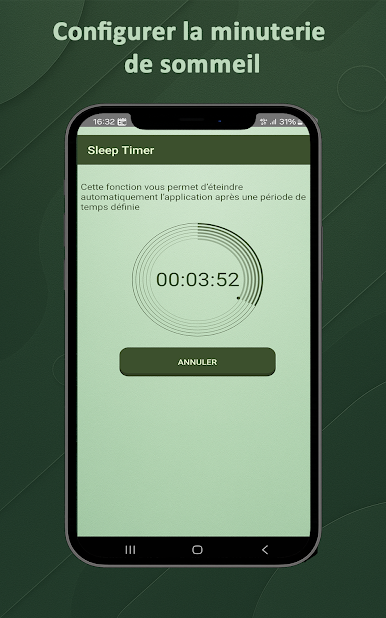
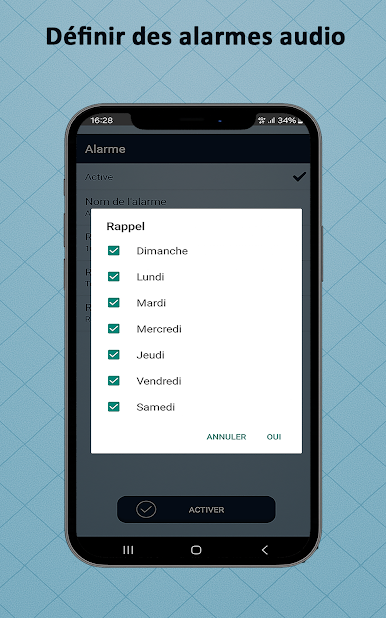
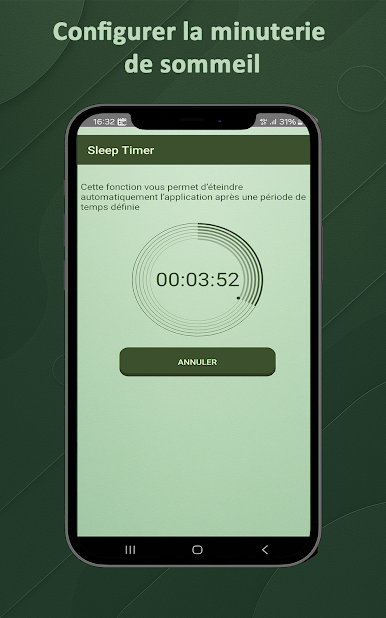
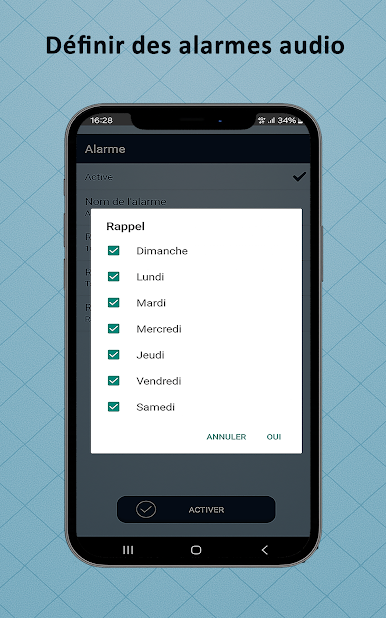
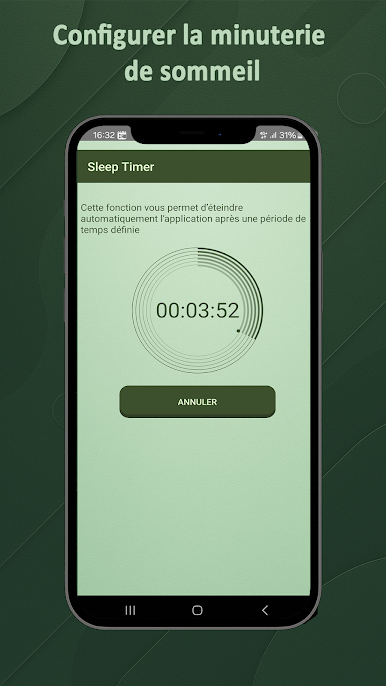
⏰ Alarm & Sleep Timer
• Wake up to your favorite stream.
• Auto-stop timer — ideal for falling asleep with music.
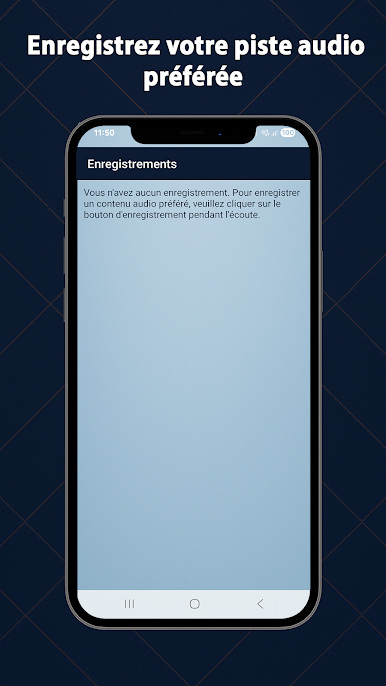
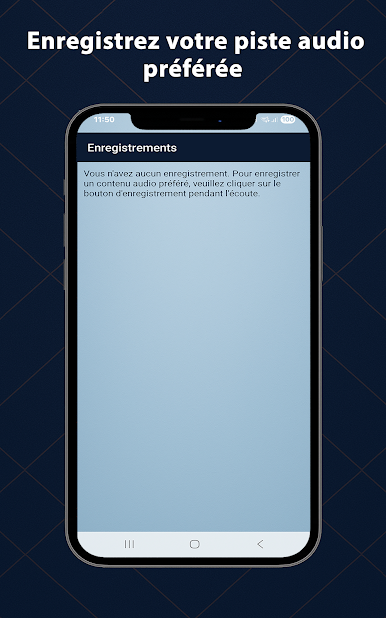
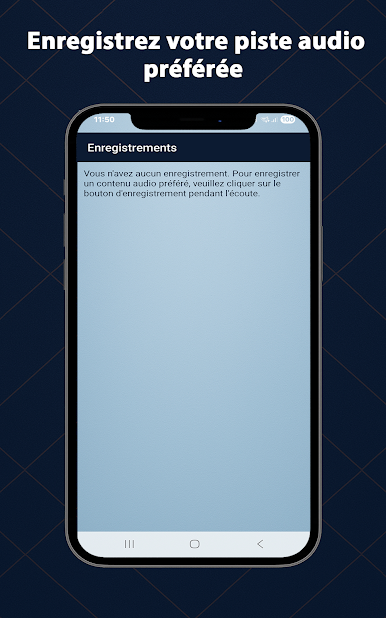
🔴 Recording feature
• Save your favorite extracts in one click.
• Access your recordings anytime, even offline.
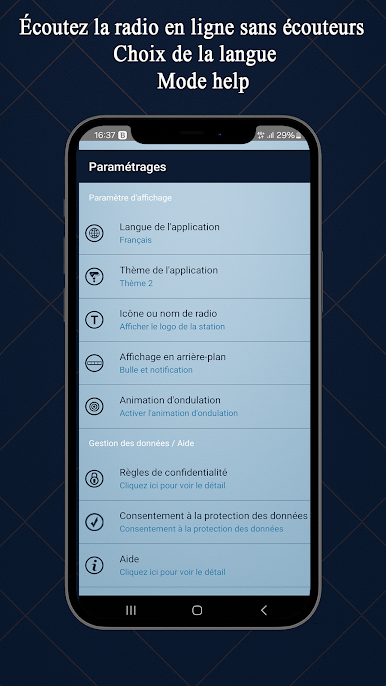
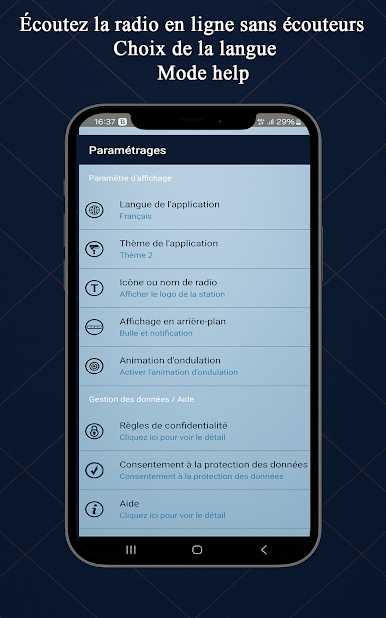
🎨 Advanced customization
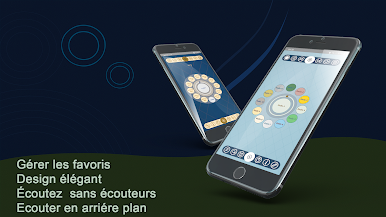
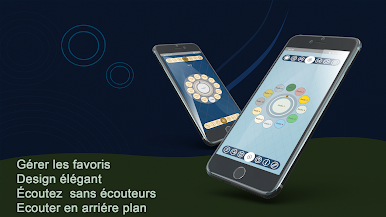
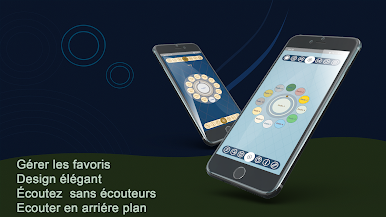
• Manage your favorites your way.
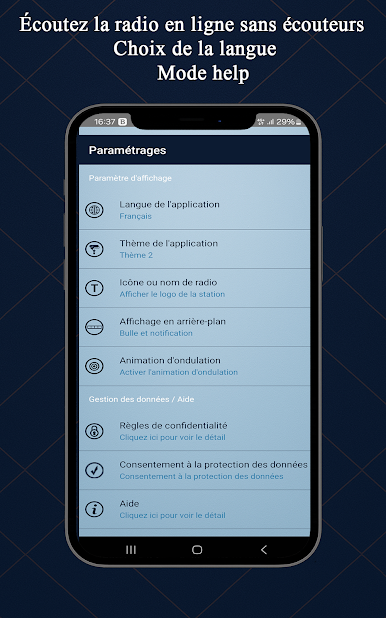
• Choose your language (EN, FR, AR, ES…).
• Modern interface with multiple visual themes.
❓ Why choose Live Audio Music Player Smart?
• 🆓 Free, with no surprises.
• 🔓 Full freedom: you decide what to play.
• 🔔 All-in-one: audio, alarm, recording, chat…
📲 Download Live Audio Music Player Smart now and enjoy a smart, personalized, and uncompromised audio experience.
Jouez à Live Audio Music Player Smart sur PC. C'est facile de commencer.
-
Téléchargez et installez BlueStacks sur votre PC
-
Connectez-vous à Google pour accéder au Play Store ou faites-le plus tard
-
Recherchez Live Audio Music Player Smart dans la barre de recherche dans le coin supérieur droit
-
Cliquez pour installer Live Audio Music Player Smart à partir des résultats de la recherche
-
Connectez-vous à Google (si vous avez ignoré l'étape 2) pour installer Live Audio Music Player Smart
-
Cliquez sur l'icône Live Audio Music Player Smart sur l'écran d'accueil pour commencer à jouer

