


Super Spatial: Play & Create!
เล่นบน PC ผ่าน BlueStacks - Android Gaming Platform ที่ได้รับความไว้วางใจจากเกมเมอร์ 500 ล้านคนทั่วโลก

Page Modified on: 15 ธ.ค. 2566
Play Super Spatial: Play & Create! on PC or Mac
Super Spatial: Play & Create is an adventure game developed by Dazzle Rocks. BlueStacks app player is the best platform to play this Android game on your PC or Mac for an immersive gaming experience.
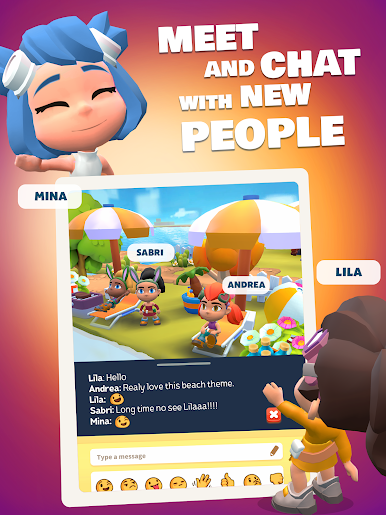
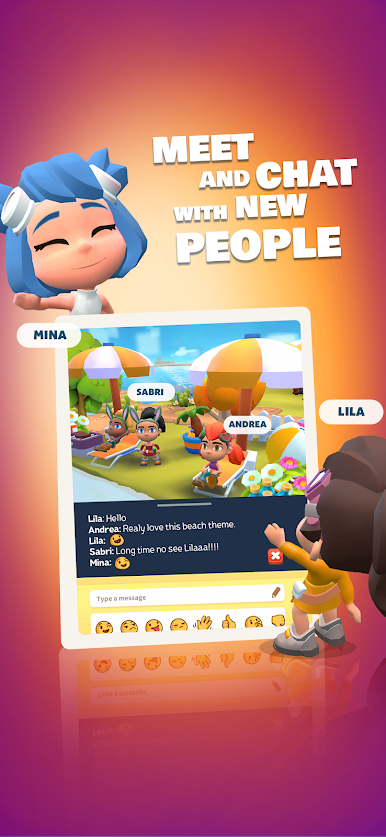
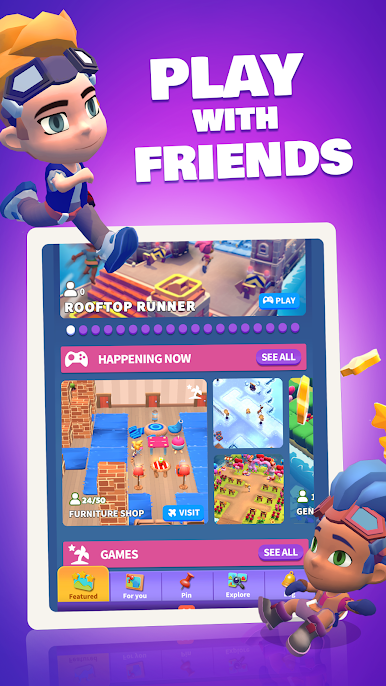
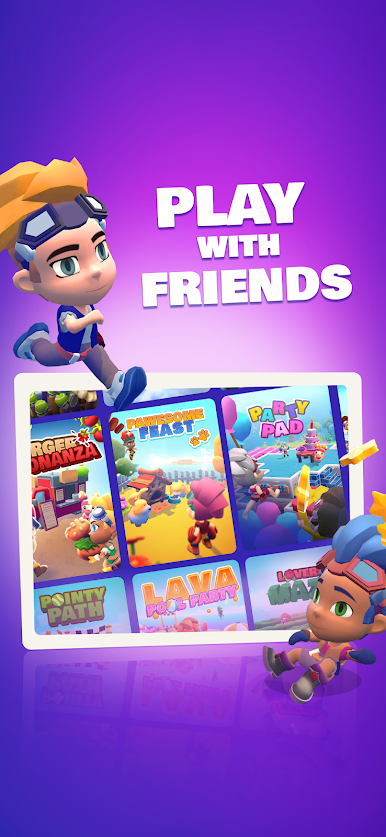
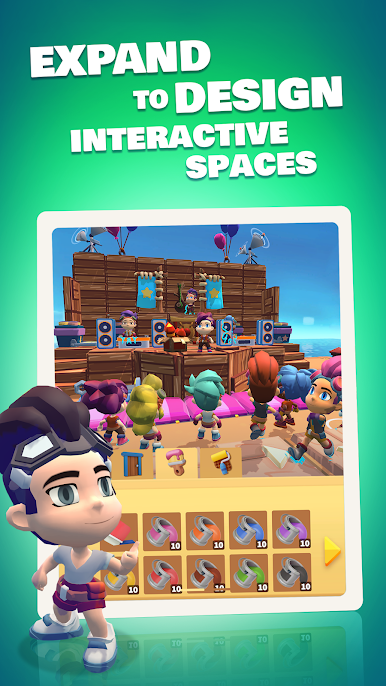
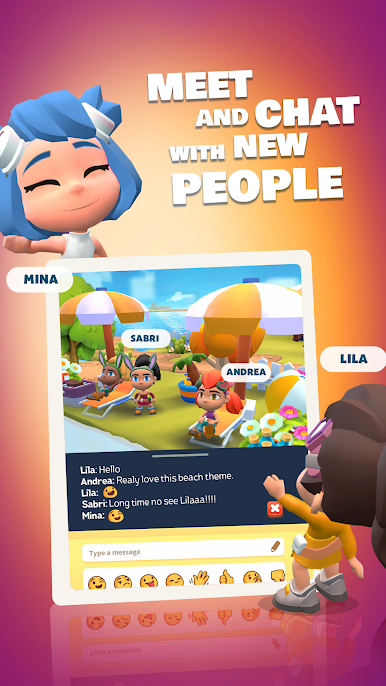
Enjoy a vibrant community of creators, influencers, and curious creatures! Set in a welcoming MMO paradise to create and share experiences in a user-generated virtual world.
With Super Spatial: Play & Create Games Together!
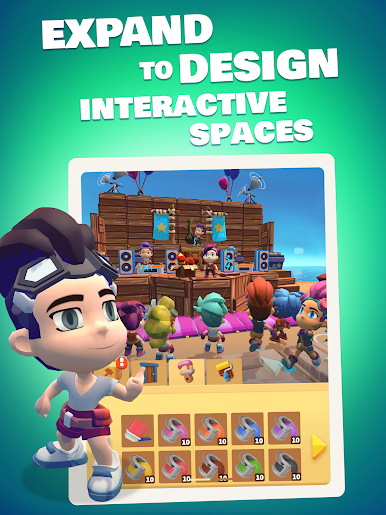
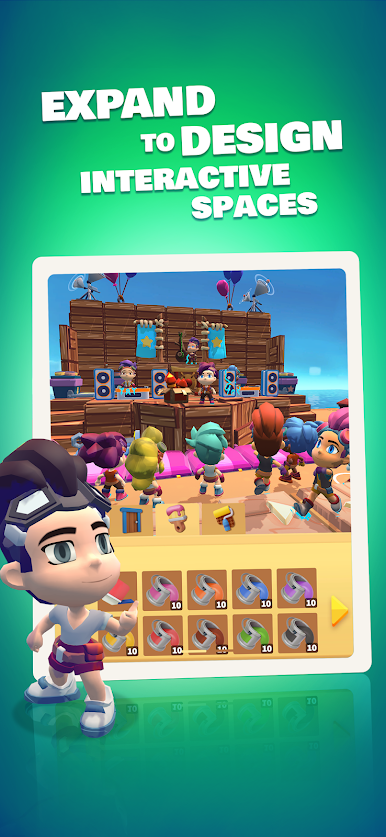
Super Spatial is an innovative and captivating Play & Create game that transports players into a boundless world of imagination and creativity. With its unique blend of gameplay elements, players are empowered to build and explore expansive virtual environments, limited only by their imagination.
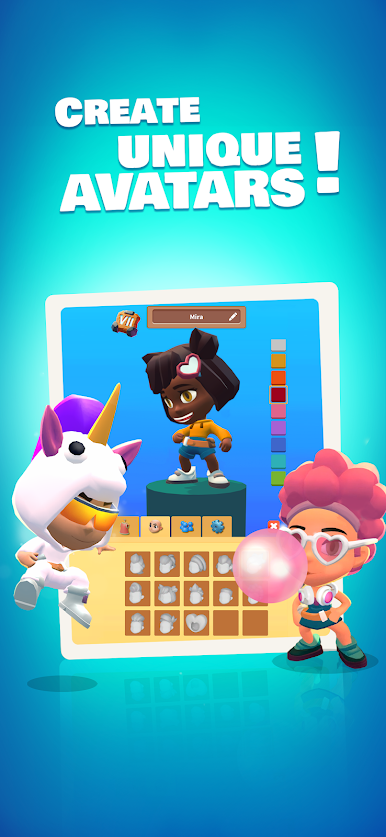
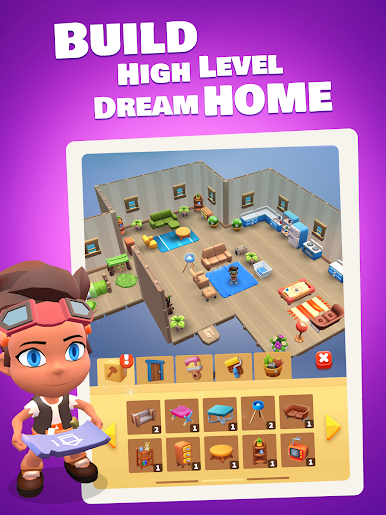
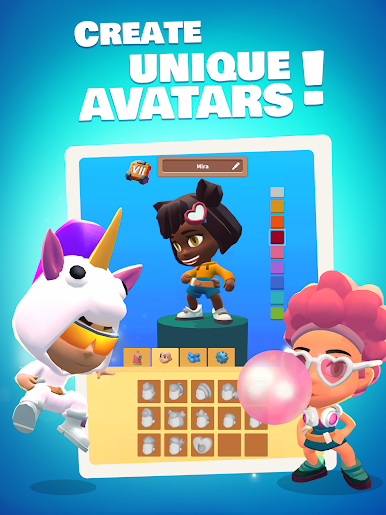
The Game offers a user-friendly interface, allowing players to design landscapes, construct structures, and customize characters effortlessly. Whether embarking on thrilling quests or engaging in collaborative multiplayer adventures, Super Spatial provides endless hours of immersive entertainment. With its seamless integration of play and creation, this Game unlocks the creative potential within every player, fostering a community of passionate gamers and digital artists.
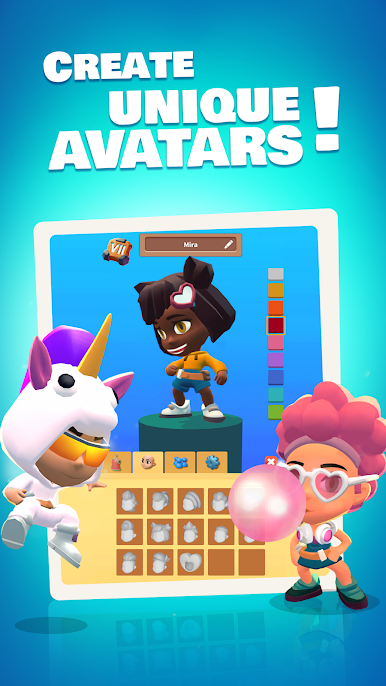
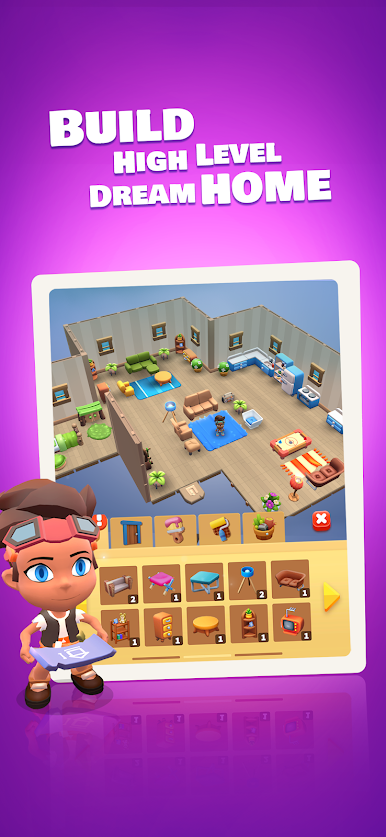
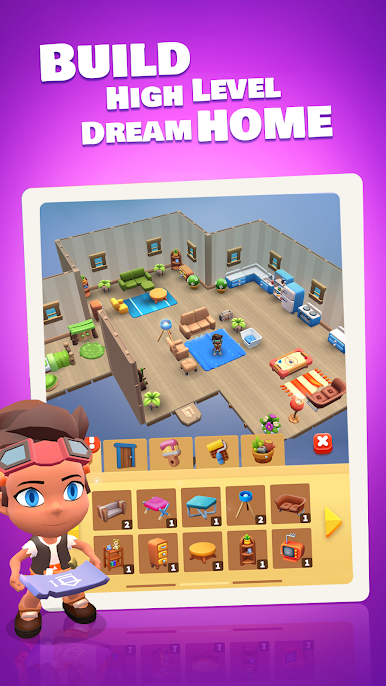
Build your dream home in a friendly neighborhood with other players worldwide. Show off your style with your cute, fully customizable character. Download Super Spatial: Play & Create Game now and play on PC with BlueStacks to experience the best Android word games on your computer.


เล่น Super Spatial: Play & Create! บน PC ได้ง่ายกว่า
-
ดาวน์โหลดและติดตั้ง BlueStacks บน PC ของคุณ
-
ลงชื่อเข้าใช้แอคเคาท์ Google เพื่อเข้าสู่ Play Store หรือทำในภายหลัง
-
ค้นหา Super Spatial: Play & Create! ในช่องค้นหาด้านขวาบนของโปรแกรม
-
คลิกเพื่อติดตั้ง Super Spatial: Play & Create! จากผลการค้นหา
-
ลงชื่อเข้าใช้บัญชี Google Account (หากยังไม่ได้ทำในขั้นที่ 2) เพื่อติดตั้ง Super Spatial: Play & Create!
-
คลิกที่ไอคอน Super Spatial: Play & Create! ในหน้าจอเพื่อเริ่มเล่น

