

RawBT inkless print service
เล่นบน PC ผ่าน BlueStacks - Android Gaming Platform ที่ได้รับความไว้วางใจจากเกมเมอร์ 500 ล้านคนทั่วโลก

Page Modified on: Apr 26, 2025
Run RawBT inkless print service on PC or Mac
What’s better than using RawBT inkless print service by 402D, TOO? Well, try it on a big screen, on your PC or Mac, with BlueStacks to see the difference.
About the App
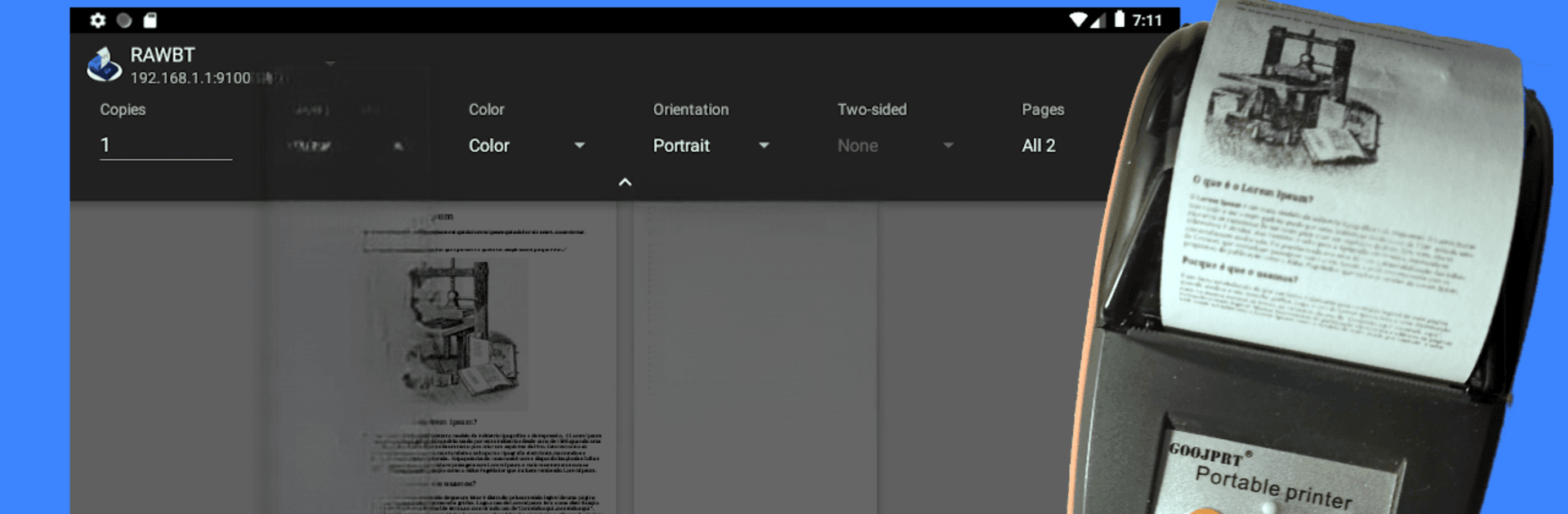
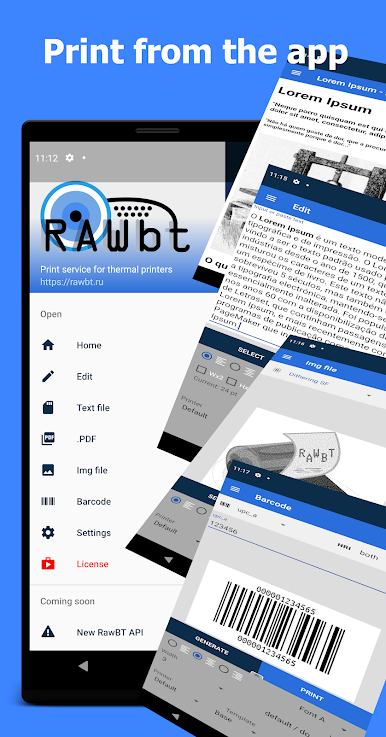
Need to print right from your phone, but don’t want to mess around with complicated setups? RawBT inkless print service from 402D, TOO makes it a breeze to send your documents, images, or notes to a portable thermal printer using Bluetooth, USB, or even WiFi. Whether you’re in a coffee shop or at your desk, this handy app in the Productivity genre gets your stuff out of your phone and onto paper with just a couple of taps.
App Features
-
Quick Printing from Anywhere
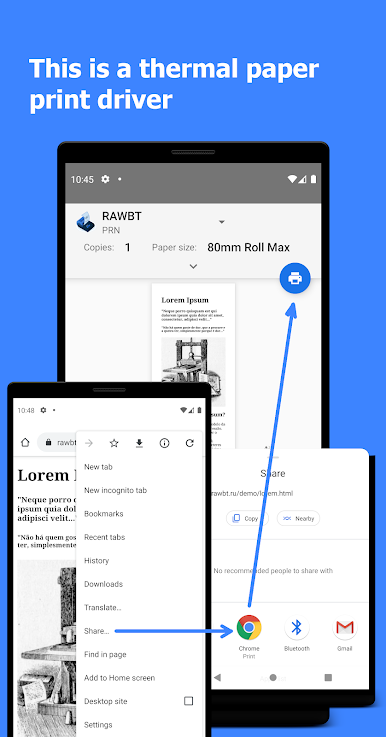
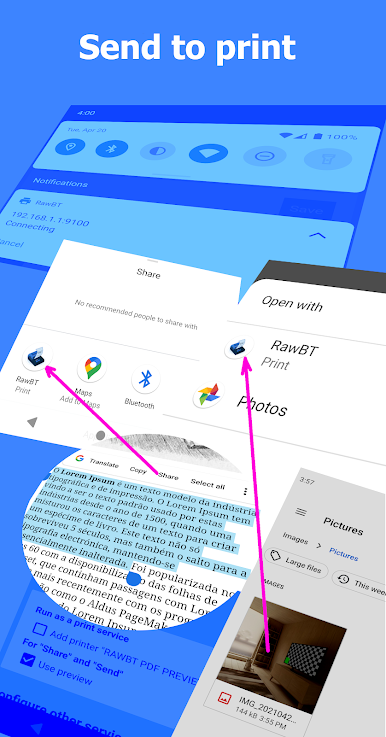
Find “print,” “share,” or “send” in your favorite apps—like your browser, gallery, email, or file manager—and with a tap, choose RawBT inkless print service to start printing right away. No need to jump through hoops. -
Flexible Connection Options
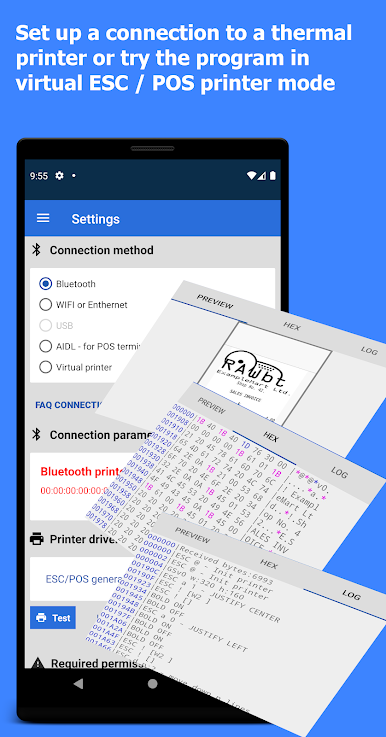
Got a Bluetooth printer? Great. Prefer USB or WiFi? That works too. RawBT covers Bluetooth, USB (if your device supports it), and even Ethernet/WiFi using AppSocket (port 9100), so you can use the tech you already have. -
Broad Printer Compatibility
Whether your thermal printer runs GS v 0 commands, is ESC * 33 compatible for Epson, or uses unique codes for Star models, RawBT’s got your back. You can even connect with popular photo mini-printers like Paperang and Peripage. -
Simple, No-Nonsense Graphics Printing
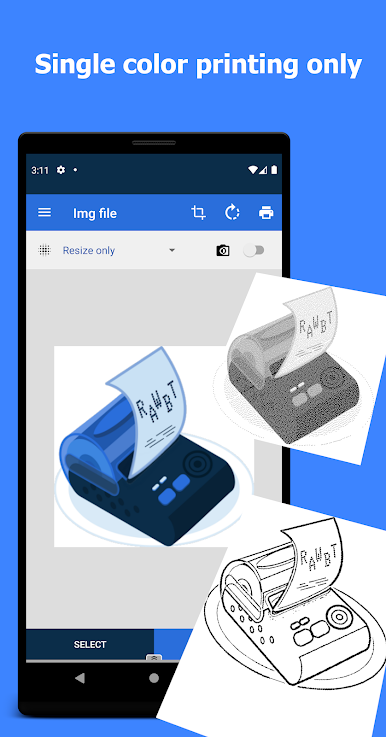
Instead of guessing your printer’s brand, just pick the right print command for your model, and you’re all set. Makes printing graphics and images a lot less mysterious. -
Consistent Output Across Versions
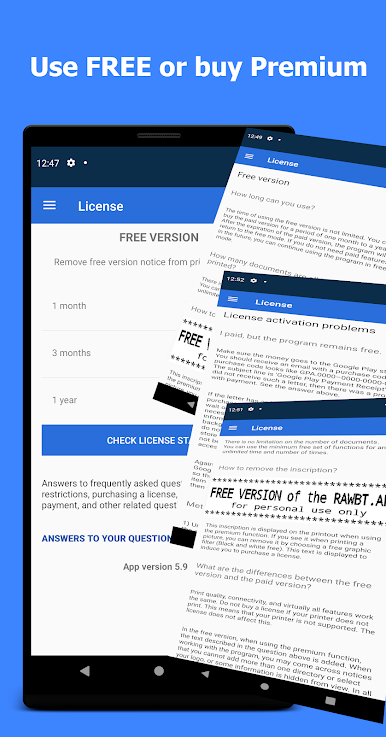
Both the free and the licensed versions deliver the same speed and print quality—the only real difference is that the free one adds a small notification to your printouts.
And if you ever run RawBT inkless print service through BlueStacks, using it on bigger screens gets even more comfortable—nice if you’re juggling lots of files or long receipts.
BlueStacks gives you the much-needed freedom to experience your favorite apps on a bigger screen. Get it now.

เล่น RawBT inkless print service บน PC ได้ง่ายกว่า
-
ดาวน์โหลดและติดตั้ง BlueStacks บน PC ของคุณ
-
ลงชื่อเข้าใช้แอคเคาท์ Google เพื่อเข้าสู่ Play Store หรือทำในภายหลัง
-
ค้นหา RawBT inkless print service ในช่องค้นหาด้านขวาบนของโปรแกรม
-
คลิกเพื่อติดตั้ง RawBT inkless print service จากผลการค้นหา
-
ลงชื่อเข้าใช้บัญชี Google Account (หากยังไม่ได้ทำในขั้นที่ 2) เพื่อติดตั้ง RawBT inkless print service
-
คลิกที่ไอคอน RawBT inkless print service ในหน้าจอเพื่อเริ่มเล่น

