


Sensor Test
เล่นบน PC ผ่าน BlueStacks - Android Gaming Platform ที่ได้รับความไว้วางใจจากเกมเมอร์ 500 ล้านคนทั่วโลก

Page Modified on: Oct 17, 2024
Run Sensor Test on PC or Mac
Get freedom from your phone’s obvious limitations. Use Sensor Test, made by Andrey Efremov, a Tools app on your PC or Mac with BlueStacks, and level up your experience.
About the App
Ever wonder what’s really going on inside your phone? Sensor Test, created by Andrey Efremov, gives you a real-time look at the hidden sensors powering your device. Whether you’re just curious or you tinker with custom software, this handy Tools app lays out absolutely everything your phone’s hardware can sense—making invisible data visible, right at your fingertips. Just open it up, and you’ll know exactly which sensors your device has, which ones are working, and even see live data streaming in.
App Features
-
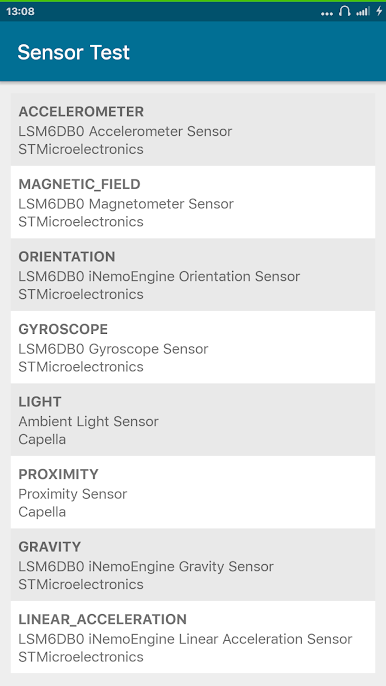
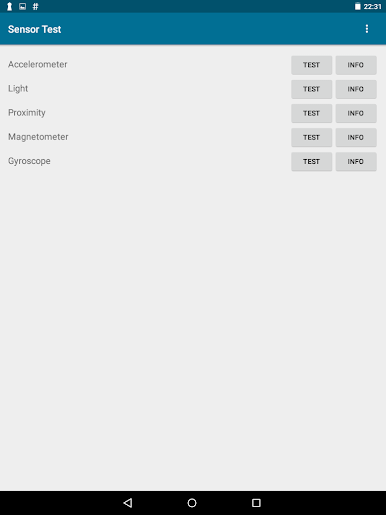
Sensor Check at a Glance
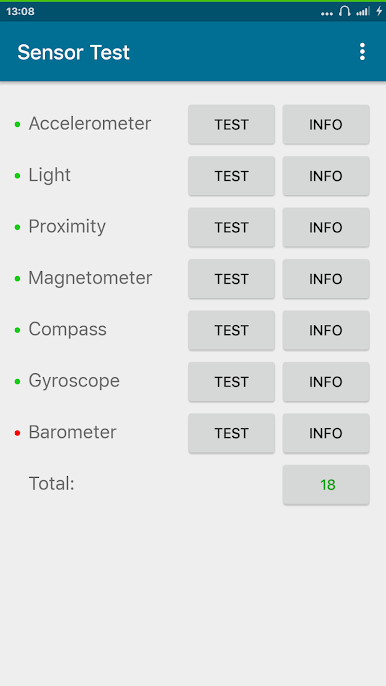
Instantly see which sensors your phone is equipped with. Green lights mean all systems go; red means your phone skips that sensor. -
Easy-to-Read Status and Details
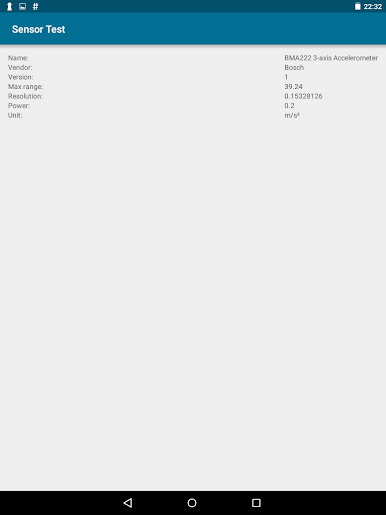
If a sensor’s not reporting any data, you’ll spot a “no data” tag—no guesswork needed. You can tap for a full list and see everything your device supports. -
Interactive Graphs
Watch real-time graphs for each sensor, so you can see things like acceleration, light levels, or even atmospheric pressure change as you move your phone. -
Hands-On Sensor Tests
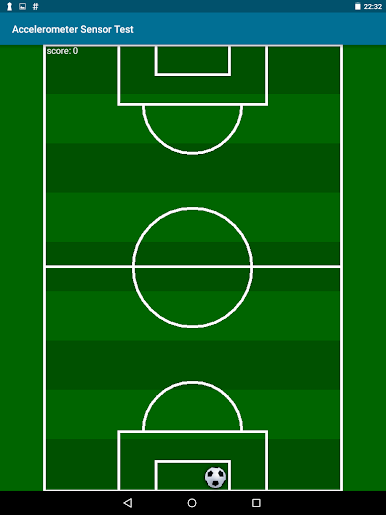
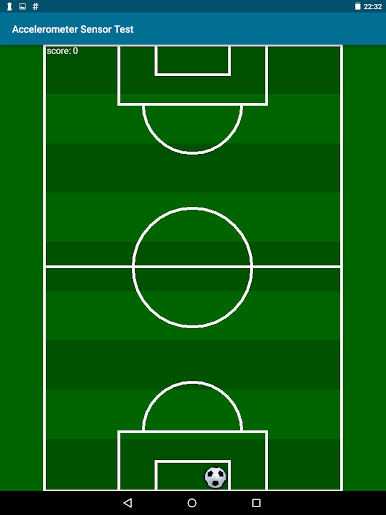
Try out fun tests: tilt your phone and watch a ball roll, block a sensor to see what happens, or move near a metal object and watch magnetic readings jump. -
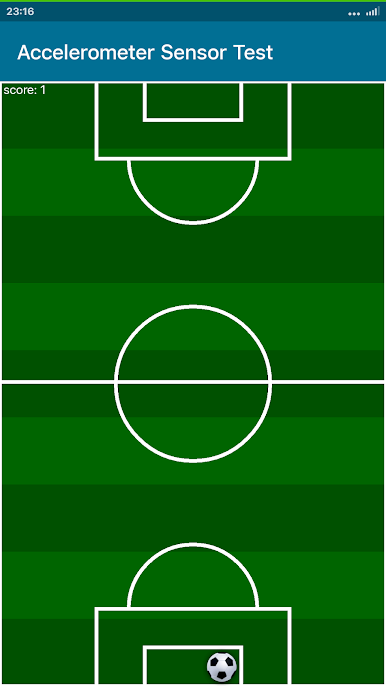
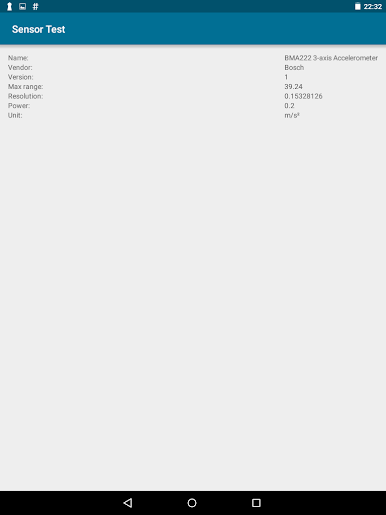
Accelerometer Insights
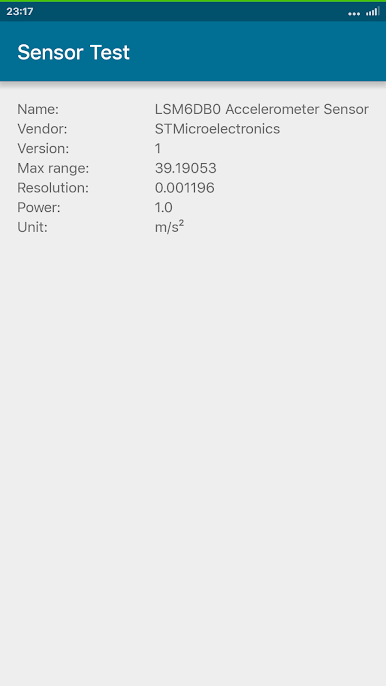
Tracks movement along three axes. You’ll see live numbers and can try simple tests—like moving a digital ball by tilting your device. -
Light Sensor Readings
Monitor how bright your environment is, with values in lux. Take your phone from a bright room to a dark space and watch the numbers shift. -
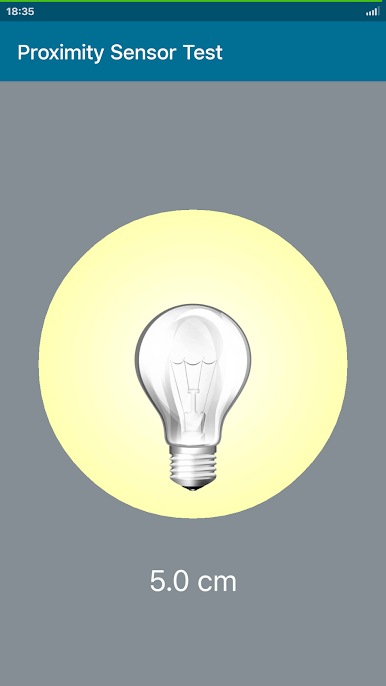
Proximity Sensor Demo
Find out if your phone senses when something’s close—handy for seeing how your screen switches off during calls. -
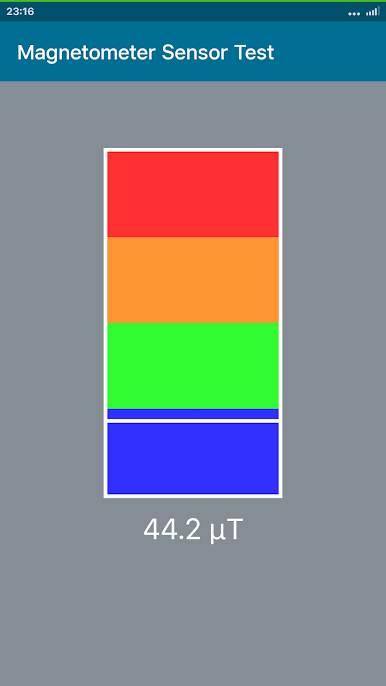
Magnetometer Measurements
Displays magnetic field strengths. Bring your phone near a fridge magnet and see the needle twitch. -
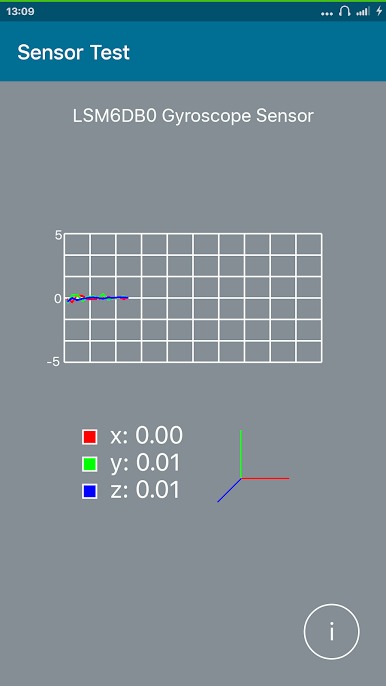
Gyroscope Data
Get speed-of-rotation info on three axes. Pan or spin your phone to watch the activity in real time—particularly cool if you’re into multimedia apps. -
Barometer (Pressure Sensor)
If your device has one, you can track air pressure changes—great for weather buffs or anyone who likes a little data with their day. -
Developer Friendly
A useful resource for anyone building or tweaking custom kernels—having all sensor info in one place just makes life easier.
Sensor Test’s easy-to-read interface and real-time charts work perfectly whether you’re poking around on your phone or using BlueStacks for a bigger-screen experience.
Ready to experience Sensor Test on a bigger screen, in all its glory? Download BlueStacks now.
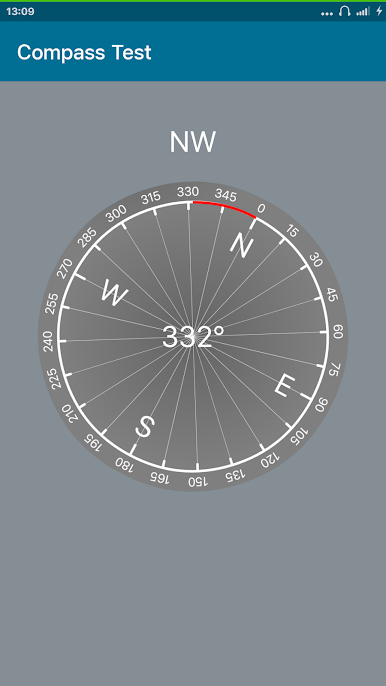

เล่น Sensor Test บน PC ได้ง่ายกว่า
-
ดาวน์โหลดและติดตั้ง BlueStacks บน PC ของคุณ
-
ลงชื่อเข้าใช้แอคเคาท์ Google เพื่อเข้าสู่ Play Store หรือทำในภายหลัง
-
ค้นหา Sensor Test ในช่องค้นหาด้านขวาบนของโปรแกรม
-
คลิกเพื่อติดตั้ง Sensor Test จากผลการค้นหา
-
ลงชื่อเข้าใช้บัญชี Google Account (หากยังไม่ได้ทำในขั้นที่ 2) เพื่อติดตั้ง Sensor Test
-
คลิกที่ไอคอน Sensor Test ในหน้าจอเพื่อเริ่มเล่น

