


Learn Italian with flashcards!
Jouez sur PC avec BlueStacks - la plate-forme de jeu Android, approuvée par + 500M de joueurs.

Page Modifiée le: Dec 1, 2025
Run Italian with ReWord. Learn Italian words on PC or Mac
Get freedom from your phone’s obvious limitations. Use Italian with ReWord. Learn Italian words, made by POAS, a Education app on your PC or Mac with BlueStacks, and level up your experience.
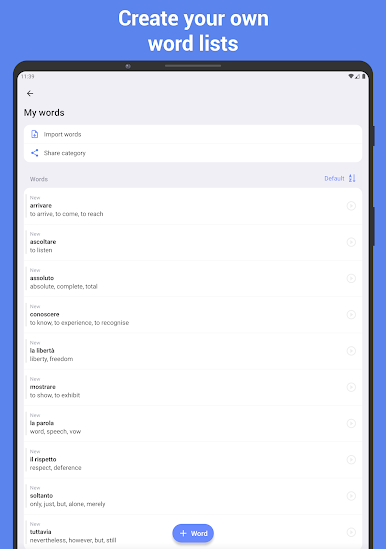
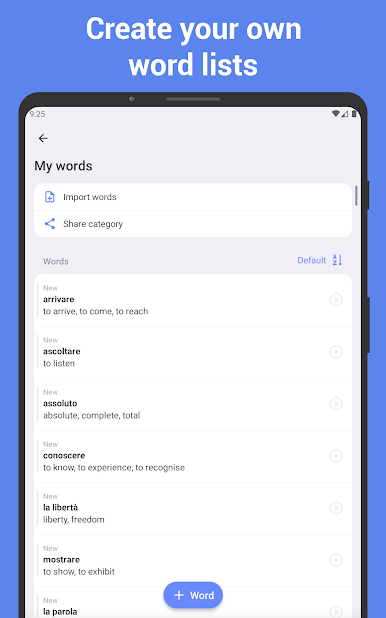
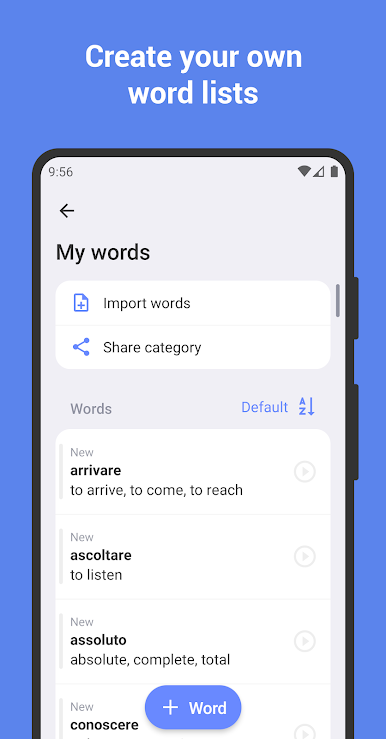
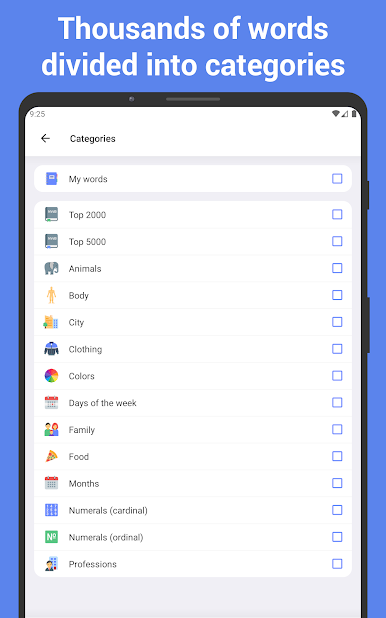
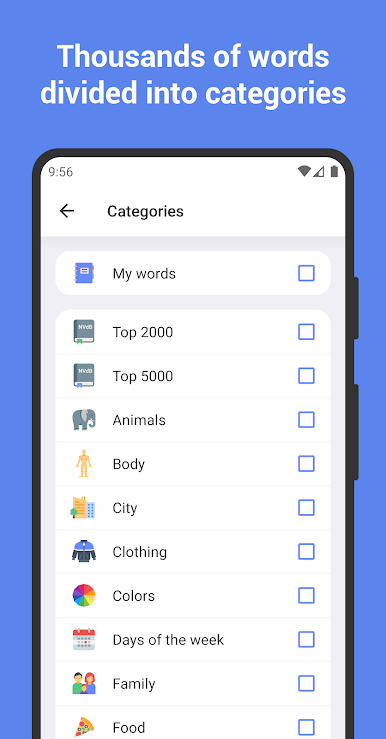
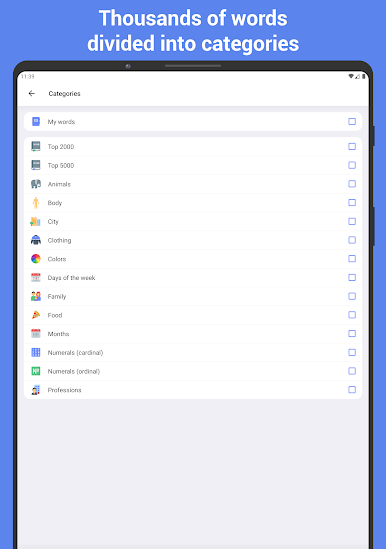
So, this app is basically for anyone wanting to build up their Italian vocab a little bit at a time, without feeling overwhelmed. There are loads of Italian words and phrases neatly sorted into different categories, so it’s easy to pick topics that actually matter instead of random stuff you’ll never use. What’s pretty handy—if there’s a word or phrase not already there, it lets users add their own or even make a whole new category. That way, if someone’s got a trip coming up or is just trying to nail certain everyday phrases, it’s all customizable.
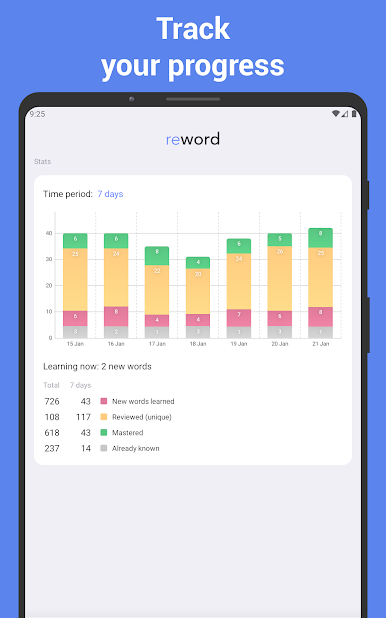
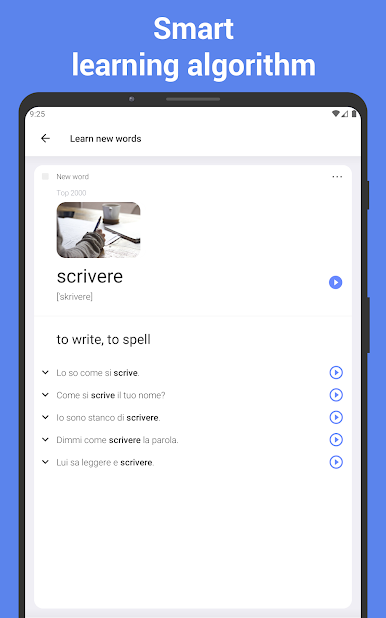
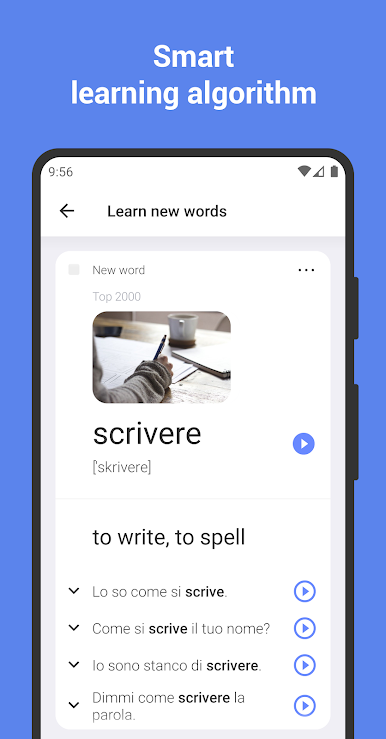
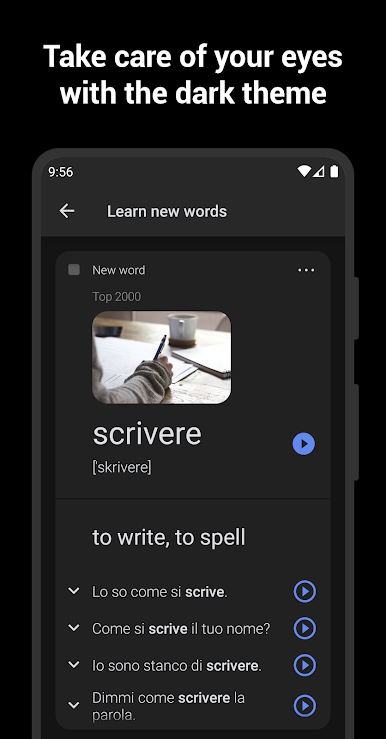
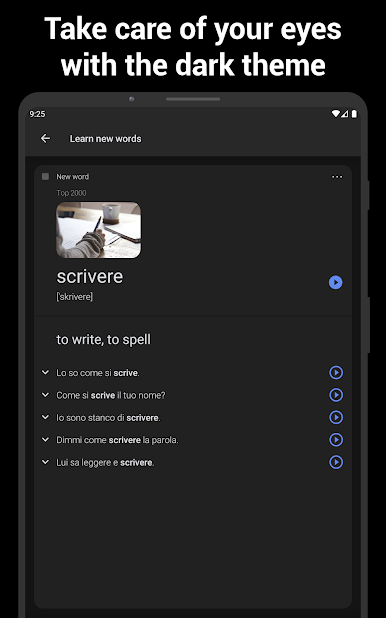
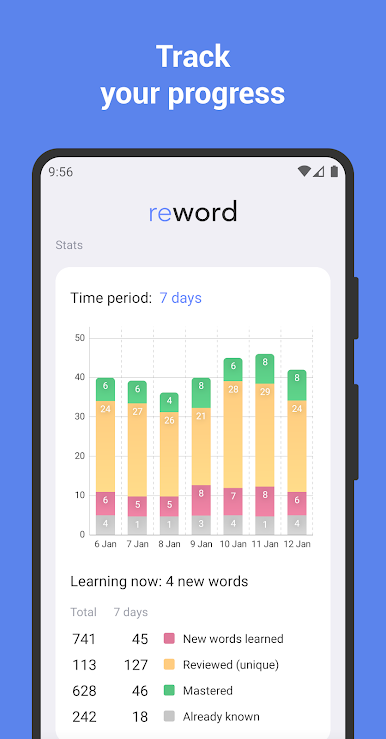
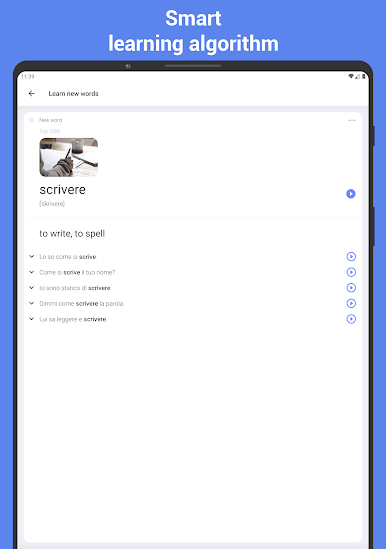
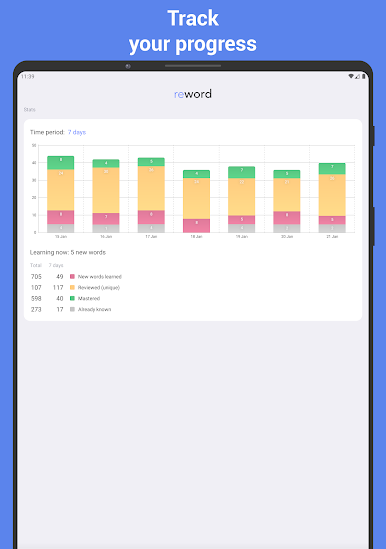
The learning part isn’t just about staring at word lists, either. There are two modes: one for learning new stuff, and another for repeating so things stick. This setup follows that Ebbinghaus learning curve idea, so it kind of pushes people to review at the right times instead of forgetting everything day after. They can also see stats that track how much they’ve learned—over a week, a few months, or longer—so it gives a bit of progress to look at. The interface itself is super simple, no clutter, and there are hints for getting started, so it doesn’t get confusing right away. Offline mode is a thing too, so if someone’s using BlueStacks on a PC or is somewhere without WiFi, it still works. The app keeps it manageable—just a few words every day, and suddenly the vocab really starts adding up.
Big screen. Bigger performance. Use BlueStacks on your PC or Mac to run your favorite apps.
Jouez à Learn Italian with flashcards! sur PC. C'est facile de commencer.
-
Téléchargez et installez BlueStacks sur votre PC
-
Connectez-vous à Google pour accéder au Play Store ou faites-le plus tard
-
Recherchez Learn Italian with flashcards! dans la barre de recherche dans le coin supérieur droit
-
Cliquez pour installer Learn Italian with flashcards! à partir des résultats de la recherche
-
Connectez-vous à Google (si vous avez ignoré l'étape 2) pour installer Learn Italian with flashcards!
-
Cliquez sur l'icône Learn Italian with flashcards! sur l'écran d'accueil pour commencer à jouer

