


Capsule - Podcast & Radio App
เล่นบน PC ผ่าน BlueStacks - Android Gaming Platform ที่ได้รับความไว้วางใจจากเกมเมอร์ 500 ล้านคนทั่วโลก

Page Modified on: Dec 3, 2025
Play Capsule - Podcast & Radio App on PC
- Tiny app size! Only 2-4MB: Don't let your podcast app use up space for the more important things on your phone like photos and videos 🐣
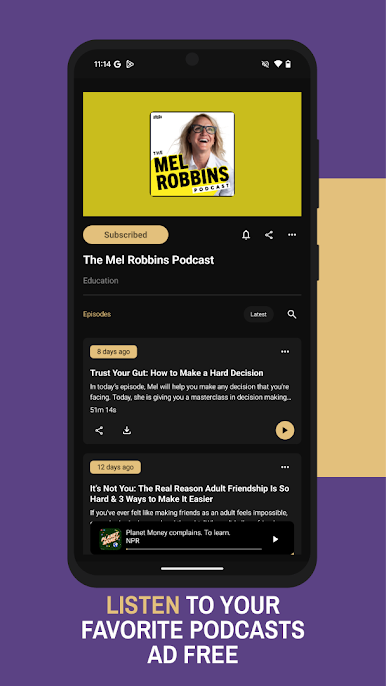
- No advertising banners, that's right! zero.
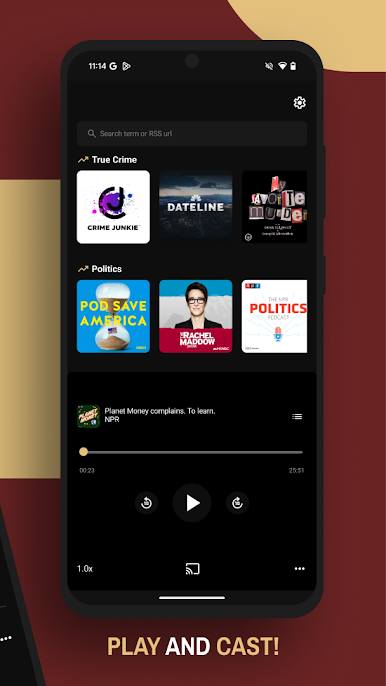
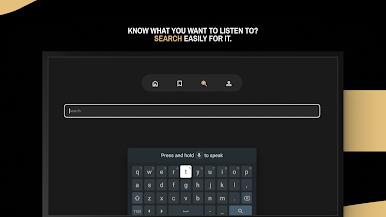
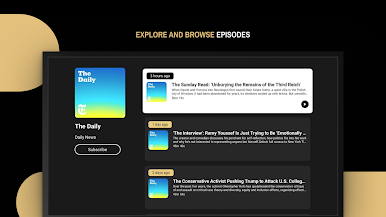
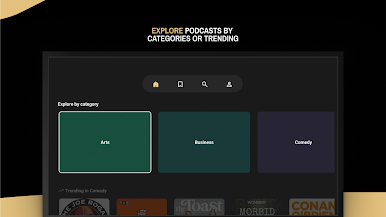
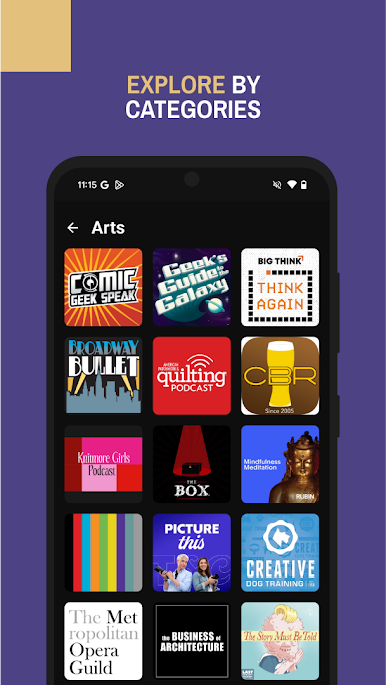
- Discovery: See the latest trending podcasts, browse categories or use search to search over 525,000 active shows and over 18.5 million episodes 🔍
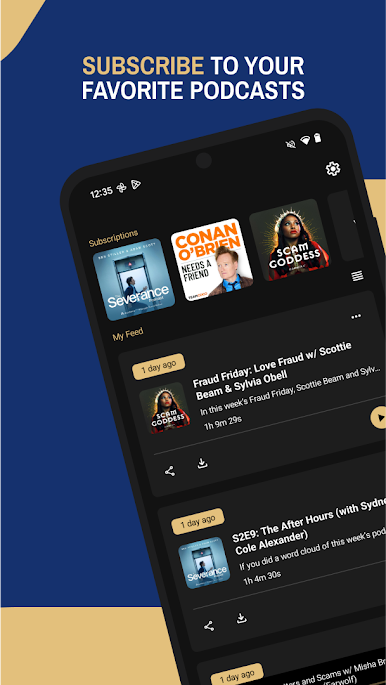
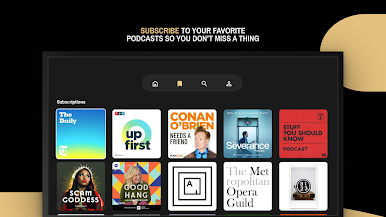
- Subscribe: Subscribe to your favorite podcasts to never miss an episode 📻
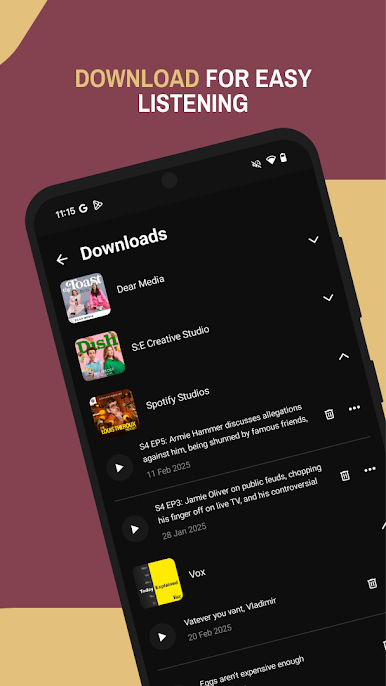
- Download: Download podcast episodes to listen later when you might not have a connection. You're in control, only download what you want, no more eating into your storage without you knowing. 💾
- Radio: Listen to local and worldwide radio stations.
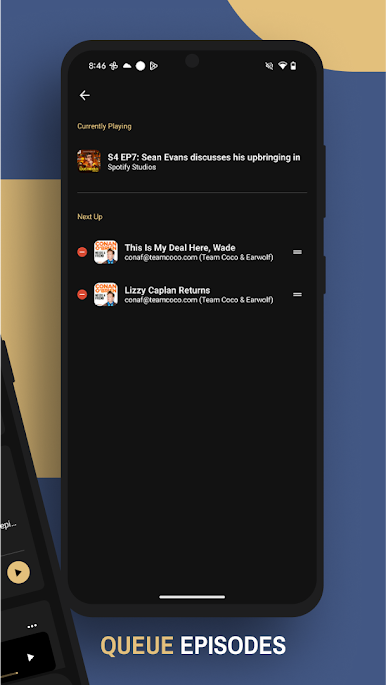
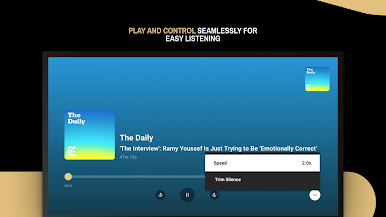
- Listen: Keep track of in-progress episodes and jump right back in with an easy "In Progress" section 🎧
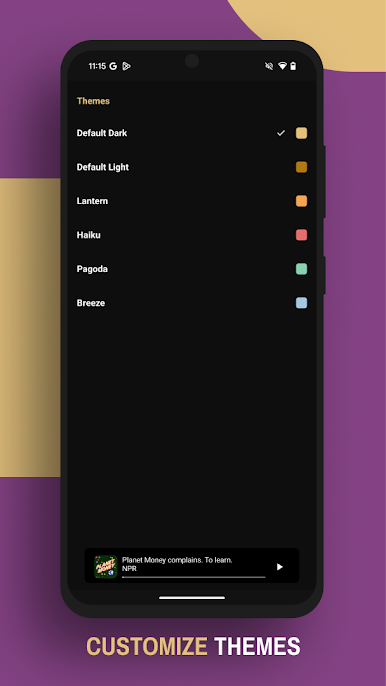
- Customise: Make it your own, change the theme in settings. 👔
We've got loads more to come, help us shape the future of the app or report issues by emailing us goodeggs@protonmail.com
Developed with ❤️ by Dai & Uyen
Reddit: https://www.reddit.com/r/CapsuleApp/
Twitter: https://twitter.com/capsule_fm
Instagram: https://www.instagram.com/capsulefm.io/

เล่น Capsule - Podcast & Radio App บน PC ได้ง่ายกว่า
-
ดาวน์โหลดและติดตั้ง BlueStacks บน PC ของคุณ
-
ลงชื่อเข้าใช้แอคเคาท์ Google เพื่อเข้าสู่ Play Store หรือทำในภายหลัง
-
ค้นหา Capsule - Podcast & Radio App ในช่องค้นหาด้านขวาบนของโปรแกรม
-
คลิกเพื่อติดตั้ง Capsule - Podcast & Radio App จากผลการค้นหา
-
ลงชื่อเข้าใช้บัญชี Google Account (หากยังไม่ได้ทำในขั้นที่ 2) เพื่อติดตั้ง Capsule - Podcast & Radio App
-
คลิกที่ไอคอน Capsule - Podcast & Radio App ในหน้าจอเพื่อเริ่มเล่น

