


La note (L'AQUARELLE)
Jouez sur PC avec BlueStacks - la plate-forme de jeu Android, approuvée par + 500M de joueurs.

Page Modifiée le: Jul 9, 2025
Play Sticky Memo *Watercolor* on PC
Please tab HERE to view the details of our new app 'Memo Cats and Dogs'
Please tab HERE to view the details of our new app 'Memo Seasons'
** There is FREE version for this app!
https://play.google.com/store/apps/details?id=tc.engsoft.memowatercolor_lite
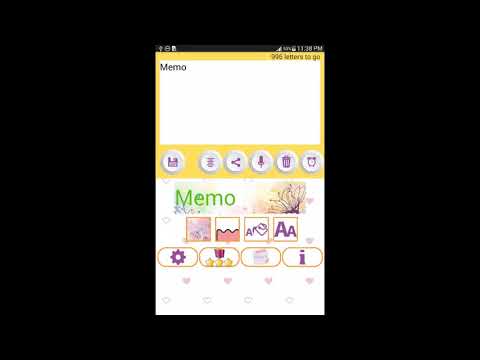
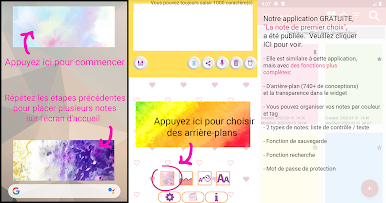
Sticky Notes widget of different sizes and designs for your android home screen!
[Features]
- Write notes with your voice without typing (of course, you can input by typing)
- Alarm
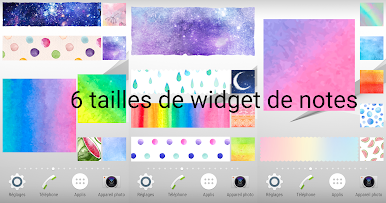
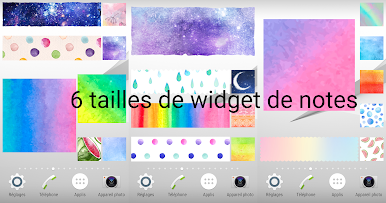
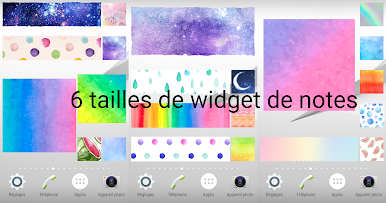
- 6 memo sizes
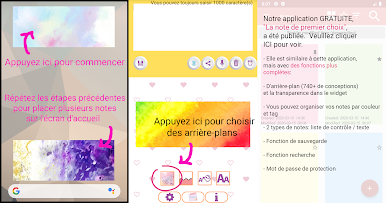
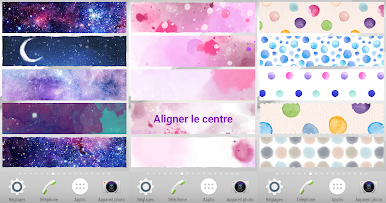
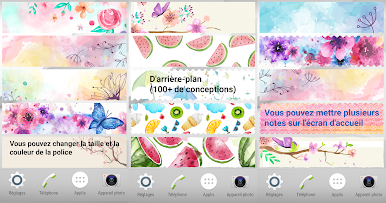
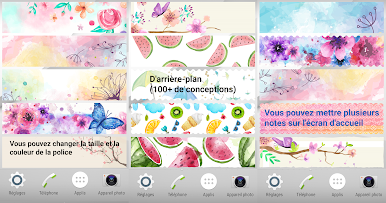
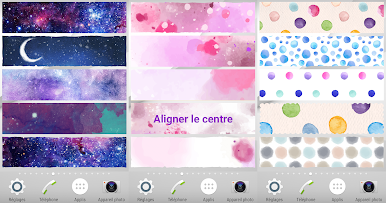
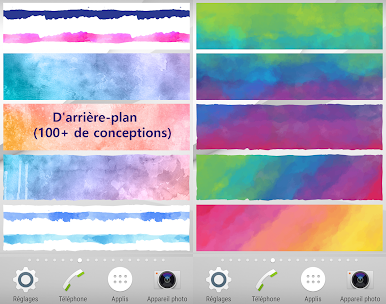
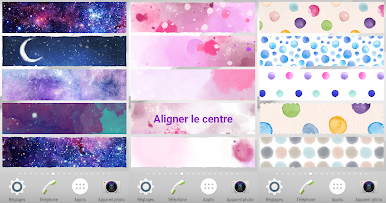
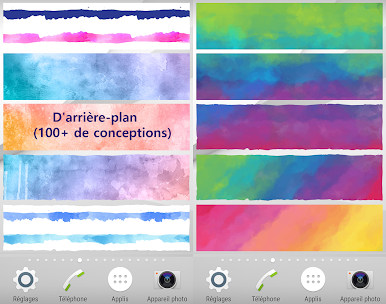
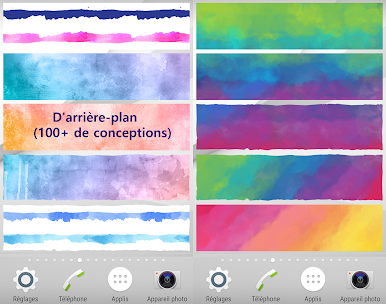
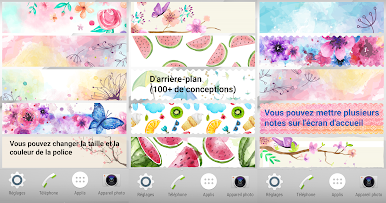
- More than 100 beautiful background images
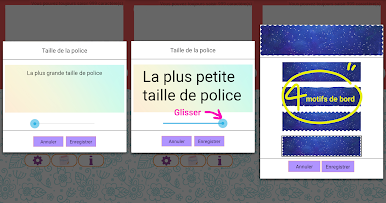
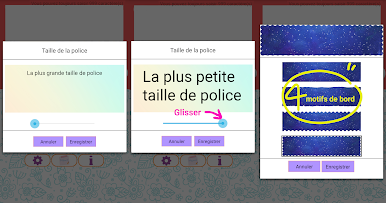
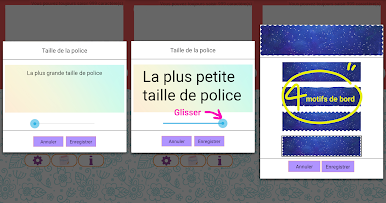
- 4 kinds of edge designs
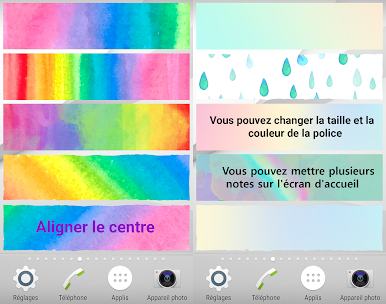
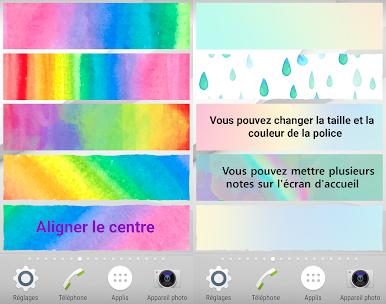
- Different font sizes and colors
- Center alignment function
- 1 tap to share your notes
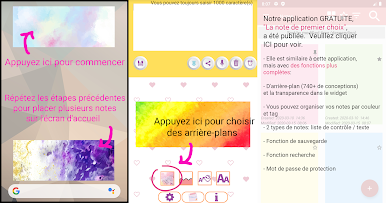
- Multiple notes can be stuck on home screen
- Language support: English, Chinese, Japanese, French and Korean
** No advertisements! **
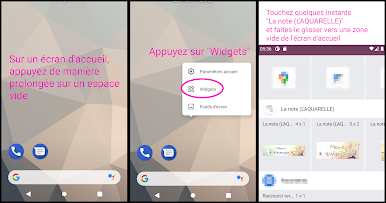
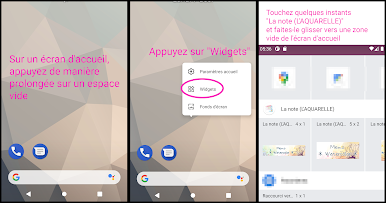
[How to add this Sticky Notes widget to your Home screen]
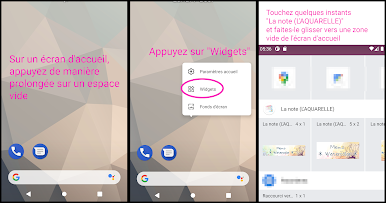
1. Touch and hold any empty space on a Home screen.
2. Touch Widgets.
3. Touch and hold the widget "Memo Watercolor". You'll see images of each Home screen.
4. Slide the widget to a Home screen image, then lift your finger.
- The display of memo may differ among devices.
- Not compatible with some Oppo phone models.
Some graphics are designed by Freepik (www.freepik.com).
Jouez à La note (L'AQUARELLE) sur PC. C'est facile de commencer.
-
Téléchargez et installez BlueStacks sur votre PC
-
Connectez-vous à Google pour accéder au Play Store ou faites-le plus tard
-
Recherchez La note (L'AQUARELLE) dans la barre de recherche dans le coin supérieur droit
-
Cliquez pour installer La note (L'AQUARELLE) à partir des résultats de la recherche
-
Connectez-vous à Google (si vous avez ignoré l'étape 2) pour installer La note (L'AQUARELLE)
-
Cliquez sur l'icône La note (L'AQUARELLE) sur l'écran d'accueil pour commencer à jouer

