

澳門收音機、澳門電台
เล่นบน PC ผ่าน BlueStacks - Android Gaming Platform ที่ได้รับความไว้วางใจจากเกมเมอร์ 500 ล้านคนทั่วโลก

Page Modified on: Dec 28, 2024
Run Macau Radio, Macau Tuner on PC or Mac
Let BlueStacks turn your PC, Mac, or laptop into the perfect home for Macau Radio, Macau Tuner, a fun Music & Audio app from OFF Tech.
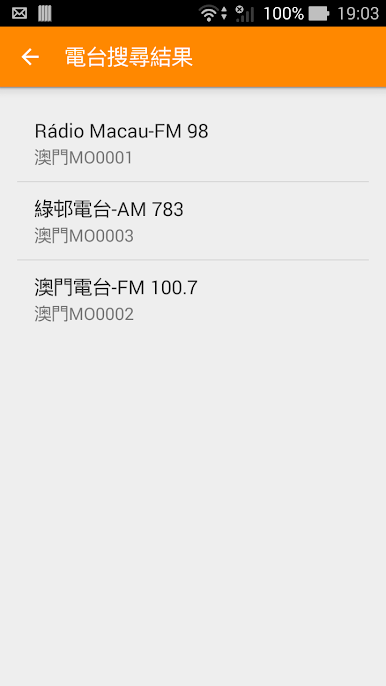
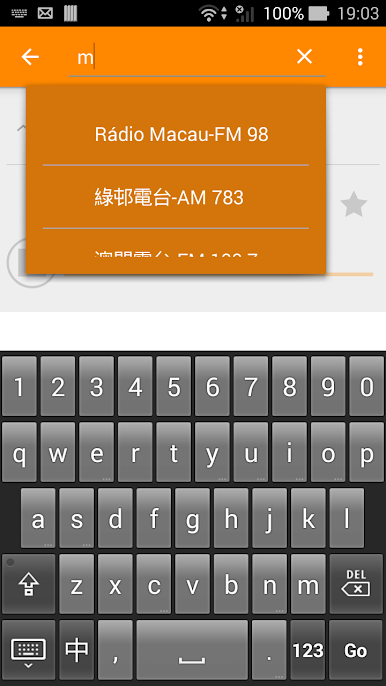
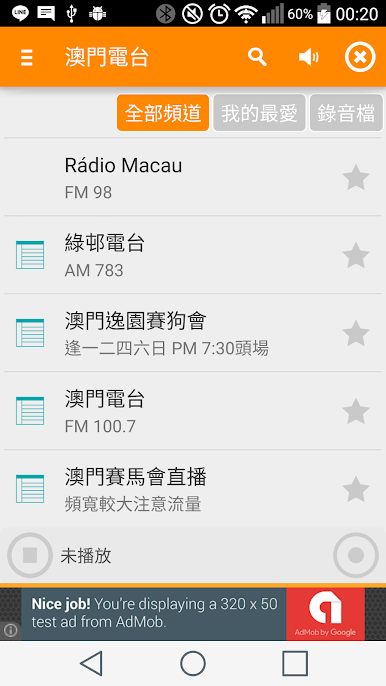
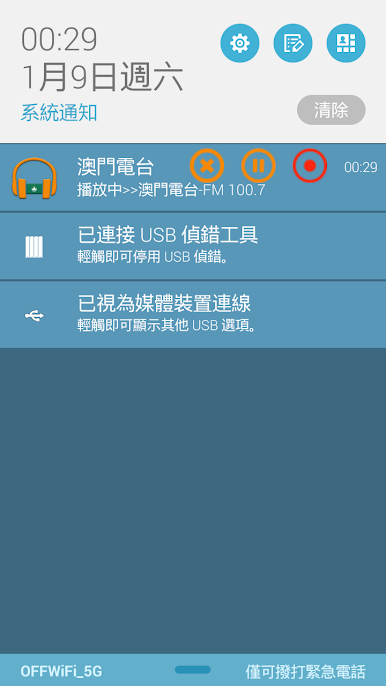
Macau Radio, Macau Tuner is one of those no-nonsense internet radio apps that just does what it says. It lines up Macau stations in a clean list, lets a user mark favorites, and starts playing fast without a lot of buttons to learn. The interface is simple and a bit old school in a good way, so switching between channels or popping back into the player from the notification is quick. It keeps streaming in the background, even if the screen goes off, and there is a sleep timer that can shut things down after a set time. Calls pause the audio and it comes back after. If headphones get unplugged, it stops so there are no surprise blasts from the speakers.
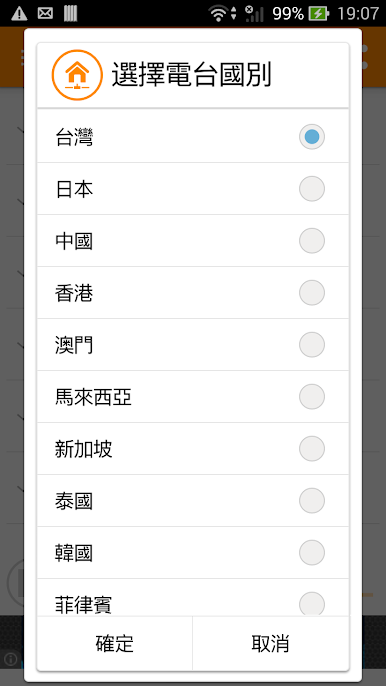
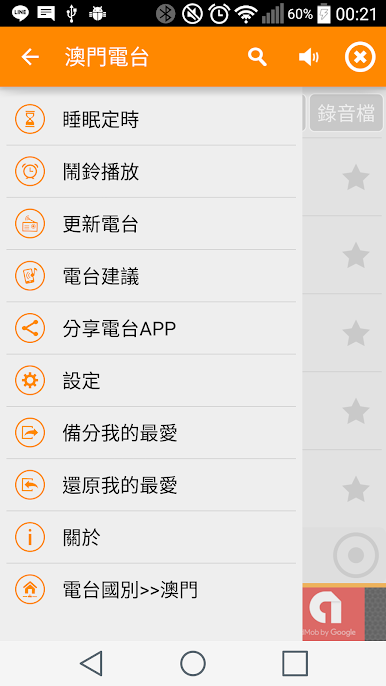
On PC with BlueStacks, it works nicely as a little always-on radio desk. Easy to park a Macau news station while working, then hop to music with a mouse click. Network use is steady because it streams, so it is better on Wi-Fi. If a battery saver or cleanup tool likes to kill background apps, it helps to add this one to an exception list so the stream does not cut out. There is also a channel suggestion option for sending ideas, and the app includes stations from different regions too, which is helpful when someone wants Macau plus nearby stuff. It feels light, reliable, and honestly kind of relaxing to keep on in the background.
BlueStacks brings your apps to life on a bigger screen—seamless and straightforward.


เล่น 澳門收音機、澳門電台 บน PC ได้ง่ายกว่า
-
ดาวน์โหลดและติดตั้ง BlueStacks บน PC ของคุณ
-
ลงชื่อเข้าใช้แอคเคาท์ Google เพื่อเข้าสู่ Play Store หรือทำในภายหลัง
-
ค้นหา 澳門收音機、澳門電台 ในช่องค้นหาด้านขวาบนของโปรแกรม
-
คลิกเพื่อติดตั้ง 澳門收音機、澳門電台 จากผลการค้นหา
-
ลงชื่อเข้าใช้บัญชี Google Account (หากยังไม่ได้ทำในขั้นที่ 2) เพื่อติดตั้ง 澳門收音機、澳門電台
-
คลิกที่ไอคอน 澳門收音機、澳門電台 ในหน้าจอเพื่อเริ่มเล่น

