


Extreme magnifying glass
Jouez sur PC avec BlueStacks - la plate-forme de jeu Android, approuvée par + 500M de joueurs.

Page Modifiée le: Jul 31, 2024
Play Extreme magnifying glass on PC
Try it , stable and fast microscope .This is a very useful magnifier ,
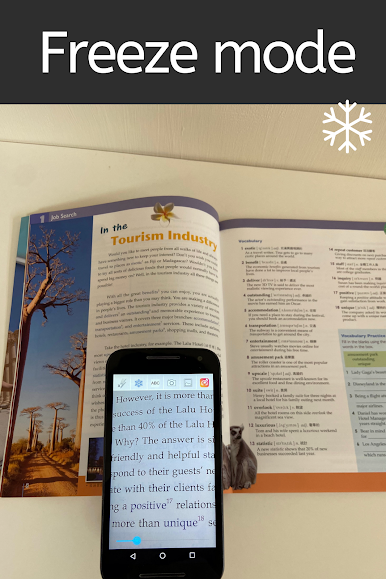
Use a finer magnifying glass zoom function to read a book even small font size.
The screen resolution of magnifying glass was optimized , perfect square font size for reading.
The freeze mode can be used when the magnifying glass is zoomed in or out, making it easier to read.
The magnifying glass with a flashlight, it can be easily reading even in dark environments.
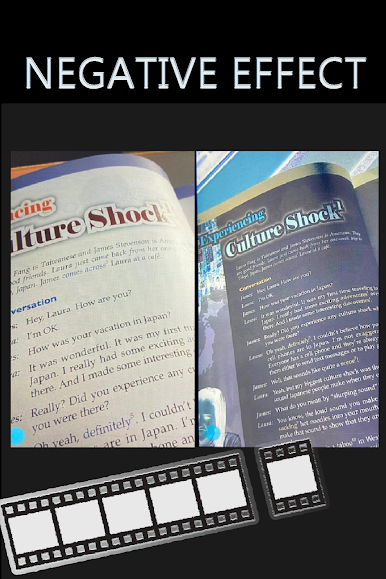
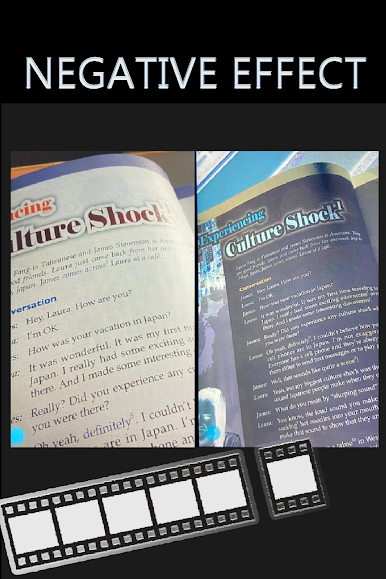
Use negative film effects to read reflective files.
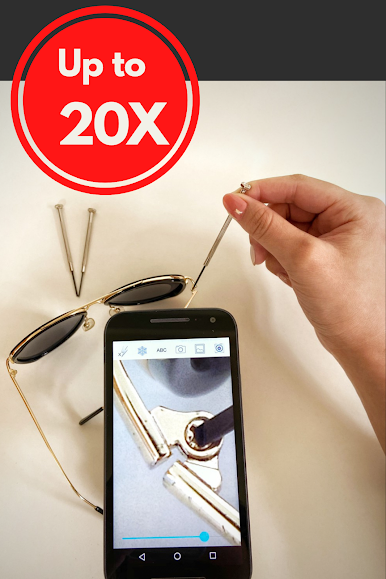
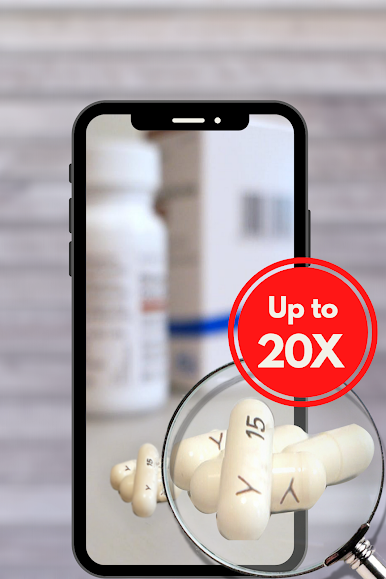
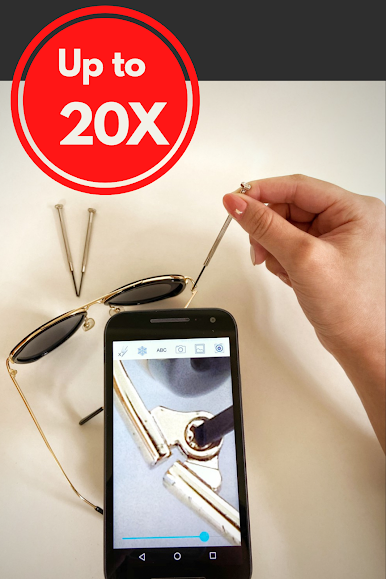
The Max zoom in scale of microscope up to 30x.
Not much to say, whether it is to look at the IC label / number, business card, product label, supermarket food label , the magnifier can make things easier.
Are you looking for magnifying glass app no ads?

Jouez à Extreme magnifying glass sur PC. C'est facile de commencer.
-
Téléchargez et installez BlueStacks sur votre PC
-
Connectez-vous à Google pour accéder au Play Store ou faites-le plus tard
-
Recherchez Extreme magnifying glass dans la barre de recherche dans le coin supérieur droit
-
Cliquez pour installer Extreme magnifying glass à partir des résultats de la recherche
-
Connectez-vous à Google (si vous avez ignoré l'étape 2) pour installer Extreme magnifying glass
-
Cliquez sur l'icône Extreme magnifying glass sur l'écran d'accueil pour commencer à jouer

