


My Coloring Book
Играйте на ПК с BlueStacks – игровой платформе для приложений на Android. Нас выбирают более 500 млн. игроков.

Страница изменена: Oct 16, 2025
Play My Coloring Book on PC or Mac
From the innovators and creators at GameLord 3D, My Coloring Book is another fun addition to the World of Puzzle games. Go beyond your mobile screen and play it bigger and better on your PC or Mac. An immersive experience awaits you.
About the Game
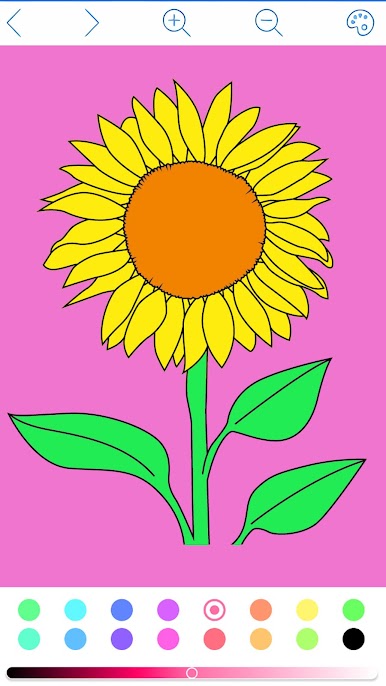
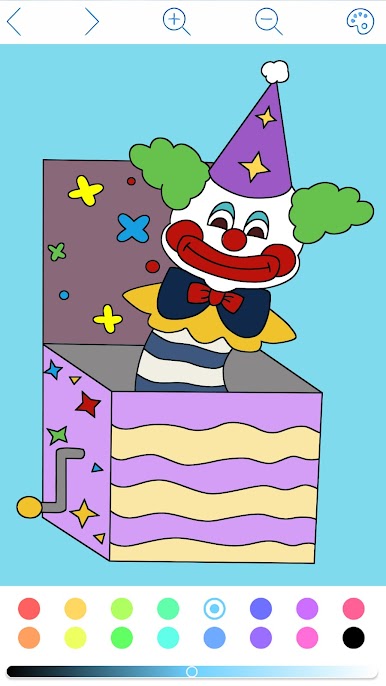
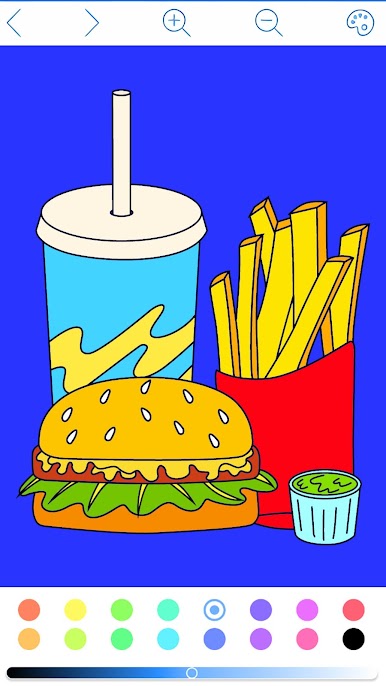
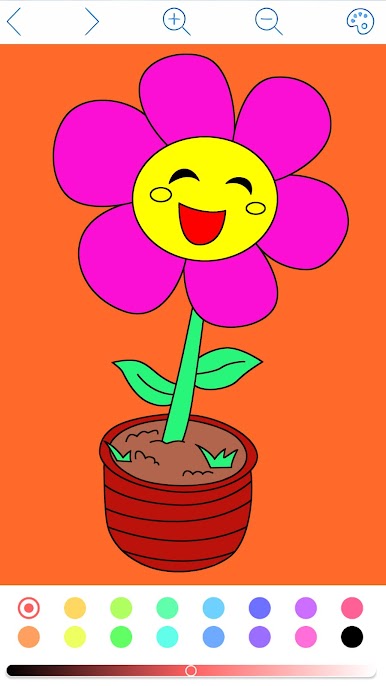
Need a break from the daily grind? My Coloring Book by GameLord 3D is a puzzle game that’ll have you unwinding in no time. It’s all about filling in beautiful pictures with bursts of color—just tap, relax, and let your creativity flow. Whether you’re looking for an easy distraction or a way to get your artistic fix, you’ll find plenty to keep your mind happy and hands busy.
Game Features
-
Color by Number Simplicity
No art skills required—just pick a color and tap the matching spots. The paint-by-number system makes it easy to turn every picture into a masterpiece with zero stress. -
Plenty of Art Styles
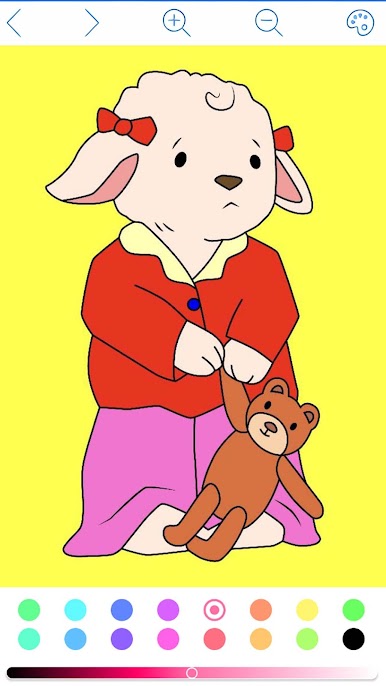
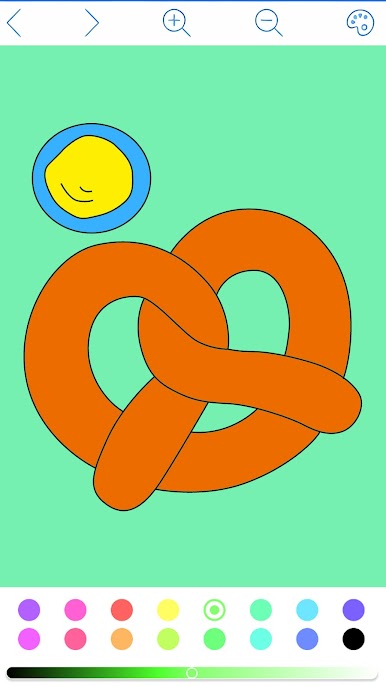
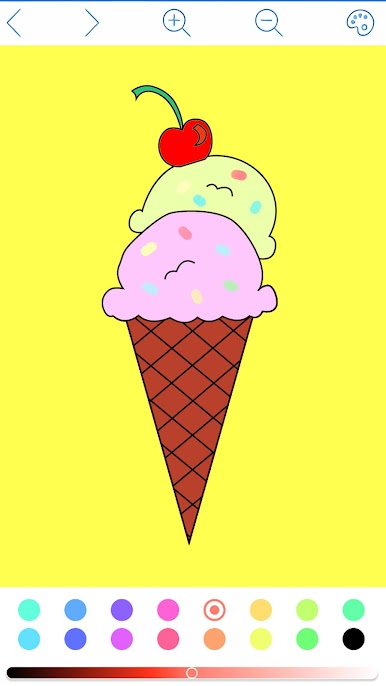
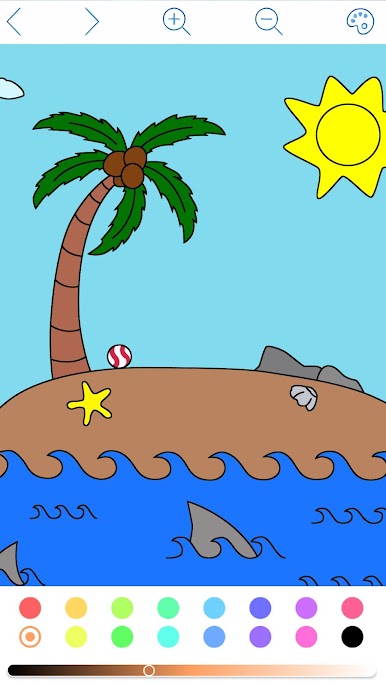
Got a taste for variety? You’ll never get bored. My Coloring Book is packed with hundreds of images, covering everything from dreamy landscapes and cuddly animals to cool mandalas, food, and classic designs. -
Relaxing, Stress-Free Vibe
Tap away your worries, one color at a time. The game’s soothing puzzles help you settle down, whether you’ve got two minutes or two hours to spare. -
Creative Tools
Experiment with brushes, crayons, watercolor pens, and even rainbow strokes. There’s a whole toolbox for you to try out, making every creation feel personal. -
Easy Sharing
Like what you’ve made? Snap up your latest creation and share it straight to your social feeds—it’s just a couple of taps away. -
Free Play Mode
Want to stray off the beaten path? Go ahead and color however you want, letting your imagination run wild. -
Smooth Experience with BlueStacks
Enjoy the game on a bigger screen via BlueStacks for smoother coloring and crisper details, if you’re playing on your PC.
Start your journey now. Download the game on BlueStacks, invite your friends, and march on a new adventure.
Играйте в игру My Coloring Book на ПК. Это легко и просто.
-
Скачайте и установите BlueStacks на ПК.
-
Войдите в аккаунт Google, чтобы получить доступ к Google Play, или сделайте это позже.
-
В поле поиска, которое находится в правой части экрана, введите название игры – My Coloring Book.
-
Среди результатов поиска найдите игру My Coloring Book и нажмите на кнопку "Установить".
-
Завершите авторизацию в Google (если вы пропустили этот шаг в начале) и установите игру My Coloring Book.
-
Нажмите на ярлык игры My Coloring Book на главном экране, чтобы начать играть.

