


Studienbibel NGÜ & Schlachter
Spiele auf dem PC mit BlueStacks - der Android-Gaming-Plattform, der über 500 Millionen Spieler vertrauen.

Seite geändert am: Dec 8, 2025
Play Bible d'étude Segond 21 on PC
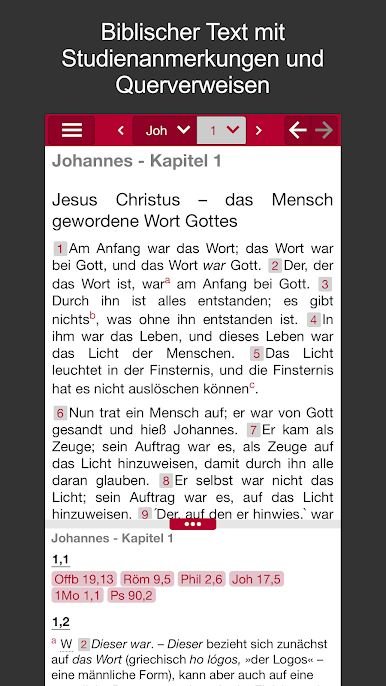
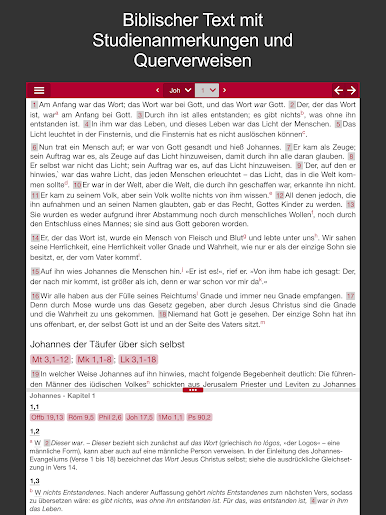
- Consult the reference notes associated with the Segond 21 version: more than 23,000 notes indicating other possible translations, the literal translation when it was necessary to move away from it, the precise translation of the text carried by the different manuscripts and the ancient versions (in Greek, Latin or Syriac) when there are differences, useful geographical and historical information and internal references to the biblical text (mutual quotations, allusions)
- Study the Bible through the numerous parallel references offered (often several per verse)
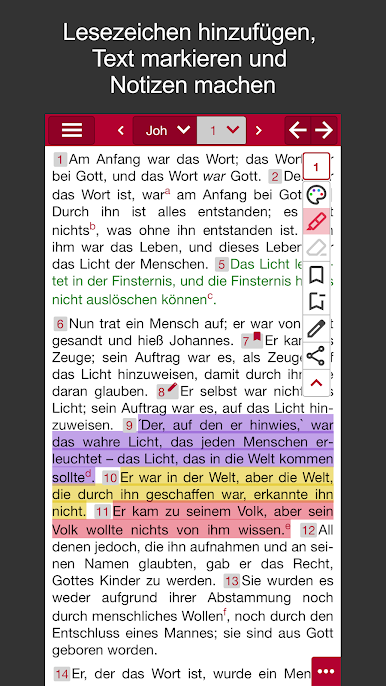
- Highlight text, add your personal notes and bookmarks, view them and return directly to them
- Find all your notes on any other device (another tablet, computer or smartphone)
- Do a quick search for verses by keywords
- Find your reading history (ideal for a Bible study or during a preaching)
- Read the Bible in portrait or landscape mode, navigating from chapter to chapter
- Choose display options (night mode, character size, display of verse numbers)
The version of the Bible used in the application is Segond 21, published for the first time in 2007 by the Société Biblique de Genève after 12 years of work. His watchword? “The original, with today’s words”: it aims to be faithful to the formulation of the original texts while using current vocabulary at the start of the 21st century. Available in more than 70 paper editions, in all formats, materials and colors, at all prices and for all tastes, it is a regular among the best sellers of FNAC and other large stores, and it has crossed the threshold of 5,000,000 copies sold, which makes it the most widespread version in the French-speaking world.
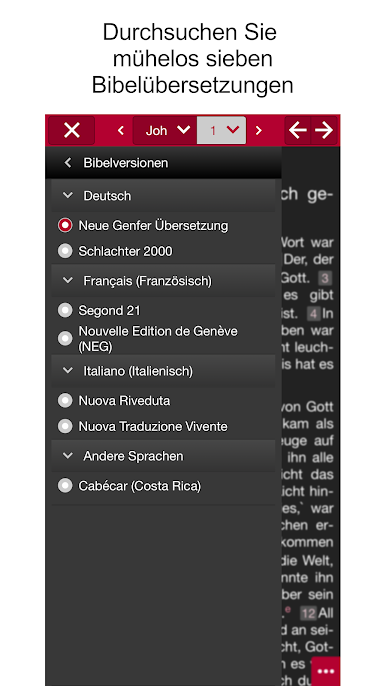
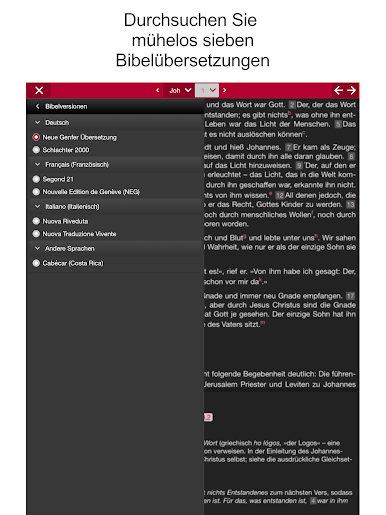
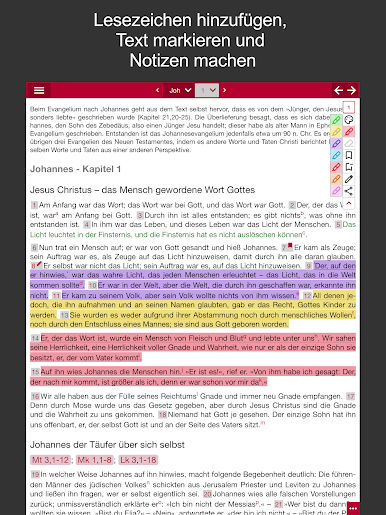
Spiele Studienbibel NGÜ & Schlachter auf dem PC. Der Einstieg ist einfach.
-
Lade BlueStacks herunter und installiere es auf deinem PC
-
Schließe die Google-Anmeldung ab, um auf den Play Store zuzugreifen, oder mache es später
-
Suche in der Suchleiste oben rechts nach Studienbibel NGÜ & Schlachter
-
Klicke hier, um Studienbibel NGÜ & Schlachter aus den Suchergebnissen zu installieren
-
Schließe die Google-Anmeldung ab (wenn du Schritt 2 übersprungen hast), um Studienbibel NGÜ & Schlachter zu installieren.
-
Klicke auf dem Startbildschirm auf das Studienbibel NGÜ & Schlachter Symbol, um mit dem Spielen zu beginnen

