


Flik Flak - Adventure of Time
Spiele auf dem PC mit BlueStacks - der Android-Gaming-Plattform, der über 500 Millionen Spieler vertrauen.

Seite geändert am: Jan 27, 2026
Spiele Flik Flak - Adventure of Time für PC
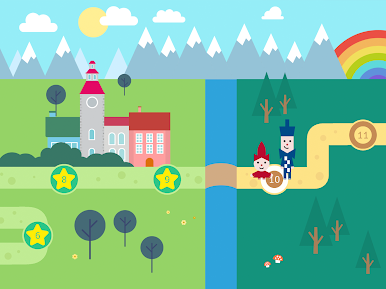
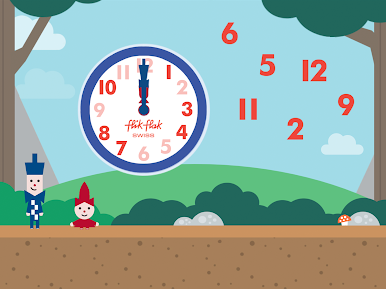
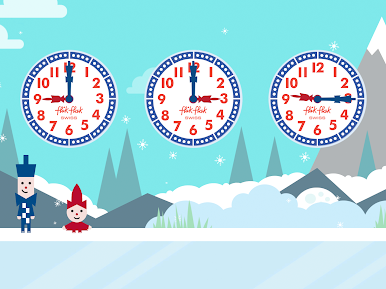
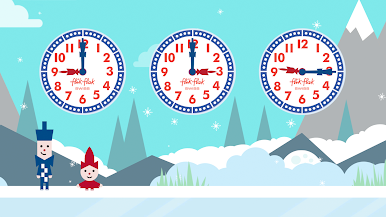
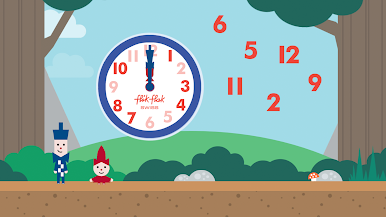
Zusammen mit Flik und Flak begeben sich die Kinder auf eine ganz besondere Zeitreise. Das Geschwister-Duo hat sich zur Mission gemacht, den Kids das Ablesen der Uhrzeit beizubringen – aber so unterhaltsam wie nur möglich in Form eines Games. Vor ihnen liegen 36 rasante Spiel- und Lernlevels, die ihnen helfen, echte Champions beim Ablesen der Uhrzeit zu werden. Werden sich die Geschwister Flik und Flak der Herausforderung stellen, durch die spannenden Aufgaben zu rennen, springen und rollen, um alles über die Zeit und das Ablesen der Uhrzeit zu lernen? Die Zeit wird es zeigen!
SPIELERISCH DIE UHRZEIT LERNEN
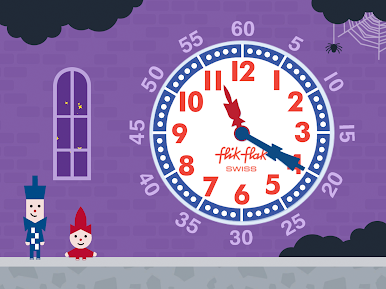
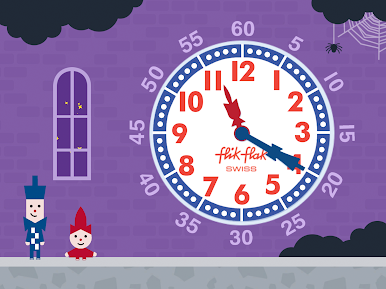
Willkommen in einer Spielewelt, in der Kinder lernen die Uhrzeit zu verstehen und abzulesen. Flik Flak war schon immer viel mehr als nur eine Uhr, aber diese Uhr-Lern-App hilft Flik und Flak, Kindern auf der ganzen Welt das Ablesen der analogen Uhrzeit auf ein ganz neues Level zu bringen.
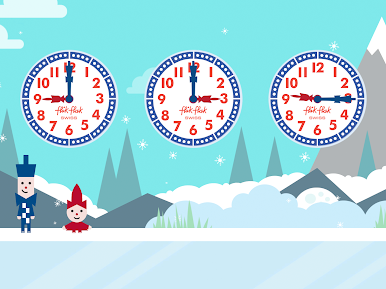
Die Flik Flak-App wurde mit Blick auf die Kinder von heute entwickelt und soll ihnen das Lesen der Uhrzeit so unterhaltsam und interaktiv wie möglich vermitteln. Anhand der Lernmodule, die gemeinsam mit Pädagogen entwickelt wurden und auf der einzigartigen Flik Flak Lernmethode beruhen, lernen Kinder alles, was sie über die Uhrzeit wissen müssen. Das macht so viel Spaß, dass ihnen gar nicht auffallen wird, dass sie dabei noch etwas lernen.
In der Interaktion mit den Spielfunktionen der Lernmodule lernen sie zum Beispiel Antworten auf folgende Fragen: Wie heißen die einzelnen Teile einer Uhr? Wie funktionieren die Stunden und Minuten? Wie orientiere ich mich auf dem Zifferblatt? Doch das ist noch nicht alles. Dank eines speziellen Augmented-Reality-Levels und personalisierter Flik- und Flak-Avatare haben die Kinder jede Menge Möglichkeiten, ihrer App-Erfahrung im Ablesen der Uhr einen eigenen kreativen Stempel aufzudrücken. Außerdem haben sie Gelegenheit, in ihren eigenen Zeichnungen die reale und die digitale Welt verschmelzen zu lassen.
Die Funktionen dieser neuen Uhr-Lern-App:
- 36 spannende Game-Levels
- 5 Lernmodule zum Ablesen der Uhrzeit für kleine und größere Kinder:
1. Aufbau der Uhr
2. Stunden
3. Minuten
4. Der Tag hat 24 Stunden
5. Rechnen mit der Zeit
- Personalisierbare Avatare von Flik und Flak
- Augmented Reality-Funktion
- Mit Pädagogen entwickelte Spiele zum Lesen der Uhr
- Verfügbar in 12 Sprachen
- Keine In-App-Käufe
- Keine Werbung oder kommerzielle Inhalte
- Überall offline spielbar
Seit 1987 ist Flik Flak mehr als nur eine Uhr für Kinder. Flik Flak ist eine Schweizer Kinderuhrenmarke, die es Kindern nach einer besonderen Methodik leichter macht, die Uhr ablesen zu lernen. Damit macht es richtig Spaß, die Uhrzeit zu lernen.

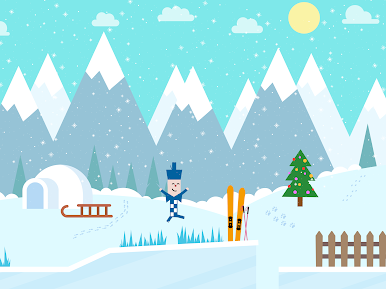

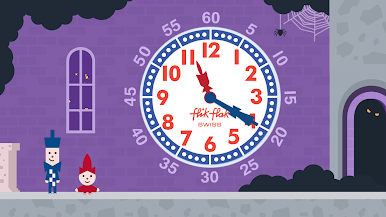
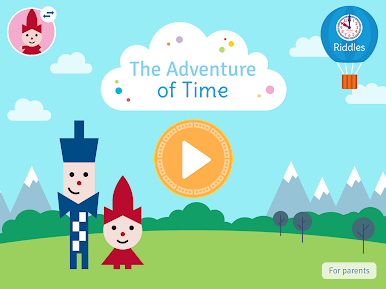
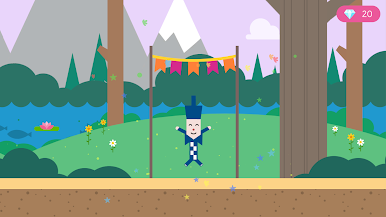
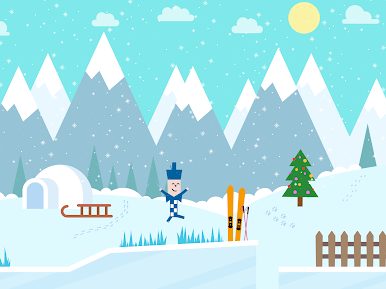



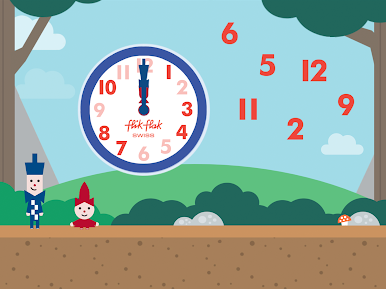

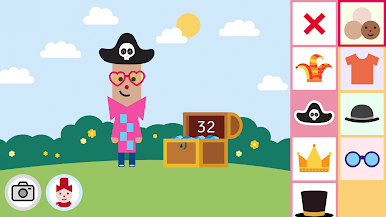

Spiele Flik Flak - Adventure of Time auf dem PC. Der Einstieg ist einfach.
-
Lade BlueStacks herunter und installiere es auf deinem PC
-
Schließe die Google-Anmeldung ab, um auf den Play Store zuzugreifen, oder mache es später
-
Suche in der Suchleiste oben rechts nach Flik Flak - Adventure of Time
-
Klicke hier, um Flik Flak - Adventure of Time aus den Suchergebnissen zu installieren
-
Schließe die Google-Anmeldung ab (wenn du Schritt 2 übersprungen hast), um Flik Flak - Adventure of Time zu installieren.
-
Klicke auf dem Startbildschirm auf das Flik Flak - Adventure of Time Symbol, um mit dem Spielen zu beginnen

