

Word Battle
Играйте на ПК с BlueStacks – игровой платформе для приложений на Android. Нас выбирают более 500 млн. игроков.

Страница изменена: Jul 25, 2024
Play Word Battle on PC or Mac
Explore a whole new adventure with Word Battle, a Word game created by SIA Fufla. Experience great gameplay with BlueStacks, the most popular gaming platform to play Android games on your PC or Mac.
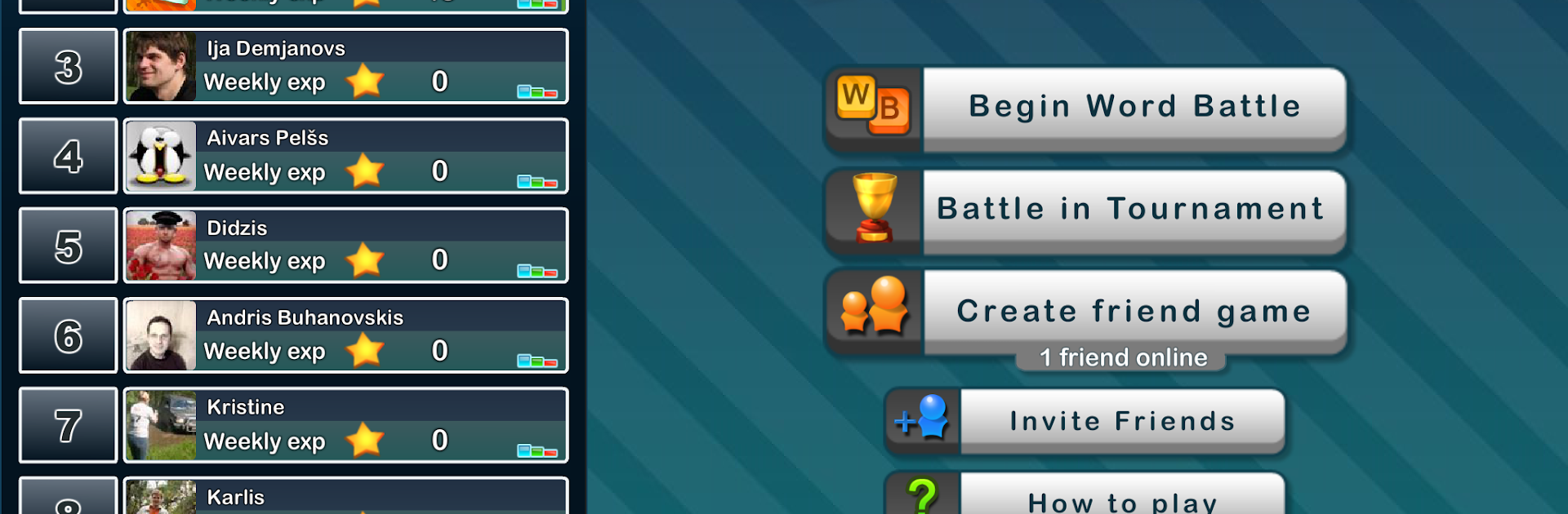
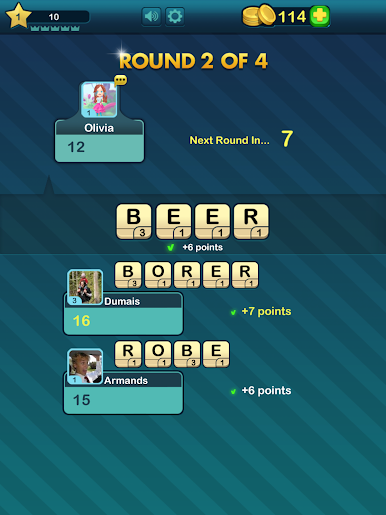
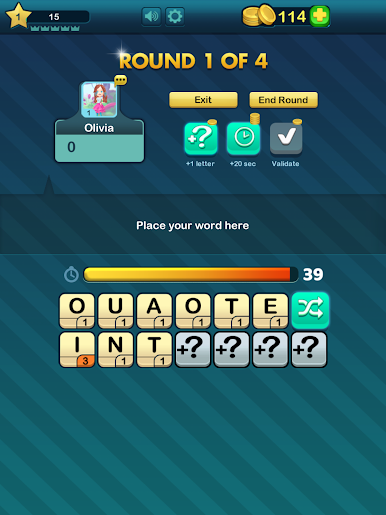
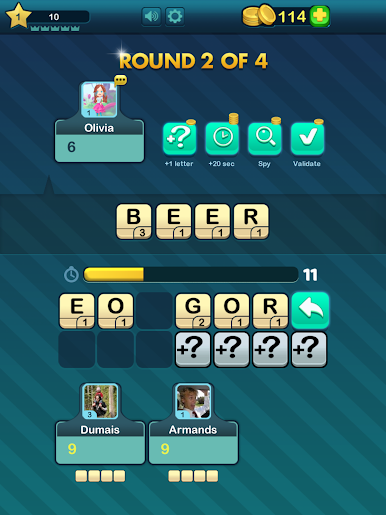
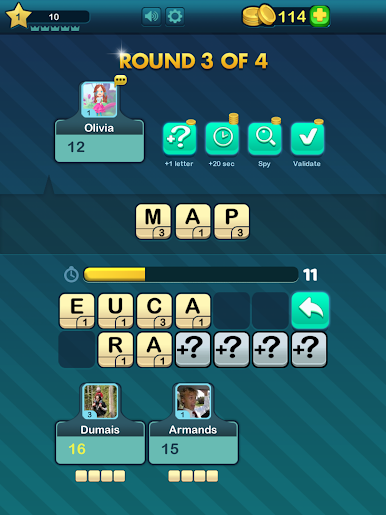
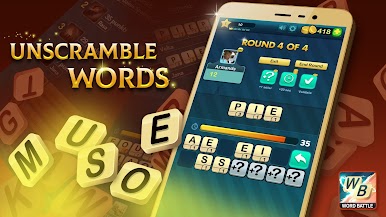
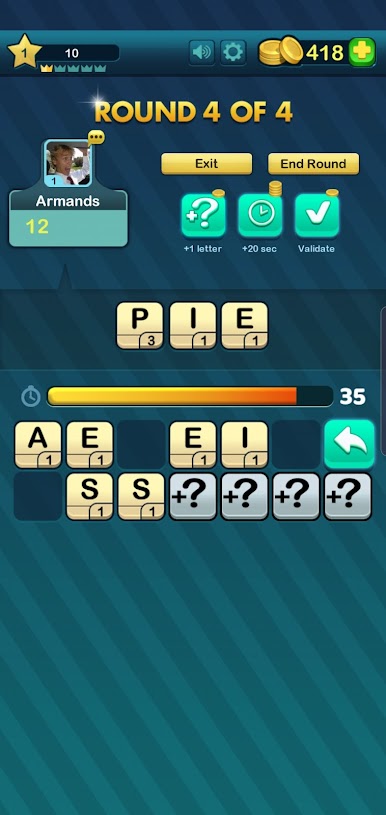
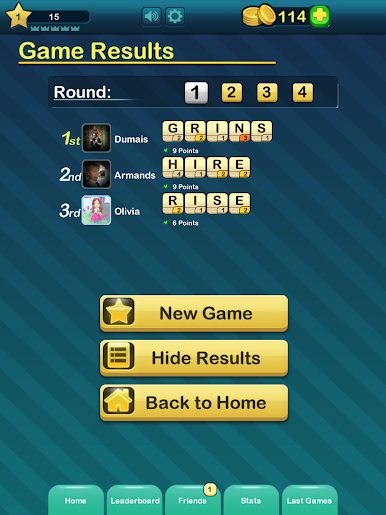
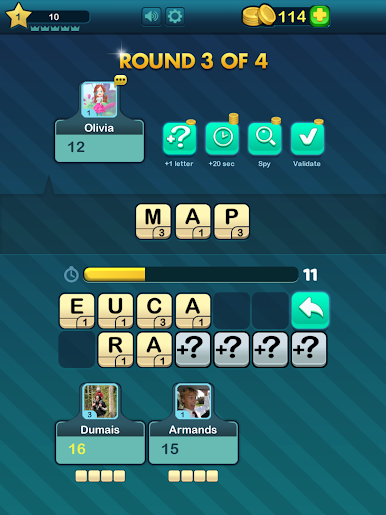
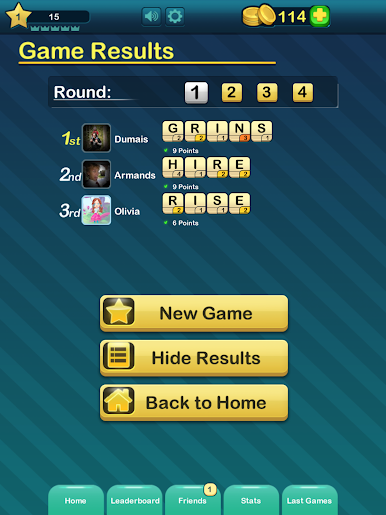
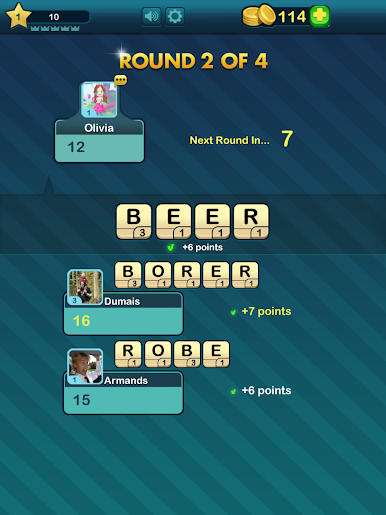
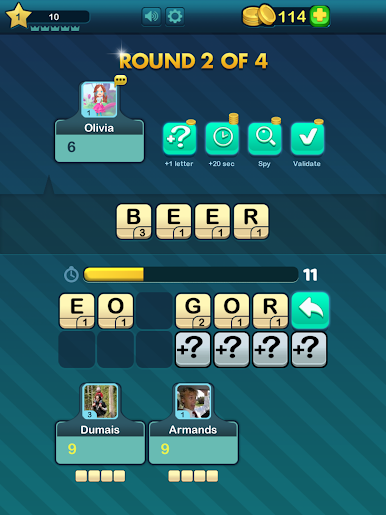
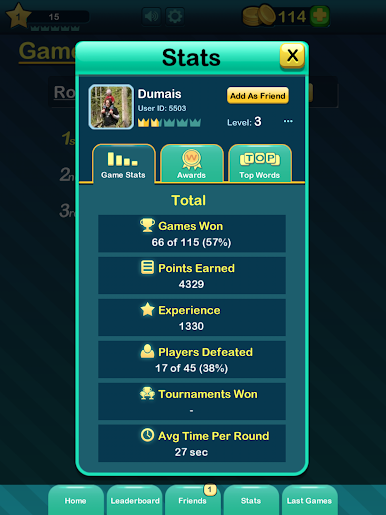
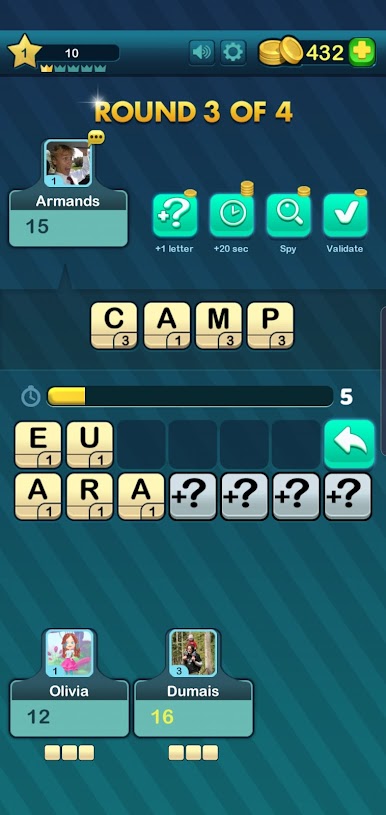
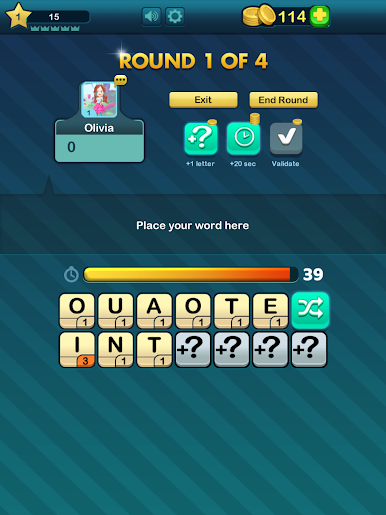
Think of a fast head to head word puzzle where both players get the same nine letters and then have just 40 seconds to pick the highest scoring single word. Letters have different point values so sometimes a short uncommon word will beat a longer obvious one, which forces a quick choice between reaching for rare letters or just securing a safe score. Rounds feel tight and a bit tense but in a good way; the clock makes decisions matter and the round ends before it becomes a drag.
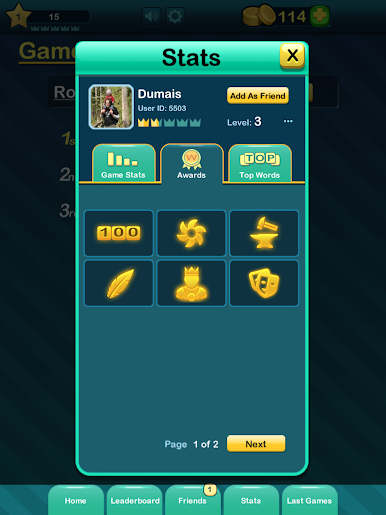
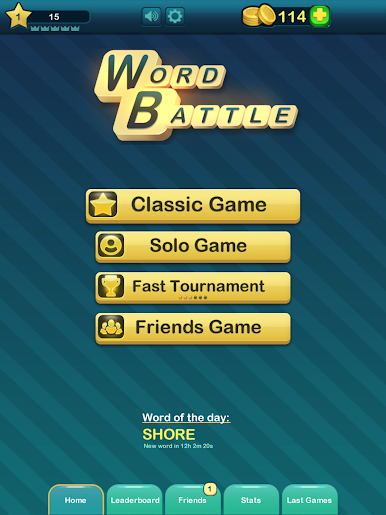
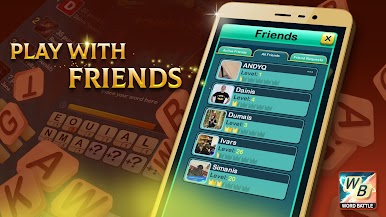
Players can match with friends or a wider pool through Facebook, and there is a chat so matches can be a little trash talk or a quick hey after a good play. The interface is simple, focused on the scramble and the score, so it is easy to jump straight into a match. It is also a neat way to sharpen spelling and spotting unusual words. On BlueStacks it translates nicely to PC, typing with a keyboard and clicking feels smoother than tapping on a phone, so those quick 40 second bursts become more about thinking and less about fumbling. One catch is that a Facebook account is required to play, which will matter to some people.
Ready to top the leaderboard? We bet you do. Let precise controls and sharp visuals optimized on BlueStacks lead you to victory.

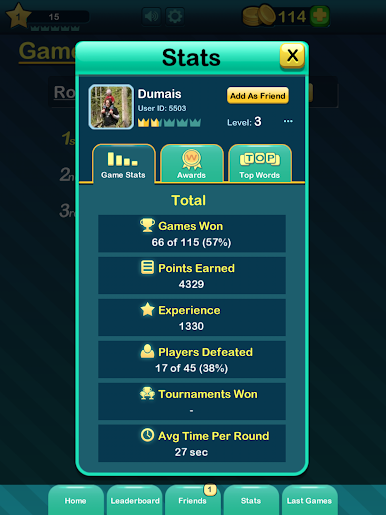
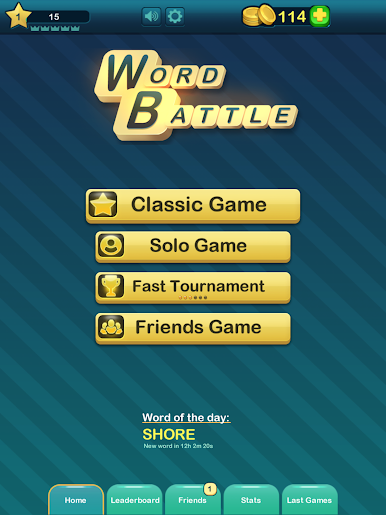
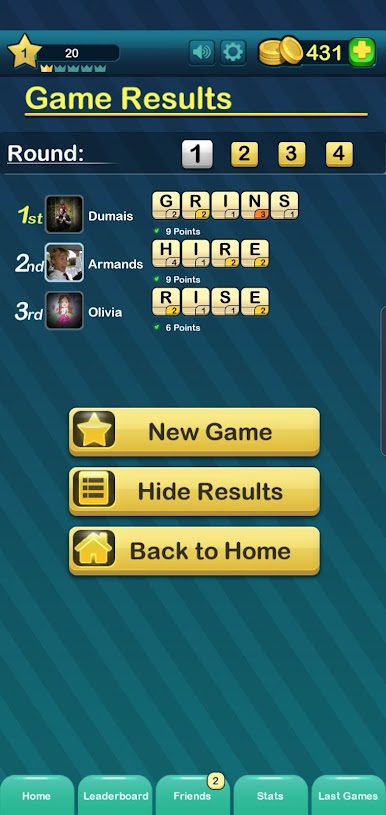
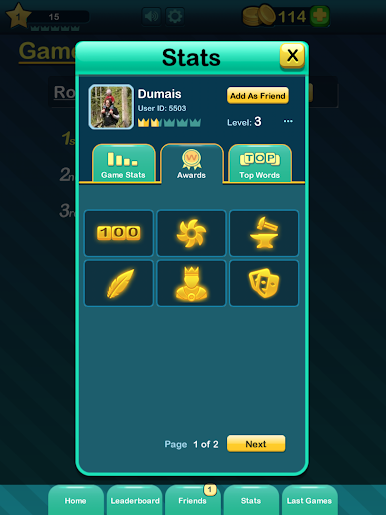
Играйте в игру Word Battle на ПК. Это легко и просто.
-
Скачайте и установите BlueStacks на ПК.
-
Войдите в аккаунт Google, чтобы получить доступ к Google Play, или сделайте это позже.
-
В поле поиска, которое находится в правой части экрана, введите название игры – Word Battle.
-
Среди результатов поиска найдите игру Word Battle и нажмите на кнопку "Установить".
-
Завершите авторизацию в Google (если вы пропустили этот шаг в начале) и установите игру Word Battle.
-
Нажмите на ярлык игры Word Battle на главном экране, чтобы начать играть.

