

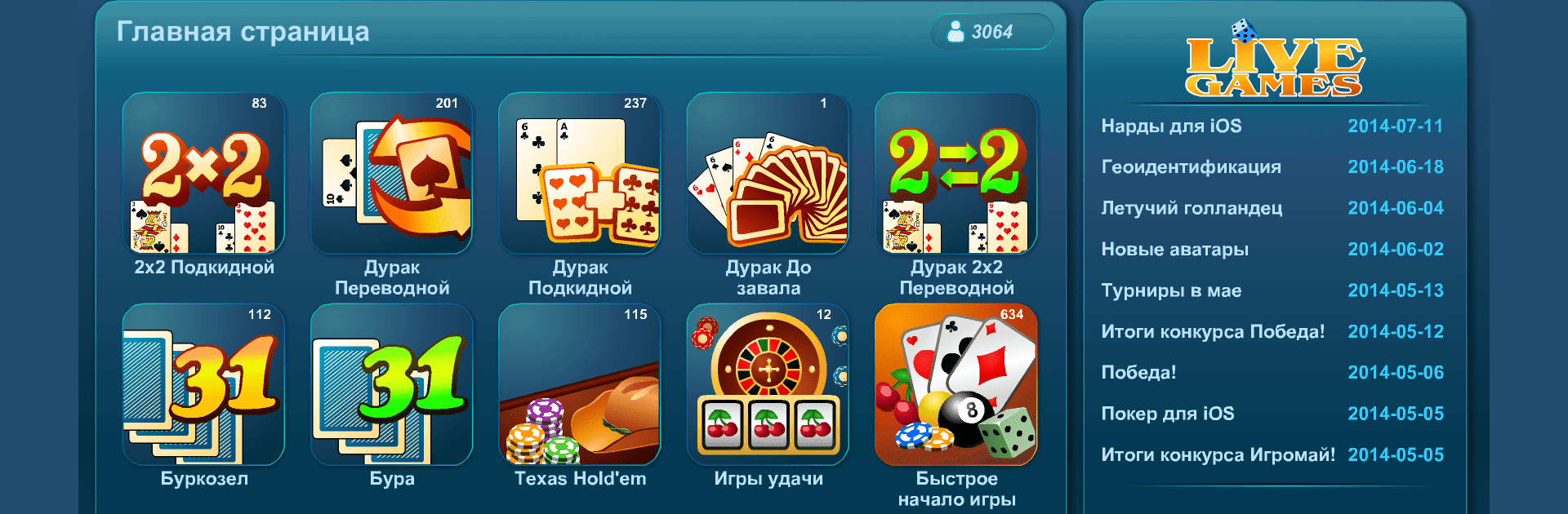
Онлайн Игры LiveGames
Играйте на ПК с BlueStacks – игровой платформе для приложений на Android. Нас выбирают более 500 млн. игроков.

Страница изменена: Dec 21, 2023
Играйте Онлайн Игры LiveGames на ПК или Mac
От новаторов и создателей из NanoFlash LLC, Онлайн Игры LiveGames — это еще одно увлекательное дополнение к миру игр жанра Карточные. Выйдите за пределы экрана мобильного телефона и играйте в нее на ПК или Mac. Вас ждет незабываемый опыт.
Об игре
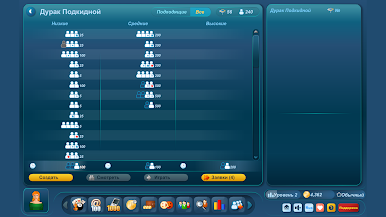
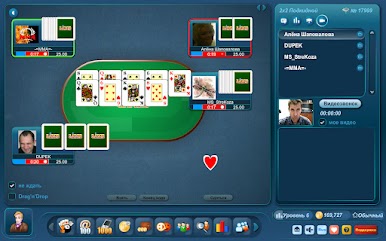
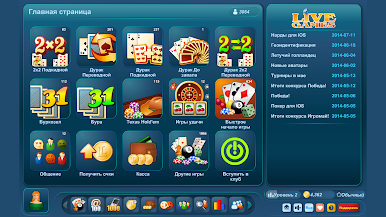
Любите настольные игры и вечера с друзьями, когда за столом идут баталии в «Дурака» или домино? Онлайн Игры LiveGames как раз для тех, кто хочет почувствовать знакомую атмосферу, не вставая с дивана. Тут собраны десятки карточных, настольных, логических развлечений, чтобы всегда находились единомышленники — даже если ваши реальные друзья заняты.
Особенности игры
-
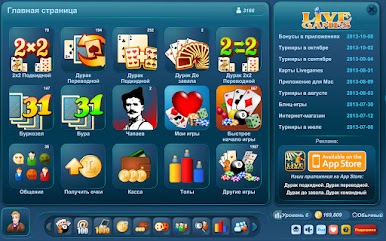
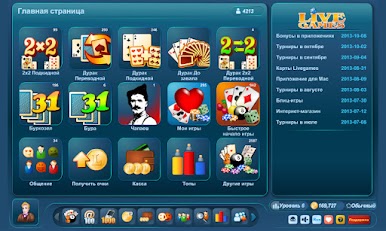
Огромный выбор
Больше 100 любимых карточных, настольных и головоломных игр: от нард и покера до шахмат, домино и даже таких редкостей, как реверси или маджонг. -
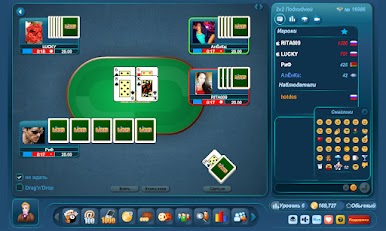
Живое общение
Здесь играют настоящие люди, а не скучные боты. Чаты для общения и знакомства, система подарков — ну и как без хвастовства достижениями? -
Платить не придется
Игра бесплатная, нет навязчивой рекламы, а еще каждый час можно получать очки просто так. -
Понятные правила
В каждой игре чёткие инструкции. Не заблудитесь среди терминов или нюансов — всё разъяснено для комфортного старта. -
Разные форматы игр
Хочется поиграть с другом? Создавайте приватные столы с паролем. Предпочитаете соревноваться со случайными игроками — легко. -
Быстрый старт
Вход — в одно касание: через соцсети, Game Center, аккаунт LiveGames или как гость. -
Крутые фишки и скидки
Есть бонусы за первую покупку, акции, скидки на очки и дополнительные приятные фишки для постоянных игроков. -
Стабильная связь
Играть можно через WiFi, 3G, 4G или LTE — подойдет практически любой интернет. И если хочется большего комфорта, можно попробовать запуск на BlueStacks. -
Продвинутая система рейтингов
Таблицы лидеров, достижения, трофеи — повод гордиться и возвращаться снова. -
Поддержка на связи
Если что-то пошло не так, поддержка NanoFlash LLC быстро решит любые вопросы.
Наслаждайтесь плавным и качественным игровым процессом только на BlueStacks.

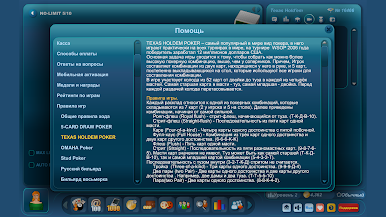
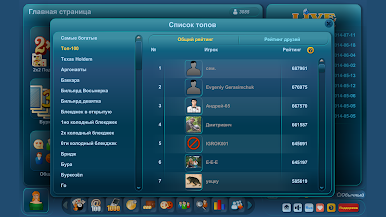
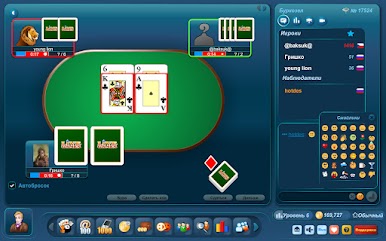
Играйте в игру Онлайн Игры LiveGames на ПК. Это легко и просто.
-
Скачайте и установите BlueStacks на ПК.
-
Войдите в аккаунт Google, чтобы получить доступ к Google Play, или сделайте это позже.
-
В поле поиска, которое находится в правой части экрана, введите название игры – Онлайн Игры LiveGames.
-
Среди результатов поиска найдите игру Онлайн Игры LiveGames и нажмите на кнопку "Установить".
-
Завершите авторизацию в Google (если вы пропустили этот шаг в начале) и установите игру Онлайн Игры LiveGames.
-
Нажмите на ярлык игры Онлайн Игры LiveGames на главном экране, чтобы начать играть.

