


Изучать португальский
Играйте на ПК с BlueStacks – игровой платформе для приложений на Android. Нас выбирают более 500 млн. игроков.

Страница изменена: Oct 4, 2025
Run Learn Portuguese Offline ForGo on PC or Mac
What’s better than using Learn Portuguese Offline ForGo by ASI Edu? Well, try it on a big screen, on your PC or Mac, with BlueStacks to see the difference.
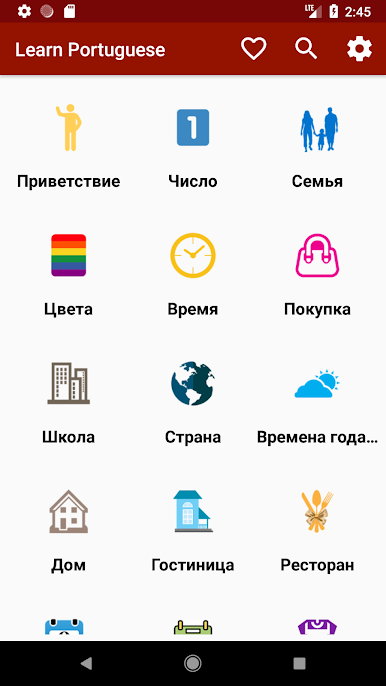
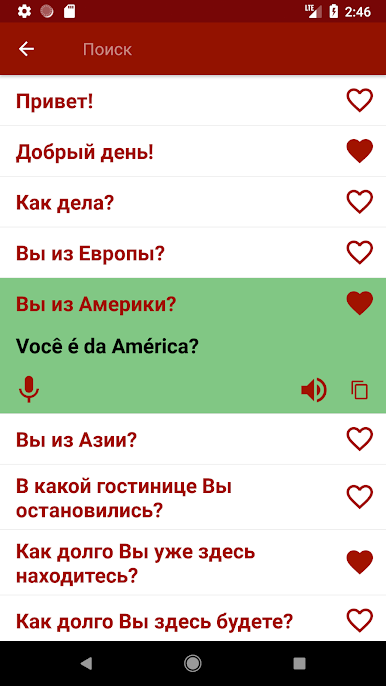
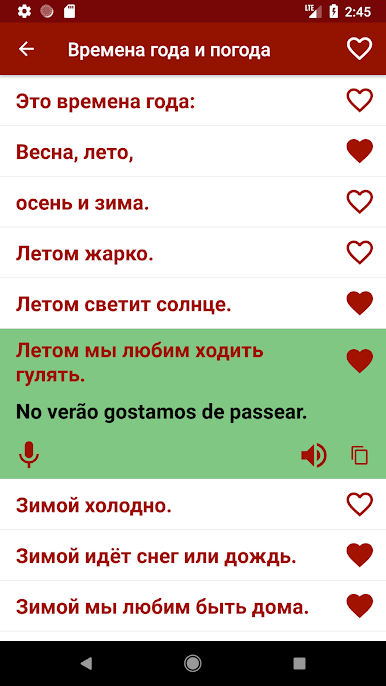
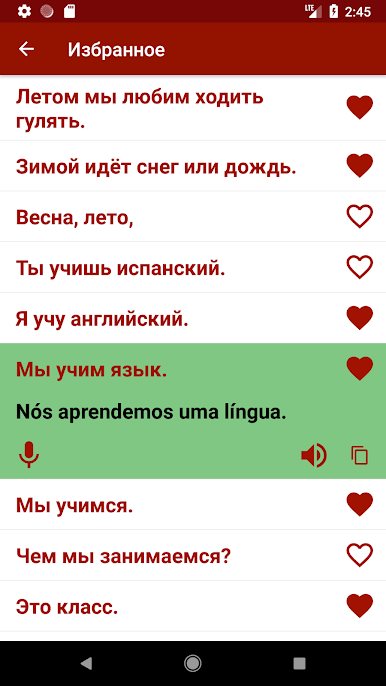
Learn Portuguese Offline ForGo feels like a pocket phrasebook that actually makes sense on a screen. Everything is sorted by real situations, so finding the right words for airports, bus or train stations, shopping, tourist spots, offices or school is quick. It suggests the common phrases people actually say, not super formal stuff, and the pronunciation audio is clean and steady so practice does not feel frustrating. There is a simple record button to try saying a line and compare, and a favorites list so the most used phrases sit in one place. It is light, fast, and works without internet, which is the main win here when someone is traveling or just saving data.
On a PC with BlueStacks, the whole thing is easier to browse. The bigger screen helps scan categories at a glance, tapping audio is precise with a mouse, and the speakers make the Portuguese sound crisp. If the mic is set up, the voice record feature works fine for quick accent checks. It does not try to be a full course with grammar drills or games, and that is the point. It is a straightforward tool for quick communication, handy for beginners, travelers, or anyone who wants a no-fuss reference they can open in a second. The layout is plain but clear, loads fast, and gets out of the way so learning a phrase feels simple.
BlueStacks gives you the much-needed freedom to experience your favorite apps on a bigger screen. Get it now.
Играйте в игру Изучать португальский на ПК. Это легко и просто.
-
Скачайте и установите BlueStacks на ПК.
-
Войдите в аккаунт Google, чтобы получить доступ к Google Play, или сделайте это позже.
-
В поле поиска, которое находится в правой части экрана, введите название игры – Изучать португальский.
-
Среди результатов поиска найдите игру Изучать португальский и нажмите на кнопку "Установить".
-
Завершите авторизацию в Google (если вы пропустили этот шаг в начале) и установите игру Изучать португальский.
-
Нажмите на ярлык игры Изучать португальский на главном экране, чтобы начать играть.

