


Spider Solitär
Spiele auf dem PC mit BlueStacks - der Android-Gaming-Plattform, der über 500 Millionen Spieler vertrauen.

Seite geändert am: Sep 21, 2026
Spiele Spider Solitär für PC
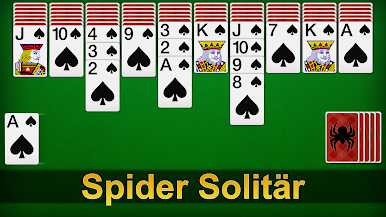
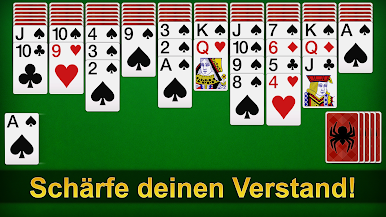
Spider Solitaire Kartenspiel ist jetzt KOSTENLOS! Spider Solitaire hat ein großartiges Gameplay und ein fantastisches Grafikdesign, das Ihnen ein besseres Erlebnis als je zuvor bietet!
Mit der Funktion "Tägliche Herausforderung" gibt Ihnen Spider Solitaire jedes Mal eine Krone, wenn Sie in der täglichen Herausforderung gewinnen. Beginnen Sie zu spielen und sehen Sie, wie gut Sie bei Spider Solitär sein können!
Spider Solitaire (auch bekannt als Patience) ist eines der beliebtesten klassischen Kartenspiele der Welt!
Spiel-Highlight:
♠ Klassisches Gameplay von Spider Solitaire.
♠ Reibungsloses und schnelles Erlebnis
♠ Jederzeit verfügbar: Funktioniert ohne Netzwerk
♠ Tägliche Herausforderung zum Weitermachen
♠ Benutzerdefinierte Karten und Boards
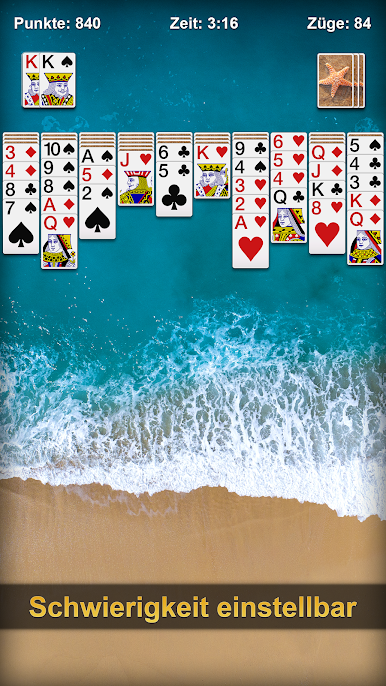
♠ Verschiedene Schwierigkeitsstufen: 1/2/4 Anzüge.
Hauptmerkmale:
♠ Übersichtliche Karten
♠ Speichern Sie Ihr laufendes Spiel automatisch
♠ Detaillierte Statistik zur Aufzeichnung Ihres Spielverlaufs
♠ Unbegrenztes Rückgängigmachen und Hinweise
♠ Mehrere Sprachen werden unterstützt
♠ Hoch- und Querformatmodus
♠ Linkshänder-Option
♠ Speichern Sie Ihr Spiel mit Magie, wenn Sie möchten
♠ Zufalls-/Gewinnspiel.
Das Spiel wurde sorgfältig optimiert, um einen schnellen Start und einen reibungslosen Betrieb zu gewährleisten. Wir schätzen die Erfahrung unserer Spieler und bemühen uns, sie zu verbessern!
Als klassisches Spiel ist Spider Solitaire für alle Altersgruppen geeignet. Spielen Sie mit Ihrer Familie und Ihren Freunden. Spider Solitaire ist das perfekte Spiel, mit dem Sie nicht nur Ihre Freizeit totschlagen, sondern auch Ihr Gehirn trainieren können!
Ziel des Spiels:
Das Hauptziel des Spiels ist es, alle Karten vom Tisch zu entfernen, bevor Sie sie im Tableau zusammensetzen. Zuerst werden 54 Karten in zehn Stapeln auf das Tableau gelegt, mit Ausnahme der obersten Karten. Die Tableaustapel bauen sich nach Rang auf, und die Reihenfolgen können entsprechend verschoben werden. Die restlichen 50 Karten können gleichzeitig an Tableau 10 verteilt werden, wenn keiner der Stapel leer ist.
Laden Sie jetzt herunter und beginnen Sie Ihre Reise mit Spider Solitaire! Wir hoffen, dass Sie das Spiel genießen! Wenn Sie irgendein Problem oder einen Vorschlag haben, zögern Sie bitte nicht, uns zu kontaktieren. Wir werden so schnell wie möglich antworten. Vielen Dank für Ihre Unterstützung!

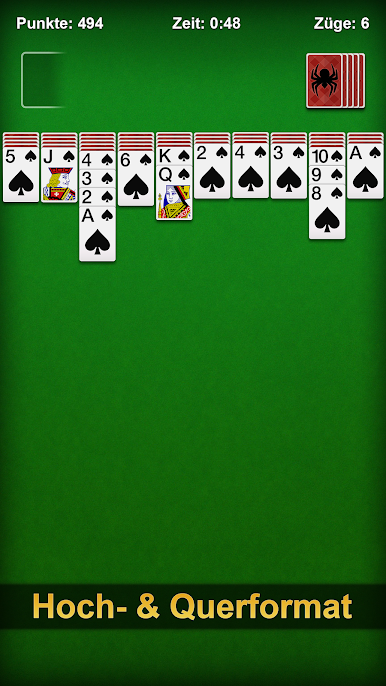
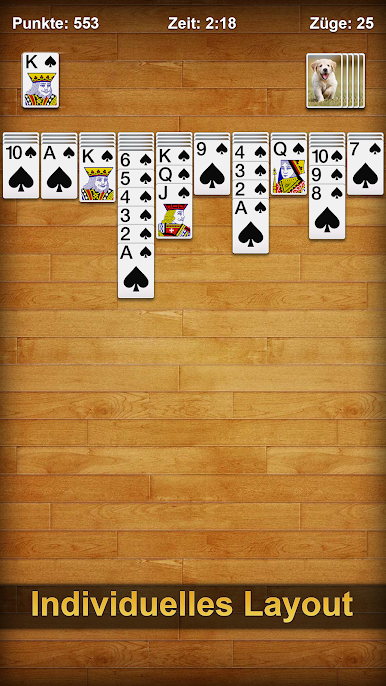
Spiele Spider Solitär auf dem PC. Der Einstieg ist einfach.
-
Lade BlueStacks herunter und installiere es auf deinem PC
-
Schließe die Google-Anmeldung ab, um auf den Play Store zuzugreifen, oder mache es später
-
Suche in der Suchleiste oben rechts nach Spider Solitär
-
Klicke hier, um Spider Solitär aus den Suchergebnissen zu installieren
-
Schließe die Google-Anmeldung ab (wenn du Schritt 2 übersprungen hast), um Spider Solitär zu installieren.
-
Klicke auf dem Startbildschirm auf das Spider Solitär Symbol, um mit dem Spielen zu beginnen

