


Пасьянс Паук
Играйте на ПК с BlueStacks – игровой платформе для приложений на Android. Нас выбирают более 500 млн. игроков.

Страница изменена: Jan 16, 2026
Играйте Пасьянс Паук на ПК или Mac
«Пасьянс Паук» — игра в жанре «Карточные игры», разработанная nerByte GmbH. BlueStacks — лучшая платформа и эмулятор для запуска этой Android игры на ПК или Mac. Получите незабываемый игровой опыт вместе с нами.
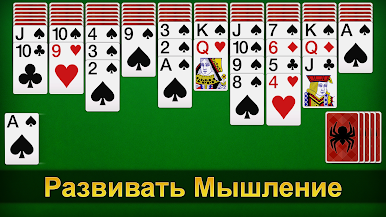
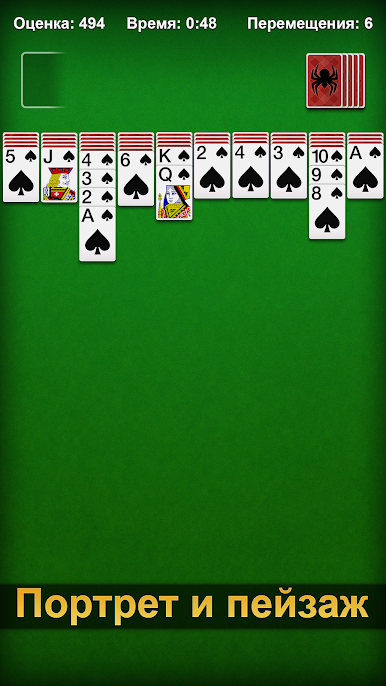
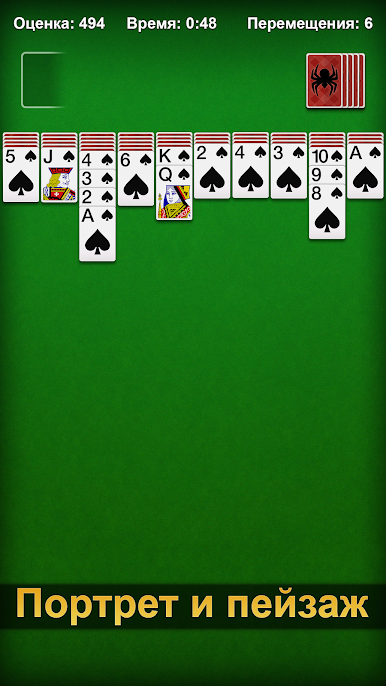
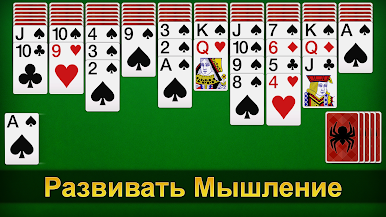
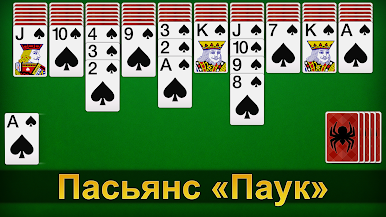
Это классическая карточная игра-пасьянс. Также известен как «Паук» или «Паутинка».
В эту классическую карточную игру, «Пасьянс Паук», можно играть бесплатно. Ее постоянно обновляют, добавляя новые интересные и расслабляющие функции, чтобы сохранить свежесть этой классической игры.
Особенности игры:
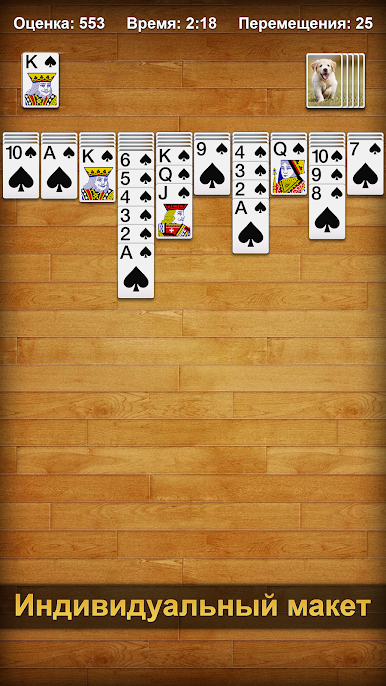
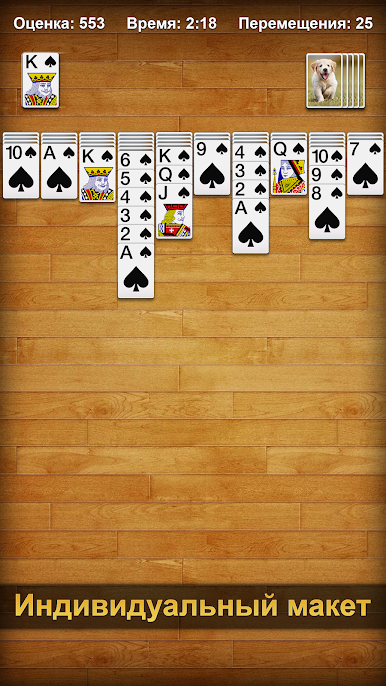
- Персонализация. Измените фон, задники и лица карт, чтобы сделать игру более индивидуальной.
- Веселые ежедневные задания. Выполняйте задания подряд, чтобы выиграть красивые трофеи.
- Неограниченные подсказки и отмены.
- Играйте в автономном режиме в любое время.
Тренируйте свой мозг, выполняя ежедневные задания и цели, за которые вы получаете трофеи. Чем больше головоломок вы решите, тем больше трофеев заработаете.
Готовы разложить пасьянс? Тогда скачайте «Пасьянс Паук» на ПК с помощью BlueStacks!
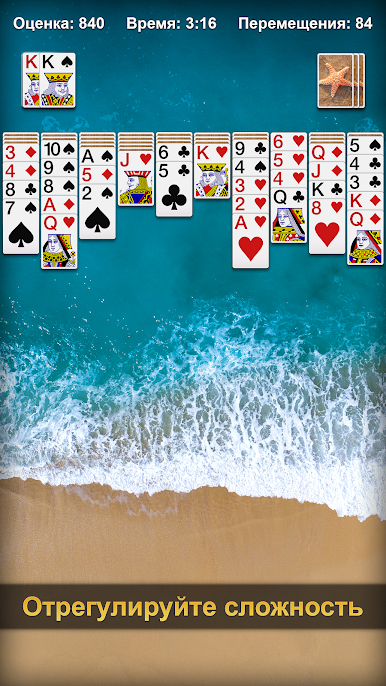
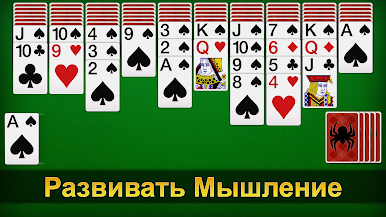

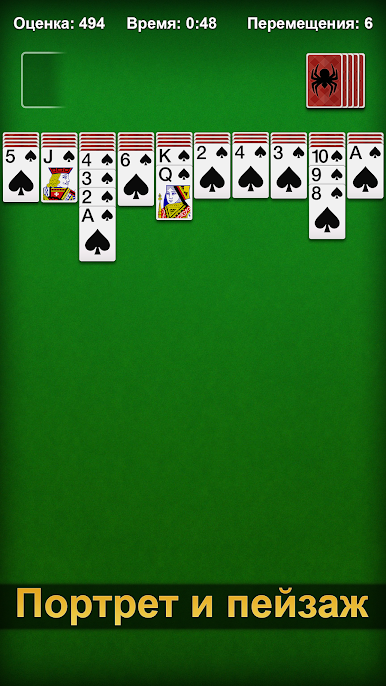

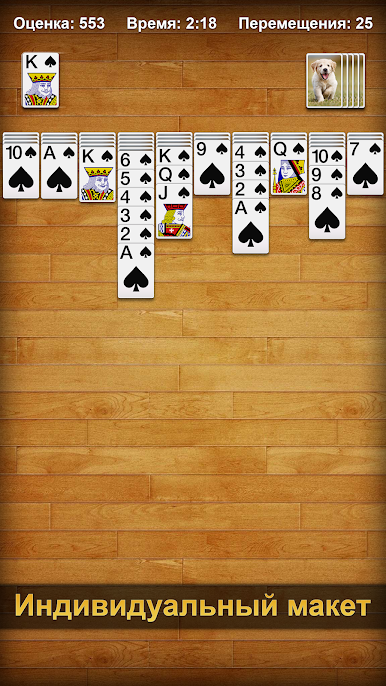
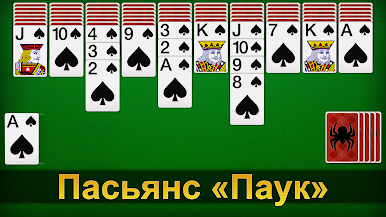

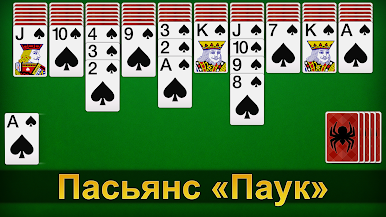
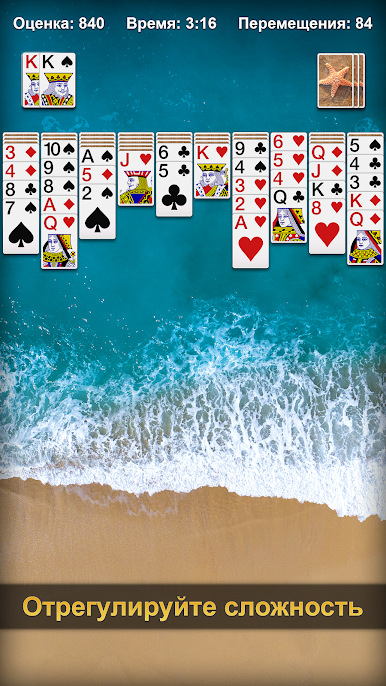



Играйте в игру Пасьянс Паук на ПК. Это легко и просто.
-
Скачайте и установите BlueStacks на ПК.
-
Войдите в аккаунт Google, чтобы получить доступ к Google Play, или сделайте это позже.
-
В поле поиска, которое находится в правой части экрана, введите название игры – Пасьянс Паук.
-
Среди результатов поиска найдите игру Пасьянс Паук и нажмите на кнопку "Установить".
-
Завершите авторизацию в Google (если вы пропустили этот шаг в начале) и установите игру Пасьянс Паук.
-
Нажмите на ярлык игры Пасьянс Паук на главном экране, чтобы начать играть.

