

Big Font: Enlarge font
500M + oyuncunun güvendiği Android Oyun Platformu, BlueStacks ile PC'de oynayın.

Sayfa Değiştirilme tarihi: Apr 24, 2025
Run Big Words App, Big Word, Font Size App, Small Font on PC or Mac
Let BlueStacks turn your PC, Mac, or laptop into the perfect home for Big Words App, Big Word, Font Size App, Small Font, a fun Tools app from We Choice Mobile.
About the App
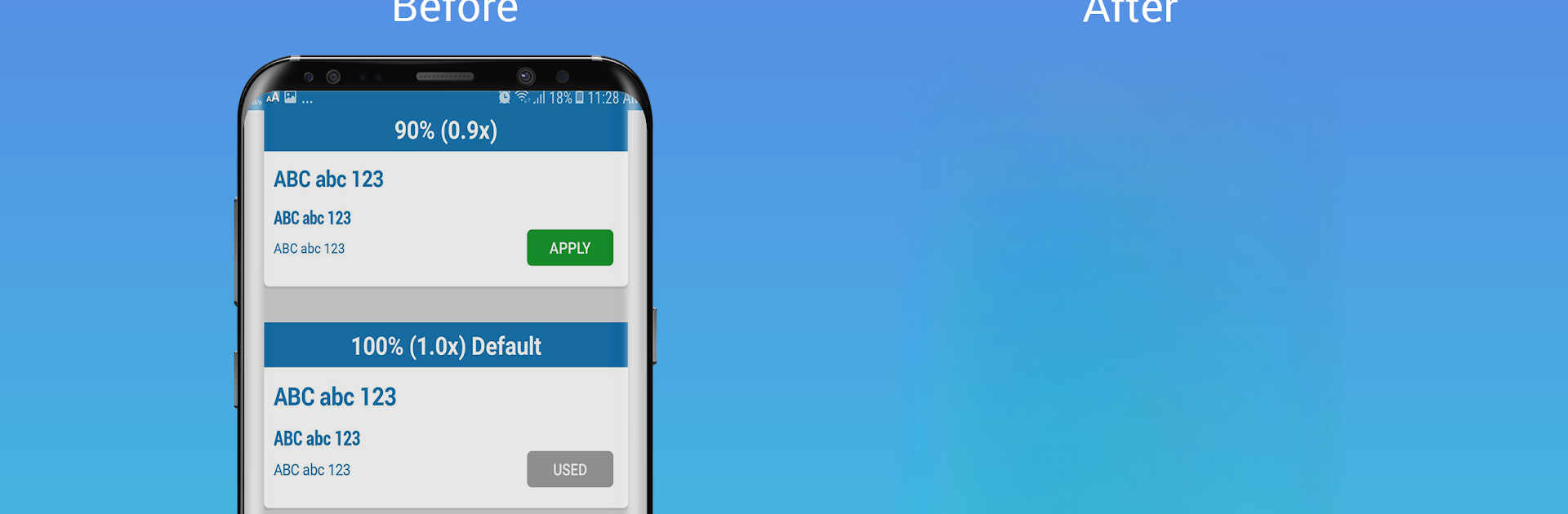
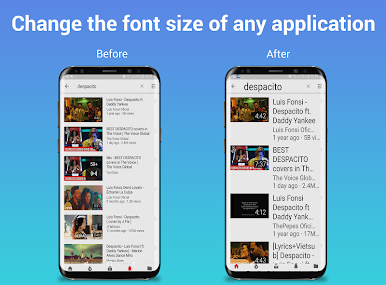
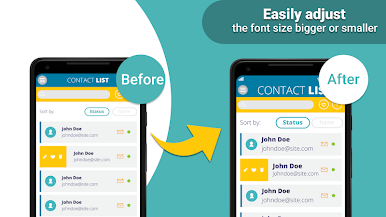
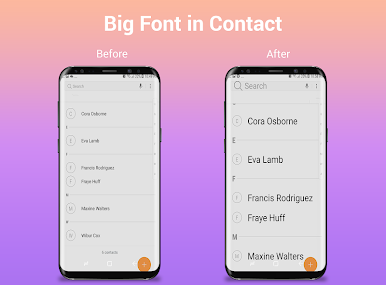
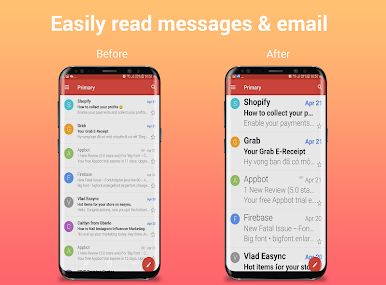
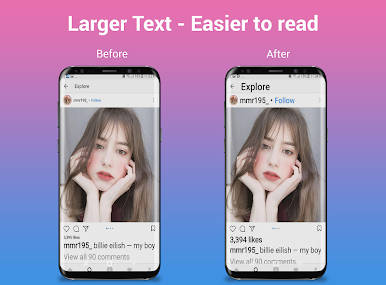
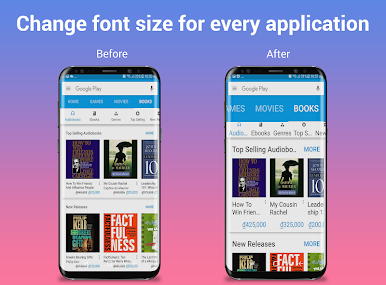
Ever squint at your phone, struggling to make out the tiny letters? Big Words App, Big Word, Font Size App, Small Font from We Choice Mobile makes everything easier to read, whether you need a larger font for comfort or want to fine-tune text size to suit your style. This handy tool takes the hassle out of adjusting word sizes, so you can finally see messages, menus, and documents just the way you want—no more eye strain or headaches.
App Features
-
One-Tap Font Changer
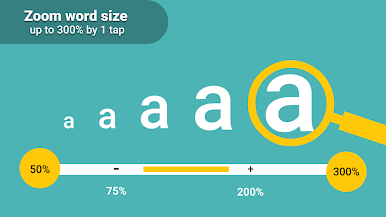
Quickly switch between small font and big word with a single tap. If your device’s text is too small, you can bump it up instantly—no digging through complicated phone settings. -
Custom Word Sizing
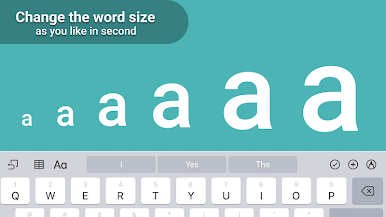
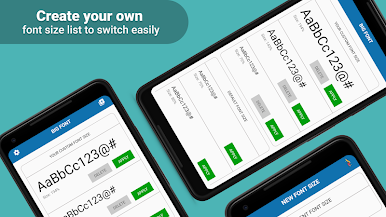
Fine-tune the exact font size that feels right for you. Whether you prefer just a bit larger or want a bold, super-sized look, you control the slider. -
Adjustable Zoom from 100% to 300%
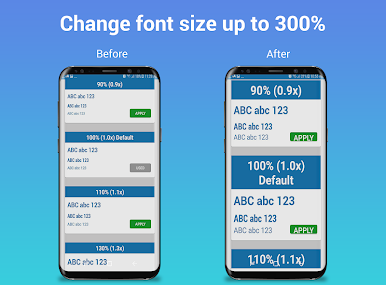
Need things way bigger? Slide up to 300% and see everything become crystal clear—great for people with tired eyes or if you just like seeing text from across the room. -
User-Friendly Layout
Big Words App keeps it simple. The clean design means you won’t get lost in menus. Change your font size in seconds, with all the controls right where you expect. -
Easy Reset
Tried a new word size and it’s not quite right? With one tap, you can reset everything back to your phone’s default settings. -
Ideal for All Ages
Whether you’re setting up your own device, helping out a family member, or just trying to make your reading experience more comfortable, this Font Size App is straightforward and effective—even if you’re not a tech whiz. -
Seamless with BlueStacks
Want to see your new, larger font on a bigger screen? You can try it with BlueStacks for a comfortable viewing experience on your PC.
This tool from We Choice Mobile is built for anyone wanting a stress-free way to tweak word size, whether it’s because of aging eyes or just to suit your reading habits.
Switch to BlueStacks and make the most of your apps on your PC or Mac.
Big Font: Enlarge font oyununu PC'de oyna. Başlamak çok kolay.
-
BlueStacks'i PC'nize İndirin ve Yükleyin
-
Play Store'a erişmek için Google girişi yapın ya da daha sonraya bırakın.
-
Sağ üst köşeye Big Font: Enlarge font yazarak arayın.
-
Big Font: Enlarge font uygulamasını arama sonuçlarından indirmek için tıklayın.
-
(iEğer Adım 2'yi atladıysanız) Big Font: Enlarge font uygulamasını yüklemek için Google'a giriş yapın.
-
Oynatmaya başlatmak için ekrandaki Big Font: Enlarge font ikonuna tıklayın.

