


MT Manager
Играйте на ПК с BlueStacks – игровой платформе для приложений на Android. Нас выбирают более 500 млн. игроков.

Страница изменена: Oct 16, 2026
Обзор
The main functions are:
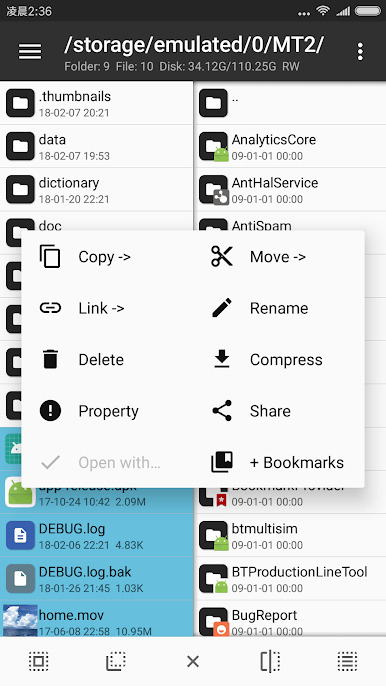
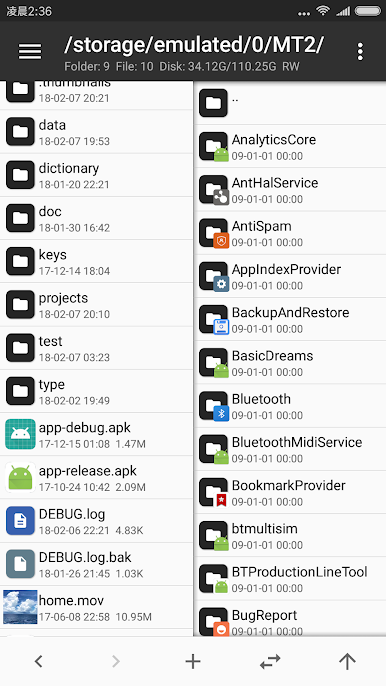
- File management, such as file copy, move, delete. If you give root privilege to MT, you can access the system directory, remount the file system as read-write, modify file permissions and owner.
- Open the ZIP file like WinRAR. You can delete, rename, move, add / replace external files to the ZIP without decompression and repackaging, and decompress files in the ZIP.
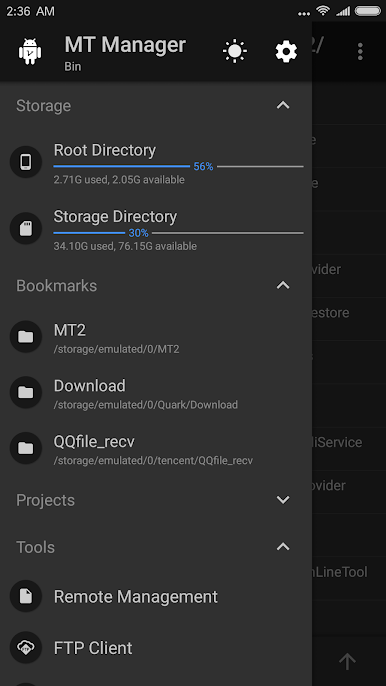
- Text editor, picture viewer, music player, font previewer, script executer, text contrast and other functions, in the sidebar you can easily view the storage device, FTP connection, bookmark, background, tools and so on.
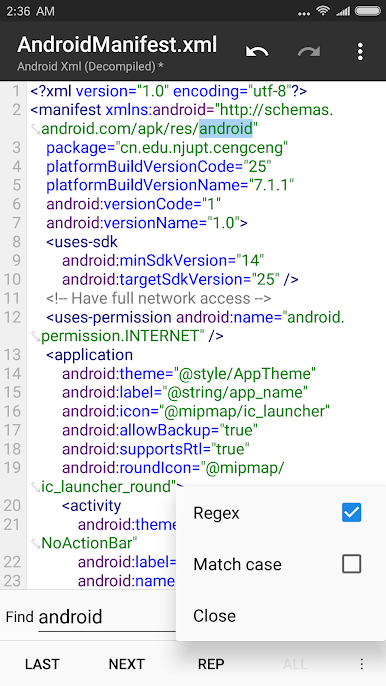
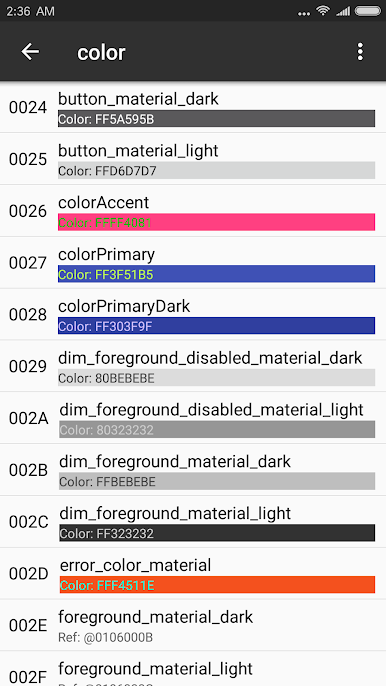
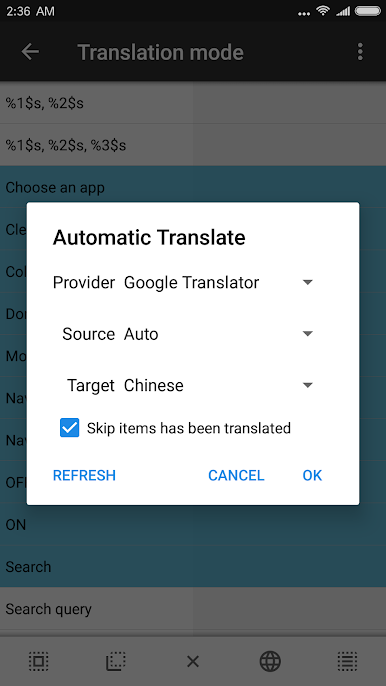
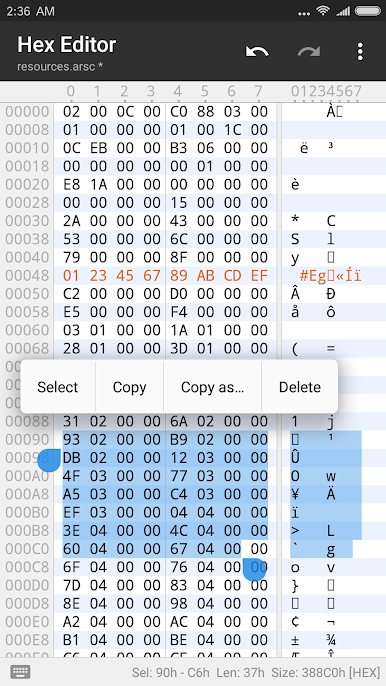
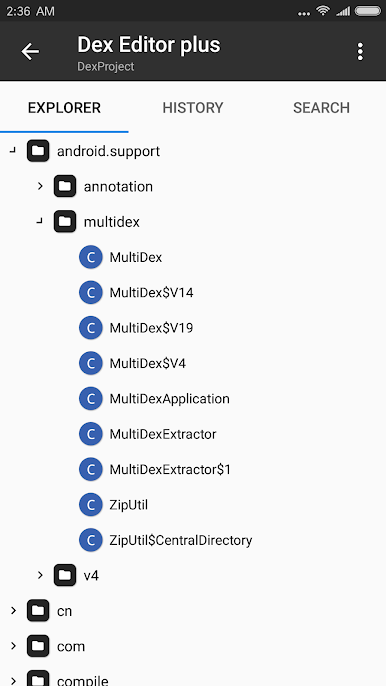
- Many powerful APK editing features, like dex editor, arsc editor, xml editor. you can also sign apk, optimize apk, clone apk, remove signature verification, confuse apk resource, anti-confuse apk resource, translate app.
Играйте в игру MT Manager на ПК. Это легко и просто.
-
Скачайте и установите BlueStacks на ПК.
-
Войдите в аккаунт Google, чтобы получить доступ к Google Play, или сделайте это позже.
-
В поле поиска, которое находится в правой части экрана, введите название игры – MT Manager.
-
Среди результатов поиска найдите игру MT Manager и нажмите на кнопку "Установить".
-
Завершите авторизацию в Google (если вы пропустили этот шаг в начале) и установите игру MT Manager.
-
Нажмите на ярлык игры MT Manager на главном экране, чтобы начать играть.

