

MP3 Messer Klingelton Make PRO
Spiele auf dem PC mit BlueStacks - der Android-Gaming-Plattform, der über 500 Millionen Spieler vertrauen.

Seite geändert am: Sep 20, 2019
Run MP3 Cutter Ringtone Maker PRO on PC or Mac
Multitask effortlessly on your PC or Mac as you try out MP3 Cutter Ringtone Maker PRO, a Music & Audio app by ALPHA LAB on BlueStacks.
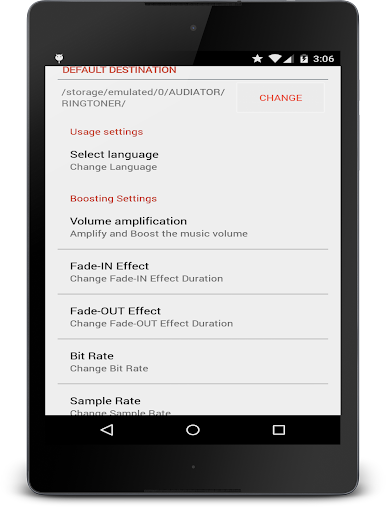
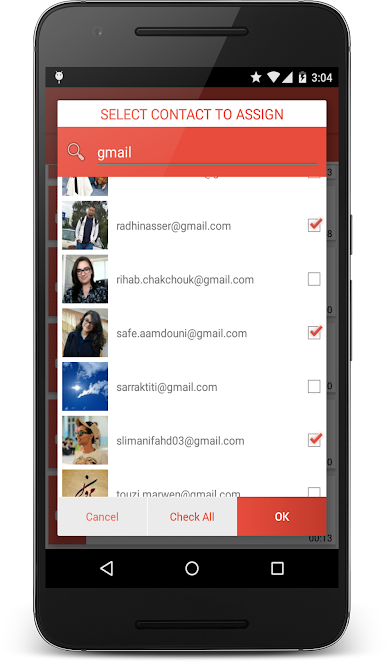
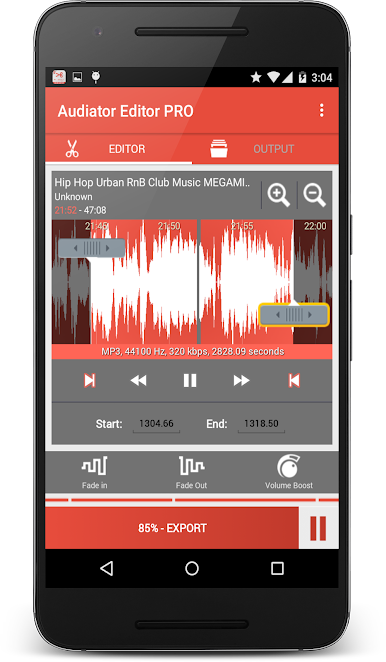
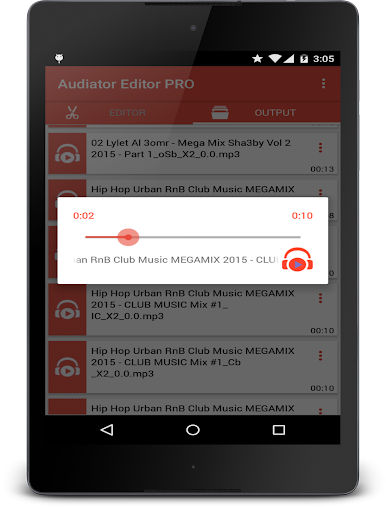
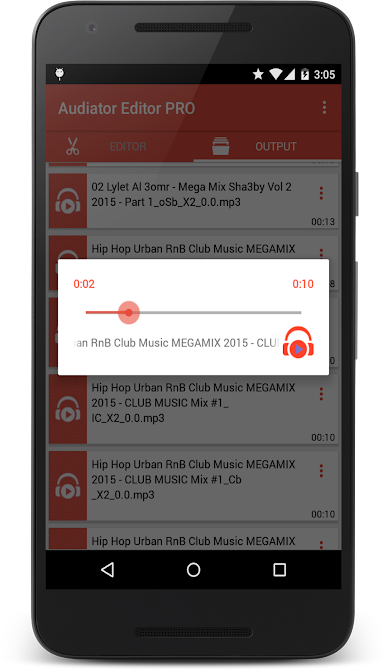
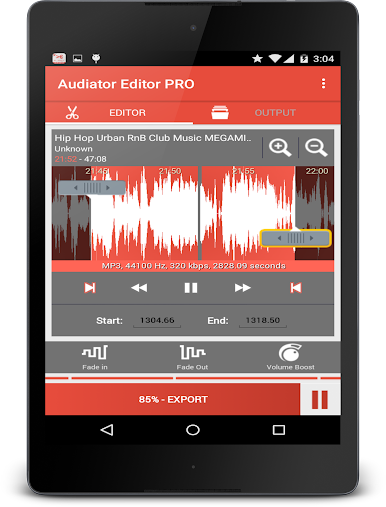
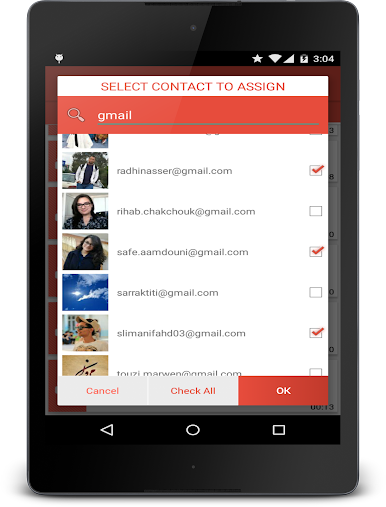
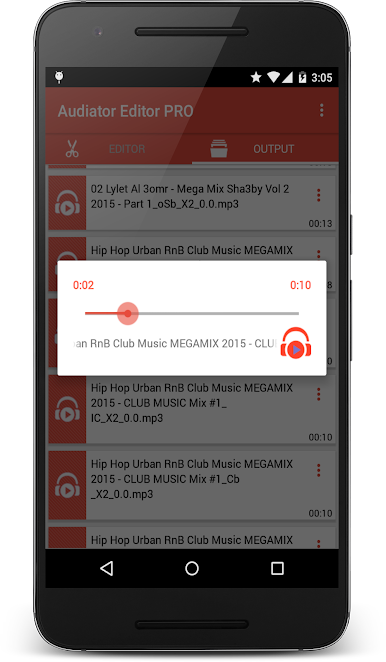
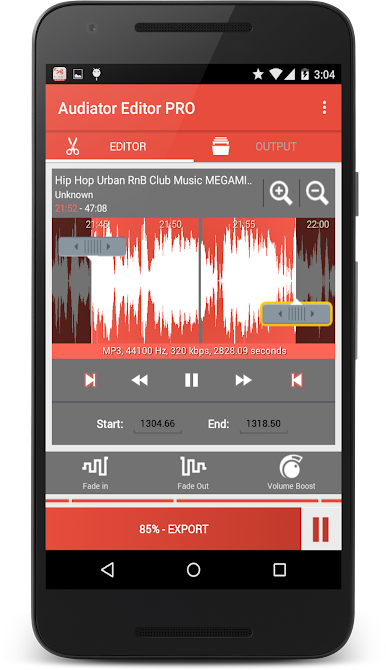
MP3 Cutter Ringtone Maker PRO is one of those apps where, if someone likes customizing stuff—ringtones, alarms, notifications—they’ll probably have fun with it. It lets anyone take an audio file, chop out exactly the part they want, and save it however they like, whether that’s for a general ringtone or even for a specific contact. The editing process feels straightforward: just import a file (music, audiobook, voice note, whatever), pick out the best bit, maybe mess with filters like fade-in or fade-out, boost the volume a little if needed, and then export. There’s a handy waveform view where someone can zoom in for precision—plus, it’s easy to just tap and listen right at any point in the song.
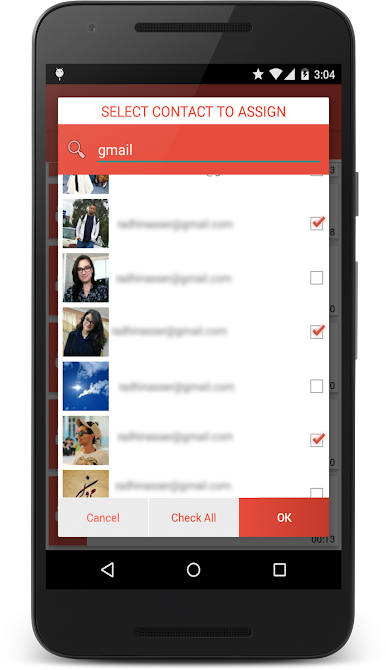
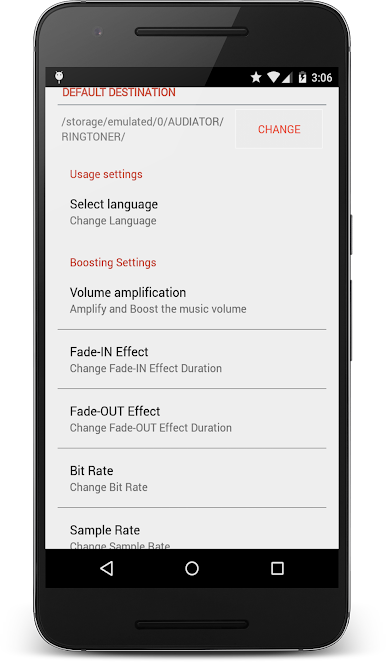
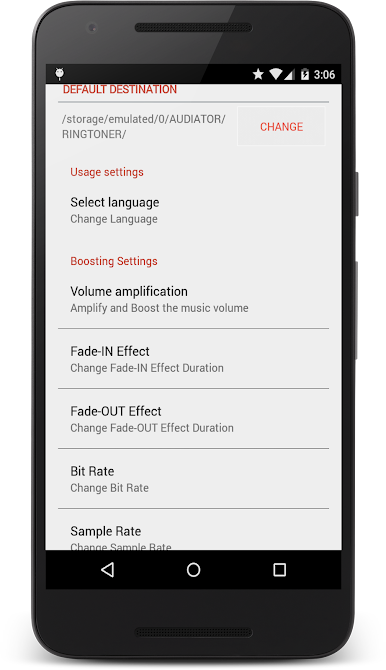
On PC, especially with BlueStacks, the layout comes off as clean and easy to follow. Navigation is smooth, and there’s a nice material design vibe—lots of little animations and clear menus. Assigning a custom ringtone to a specific person is really fast too, especially when using the search tool. There’s also support for different languages, so it feels friendly to just about anyone. Batch processing works well for those who want to edit a bunch of files overnight. Volume boosting and amplification do make a difference if a track feels too quiet. And for anyone who likes adjusting the fade duration or playing with sound quality, the app’s settings have what you need. It doesn’t need the internet either. Overall, it feels like a simple and efficient tool for anyone wanting to make their music or ringtones a little more personal.
BlueStacks gives you the much-needed freedom to experience your favorite apps on a bigger screen. Get it now.
Spiele MP3 Messer Klingelton Make PRO auf dem PC. Der Einstieg ist einfach.
-
Lade BlueStacks herunter und installiere es auf deinem PC
-
Schließe die Google-Anmeldung ab, um auf den Play Store zuzugreifen, oder mache es später
-
Suche in der Suchleiste oben rechts nach MP3 Messer Klingelton Make PRO
-
Klicke hier, um MP3 Messer Klingelton Make PRO aus den Suchergebnissen zu installieren
-
Schließe die Google-Anmeldung ab (wenn du Schritt 2 übersprungen hast), um MP3 Messer Klingelton Make PRO zu installieren.
-
Klicke auf dem Startbildschirm auf das MP3 Messer Klingelton Make PRO Symbol, um mit dem Spielen zu beginnen

