


Vape Toolbox PRO
Spiele auf dem PC mit BlueStacks - der Android-Gaming-Plattform, der über 500 Millionen Spieler vertrauen.

Seite geändert am: Nov 5, 2025
Play Vape Toolbox PRO on PC
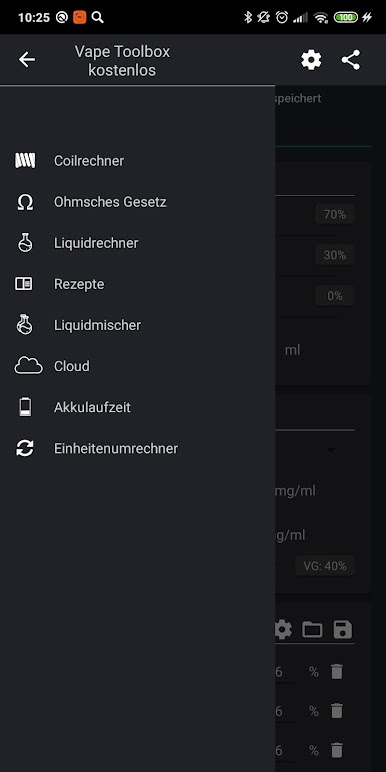
The application is a complete set for vapers preserving coils and e-liquid recipes. The set consists of five vape tools:
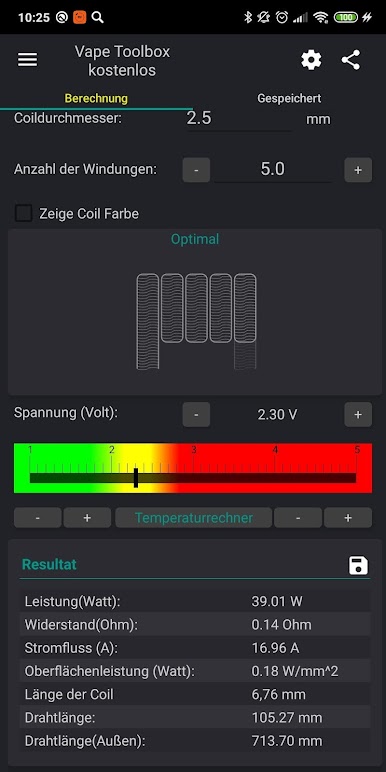
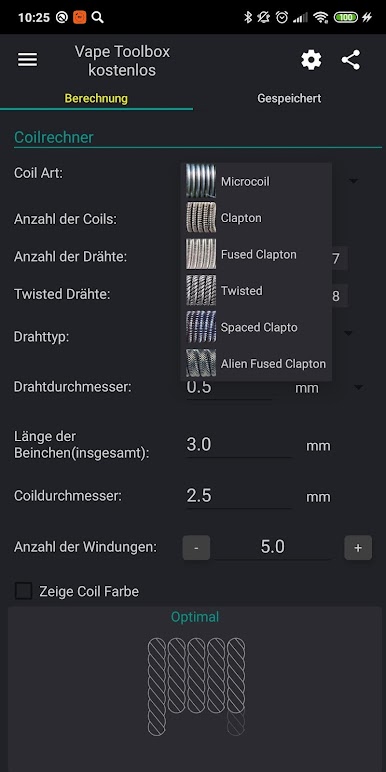
- Coil calculator (microcoil and clapton coil and other) help you build coil
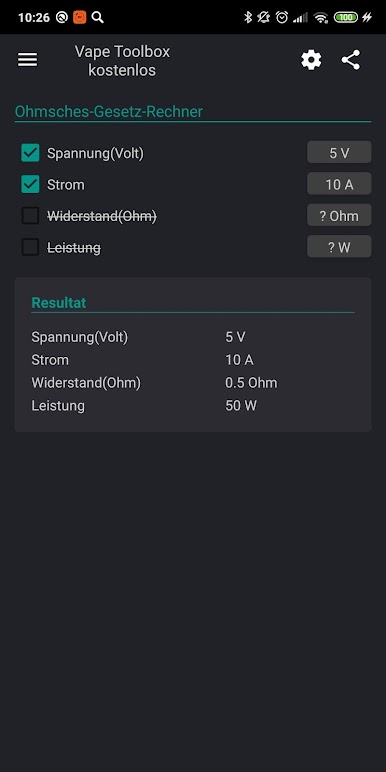
- Simple power calculator
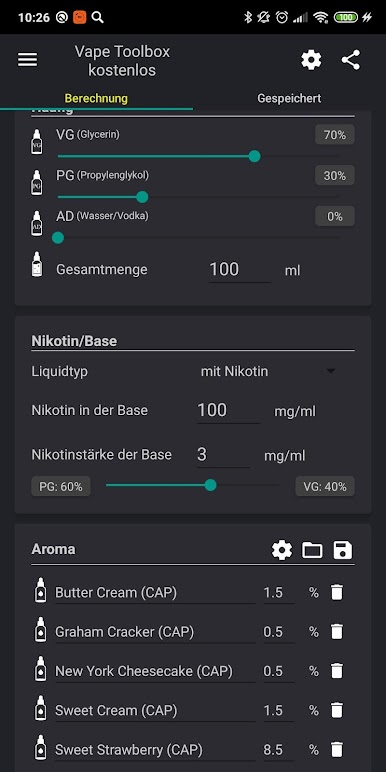
- e-liquid calculator
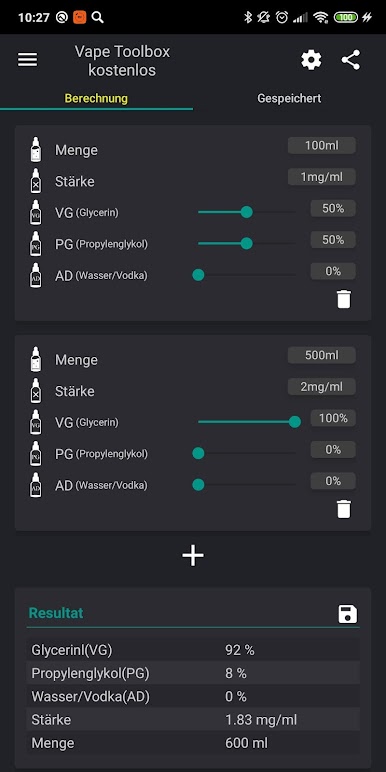
- e-liquid mixer
- Calculator battery life of esig
- Translation unit of measure
You can save your data in Vape Tools Box Cloud.
Widget for people who quit smoking and start vaping
Features of the coil calculator for ecig vaping:
- Opportunity SAVE COILS and load from your coil list
- Calculation optimal power for vaping
- Selection between Microcoil, Clapton, Fused Clapton and Spaced Clapton
- Materials helix 9
- Different number of coils
- Different number of wires in microcoil
- Determination of the optimal voltage to vaping
- The calculation coil resistance
- Calculation of surface power
- Calculation of the length of the wire
- Input voltage 1-20V
- Create and restore backup(on external storage)
Possibilities of calculation liquid:
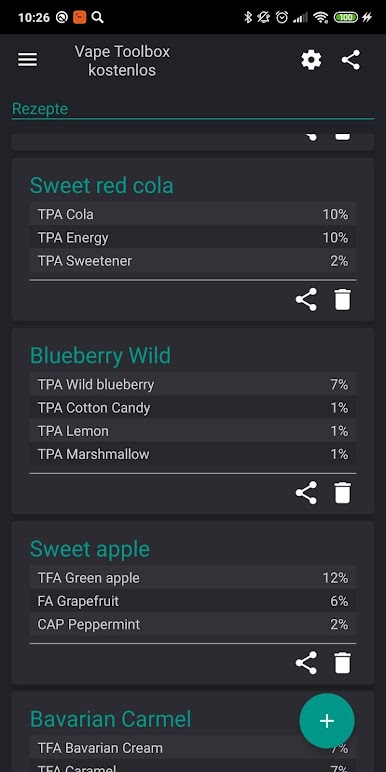
- The ability to SAVE RECIPES and load from the list
- Liquid nicotine and without nicotine e-liquid
- The ratio of pg / vg / ad
- The exact calculation flavoring for esig
Calculation of battery life of esig:
- mechmod
- ego
- variwatt
- varivolt
Translation units:
- Awg <-> mm (inch)
Backup:
- Save and load recipes and coils
What is the news:
1.0.1
- Small changes in the interface of coil calculator
1.0.2
- Added widget
1.0.3
- Added fused clapton coil!
- Increased accuracy of calculations
1.1.0
- Added calculation optimal voltage and power
1.2.0
- Added simple power calculator
- Smal changes in interface
- Bugfix
1.3.0
- can be calculated for any number of aromatic
- indication of the number of flavors Percentage
1.3.3
- twisted coil
1.3.4
- length of coil
1.4.0
- added backup
1.4.1
- fixed bugs
2.1.0
- calculation of Spaced Clapton
- name of flavoring
- flavoring in drops
Spiele Vape Toolbox PRO auf dem PC. Der Einstieg ist einfach.
-
Lade BlueStacks herunter und installiere es auf deinem PC
-
Schließe die Google-Anmeldung ab, um auf den Play Store zuzugreifen, oder mache es später
-
Suche in der Suchleiste oben rechts nach Vape Toolbox PRO
-
Klicke hier, um Vape Toolbox PRO aus den Suchergebnissen zu installieren
-
Schließe die Google-Anmeldung ab (wenn du Schritt 2 übersprungen hast), um Vape Toolbox PRO zu installieren.
-
Klicke auf dem Startbildschirm auf das Vape Toolbox PRO Symbol, um mit dem Spielen zu beginnen

