


2048 EXTENDED + TV
Spiele auf dem PC mit BlueStacks - der Android-Gaming-Plattform, der über 500 Millionen Spieler vertrauen.

Seite geändert am: Dec 23, 2025
Übersicht
We offer much more than others:
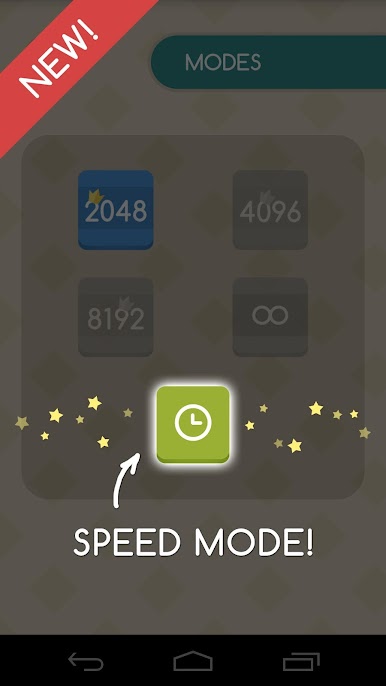
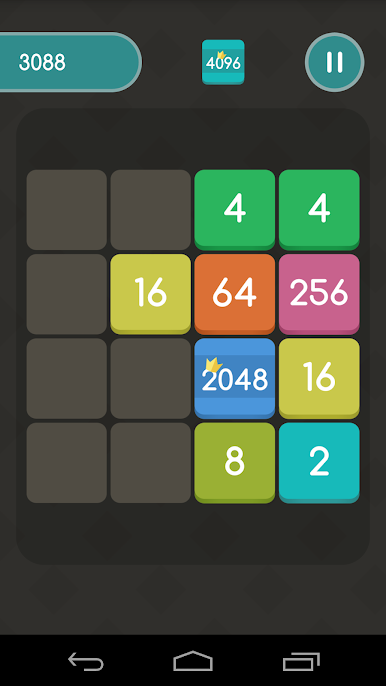
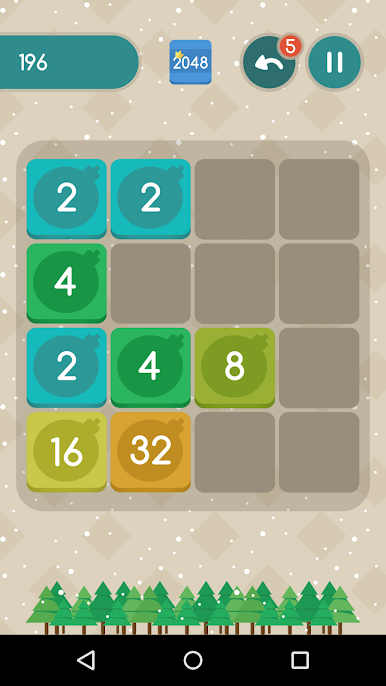
+ variety of game modes: 2048, 4096, 8192 and endless
+ 'UNDO'-button to undo your last step
+ saving the result: you can continue playing next level with saved game field of the previous one
+ night mode
+ Google rating
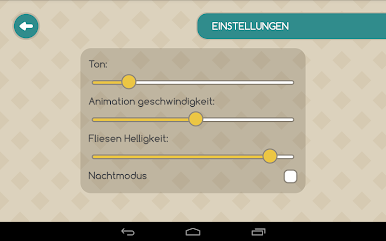
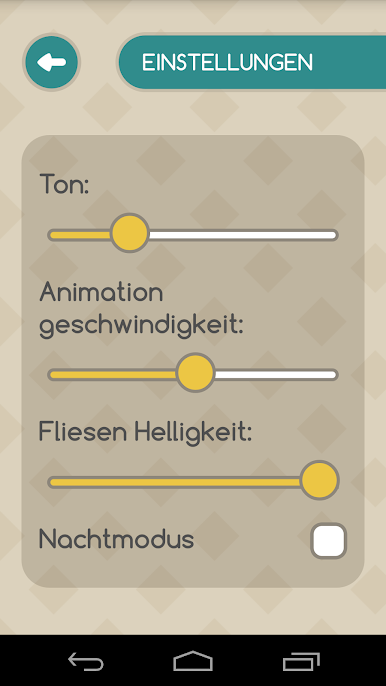
+ extended settings
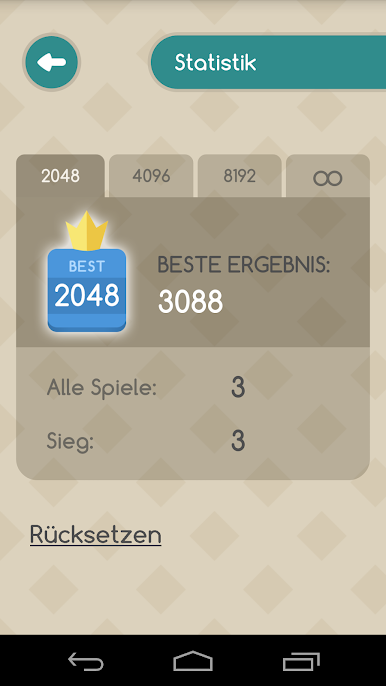
+ statistics
+ the ability to create accounts on one device
+ autosave
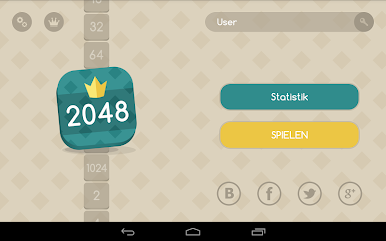
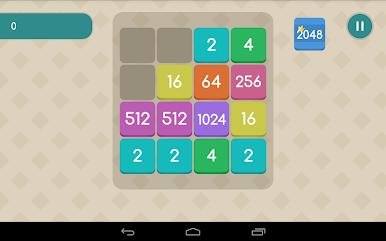
+ optimization for tablets
+ sound effects
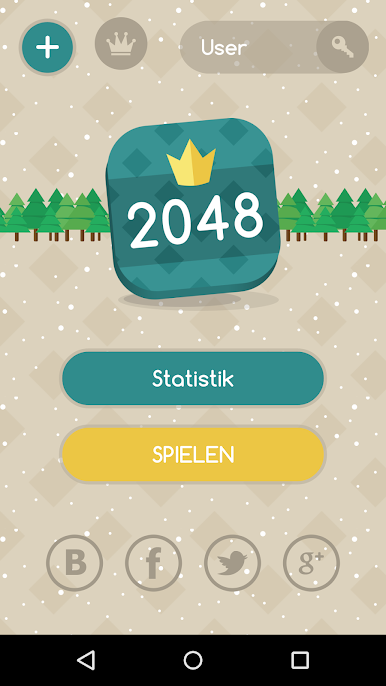
+ unique design
+ pleasant surprise for tablets: you can play by touching the screen anywhere
*Sincere thanks to all our beloved customers for their support and understanding!
And also thanks to Gabriel Chirulli, without whom our game would not have been created.



Spiele 2048 EXTENDED + TV auf dem PC. Der Einstieg ist einfach.
-
Lade BlueStacks herunter und installiere es auf deinem PC
-
Schließe die Google-Anmeldung ab, um auf den Play Store zuzugreifen, oder mache es später
-
Suche in der Suchleiste oben rechts nach 2048 EXTENDED + TV
-
Klicke hier, um 2048 EXTENDED + TV aus den Suchergebnissen zu installieren
-
Schließe die Google-Anmeldung ab (wenn du Schritt 2 übersprungen hast), um 2048 EXTENDED + TV zu installieren.
-
Klicke auf dem Startbildschirm auf das 2048 EXTENDED + TV Symbol, um mit dem Spielen zu beginnen

