


快速聖經 - 功能版
500M + oyuncunun güvendiği Android Oyun Platformu, BlueStacks ile PC'de oynayın.

Sayfa Değiştirilme tarihi: Sep 25, 2025
Play 快速聖經 - 功能版 on PC
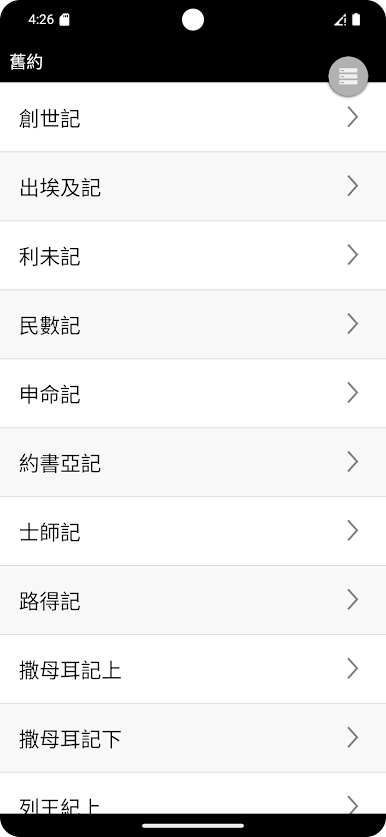
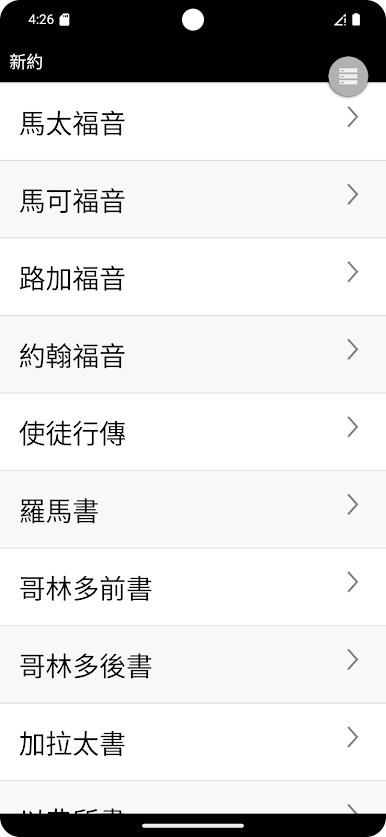
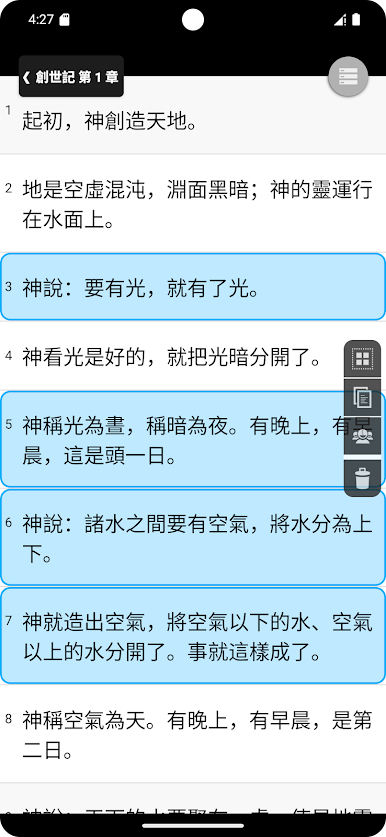
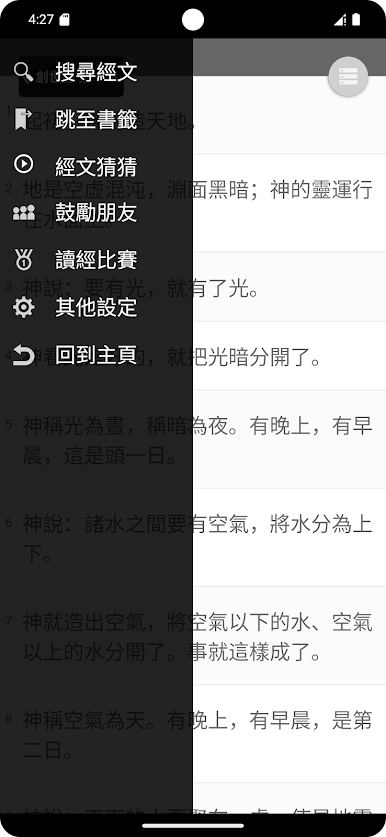
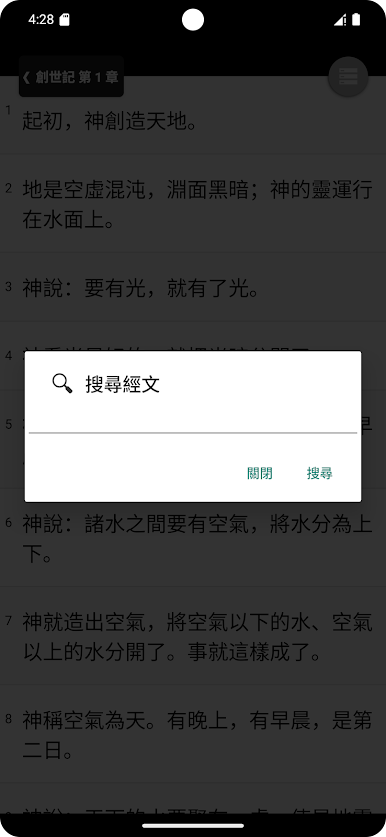
New features include: copy and share across volumes and chapters, automatic reading, Bible reading competition, encouraging friends, font size adjustment, bookmarks, search, etc... Countless powerful features are waiting for you to experience together.
1. You can use your finger to drag the function keys up, down, left, or right to see if there are unexpected effects!
2. Swiping your finger left or right on the screen may activate hidden functions!
3. Press and hold the verse to add bookmarks!
4. Use two fingers to open and close to control the font size!
5. When on the scripture page, drag the function key on the upper right downwards to activate the automatic reading function. There is also a function for upwards!



快速聖經 - 功能版 oyununu PC'de oyna. Başlamak çok kolay.
-
BlueStacks'i PC'nize İndirin ve Yükleyin
-
Play Store'a erişmek için Google girişi yapın ya da daha sonraya bırakın.
-
Sağ üst köşeye 快速聖經 - 功能版 yazarak arayın.
-
快速聖經 - 功能版 uygulamasını arama sonuçlarından indirmek için tıklayın.
-
(iEğer Adım 2'yi atladıysanız) 快速聖經 - 功能版 uygulamasını yüklemek için Google'a giriş yapın.
-
Oynatmaya başlatmak için ekrandaki 快速聖經 - 功能版 ikonuna tıklayın.

