

Plaato
Играйте на ПК с BlueStacks – игровой платформе для приложений на Android. Нас выбирают более 500 млн. игроков.

Страница изменена: Apr 3, 2025
Run Plaato on PC or Mac
Get freedom from your phone’s obvious limitations. Use Plaato, made by Blynk Inc., a Tools app on your PC or Mac with BlueStacks, and level up your experience.
About the App
Plaato is your smart window into fermentation. Pair it with your airlock and watch your beer, cider, or wine come to life with real-time stats that actually make sense. Built by Blynk Inc., this Tools app puts the key numbers on your phone so you can follow every bubble without hovering over the fermenter.
App Features
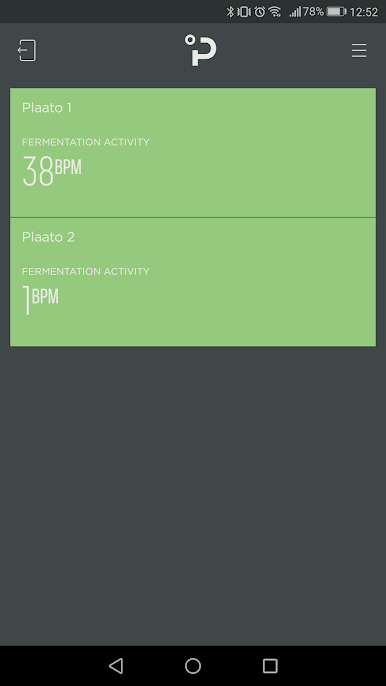
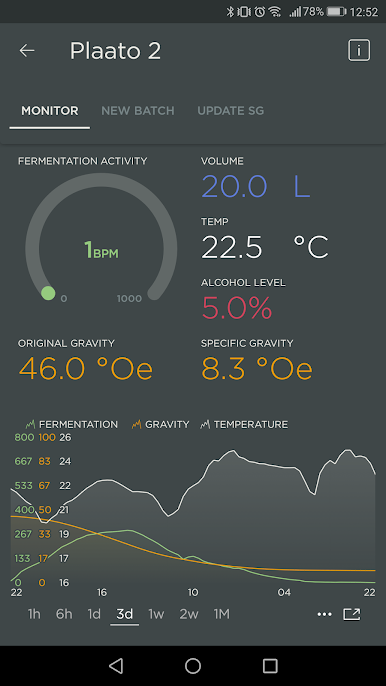
- Real-time activity tracking — See how active your fermentation is, minute by minute, so you can catch stalls or surges as they happen.
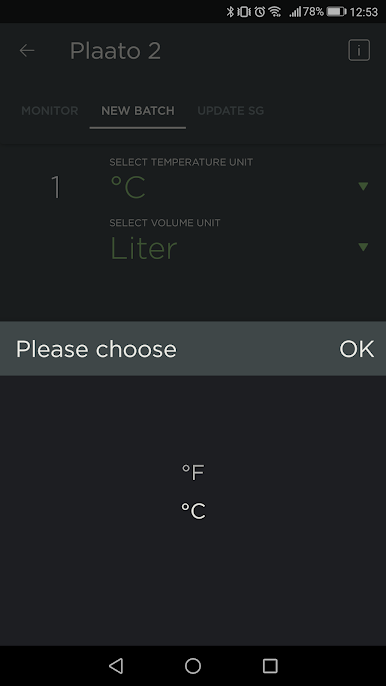
- Ambient temperature — Monitor the room temp in °F or °C to understand how conditions are shaping your ferment.
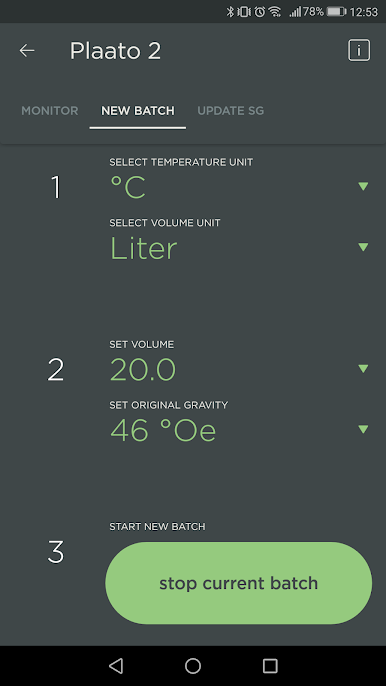
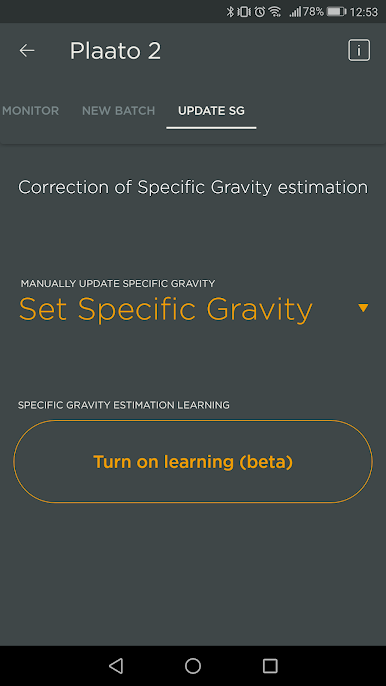
- SG and alcohol estimates — Plaato reads CO2 flow and uses it to estimate Specific Gravity and alcohol content, including units like °Oe and %w/w.
- Wi‑Fi access and sharing — Your data syncs over Wi‑Fi, letting you check in from anywhere and share progress with brew buddies.
- Works across beverages — Beer, cider, wine—if it ferments, Plaato can keep tabs on it.
- Simple airlock swap — Replace your standard airlock and you’re monitoring right away—no complicated setup or probes.
- Batch history and export — Save and export your logs to compare techniques, recipes, and results over time.
- Brew insights, made simple — Watch how yeast strains behave and see how temperature tweaks speed up or slow down fermentation.
- Check from your computer — Prefer a bigger screen? You can run Plaato on BlueStacks to glance at your stats while you work.
BlueStacks gives you the much-needed freedom to experience your favorite apps on a bigger screen. Get it now.
Играйте в игру Plaato на ПК. Это легко и просто.
-
Скачайте и установите BlueStacks на ПК.
-
Войдите в аккаунт Google, чтобы получить доступ к Google Play, или сделайте это позже.
-
В поле поиска, которое находится в правой части экрана, введите название игры – Plaato.
-
Среди результатов поиска найдите игру Plaato и нажмите на кнопку "Установить".
-
Завершите авторизацию в Google (если вы пропустили этот шаг в начале) и установите игру Plaato.
-
Нажмите на ярлык игры Plaato на главном экране, чтобы начать играть.

