


iTheorie Führerschein Auto
Spiele auf dem PC mit BlueStacks - der Android-Gaming-Plattform, der über 500 Millionen Spieler vertrauen.

Seite geändert am: Nov 2, 2025
Run iTheorie Führerschein Auto 2020 on PC or Mac
Why limit yourself to your small screen on the phone? Run iTheorie Führerschein Auto 2020, an app by Swift Management AG, best experienced on your PC or Mac with BlueStacks, the world’s #1 Android emulator.
About the App
Getting ready for the German driving theory test? iTheorie Führerschein Auto 2020 is a straightforward, no-fuss trainer from Swift Management AG that helps you practice exactly what you’ll see on the real exam. This Education app pairs official questions with smart tools, so you can study at your pace and actually feel ready when test day shows up.
App Features
- All license classes: Switch between car (B), motorcycle (A, A1, A2, AM, Mofa), truck and bus (C, C1, CE, D, D1), plus L and T—no extra apps needed.
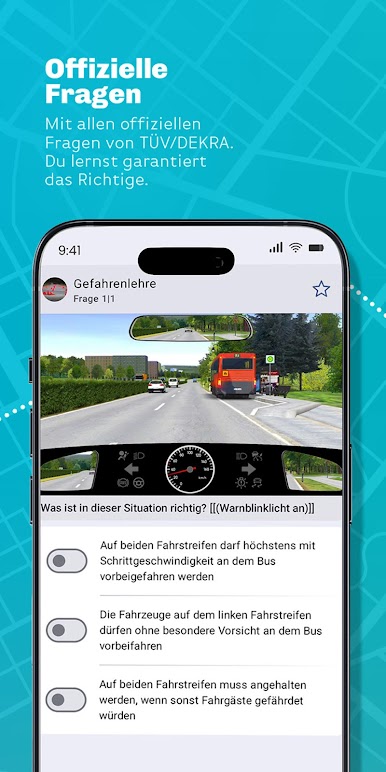
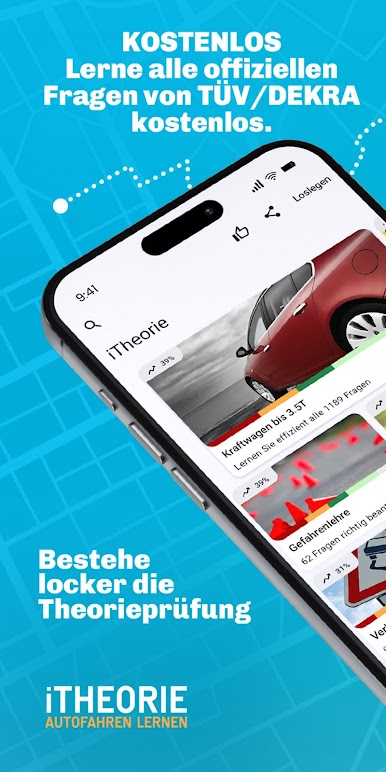
- Official question catalog: Train with the TÜV/DEKRA-approved items, including the latest video questions, so your practice matches the real thing.
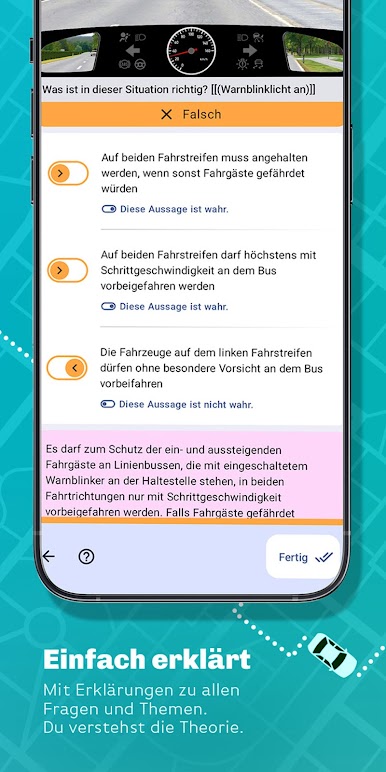
- Clear explanations: Every question comes with easy-to-understand reasoning, helping you learn the “why,” not just the right tap.
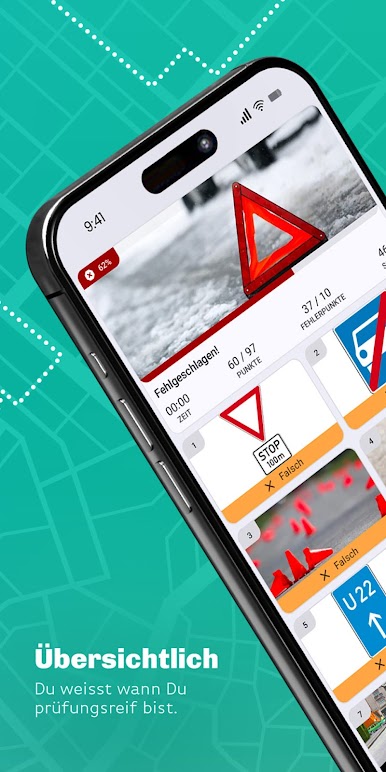
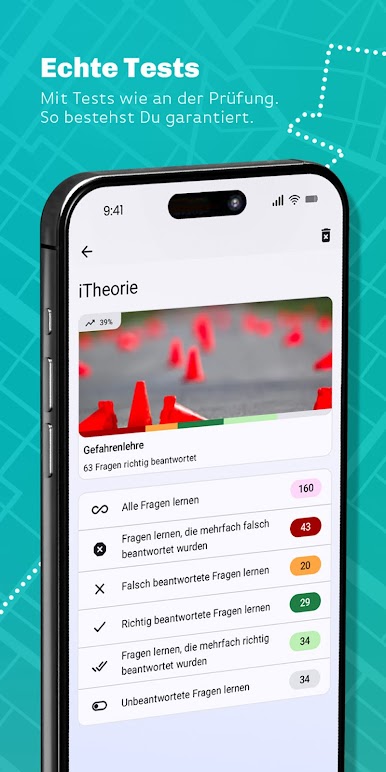
- Real exam mode: Simulate the official test with timing and scoring that feel like the actual exam environment.
- Smart progress tracking: Detailed stats highlight strengths, weak spots, and trends, making it obvious when you’re test-ready.
- Focused practice: Mark tricky questions and build custom lists to drill down on what needs work.
- Always up to date: Content reflects the most current official catalog, so you’re never studying outdated material.
- Helpful support: Got a question? Support responds fast—day or night—so you’re never stuck.
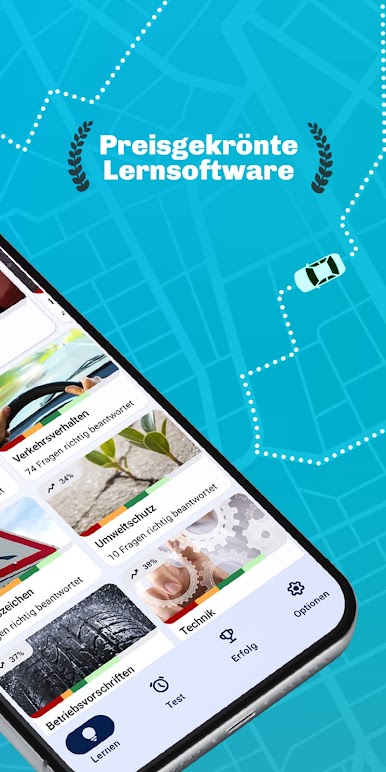
- Award-winning approach: A polished, proven learning experience that stays out of your way and lets you study.
- Free study package: Practice all official questions and run full exam simulations for free; an ad-free PRO option is available.
- Learn anywhere: Study on your phone or use BlueStacks if you prefer a bigger screen and keyboard.
BlueStacks brings your apps to life on a bigger screen—seamless and straightforward.

Spiele iTheorie Führerschein Auto auf dem PC. Der Einstieg ist einfach.
-
Lade BlueStacks herunter und installiere es auf deinem PC
-
Schließe die Google-Anmeldung ab, um auf den Play Store zuzugreifen, oder mache es später
-
Suche in der Suchleiste oben rechts nach iTheorie Führerschein Auto
-
Klicke hier, um iTheorie Führerschein Auto aus den Suchergebnissen zu installieren
-
Schließe die Google-Anmeldung ab (wenn du Schritt 2 übersprungen hast), um iTheorie Führerschein Auto zu installieren.
-
Klicke auf dem Startbildschirm auf das iTheorie Führerschein Auto Symbol, um mit dem Spielen zu beginnen

