


Schach
Spiele auf dem PC mit BlueStacks - der Android-Gaming-Plattform, der über 500 Millionen Spieler vertrauen.

Seite geändert am: Aug 22, 2025
Play Chess on PC
Chess Free game features:
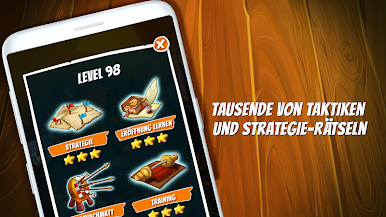
♞ Hundreds of levels
♞ Thousands of chess exercises
♞ Tactics training
♞ Strategy lessons
♞ Opening and endgame training and practice
♞ Checkmate puzzles
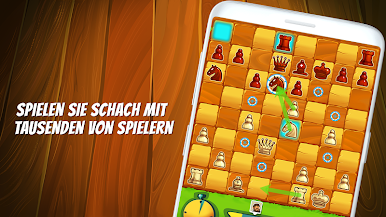
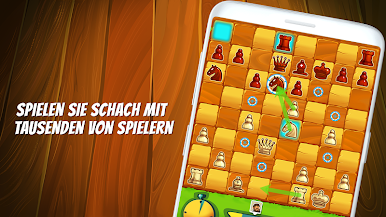
♞ Online and offline chess
♞ Time and move limit puzzles
♞ Learning mode with best move hints
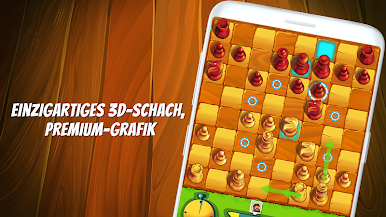
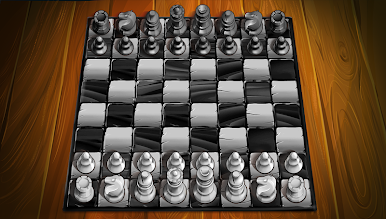
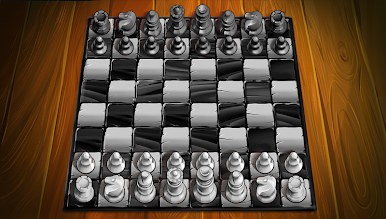
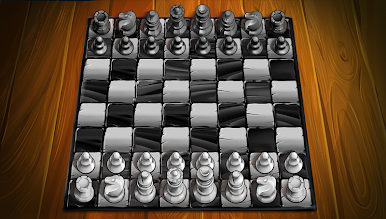
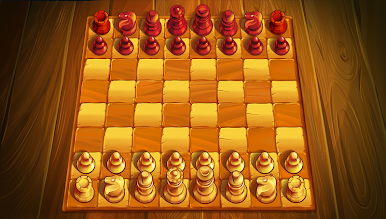
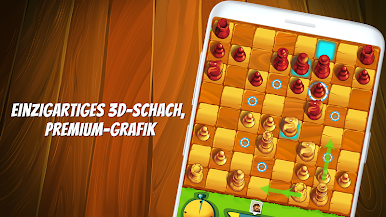
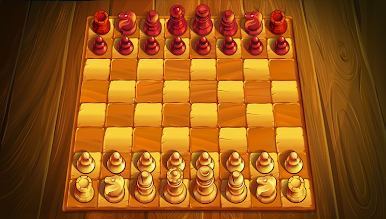
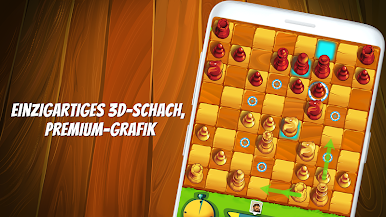
♞ 2D & 3D chess pieces
♞ Play chess in infinite rematch fights
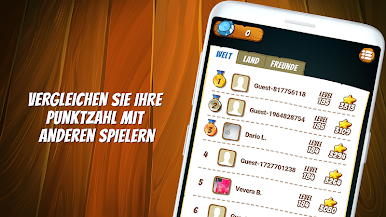
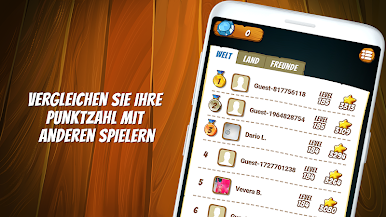
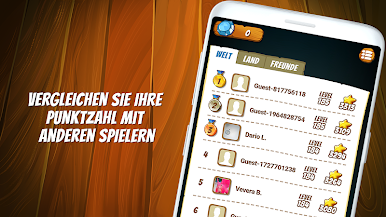
♞ Live chess statistics and leaderboards
♞ Game boosters
♞ Mistake preventing (Learn how to play without mistakes in your chess games)
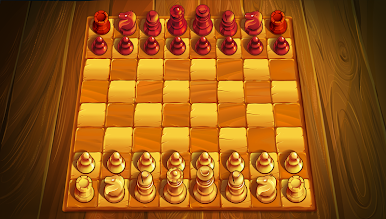
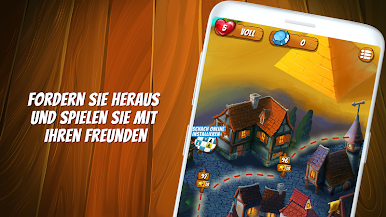
♞ Amazing 3D chess world, with cartoon graphics.
♞ No advertising
♞ This app was known as: Chess Age
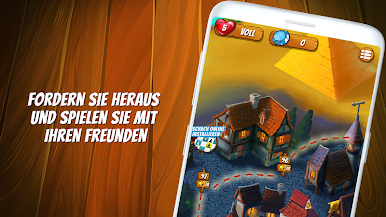
Chess Free is an offline application. You don't need internet to play online, but you can switch to online play using our other app. Play chess and learn various strategies and compare your results with friends.
Chess Free is completely free to play app, but you can purchase some optional in-game items.
Download this free chess game and let the journey begin!
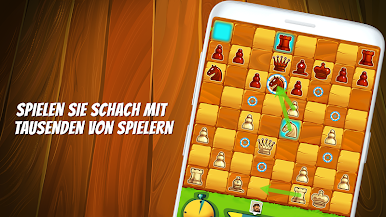
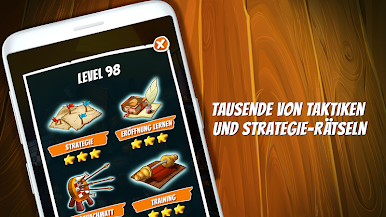
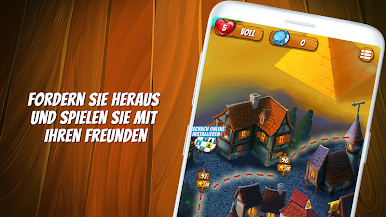
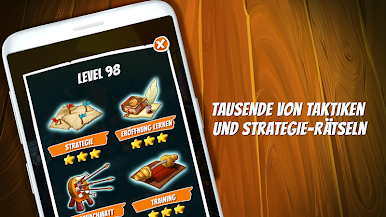
Spiele Schach auf dem PC. Der Einstieg ist einfach.
-
Lade BlueStacks herunter und installiere es auf deinem PC
-
Schließe die Google-Anmeldung ab, um auf den Play Store zuzugreifen, oder mache es später
-
Suche in der Suchleiste oben rechts nach Schach
-
Klicke hier, um Schach aus den Suchergebnissen zu installieren
-
Schließe die Google-Anmeldung ab (wenn du Schritt 2 übersprungen hast), um Schach zu installieren.
-
Klicke auf dem Startbildschirm auf das Schach Symbol, um mit dem Spielen zu beginnen

