

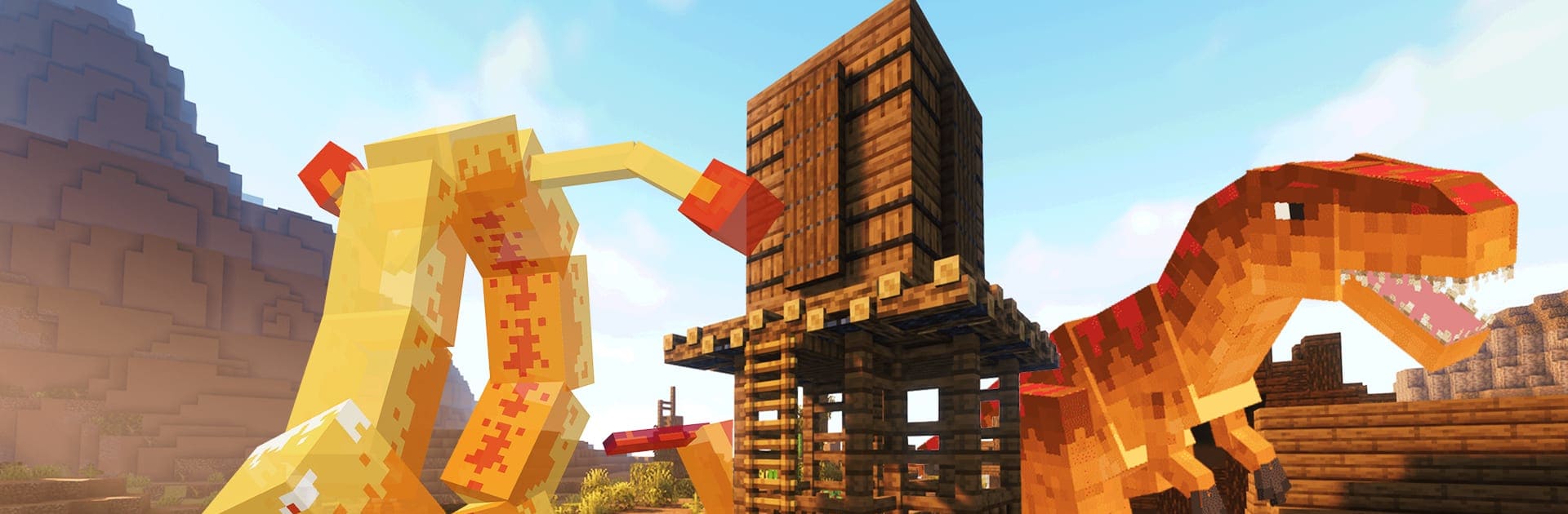
3D Model Maker for Minecraft
Spiele auf dem PC mit BlueStacks - der Android-Gaming-Plattform, der über 500 Millionen Spieler vertrauen.

Seite geändert am: Aug 18, 2025
Run 3D Model Maker for Minecraft on PC or Mac
What’s better than using 3D Model Maker for Minecraft by PA Technologies? Well, try it on a big screen, on your PC or Mac, with BlueStacks to see the difference.
About the App
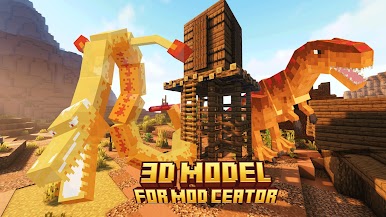
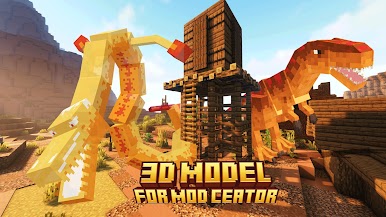
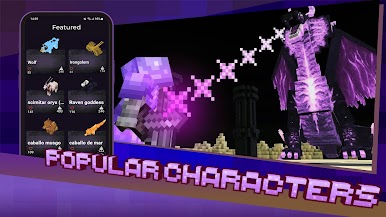
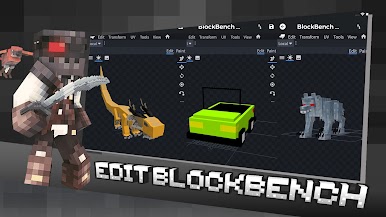
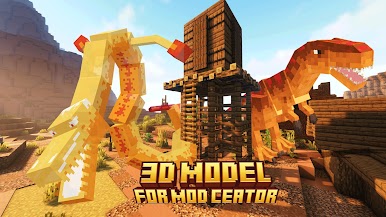
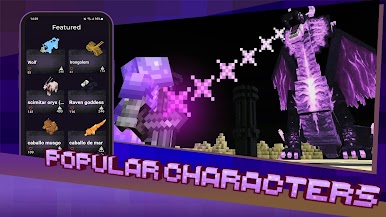
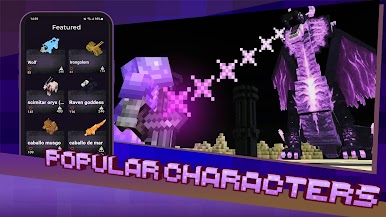
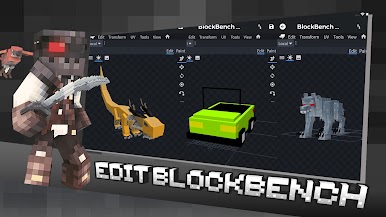
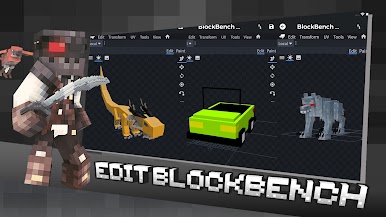
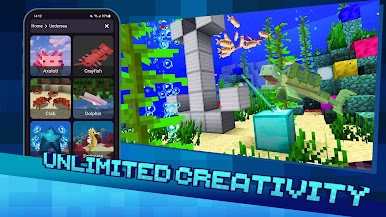
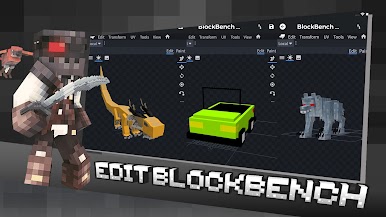
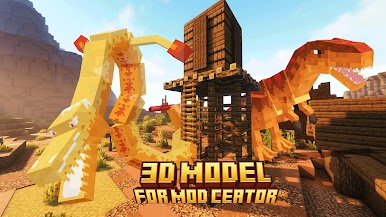
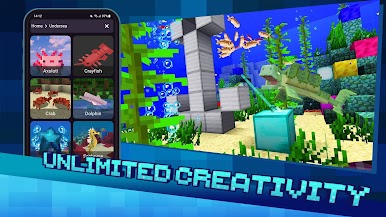
3D Model Maker for Minecraft, developed by PA Technologies, is your go-to toolbox for creating and editing Minecraft mods with ease. Imagine diving into thousands of 3D models and skins, all at your fingertips! Whether you’re a seasoned mod maker or just starting out, this app empowers your creativity with intuitive features like the Blockbench editor.
App Features
Explore and Edit:
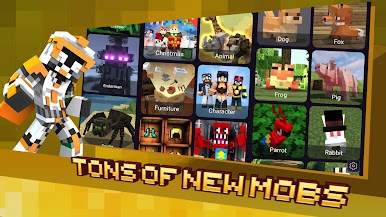
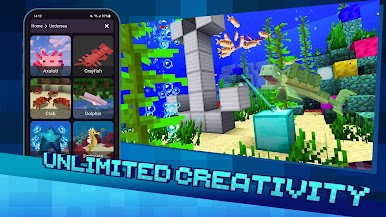
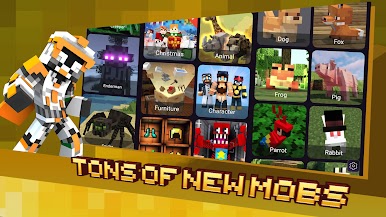
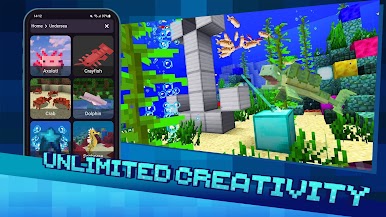
– Browse an extensive library of mobs, items, blocks, and furniture to select and edit.
Comprehensive Editors:
– Utilize the Unity Editor or the new Blockbench Editor for custom player models, even if you’re new to creating mods.
Diverse Skin Packs:
– Access integrated Minecraft 3D skin packs, sorted by themes like Christmas and Halloween.
Daily Updates:
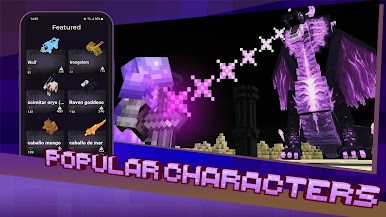
– Stay current with daily trending MCPE models.
Easy Management:
– Organize your models across 15 categories.
Compatibility:
– Fully compatible with Minecraft 1.16 and above.
For a seamless experience, this app works best on your PC with BlueStacks, offering ease of use and expanded capabilities.
BlueStacks brings your apps to life on a bigger screen—seamless and straightforward.
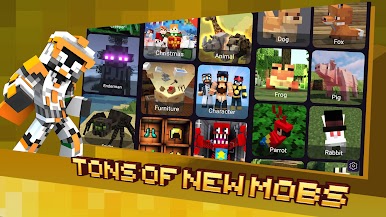
Spiele 3D Model Maker for Minecraft auf dem PC. Der Einstieg ist einfach.
-
Lade BlueStacks herunter und installiere es auf deinem PC
-
Schließe die Google-Anmeldung ab, um auf den Play Store zuzugreifen, oder mache es später
-
Suche in der Suchleiste oben rechts nach 3D Model Maker for Minecraft
-
Klicke hier, um 3D Model Maker for Minecraft aus den Suchergebnissen zu installieren
-
Schließe die Google-Anmeldung ab (wenn du Schritt 2 übersprungen hast), um 3D Model Maker for Minecraft zu installieren.
-
Klicke auf dem Startbildschirm auf das 3D Model Maker for Minecraft Symbol, um mit dem Spielen zu beginnen

