

Soviet Project - Horror Spiel
Spiele auf dem PC mit BlueStacks - der Android-Gaming-Plattform, der über 500 Millionen Spieler vertrauen.

Seite geändert am: Aug 28, 2023
Play Bug Dolls - Horror Game on PC or Mac
Join millions to experience Bug Dolls – Horror Game, an exciting Action game from AK Studio Mobile. With BlueStacks App Player, you are always a step ahead of your opponent, ready to outplay them with faster gameplay and better control with the mouse and keyboard on your PC or Mac.
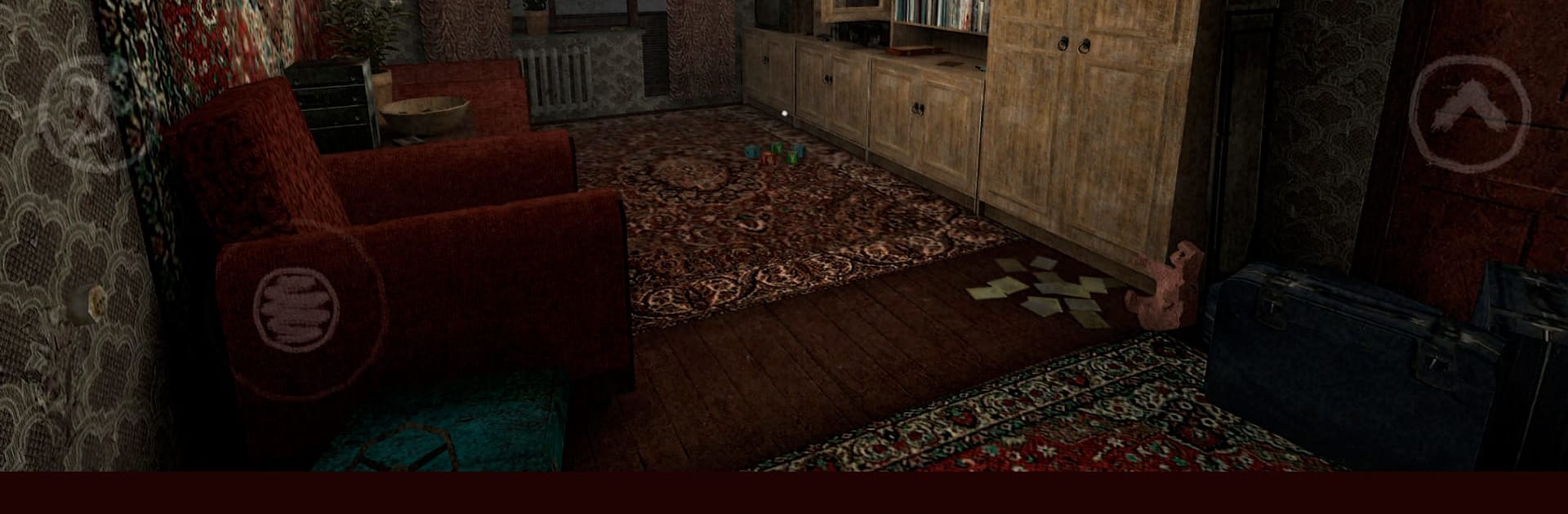
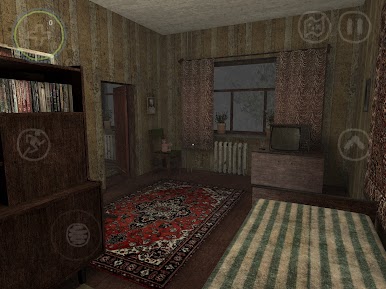
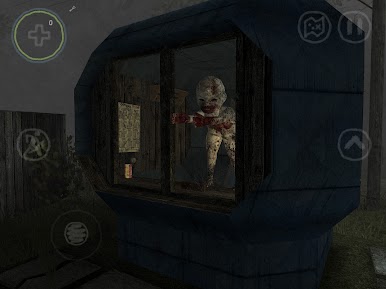
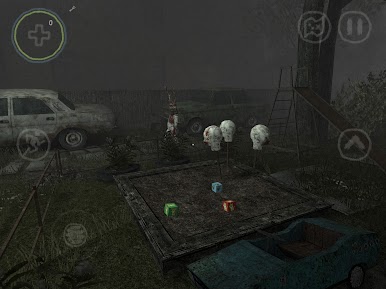
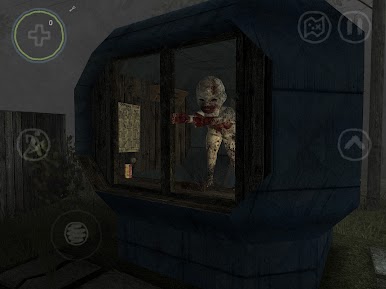
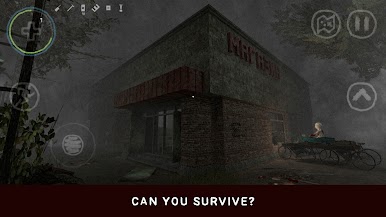
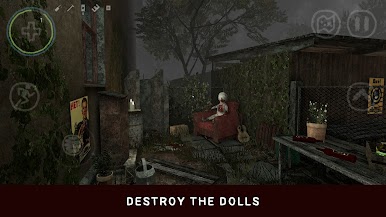
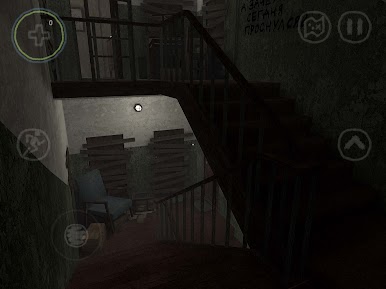
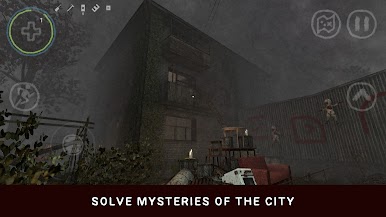
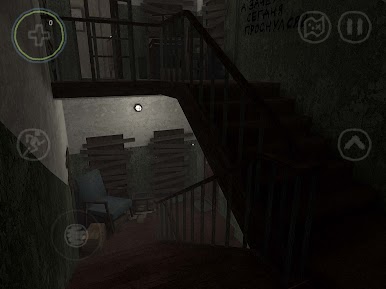
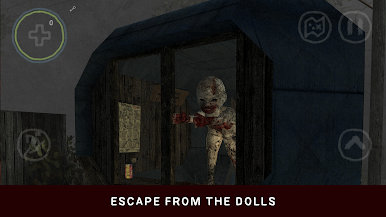
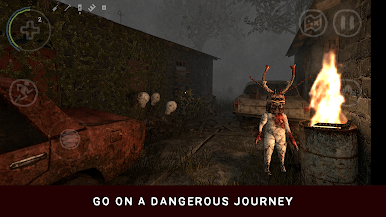
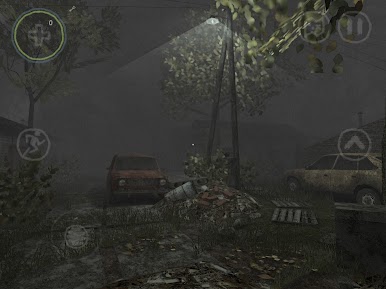
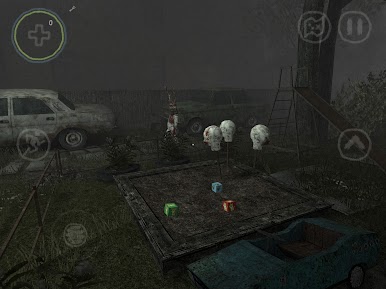
So, Bug Dolls throws you into this odd little Russian town that’s been completely abandoned, and there’s no real explanation why. You end up as one of the only people left behind, just trying to figure out what happened and how to get out. The town itself feels pretty eerie — half the fun is walking around all these empty streets and buildings, poking your head into different places, and trying to piece together clues. It’s not just about sneaking around, though. There are these creepy mutated beetle dolls patrolling the area, and whenever you cross paths with them, it’s up to you whether to fight back (once you work out how to make some weapons) or bail and find a hiding spot.
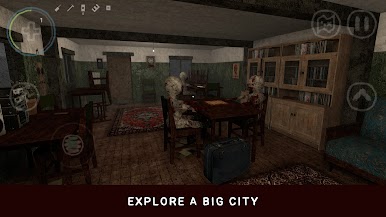
The game gives you a surprising amount of freedom. You can either go off exploring on your own or stick to the story and see where it leads, and each place you visit has its own look and little details, which is nice. It’s one of those semi-open world games, so there’s a lot of different corners to check out. Also, there are a few different endings depending on what you manage to find or do, so it’s got some replay value. Even though it was made for phones, running it on a PC with BlueStacks works just fine and gives you a bigger screen to see all the little things scattered throughout the town. The visuals are simple but actually pretty detailed for a mobile game, and the weird, empty atmosphere keeps things tense. There aren’t any ads or anything like that to get in the way either, so it’s just you, the haunted town, and those bizarre bug dolls. If exploring creepy places, solving puzzles, and dodging dangerous weirdos sounds good, it’s a solid pick.
Get ready for a buttery smooth, high-performance gaming action only on BlueStacks.

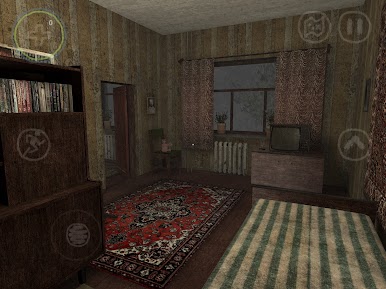
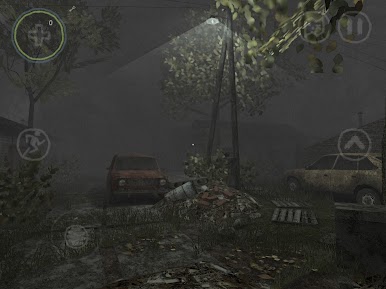
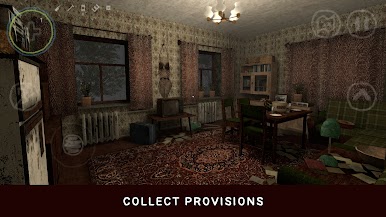
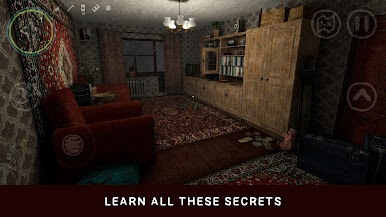
Spiele Soviet Project - Horror Spiel auf dem PC. Der Einstieg ist einfach.
-
Lade BlueStacks herunter und installiere es auf deinem PC
-
Schließe die Google-Anmeldung ab, um auf den Play Store zuzugreifen, oder mache es später
-
Suche in der Suchleiste oben rechts nach Soviet Project - Horror Spiel
-
Klicke hier, um Soviet Project - Horror Spiel aus den Suchergebnissen zu installieren
-
Schließe die Google-Anmeldung ab (wenn du Schritt 2 übersprungen hast), um Soviet Project - Horror Spiel zu installieren.
-
Klicke auf dem Startbildschirm auf das Soviet Project - Horror Spiel Symbol, um mit dem Spielen zu beginnen

