


Sternen-Puzzle: Pokki-Linie
Spiele auf dem PC mit BlueStacks - der Android-Gaming-Plattform, der über 500 Millionen Spieler vertrauen.

Seite geändert am: Dec 10, 2025
Play Star Link Puzzle - Pokki Line on PC
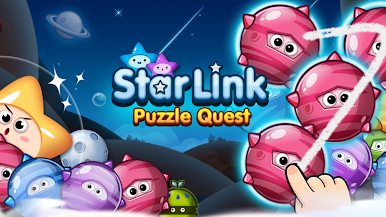
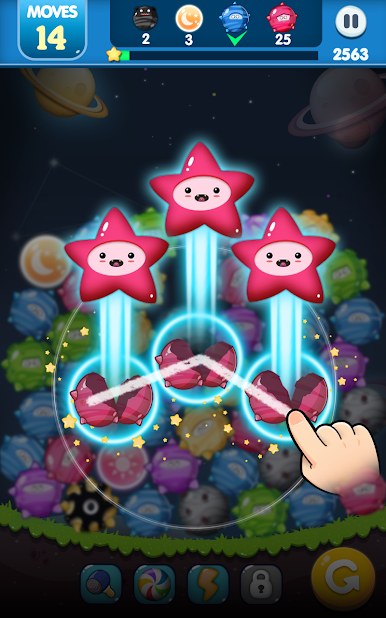
Join Pokki and friends on a magical puzzle adventure to bring the night sky back to life!
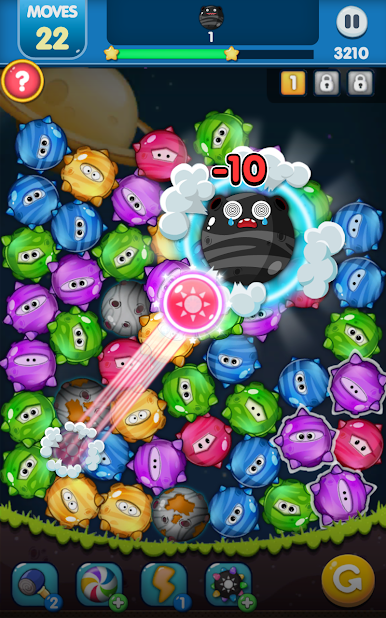
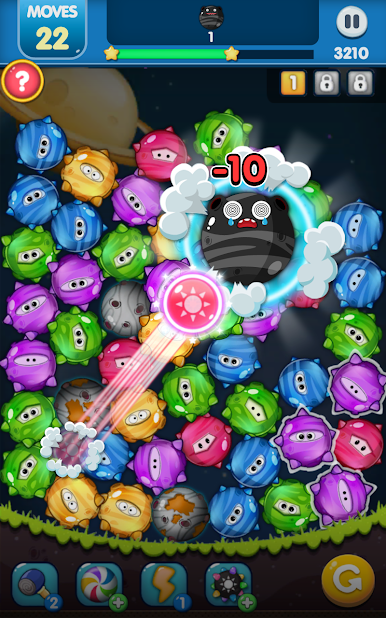
🌟 SIMPLE YET ADDICTIVE GAMEPLAY
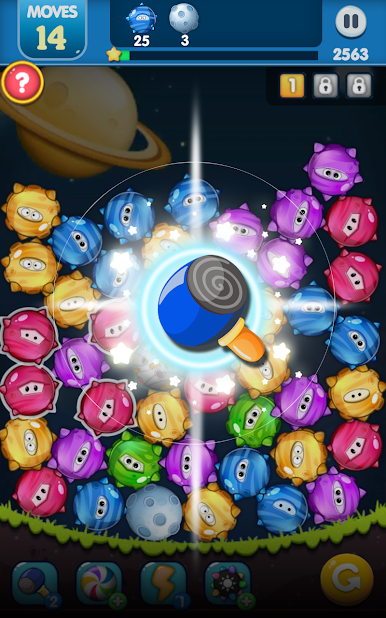
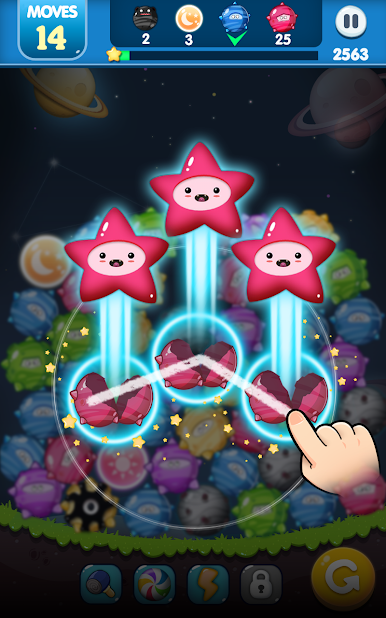
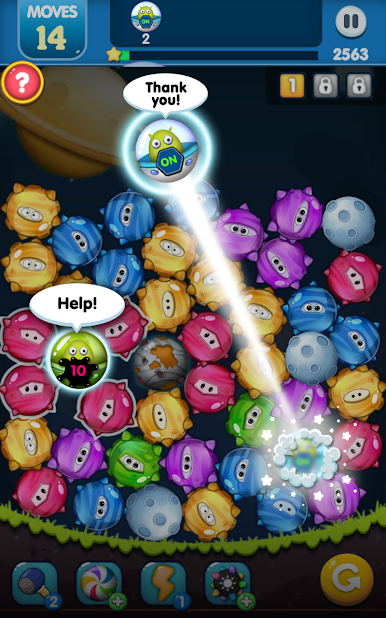
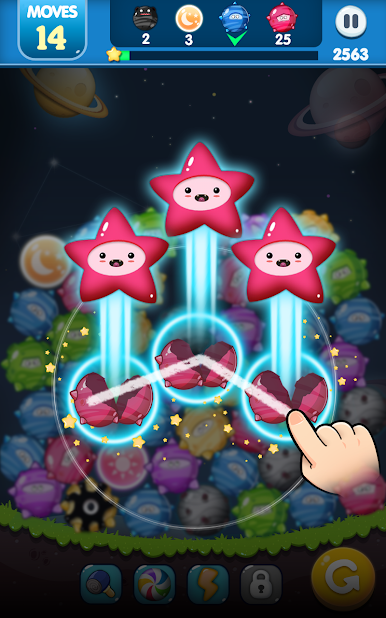
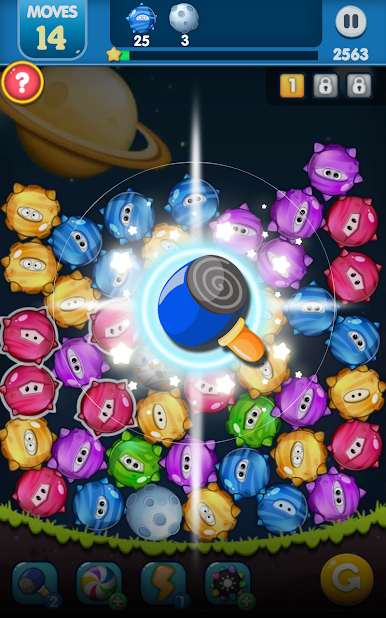
• Just connect 3 or more Pokkies to make magical matches.
• Link even more to summon powerful guardian spirits!
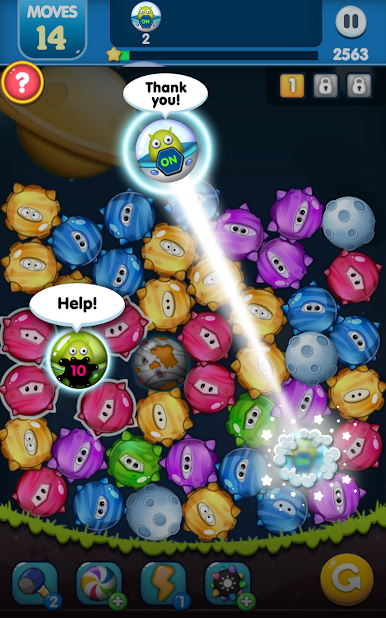
• Rescue trapped Pokkies with your spirit allies.
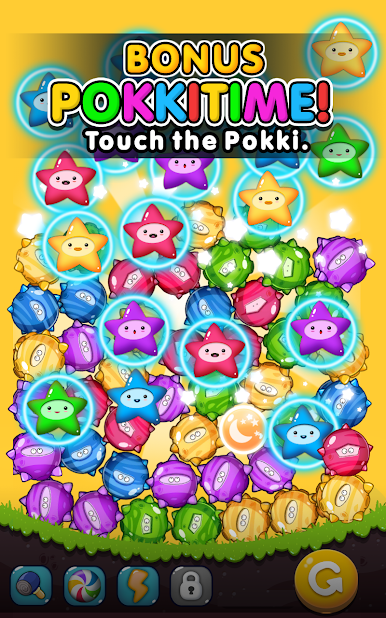
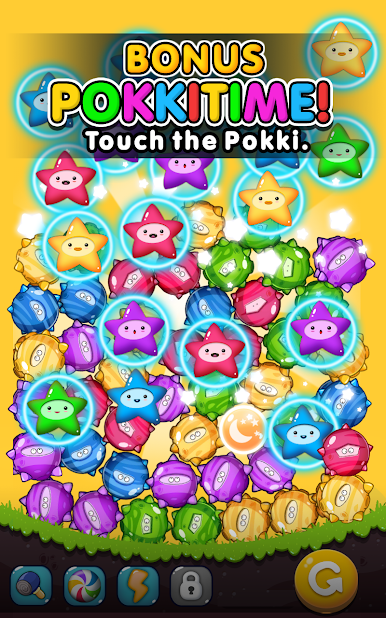
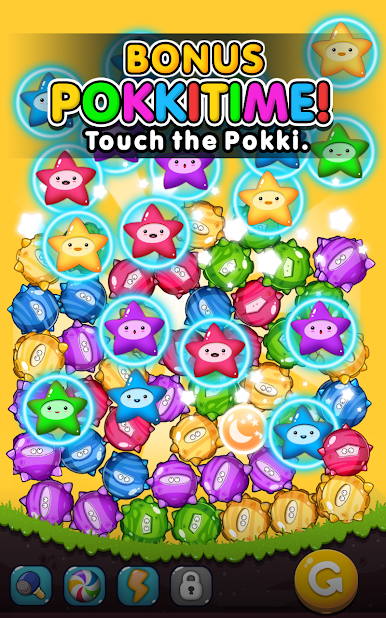
• Enter Pokki Time for explosive bonus points – just tap away!
🎮 FUN FEATURES
• Easy to play, hard to master – perfect for all ages.
• Smooth one-touch controls with satisfying draw mechanics.
• Play offline anytime, anywhere – no Wi-Fi needed!
• Multiple exciting game modes to challenge your skills.
🚀 GAME MODES
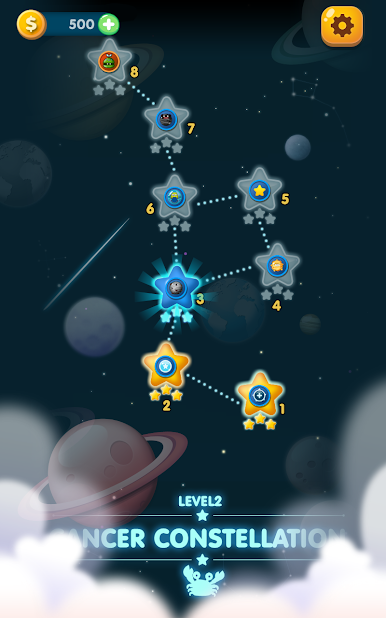
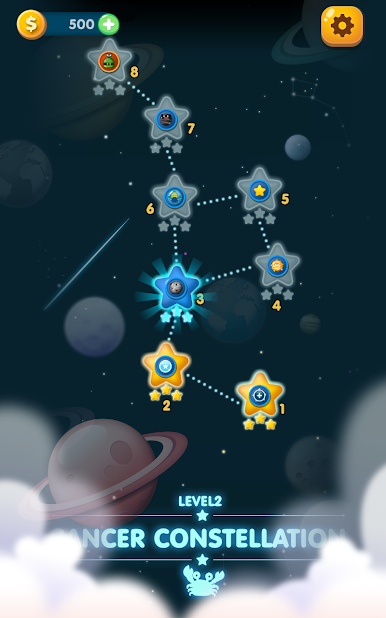
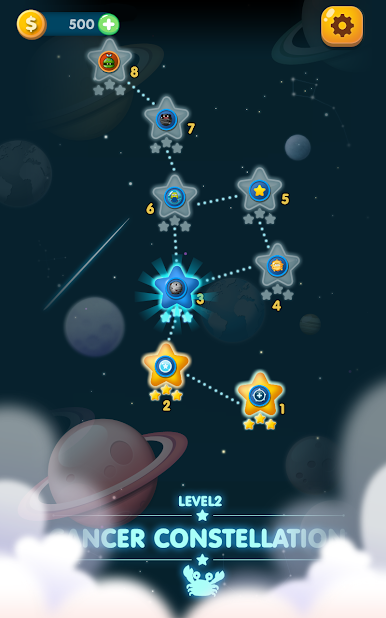
• Stage Mode: Over 400 levels packed with puzzles and surprises.
• Move Mode: Limited moves, unlimited strategy.
• Time Mode: Beat the clock and boost your score.
• Rush Mode: Endless puzzles, endless fun.
• Combo Mode: Go wild with jaw-dropping combos!
🏆 COMPETE & COLLECT
• Unlock achievements and climb the leaderboards with Google Play Games.
• Completely free to play – optional in-app purchases available for boosters and extra lives.
Ready to connect the stars?
Download Pokki Pop now and dive into a magical puzzle adventure!



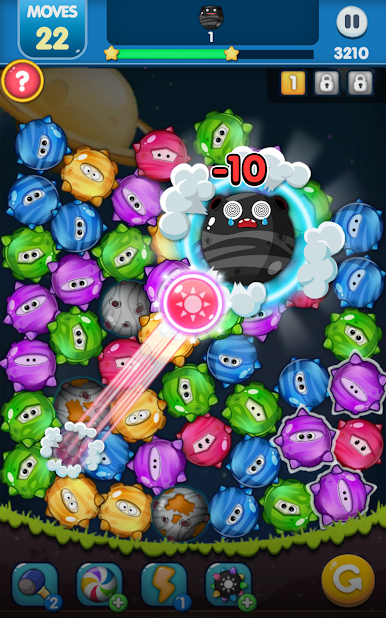
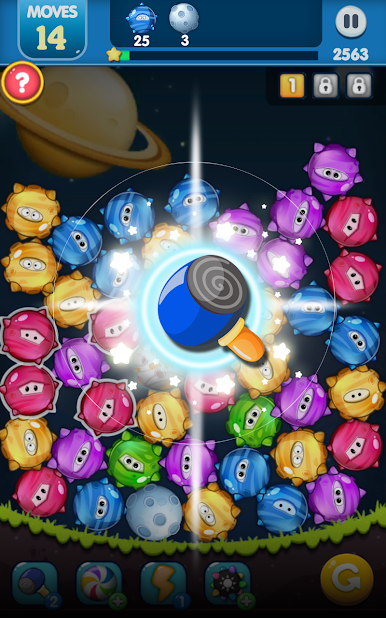
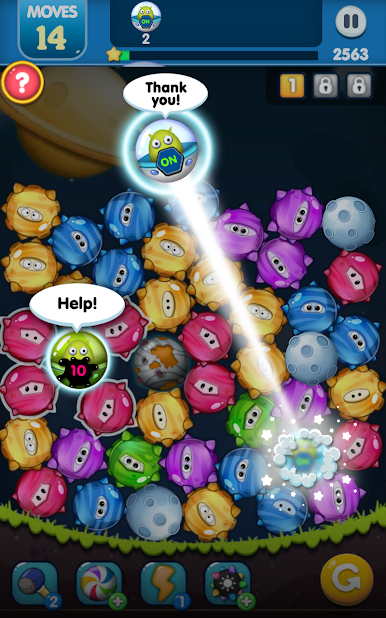

Spiele Sternen-Puzzle: Pokki-Linie auf dem PC. Der Einstieg ist einfach.
-
Lade BlueStacks herunter und installiere es auf deinem PC
-
Schließe die Google-Anmeldung ab, um auf den Play Store zuzugreifen, oder mache es später
-
Suche in der Suchleiste oben rechts nach Sternen-Puzzle: Pokki-Linie
-
Klicke hier, um Sternen-Puzzle: Pokki-Linie aus den Suchergebnissen zu installieren
-
Schließe die Google-Anmeldung ab (wenn du Schritt 2 übersprungen hast), um Sternen-Puzzle: Pokki-Linie zu installieren.
-
Klicke auf dem Startbildschirm auf das Sternen-Puzzle: Pokki-Linie Symbol, um mit dem Spielen zu beginnen

