


BioBeasts
Spiele auf dem PC mit BlueStacks - der Android-Gaming-Plattform, der über 500 Millionen Spieler vertrauen.

Seite geändert am: Jan 11, 2017
Play BioBeasts: Mutate & Destroy on PC or Mac
Step into the World of BioBeasts: Mutate & Destroy, a thrilling Action game from the house of Artix Entertainment LLC. Play this Android game on BlueStacks App Player and experience immersive gaming on PC or Mac.
About the Game
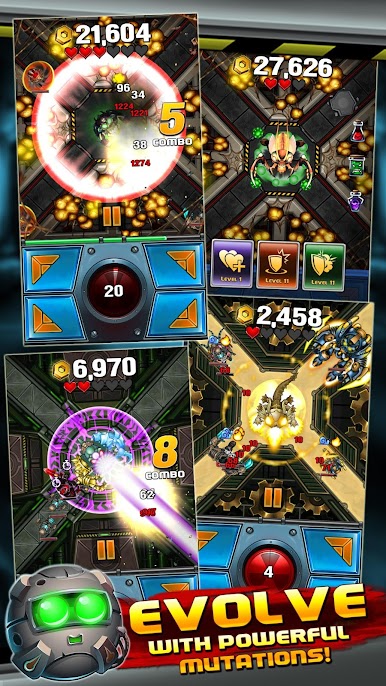
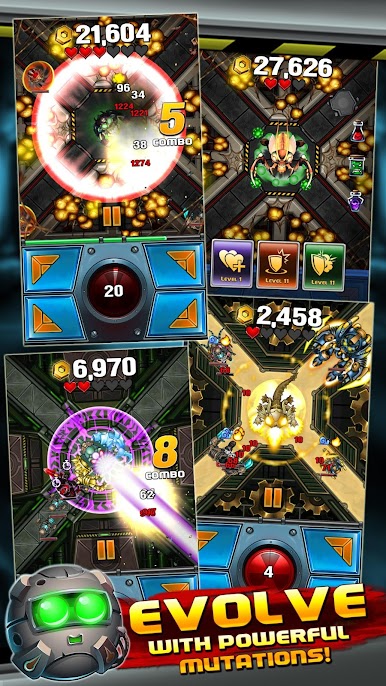
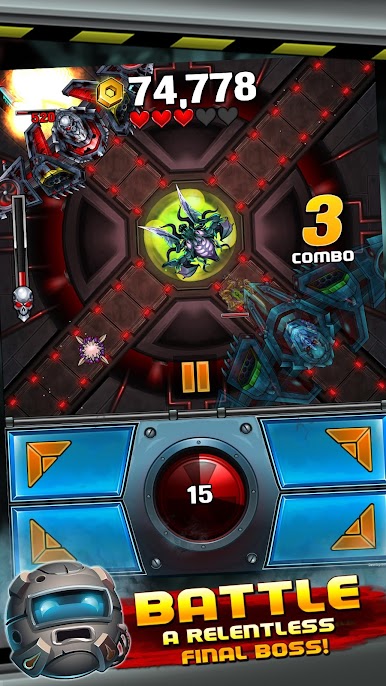
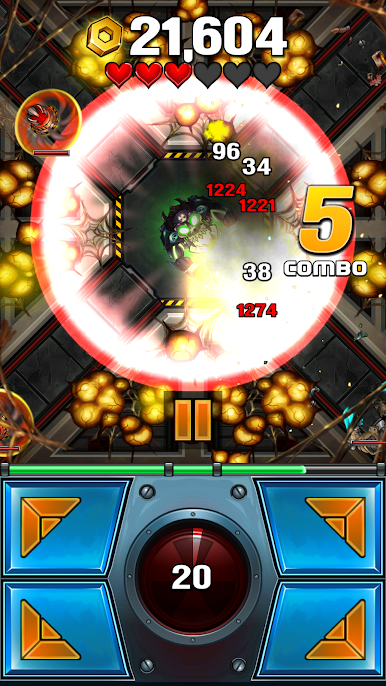
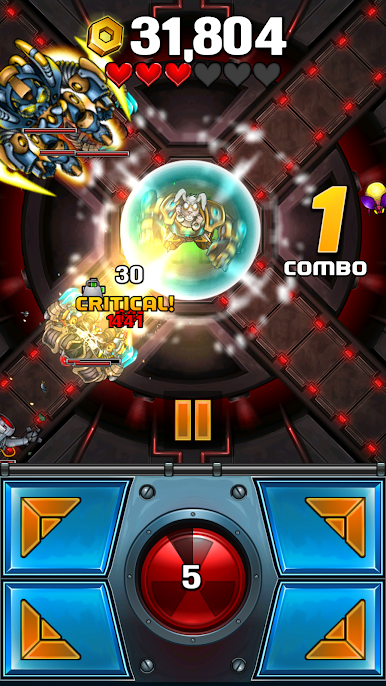
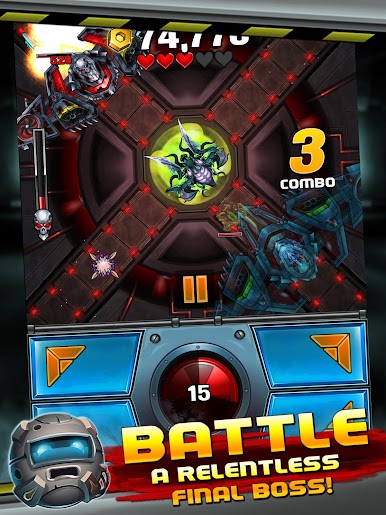
BioBeasts: Mutate & Destroy is a punchy, wave-based Action game from Artix Entertainment LLC where you pilot runaway lab experiments with very bad attitudes. You’ll claw through security drones, dodge turret fire, and grow stronger with every mutation you equip. Want to play on a bigger screen with keyboard controls? It runs smoothly on BlueStacks, too.
Game Features
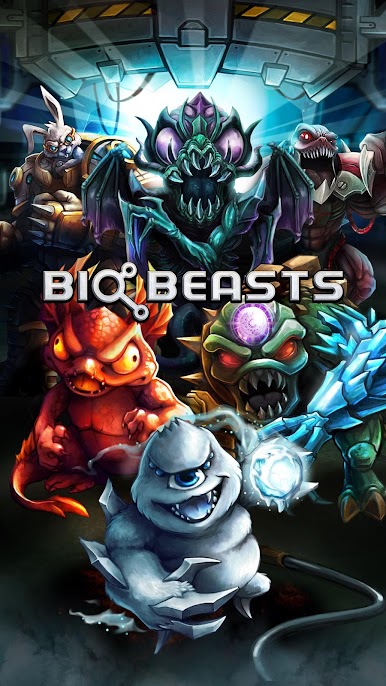
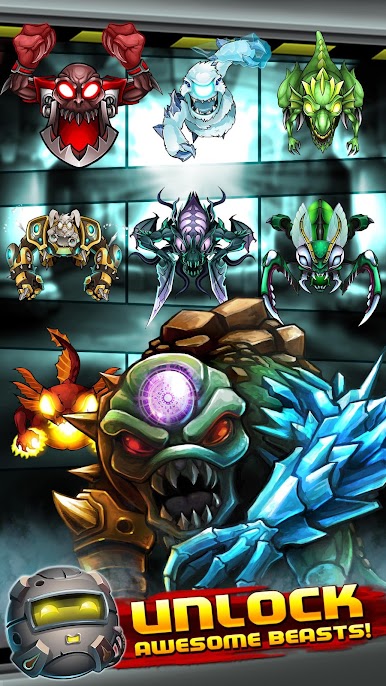
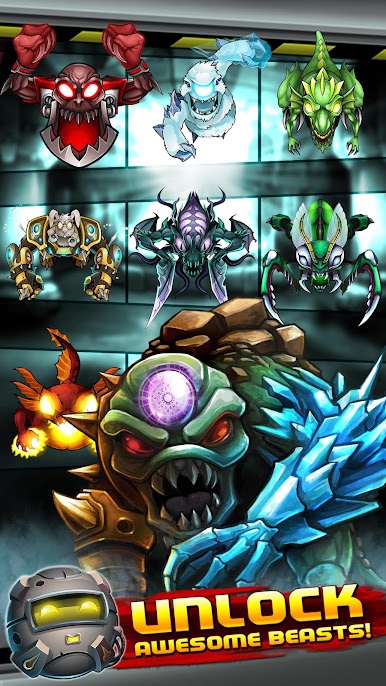
- Mutant Mayhem: Take control of different beasts, each with a distinct playstyle and signature abilities that change how you survive the lab assault.
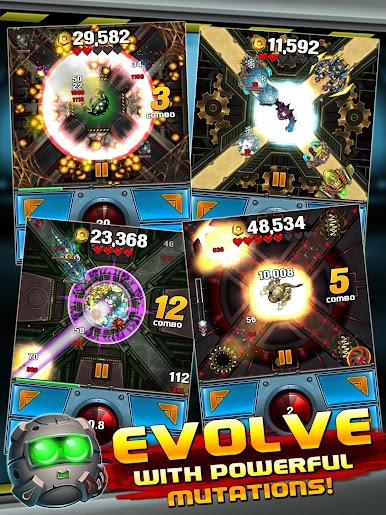
- Build Your Monster: Mix and match 50+ mutations and cosmetic skins to craft a loadout that fits your strategy—glass cannon, tanky bruiser, or sneaky specialist.
- Snap-Trigger Powers: Unleash charged abilities at the right moment to erase swarms, break through defenses, or clutch a boss phase.
- Four Ways to Suffer: Tackle 4 difficulty settings, from laid-back blasting to “hope you brought backups” hard.
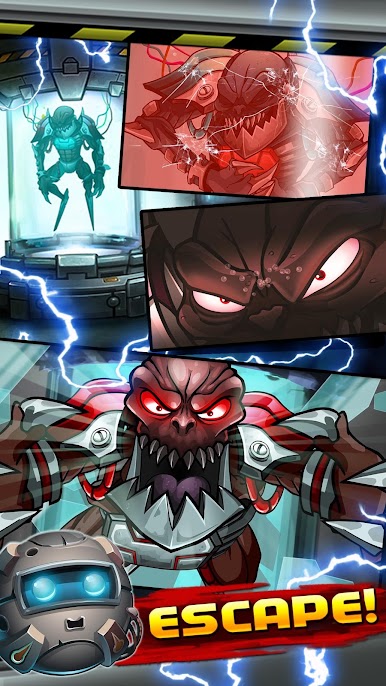
- Robots Everywhere: Face 20+ unique mechanical foes, from skittering scouts to heavy hitters, plus a brutal end encounter that tests your whole kit.
- Endless Survival: Keep pushing through escalating waves and specialized challenge runs that reward smart builds and quick reflexes.
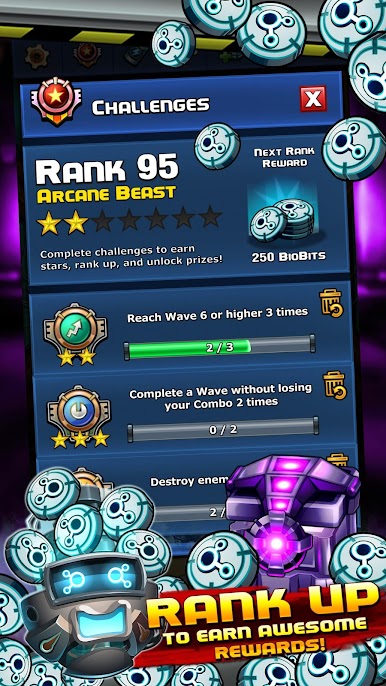
- Race the World: Climb online leaderboards and see how your best run stacks up against other beast handlers.
- Cloud Save Support: Your progress travels with you thanks to multiplatform cloud saving, so your favorite build is always ready.
Make your gaming sessions memorable with precise controls that give you an edge in close combats and visuals that pop up, bringing every character to life.


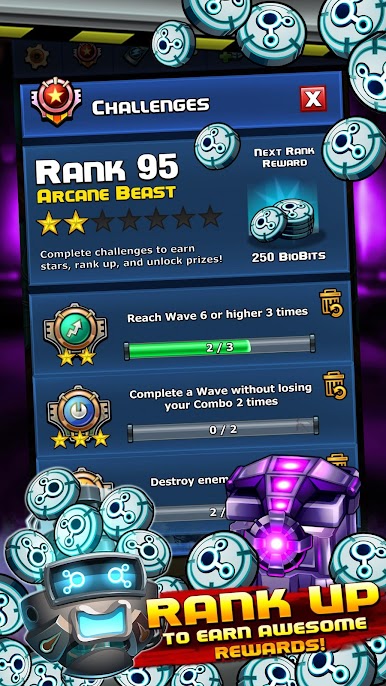
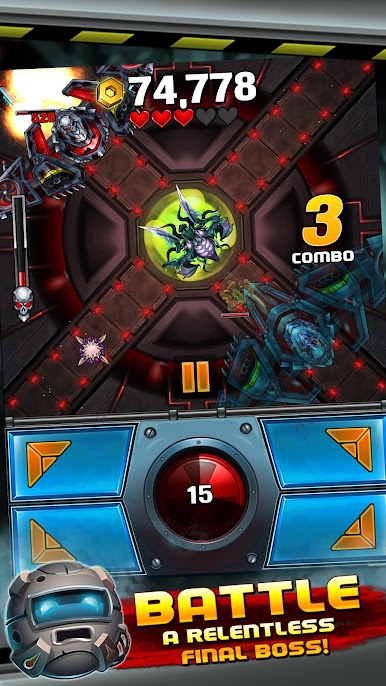
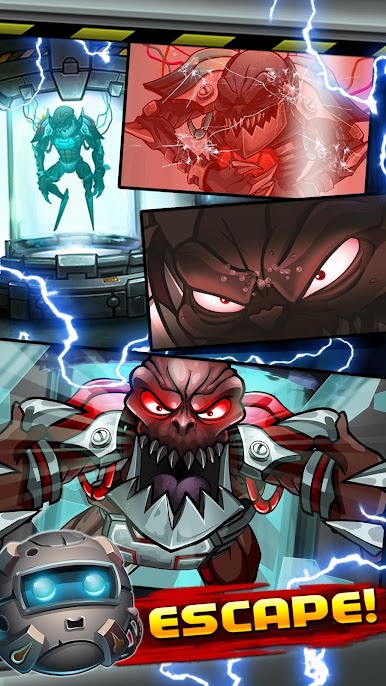


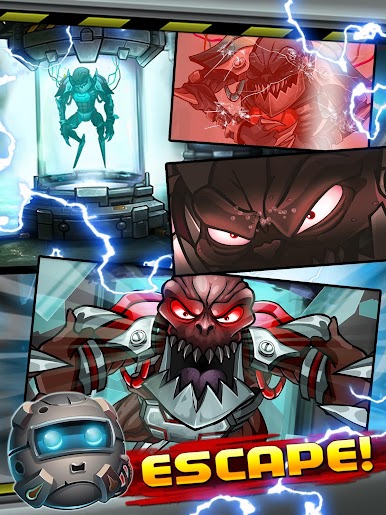
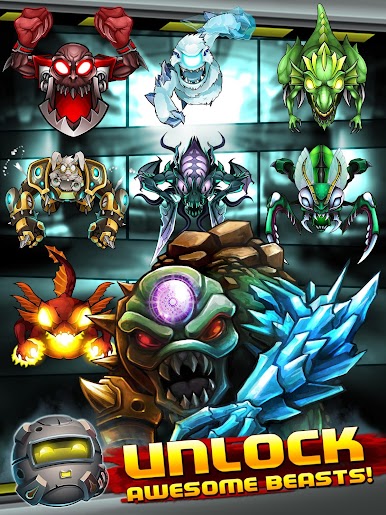
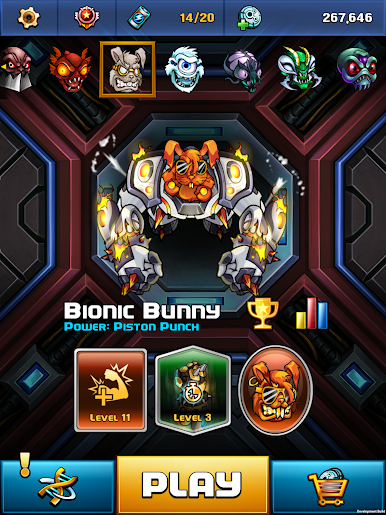
Spiele BioBeasts auf dem PC. Der Einstieg ist einfach.
-
Lade BlueStacks herunter und installiere es auf deinem PC
-
Schließe die Google-Anmeldung ab, um auf den Play Store zuzugreifen, oder mache es später
-
Suche in der Suchleiste oben rechts nach BioBeasts
-
Klicke hier, um BioBeasts aus den Suchergebnissen zu installieren
-
Schließe die Google-Anmeldung ab (wenn du Schritt 2 übersprungen hast), um BioBeasts zu installieren.
-
Klicke auf dem Startbildschirm auf das BioBeasts Symbol, um mit dem Spielen zu beginnen

