

Merge Ventura: Island Stories!
Spiele auf dem PC mit BlueStacks - der Android-Gaming-Plattform, der über 500 Millionen Spieler vertrauen.

Seite geändert am: Jul 11, 2024
Play Merge Ventura: Island Stories! on PC or Mac
Step into the World of Merge Ventura: Island Stories!, a thrilling Puzzle game from the house of Merge Ventura. Play this Android game on BlueStacks App Player and experience immersive gaming on PC or Mac.
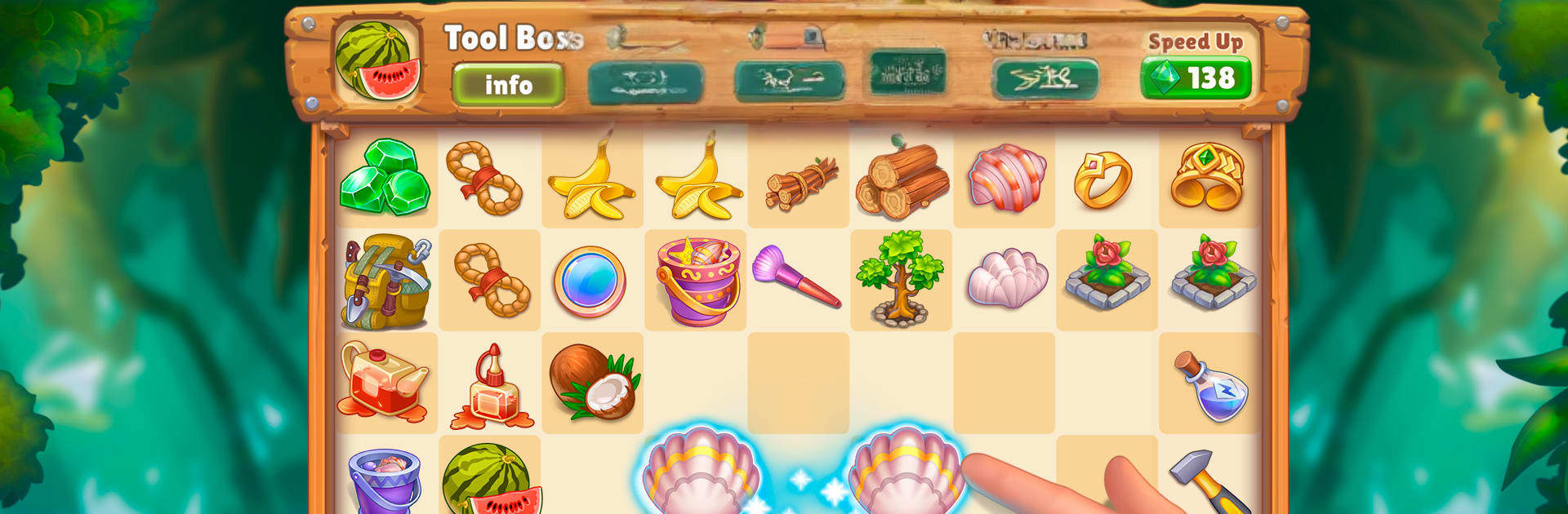
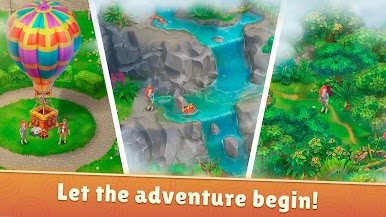
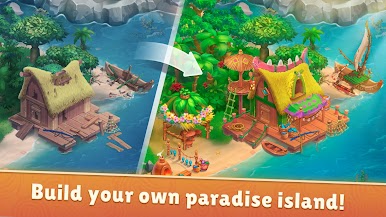
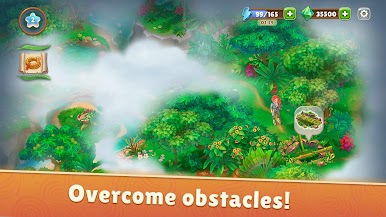
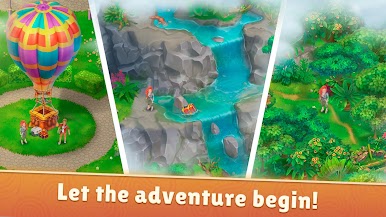
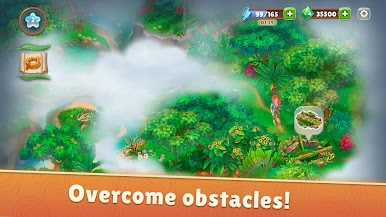
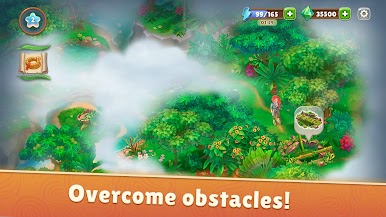
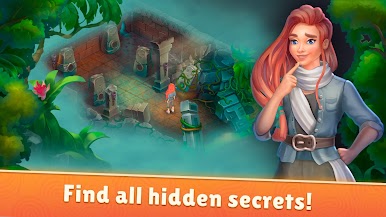
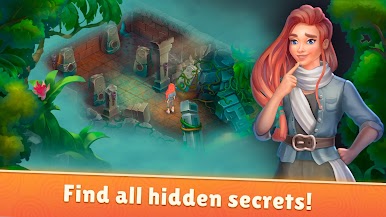
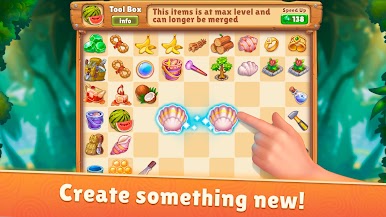
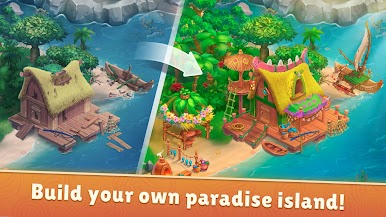
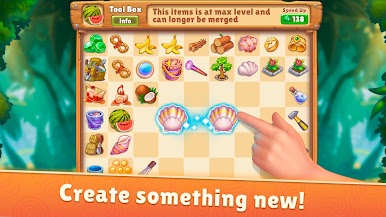
Merge Ventura: Island Stories feels like a cozy merge puzzler wrapped around a treasure-hunting adventure. Players poke through overgrown bushes and old ruins, keep pulling up new bits and pieces, then merge them into useful tools that unlock the next patch of the island. A broken lantern turns into a working one, a few scraps become a shovel, and suddenly a blocked path opens and there is another surprise under a tree or sitting in the water. The map keeps expanding in little bursts, and there are quirky characters and their pets popping in with odd jokes and small problems to fix, so the story never sits still.
The pace is calm, almost soothing, even when the plot gets strange with temples and wandering spirits. It is easy to learn, but there are a lot of item chains, so planning the next merge or the next obstacle to clear gives a nice rhythm. It works for a quick five minutes or an hour if someone wants to keep pushing deeper, and the board always has one more combo to try. There are hundreds of small goals and puzzles stacked across new areas, and the game keeps teasing future updates with more characters and mechanics. It also runs well on a PC with BlueStacks, where dragging items with a mouse feels neat and tidy, so the merge flow is simple and satisfying.
Start your journey now. Download the game on BlueStacks, invite your friends, and march on a new adventure.






Spiele Merge Ventura: Island Stories! auf dem PC. Der Einstieg ist einfach.
-
Lade BlueStacks herunter und installiere es auf deinem PC
-
Schließe die Google-Anmeldung ab, um auf den Play Store zuzugreifen, oder mache es später
-
Suche in der Suchleiste oben rechts nach Merge Ventura: Island Stories!
-
Klicke hier, um Merge Ventura: Island Stories! aus den Suchergebnissen zu installieren
-
Schließe die Google-Anmeldung ab (wenn du Schritt 2 übersprungen hast), um Merge Ventura: Island Stories! zu installieren.
-
Klicke auf dem Startbildschirm auf das Merge Ventura: Island Stories! Symbol, um mit dem Spielen zu beginnen

