


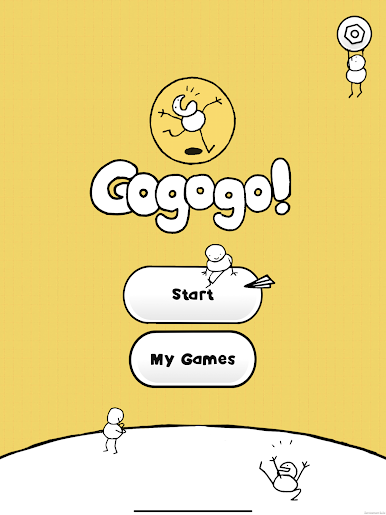
Gogogo! The Party Game!
Spiele auf dem PC mit BlueStacks - der Android-Gaming-Plattform, der über 500 Millionen Spieler vertrauen.

Seite geändert am: May 25, 2023
Spiele Gogogo! The Party Game! für PC
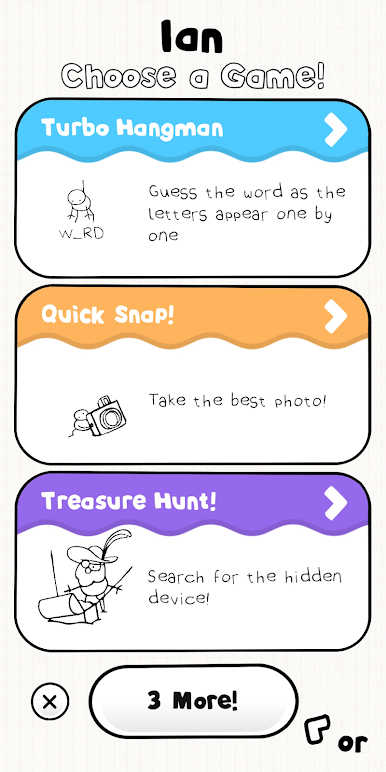
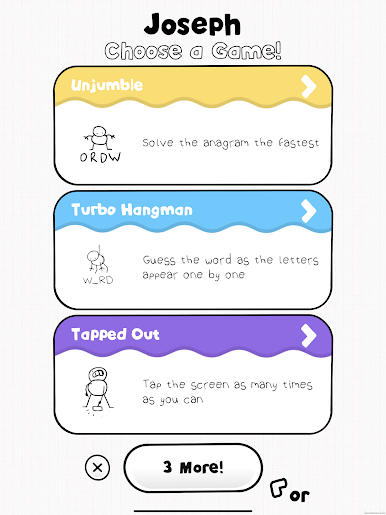
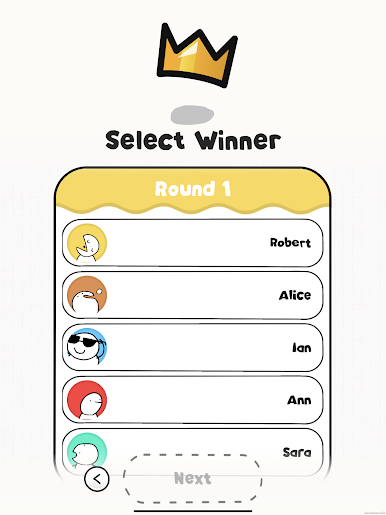
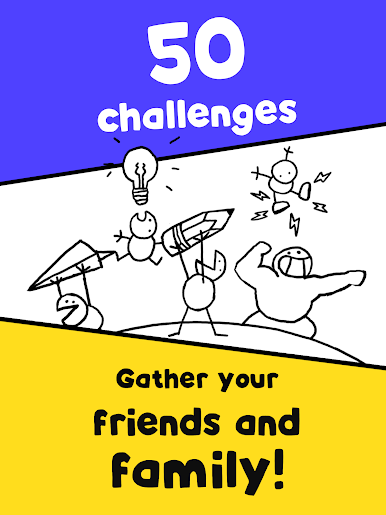
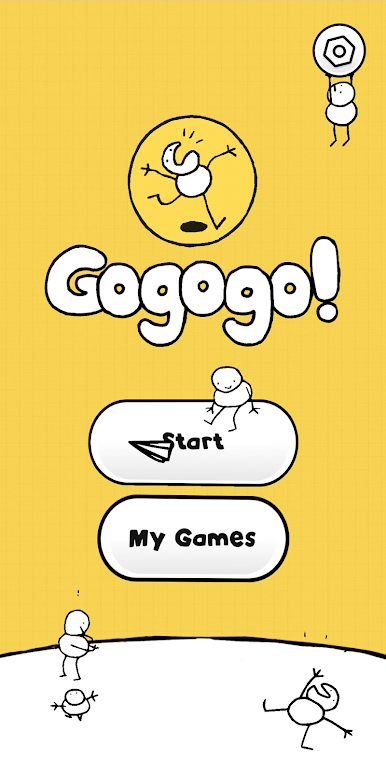
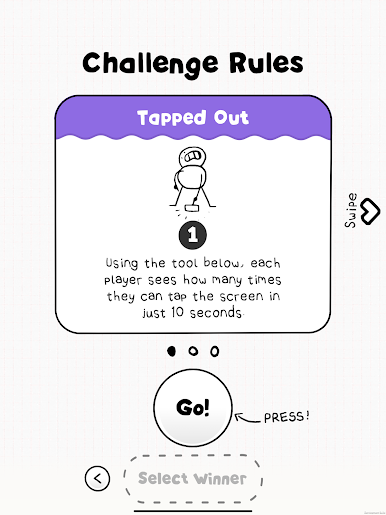
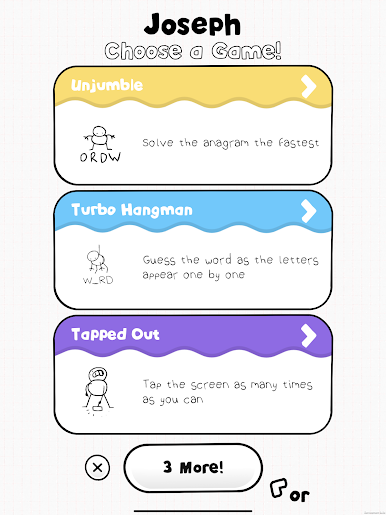
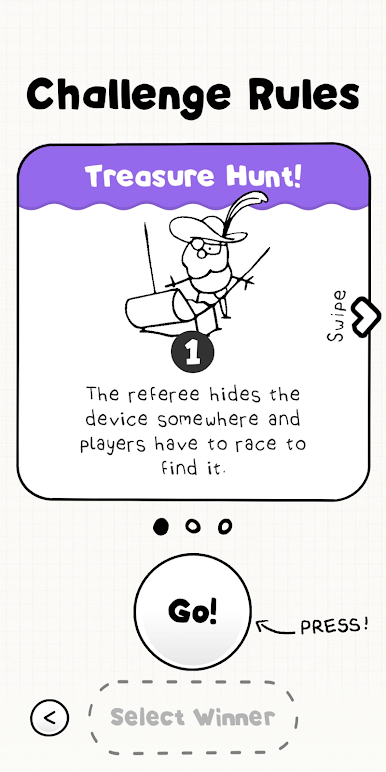
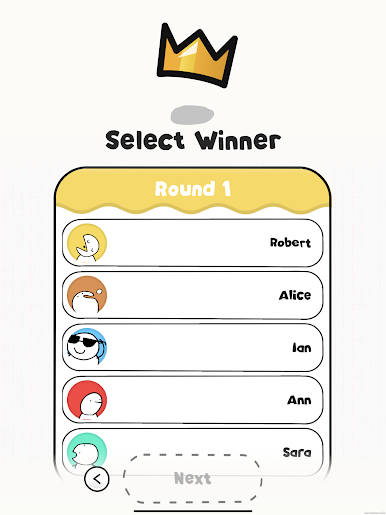
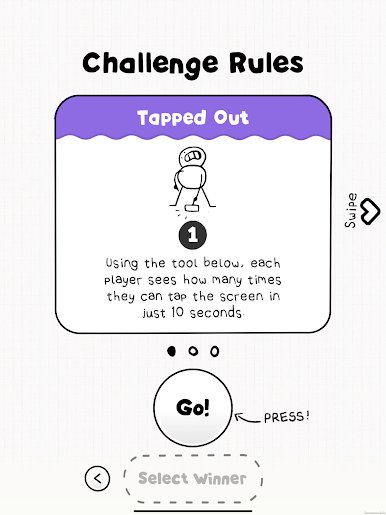
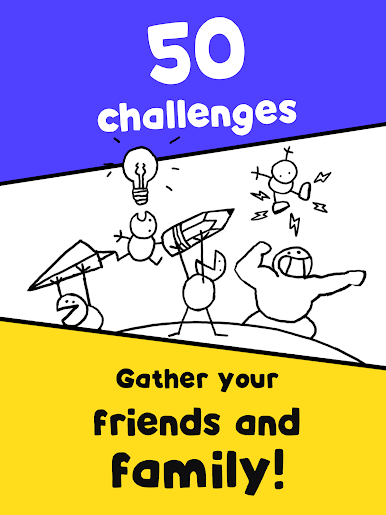
There are memory challenges, reaction challenges, creative challenges, physical challenges and more. This is a chance to test your natural ability against your friends and family!
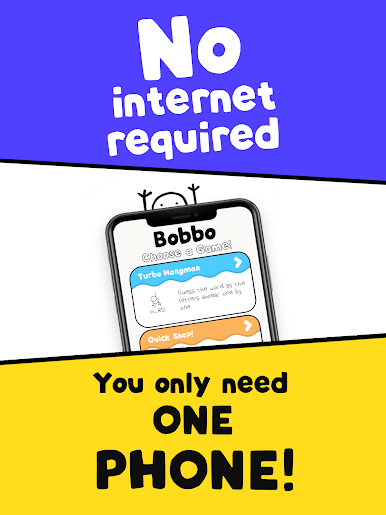
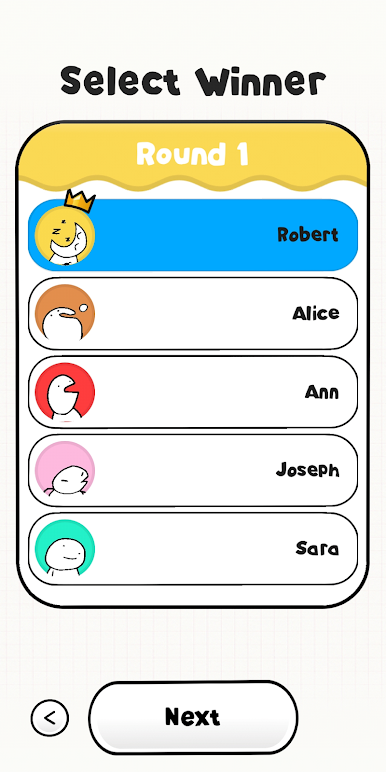
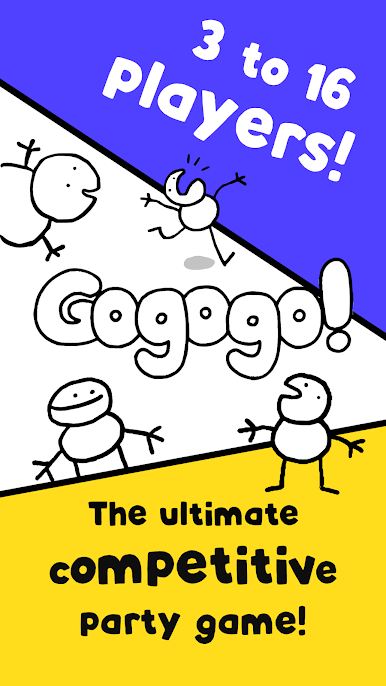
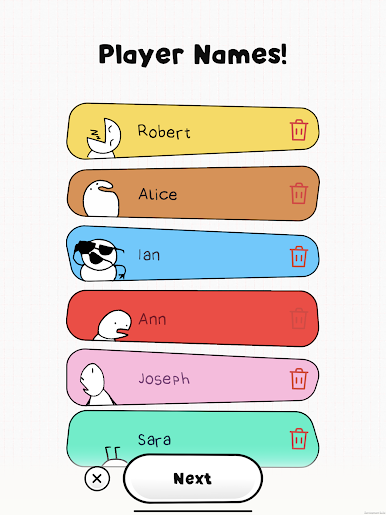
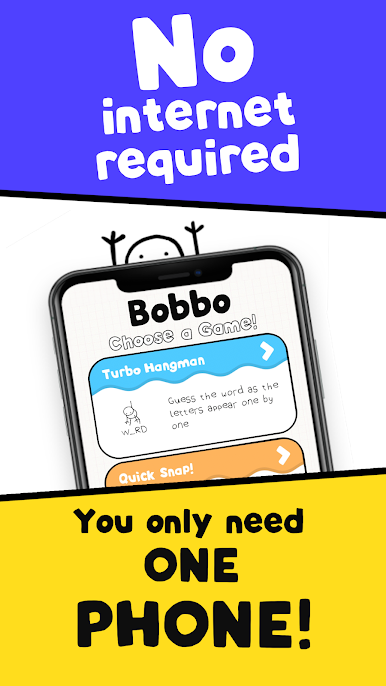
Gogogo! is perfect for people who love board games, it offers a totally different competitive experience to most apps. Anyone can play, from children to grandparents!
Our favourite reviews:
"Gogogo is absolutely fantastic. So simple, fantastically designed and animated and excellent fun to play... I've got two girls (8 & 12) who absolutely love it, and playing as a family has filled up some long home schooling hours in an instant, easy and super fun way."
~ Sophie Lewis
"My kids and I just played the for the first time!!! We are in love!... This is seriously genius! It uses so many pieces of our environment and capabilities of our technology! The games you thought of... We just wanted to play the next and the next and the next!"
~ Dee Ketelsen
"I really think that this is the best mobile game I've played so far. It's fun, entertaining and wonderful. The concept is great and the art style is a masterpiece."
~ Sim Schleider
"We played some Gogogo! yesterday and couldn’t stop! It’s such a good game!"
~ Zach & Aaron
Let's Gogogo!



Spiele Gogogo! The Party Game! auf dem PC. Der Einstieg ist einfach.
-
Lade BlueStacks herunter und installiere es auf deinem PC
-
Schließe die Google-Anmeldung ab, um auf den Play Store zuzugreifen, oder mache es später
-
Suche in der Suchleiste oben rechts nach Gogogo! The Party Game!
-
Klicke hier, um Gogogo! The Party Game! aus den Suchergebnissen zu installieren
-
Schließe die Google-Anmeldung ab (wenn du Schritt 2 übersprungen hast), um Gogogo! The Party Game! zu installieren.
-
Klicke auf dem Startbildschirm auf das Gogogo! The Party Game! Symbol, um mit dem Spielen zu beginnen

